Classroom Adventures: How Teachers Use Questas to Turn Lessons into Playable Stories

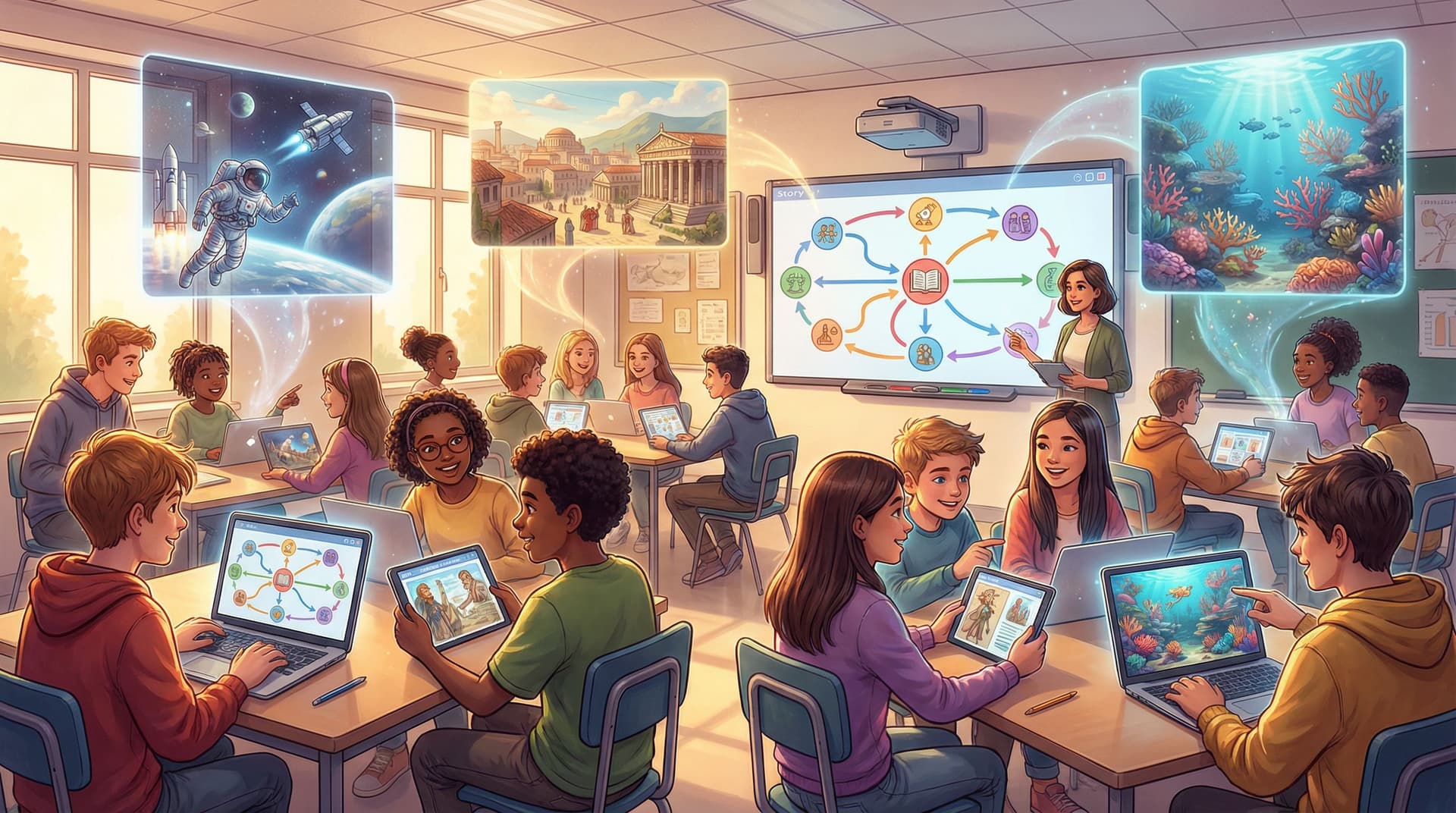
When students talk about their favorite memories from school, they rarely mention worksheets. They remember stories: the mock trial where they defended a historical figure, the simulation where they survived on Mars, the mystery they solved with classmates.
Interactive storytelling taps into that same energy—and it’s quickly moving from “fun extra” to core strategy in many classrooms. Game-based learning is projected to reach over $64 billion by 2030, driven largely by demand for interactive, immersive experiences in education. Students in game-based environments show 28% higher engagement and spend 64% more time on learning tasks compared to traditional approaches.
Questas brings that power directly into teachers’ hands, without requiring code or complex tools. With a visual editor, branching choices, and AI-generated images and video, teachers can turn any lesson into a playable story students can explore.
Why Turning Lessons into Playable Stories Works So Well
Before we get into how teachers are using Questas in the classroom, it helps to understand why story-based, choice-driven lessons work.
1. Stories make content sticky
Our brains are wired for narrative. When facts are embedded in a story:
- Students remember more, because information is tied to characters and consequences.
- Abstract ideas—like supply and demand, climate systems, or grammar rules—gain context.
- Students can rehearse decisions in a safe environment, seeing how different choices lead to different outcomes.
2. Choice drives intrinsic motivation
In a meta-analysis of game-based learning, students reported significantly higher motivation and desire to participate when they could make meaningful decisions inside the learning experience.
Branching stories give students:
- Agency – they aren’t just consuming content; they’re steering the experience.
- Ownership – each path feels like their story, not a generic assignment.
- Curiosity – “What happens if I choose the other option?” naturally encourages replay and deeper exploration.
3. Visuals reduce cognitive load and support diverse learners
Generative AI is rapidly improving how educators can produce diagrams, scenes, and characters that match their narrative. Research on story-driven visual frameworks for STEM instruction shows that well-aligned visuals can reduce cognitive load and help students follow complex sequences more easily.
AI-generated images and short clips:
- Support multilingual learners with visual context.
- Help neurodivergent students anchor attention on key elements.
- Turn text-heavy scenarios into accessible, multimodal experiences.
What Questas Looks Like in a Real Classroom
At its core, Questas is a no-code, visual environment for building branching, choose-your-own-adventure stories enhanced with AI-generated media.
Teachers typically:
- Start with a learning goal (e.g., “Students will explain photosynthesis,” or “Students will compare primary and secondary sources.”)
- Design a story world (a mission, mystery, journey, or simulation).
- Map decision points where students must apply knowledge.
- Use AI to generate images or video that illustrate key scenes.
- Share the playable story via a link or LMS, and track how students progress.
Let’s look at how this plays out across different subjects.
Social Studies: Walking Through History
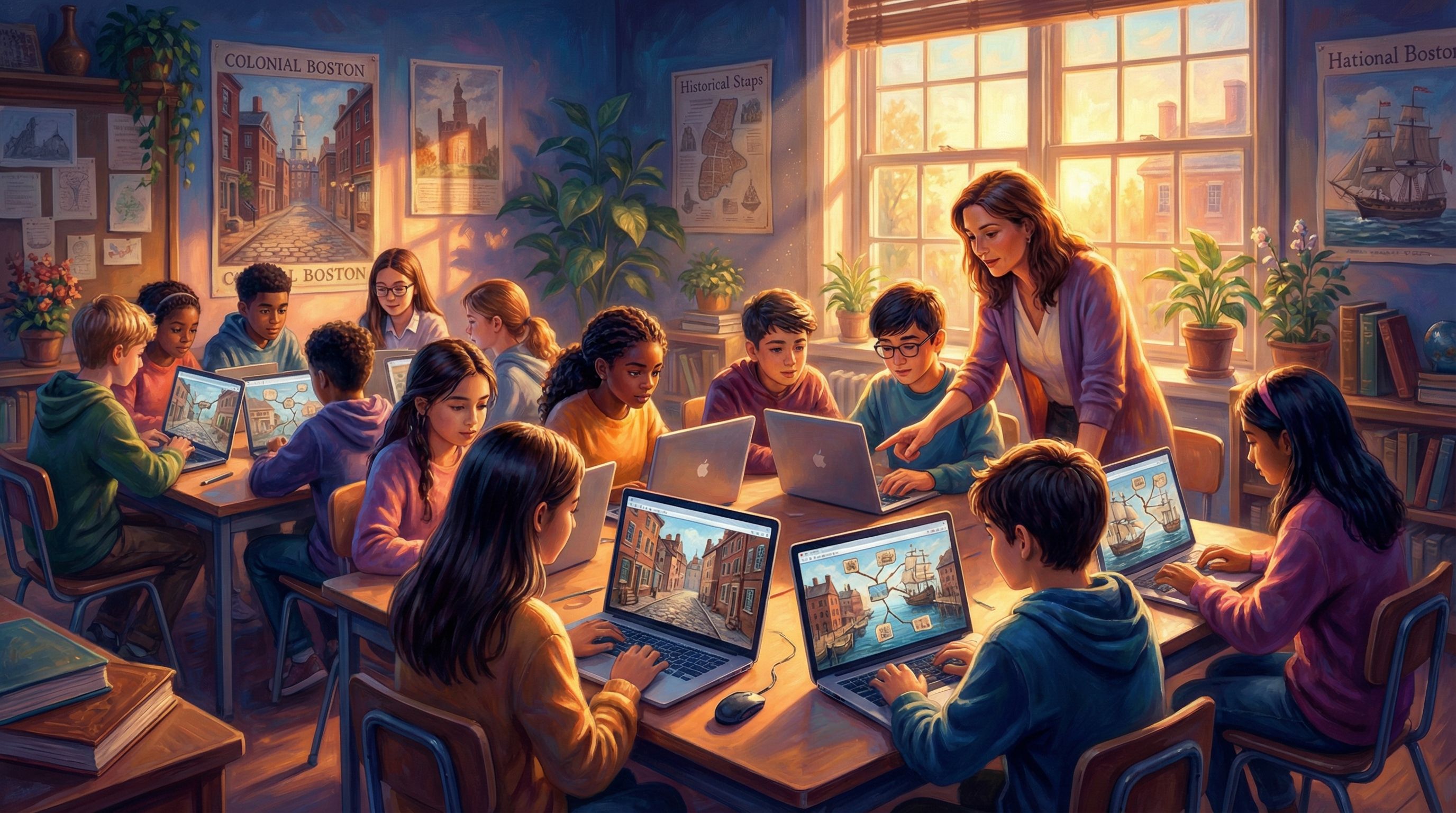
Scenario: 8th-grade U.S. History – The Boston Tea Party
Instead of a lecture and quiz, the teacher builds a Questas story where students:
- Play as a young printer’s apprentice in Boston.
- Navigate conversations with merchants, British soldiers, and local patriots.
- Decide whether to distribute a controversial pamphlet, attend a secret meeting, or report suspicious activity to the authorities.
At each branch, students must:
- Interpret primary-source style excerpts.
- Weigh risks and benefits based on what they know about colonial politics.
- See the downstream consequences of their choices in later scenes.
The teacher uses AI-generated visuals to:
- Show the harbor at night, crates of tea stacked on the docks.
- Depict crowded taverns where colonists debate tax policies.
- Visualize newspaper headlines reflecting different perspectives.
Learning payoff: Students aren’t just recalling dates—they’re experiencing the tension, trade-offs, and conflicting loyalties of the period.
From Idea to Interactive Lesson: A Practical Workflow
You don’t need to be a game designer to build a strong classroom adventure. Here’s a simple, repeatable process teachers are using with Questas.
Step 1: Start with a single, clear objective
Pick one focused outcome. For example:
- Science: “Students can describe the flow of energy in a food web.”
- ELA: “Students can identify how a character’s choices reveal theme.”
- Math: “Students can choose appropriate operations to solve multi-step word problems.”
Write this in student-friendly language and keep it visible as you build. Every major choice in the story should somehow connect back to this objective.
Step 2: Choose a narrative frame that fits your content
Some reliable templates:
- Quest: Students journey toward a goal (finding a cure, reaching a destination, solving a community problem).
- Mystery: Students gather clues and test hypotheses (crime scene, scientific anomaly, historical puzzle).
- Simulation: Students manage a system over time (ecosystem, city budget, space colony).
- Role-play: Students inhabit a role (journalist, engineer, diplomat, historian) and make decisions from that perspective.
Pick one and briefly sketch:
- Who is the main character (or team)?
- What is their challenge?
- What happens if they fail?
Step 3: Map 3–5 key decision points
You don’t need a massive branching tree. Even three strong decisions can create a rich experience.
For each decision point, define:
- Context: What’s happening in the story right now?
- Choices: 2–3 options students can pick.
- Thinking required: What knowledge or skill must they use to choose wisely?
- Consequences: What happens next for each option (good, mixed, and poor outcomes)?
A simple way to sketch this is to draw circles (scenes) and arrows (choices) on paper or a whiteboard, then recreate that structure in Questas’s visual editor.
Step 4: Turn content into meaningful choices
Avoid “fake choices” where all options lead to the same outcome. Instead, connect decisions to your learning goal:
- In science, a wrong choice might lead to a failed experiment that students must troubleshoot.
- In history, a choice might align with a specific ideology, changing how other characters respond.
- In math, a poor decision might create a budget shortfall the student must later repair.
Use a mix of:
- Low-stakes choices (flavor, role-play, character-building) to keep it fun.
- High-impact choices where content knowledge truly matters.
Step 5: Add visuals that clarify, not clutter
With Questas, you can generate images or short video clips directly from text prompts. To keep visuals effective:
- Focus on key scenes: the setting, major turning points, and complex concepts.
- Use consistent character depictions so students can easily track who’s who.
- Avoid overloading every node with media; let text and imagination do some of the work.
If you want to extend visuals further, you can also create assets in tools like Adobe Firefly, Midjourney, or Ideogram and upload them into your Questas story.
Step 6: Build formative checks into the story
Instead of saving all assessment for the end, embed quick checks inside the narrative:
- Multiple-choice or short-answer questions that unlock the next scene.
- “Explain your reasoning” prompts before a critical decision.
- Reflection moments: “What would you do differently if you could go back?”
This turns the story into an ongoing feedback loop rather than a one-time performance.
Subject-Specific Ideas You Can Steal
To spark your planning, here are concrete examples teachers have built or adapted with Questas.
Science: Survive the Ecosystem Collapse
- Students play as park rangers managing a wildlife reserve.
- They must decide which species to protect, how to respond to invasive species, and how to allocate limited resources.
- AI-generated images show changing landscapes as their decisions impact biodiversity.
- Embedded questions ask students to predict how removing one species affects the food web.
Math: The City Budget Challenge
- Students act as city planners trying to balance infrastructure, education, and emergency services.
- Each decision requires solving multi-step problems (e.g., “If we reallocate 15% of the road budget to schools, how much remains for repairs?”).
- Different branches lead to citizen satisfaction or public backlash, reflected in in-story news headlines.
ELA: Character on the Edge
- Students inhabit a protagonist at a critical moment (e.g., deciding whether to betray a friend, tell the truth, or keep a secret).
- Each choice branches into scenes that highlight different themes.
- After each path, students compare their story to the original text and analyze how choices changed the message.
World Languages: Immersive City Tour
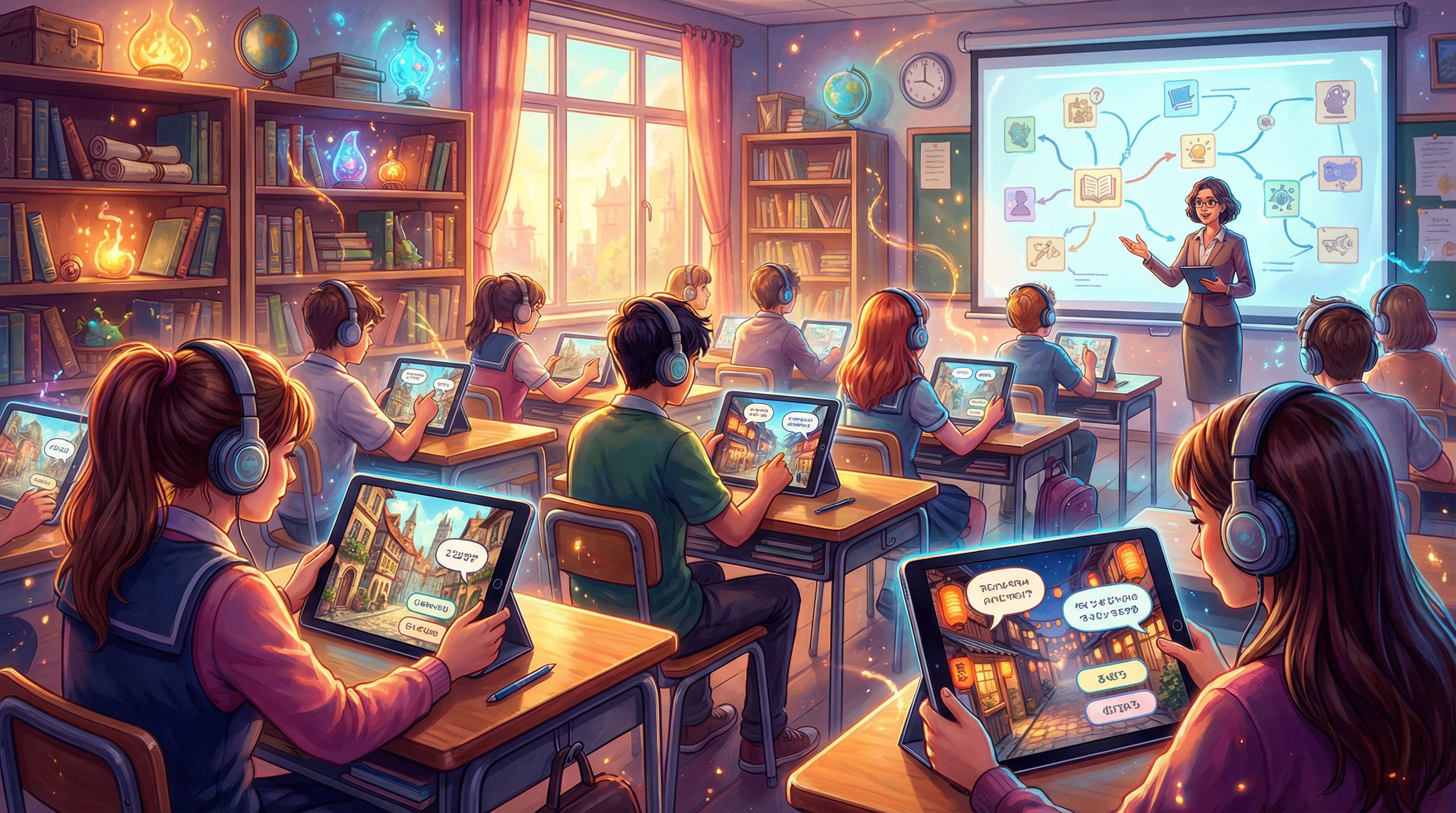
- Students navigate a foreign city using only the target language.
- They choose which signs to follow, how to respond to locals, and which menu items to order.
- AI visuals show street scenes, cafes, and transit maps labeled in the target language.
Making It Work With Real-World Constraints
Teachers are busy. The goal is not to add more work, but to shift some prep time into higher-impact design.
Here are practical ways educators are fitting Questas into their schedules.
Start small and iterate
- Begin with a single lesson or even a 15–20 minute warm-up story.
- Reuse the same structure across units by swapping in new content.
- Collect quick feedback from students (“What part was most fun?” “Where were you confused?”) and tweak.
Build collaboratively
- Co-design with your grade-level or subject team—each teacher creates one branch or scene.
- Involve students in worldbuilding: let them propose characters, settings, or side quests that you then refine.
- Share templates across your department so no one starts from scratch.
Integrate with what you already use
Because Questas is web-based and shareable by link, you can:
- Embed stories in your LMS (Google Classroom, Canvas, Schoology, etc.).
- Use them as station-rotation activities.
- Assign different branches to different groups for jigsaw-style debriefs.
Keep accessibility and equity front and center
- Provide transcripts or simplified text options for each scene.
- Offer audio narration (recorded or AI-generated) for students who benefit from listening.
- Make sure students can access stories on the devices you already have—Chromebooks, tablets, or shared desktops.
Helping Students Reflect on Their Choices
The real magic happens after students finish their adventure.
To deepen learning:
- Have students map the path they took and annotate where they made key decisions.
- Ask them to compare different endings in small groups and connect them to core concepts.
- Invite them to rewrite one branch to create a better outcome, using evidence from class.
These reflection activities:
- Reinforce content.
- Build metacognition (“Why did I choose that?”).
- Turn the class into a community of co-authors rather than passive consumers.
Bringing Playable Stories Into Your Teaching Practice
Turning lessons into interactive adventures isn’t about making school into a video game. It’s about:
- Giving students agency in how they encounter content.
- Wrapping rigorous thinking in memorable narratives.
- Using AI thoughtfully to create visuals and branching paths that would have been too time-consuming to build by hand.
With Questas, you can:
- Prototype a simple, branching story in under an hour.
- Layer in AI-generated images and video to bring scenes to life.
- Share your story with a link and watch how students navigate the paths you’ve designed.
Quick Recap
- Game-based, story-driven learning is no fad. It’s backed by strong engagement and time-on-task data, and it’s rapidly becoming a core part of effective instruction.
- Branching narratives give students agency and make complex concepts tangible through characters, conflicts, and consequences.
- Questas lets teachers build these experiences without code, using a visual editor and AI-generated media to design and share playable lessons.
- You don’t need to build an epic saga. Start with one clear objective, 3–5 decisions, and a handful of well-chosen visuals.
- Reflection is key. Debrief the paths students took to cement understanding and build critical thinking.
Your Next Step
If you’re curious whether interactive storytelling could work with your students, the best way to find out is to try a small experiment.
- Pick an upcoming lesson where students usually tune out or struggle.
- Turn that lesson into a short, branching scenario using Questas.
- Run it with one class period, then compare engagement and understanding to your usual approach.
Head over to questas.co, explore the editor, and sketch your first classroom adventure. Your students don’t need another worksheet—they need a story they can step into, choices that matter, and a world where learning feels like something they do, not something that’s done to them.