Level Up Your Plots: 7 Branching Narrative Patterns to Try in Questas

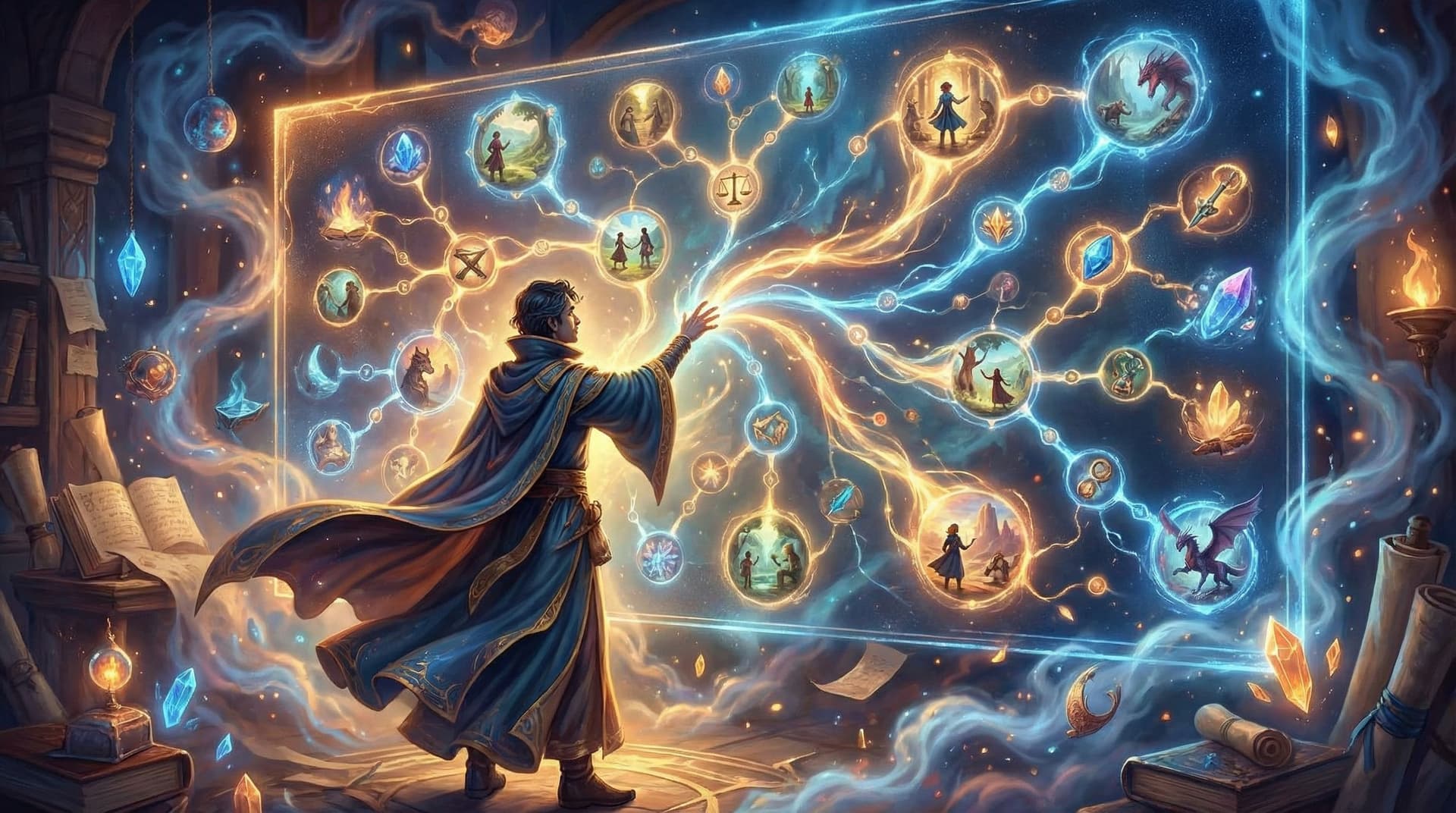
Branching stories are magical when they work—when every choice feels meaningful, the pacing feels intentional, and your readers feel like they’re co-authoring the experience rather than just clicking buttons.
But without a plan, branching can quickly turn into chaos: tangled plots, dead ends, and a story map that looks like spilled spaghetti.
That’s where narrative patterns come in.
Using a few proven structures gives you a powerful way to design interactive stories that feel rich and manageable. And with a visual editor like Questas, you can experiment with these patterns without touching a line of code.
In this post, we’ll walk through 7 branching narrative patterns you can try in Questas, how they work, when to use them, and how to bring them to life with AI-generated images and video.
Why Narrative Patterns Matter for Interactive Stories
Before we jump into the patterns, it’s worth asking: why not just wing it?
Because branching narratives have a few built‑in challenges:
- Complexity grows fast. Every choice can double your paths. Without structure, your story can become impossible to finish—or maintain.
- Player choices can feel shallow. If most branches lead to the same outcome, readers notice. They want their decisions to matter.
- Pacing gets messy. Some readers might hit an ending in 5 minutes; others might wander for 45. You need patterns that help you control flow.
Using clear patterns helps you:
- Design with intent – You know why each branch exists and how it supports the experience.
- Keep production realistic – You can scope how many scenes, images, and videos you’ll actually need.
- Balance freedom and focus – Readers feel agency without you having to build 128 completely different endings.
Questas is especially well‑suited for this because you can literally see your structure as a branching graph and adjust it on the fly—merging paths, adding side branches, or layering in media to highlight key decisions.
Pattern 1: The Forking Path (Classic Choice Tree)
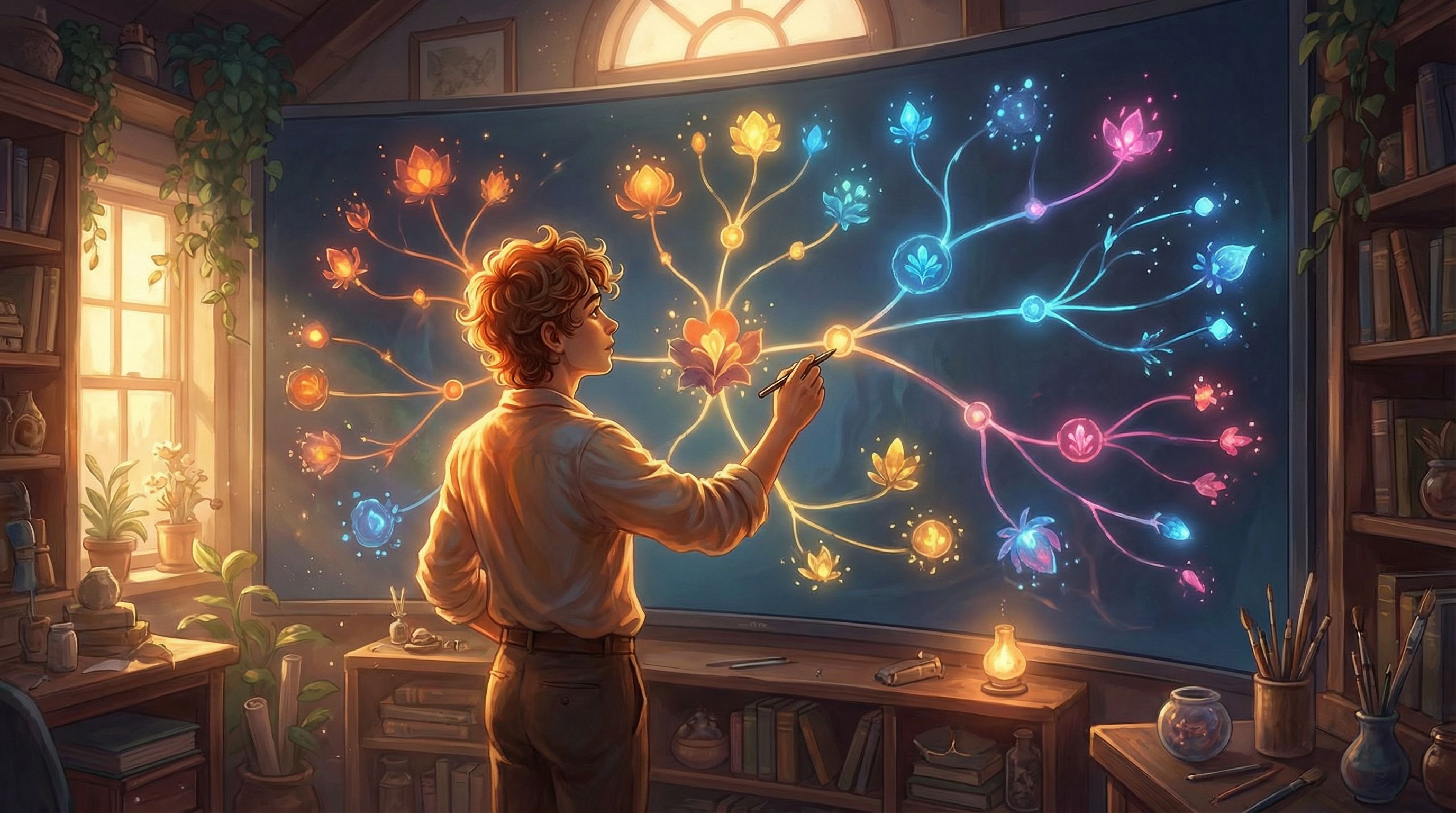
This is the pattern most people imagine first: you make a choice, the story branches, and each branch leads to more choices.
Why it works:
- Feels intuitive and game-like.
- Great for high-stakes decisions and moral dilemmas.
- Perfect for short, replayable experiences.
How to build it in Questas:
- Start with a strong inciting incident. Create a scene where something urgent happens: a mystery, a crisis, an opportunity.
- Add 2–3 meaningful choices. In the scene node, define options that clearly signal different approaches (e.g., Investigate alone, Call for help, Walk away).
- Branch boldly. Let each choice lead to a distinct next scene—different locations, characters, or tones.
- Limit depth. To avoid runaway complexity, keep your tree to about 3–4 layers deep for a first project.
Tips:
- Use AI-generated images to visually distinguish branches. For example, one path might lean into warm, hopeful imagery, while another uses darker, more ominous visuals.
- Color‑code or label branches in your own notes (e.g., "cautious path," "reckless path") to keep tone consistent.
Pattern 2: Hub-and-Spoke (Return to Home Base)
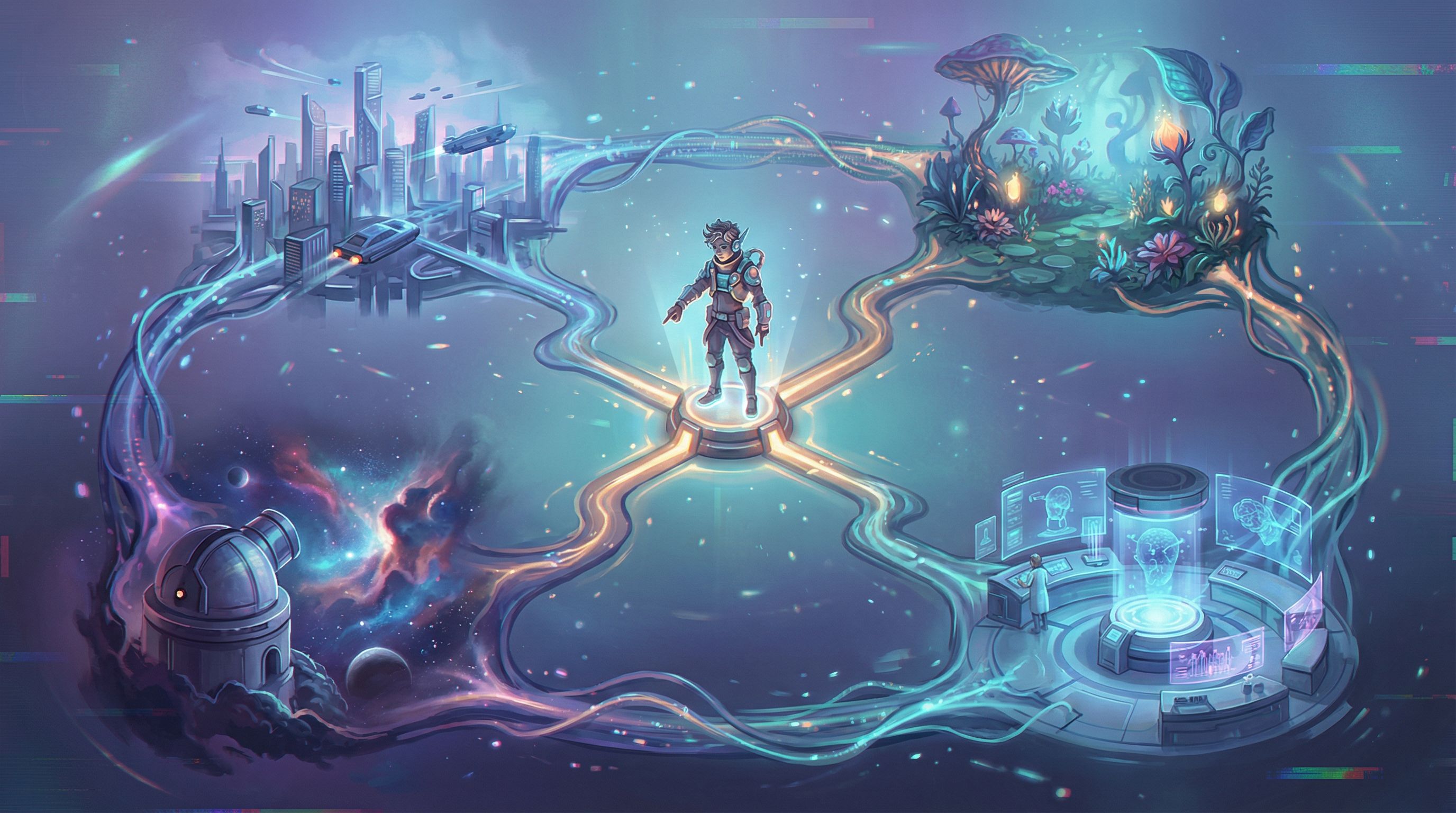
In a hub‑and‑spoke structure, readers keep returning to a central “hub” scene while exploring different “spokes” or side scenarios.
Why it works:
- Keeps your story organized and replayable.
- Perfect for simulations, investigations, or social hubs.
- Lets players sample many perspectives without getting lost.
Use cases:
- A detective returning to their office between interrogations.
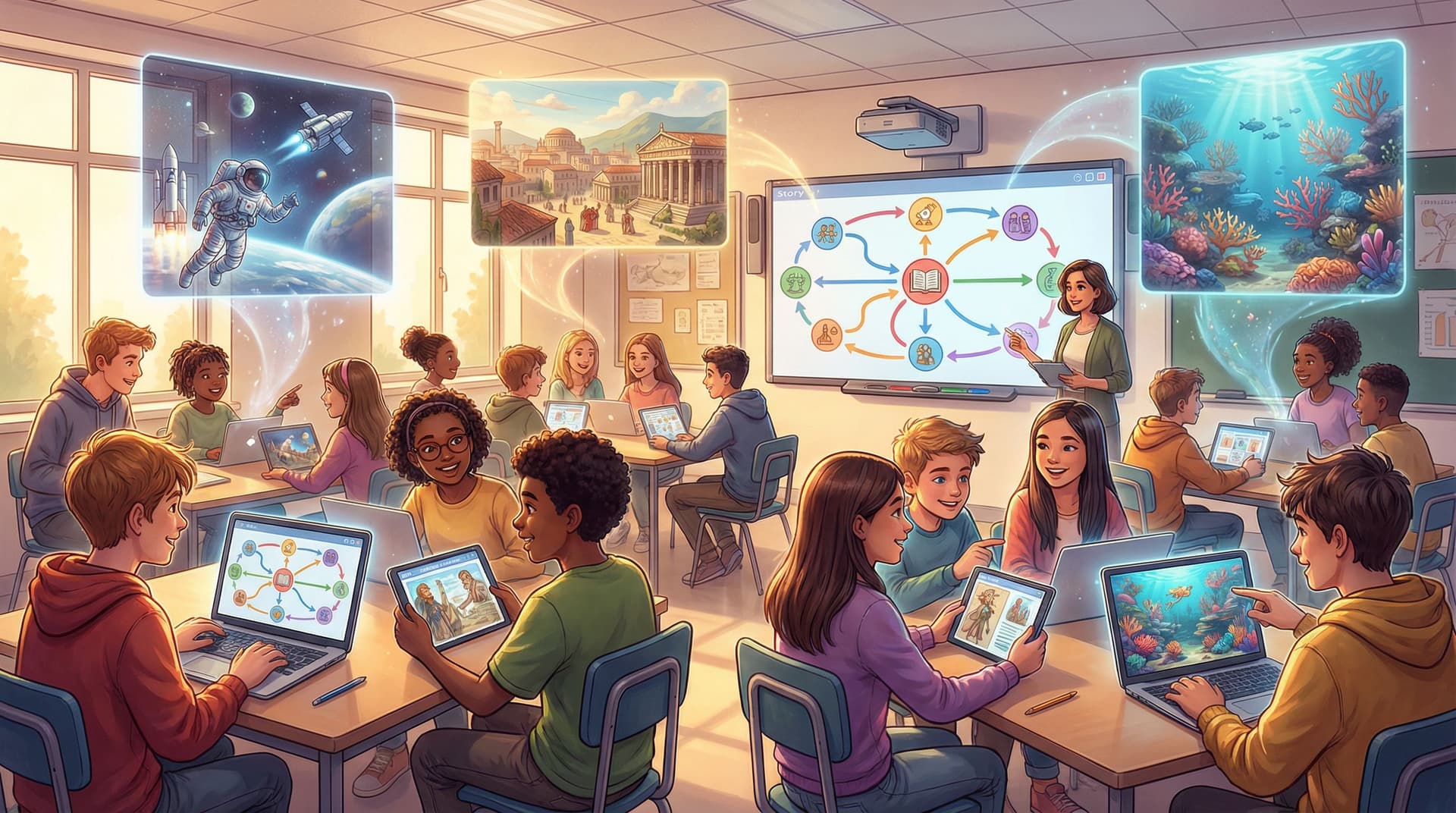
- A student exploring different stations in a classroom quest.
- A traveler returning to a central camp between expeditions.
How to build it in Questas:
- Create your hub scene. This is the place players always come back to—your ship, headquarters, classroom, or town square.
- Add 3–5 options that lead to spokes. Each option should feel like a distinct activity or location.
- Design each spoke with a mini-arc. A short beginning, middle, and end—then a return to the hub.
- Track progress with variables. Use simple flags (e.g.,
interviewed_suspect_A = true) so the hub scene can change over time.
If you’re designing for learning, this pattern pairs nicely with the techniques we covered in Classroom Adventures: How Teachers Use Questas to Turn Lessons into Playable Stories, where each spoke can represent a different learning activity.
Media ideas:
- Give the hub a consistent visual identity (same setting, recognizable colors).
- Make each spoke visually distinct—new lighting, angles, or character focus—to signal that players are exploring a new thread.
Pattern 3: Converging Paths (Different Roads, Same Destination)
Converging paths let readers make different choices, but eventually bring them back to a shared scene.
Why it works:
- Keeps scope manageable while still honoring choices.
- Ideal when you want multiple perspectives on the same event.
- Great for stories where “fate” or external forces pull everyone to a key moment.
Example:
- Players choose whether to ally with one faction or another, but both choices lead to the same climactic battle—just with different allies, advantages, or emotional stakes.
How to build it in Questas:
- Design 2–3 early branches. Let readers choose different approaches, mentors, or locations.
- Plan a shared convergence scene. This might be a trial, a festival, a final showdown, or a big reveal.
- Carry forward consequences. Use variables or conditional text so the convergence scene acknowledges past choices.
- Example: If
saved_villager = true, that character appears in the crowd and offers help.
- Example: If
- Visualize the convergence. In the editor, make sure your branches literally reconnect to the same node.
Media ideas:
- Generate slightly different versions of the same location (day vs. night, crowded vs. empty) depending on the path taken.
- Use video snippets to emphasize the “big moment” where everything comes together.
Pattern 4: The Time Loop (Reset with a Twist)
Time loop stories send readers through the same scenario multiple times—but with new information or powers each loop.
Think of narratives like Groundhog Day or Edge of Tomorrow, but interactive.
Why it works:
- Encourages experimentation—"What if I try something totally different this time?"
- Makes failure feel like progress, not punishment.
- Perfect for puzzle stories, mysteries, or training scenarios.
How to build it in Questas:
- Create a core loop scene sequence. This is your “day that keeps repeating”: wake up, key events, critical decision.
- Add a fail state that loops back. Instead of a hard “Game Over,” send the reader back to the start—but increment a
loop_countvariable. - Reveal new options over time. Use conditions so that after a certain number of loops, new choices appear.
- Example: After 3 loops, the character remembers a password.
- Evolve visuals subtly. Add glitches, shifting lighting, or small environmental changes to signal the loop’s toll.
Design tip:
Use short text and snappy pacing. Readers will see some scenes multiple times—keep them tight, and focus on what’s new each loop.
Pattern 5: Hidden Stats & Soft Branching
Not every choice needs to send the player down a visibly different path. Sometimes, you want soft branching—where choices quietly affect hidden stats that shape future scenes.
Why it works:
- Makes the story feel responsive without exploding your scene count.
- Enables nuanced character development (trust, courage, reputation).
- Great for role‑playing, romance, or leadership simulations.
Examples of hidden stats:
trust_with_mentorrisk_tolerancereputation_with_faction_A
How to build it in Questas:
- Define 2–3 key stats. Decide what qualities or relationships matter most.
- Tag choices with stat changes. For each option, adjust variables behind the scenes.
- Comforting a friend:
trust_with_friend +1 - Ignoring a warning:
risk_tolerance +1
- Comforting a friend:
- Gate future content based on thresholds.
- If
trust_with_friend >= 3, unlock a confession scene. - If
risk_toleranceis high, offer a daring shortcut option.
- If
- Reflect stats in dialogue and visuals.
- A trusted ally stands closer in images.
- A character who distrusts you appears guarded, in shadow or at a distance.
This pattern is especially powerful for creators building character‑driven experiences or training simulations where subtle behavior changes matter more than branching into entirely new plots.
Pattern 6: Parallel Perspectives (Multi-POV Stories)
In a parallel perspective structure, readers experience the story through multiple characters’ eyes.
Why it works:
- Reveals how different people interpret the same events.
- Perfect for ensemble casts, complex conflicts, or social dynamics.
- Encourages replayability: readers can revisit the story from a different viewpoint.
How to build it in Questas:
- Choose 2–4 key characters. Give each a clear goal and voice.
- Create separate opening scenes for each POV. Let readers select whose story to follow first.
- Design overlapping events. The same meeting, accident, or celebration appears in multiple POVs—but with different details.
- Let choices in one POV affect another.
- If Character A betrays Character B, B’s later options narrow—or become more ruthless.
- Offer a final “ensemble” scene. A convergence where everyone’s actions collide.
Media ideas:
- Use consistent visual motifs (color, framing) for each character’s POV.
- For shared events, keep the setting similar but shift the camera angle to match who’s “holding the lens.”
If you’re interested in character‑driven experiences, this pattern pairs well with guidance on emotional stakes and pacing from posts like creator spotlights or storytelling strategy deep dives. Linking to those can help readers go beyond structure and into performance.
Pattern 7: The Web of Micro-Choices
Not every decision needs to be a giant fork in the road. A web of micro‑choices sprinkles small, frequent decisions throughout a mostly linear backbone.
Why it works:
- Keeps readers engaged with constant low‑stakes interaction.
- Ideal for story‑first experiences where you don’t want to maintain huge branches.
- Great for onboarding new players who might feel overwhelmed by huge divergences.
Examples of micro‑choices:
- How you respond in conversation (polite, sarcastic, blunt).
- Which item you examine first in a room.
- Whether you share a secret or keep it.
How to build it in Questas:
- Plan a mostly linear spine. A sequence of core scenes that everyone passes through.
- Add small choices inside scenes. Some might just change a line of dialogue; others might adjust a hidden stat.
- Occasionally branch into short detours. A quick side scene that returns to the main path after a few beats.
- Pay off micro‑choices later. Even a single line acknowledging “You did help me earlier” can make the story feel deeply responsive.
This pattern is fantastic for creators who want to publish quickly while still giving readers a sense of agency. It’s also useful in educational stories where the main learning path is fixed, but students can express different approaches along the way—something we explore more deeply in our post on game‑based learning with narrative.
Bringing These Patterns to Life in Questas
Patterns are only half the story. The other half is how you express them in your scenes, choices, and media.
Here are some practical techniques to make your branching structures shine in Questas:
1. Start with a small, testable prototype
- Pick one pattern from this list.
- Limit yourself to 10–15 scenes.
- Focus on one strong emotional throughline: fear, curiosity, wonder, tension.
Once the structure feels good, you can always expand.
2. Use visuals to reinforce structure
Let your AI-generated images and videos act like signposts:
- Different palettes for different branches – Cool colors for stealthy paths, warm for bold approaches.
- Consistent motifs – A recurring symbol (a door, a mask, a constellation) that appears at key decision points.
- Subtle changes over time – The same room getting messier, darker, or more hopeful as consequences stack up.
3. Make choices legible
Readers should understand, at least emotionally, what each option represents.
- Use clear verbs: confront, sneak, listen, flee.
- Signal risk: “Confront the guard (risky)” vs. “Wait and watch (safer)”.
- If a choice has long‑term consequences, hint at it in narration or character dialogue.
4. Plan endings with intention
A satisfying interactive story doesn’t need dozens of endings; it needs intentional ones.
- Aim for 3–6 distinct outcomes for most projects.
- Tie each ending to a core theme or stat (e.g., loyalty, ambition, curiosity).
- Use a final image or short video to give each ending a strong, memorable closing beat.
Quick Reference: Which Pattern Should You Use?
If you’re unsure where to start, here’s a simple guide:
- Short, punchy story with big choices? → Forking Path
- Investigation, sim, or recurring “home base”? → Hub-and-Spoke
- You want to control scope but keep choices meaningful? → Converging Paths
- Mystery, puzzle, or training scenario? → Time Loop
- Character growth and relationships matter most? → Hidden Stats & Soft Branching
- Ensemble cast or complex social drama? → Parallel Perspectives
- Story-first with light interactivity? → Web of Micro-Choices
You can also combine patterns. For example:
- A hub-and-spoke structure where each spoke uses a forking path.
- A time loop where each loop branches into different micro-choices, tracked with hidden stats.
Just be sure to sketch your structure first—on paper or directly in the Questas editor—before you start writing full scenes.
Wrapping Up: Structure as Your Creative Ally
Branching narrative patterns aren’t cages—they’re launchpads.
By leaning on structures like Forking Path, Hub-and-Spoke, Converging Paths, Time Loop, Hidden Stats, Parallel Perspectives, and Micro-Choices, you can:
- Give readers real agency without drowning in complexity.
- Design stories that are easier to maintain, expand, and remix.
- Use AI-generated visuals and video more strategically, highlighting the decisions and moments that matter most.
If you’d like to see how other creators are applying these ideas—especially in education and training—explore posts like Classroom Adventures: How Teachers Use Questas to Turn Lessons into Playable Stories and keep an eye on upcoming creator spotlights where we break down real projects scene by scene.
Your Next Step: Build a Tiny Branching Story
You don’t need a 4‑hour epic to start mastering branching patterns.
Here’s a simple challenge:
- Pick one pattern from this post.
- Open Questas and create a new project.
- Outline 10 scenes max, including at least 3 meaningful choices.
- Add AI-generated images to:
- Your opening scene
- Each major decision point
- Each ending
- Publish and share with a friend, student, or colleague. Ask them:
- Which choices felt exciting?
- Where did they feel lost or rushed?
- Which ending felt most satisfying—and why?
Then iterate. Add a new branch. Try a second pattern. Combine two structures.
The more you experiment, the more natural branching design becomes—and the more your readers will feel like they’re stepping into living, responsive worlds you’ve crafted.
Ready to level up your plots? Open Questas, choose a pattern, and start building your next interactive story today.