AI as Continuity Editor: Keeping Plot, Canon, and Visuals Aligned Across a Questas Series

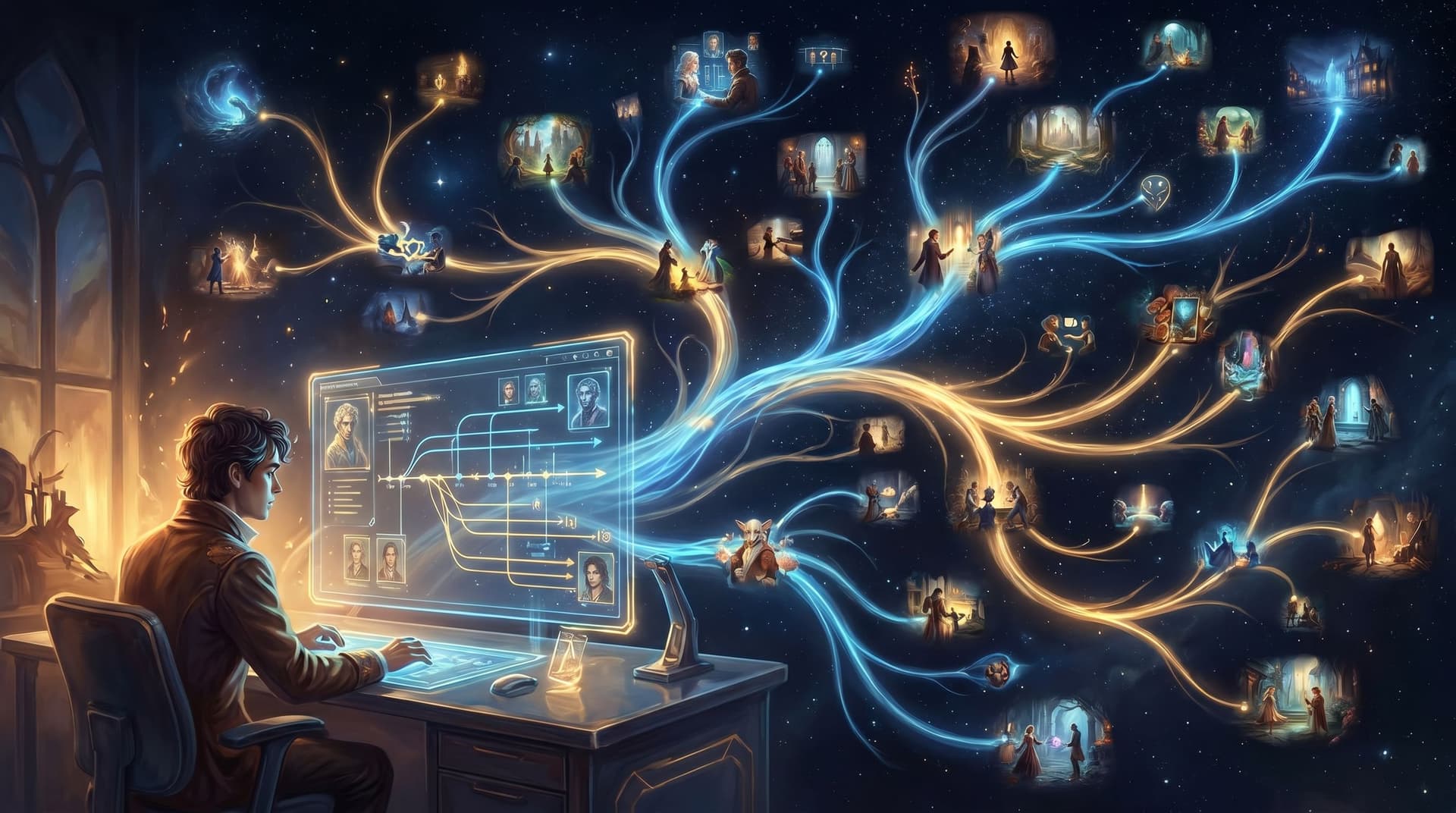
If you’ve ever tried to build a multi-episode interactive saga, you’ve probably felt that creeping dread: wait, didn’t this character’s sister die three episodes ago? Or why is the same spaceship suddenly a different color and shape in this branch?
Continuity is hard in linear stories. In branching stories, it can feel impossible—unless you treat AI as your continuity editor, not just your image generator.
With Questas, you’re already working in a visual, no‑code editor where branching narratives and AI-generated images and video are part of the core workflow. That makes it the perfect place to let AI help you track canon, keep visuals consistent, and make sure your story universe feels coherent across an entire series—not just one isolated quest.
This post is about how to do exactly that.
Why Continuity Matters More in Branching Stories
In a single novel or film, continuity errors are annoying. In a branching Questas series, they can break the entire experience.
Continuity is doing three jobs at once:
- Trust: Players trust that their choices matter inside a stable world. If the rules, relationships, or visuals keep shifting randomly, that trust evaporates.
- Immersion: Recurring locations, props, and character designs make your world feel lived-in. Inconsistent visuals yank people out of the story.
- Replayability: A series of connected Questas lives or dies on replays. If each branch feels like a different universe with different rules, players stop exploring and start treating outcomes as throwaway.
For creators, strong continuity also has practical benefits:
- You can ship faster because you’re not reinventing characters and locations every time.
- You can scale your universe—spin-offs, side stories, prequels—without redoing foundational work.
- You can collaborate with others (writers, educators, marketers, facilitators) without everything devolving into canon chaos.
The good news: you don’t need a Hollywood-style script supervisor to get there. You can design Questas so that AI acts as your continuity editor from day one.
Step 1: Define a “Canon Bible” the AI Can Actually Use
Most continuity problems come from one simple issue: the story lives in your head, not in a format your tools can reference.
Before you build or extend a series, create a Canon Bible—a structured document that AI can read, summarize, and enforce.
What to include in your Canon Bible
Start small and expand as your universe grows. At minimum, capture:
-
Core premise and themes
- One paragraph on what this series is about.
- 3–5 bullet points on tone (e.g., "hopeful, grounded sci‑fi with light humor").
-
Timeline and key events
- A simple chronological list: Episode 1, Episode 2, etc.
- Major turning points and irreversible events (deaths, betrayals, world-altering discoveries).
-
Character dossiers For recurring characters, include:
- Name, age, pronouns
- Role (e.g., “reluctant captain of the salvage crew”)
- Motivations and fears
- Signature visual traits (hair, clothing, props, body type, posture)
- Relationship notes (who they care about, who they hate, who they’re hiding things from)
-
Locations and props
- Short descriptions of key locations (bridge of the ship, village market, briefing room).
- Signature visual elements (color palette, lighting, architecture style).
- Important recurring props (a ring, a data tablet, a unique weapon).
-
Rules of the world
- How magic/technology works.
- What’s possible vs. impossible.
- Any constraints that should never be broken (e.g., “time travel does not exist,” “no firearms in this kingdom”).
How to make it AI-friendly
Rather than a wall of prose, structure your Canon Bible in sections and bullet points. That makes it easier to paste into prompts and reuse across your Questas projects.
You can keep this in:
- A shared doc you reference while prompting.
- A dedicated “Canon” scene in your first Questas that you never show to players but copy from.
- A reusable prompt snippet that you paste into the system or context field of your AI tools.
The key is that the Canon Bible becomes the single source of truth—for you and for the AI.
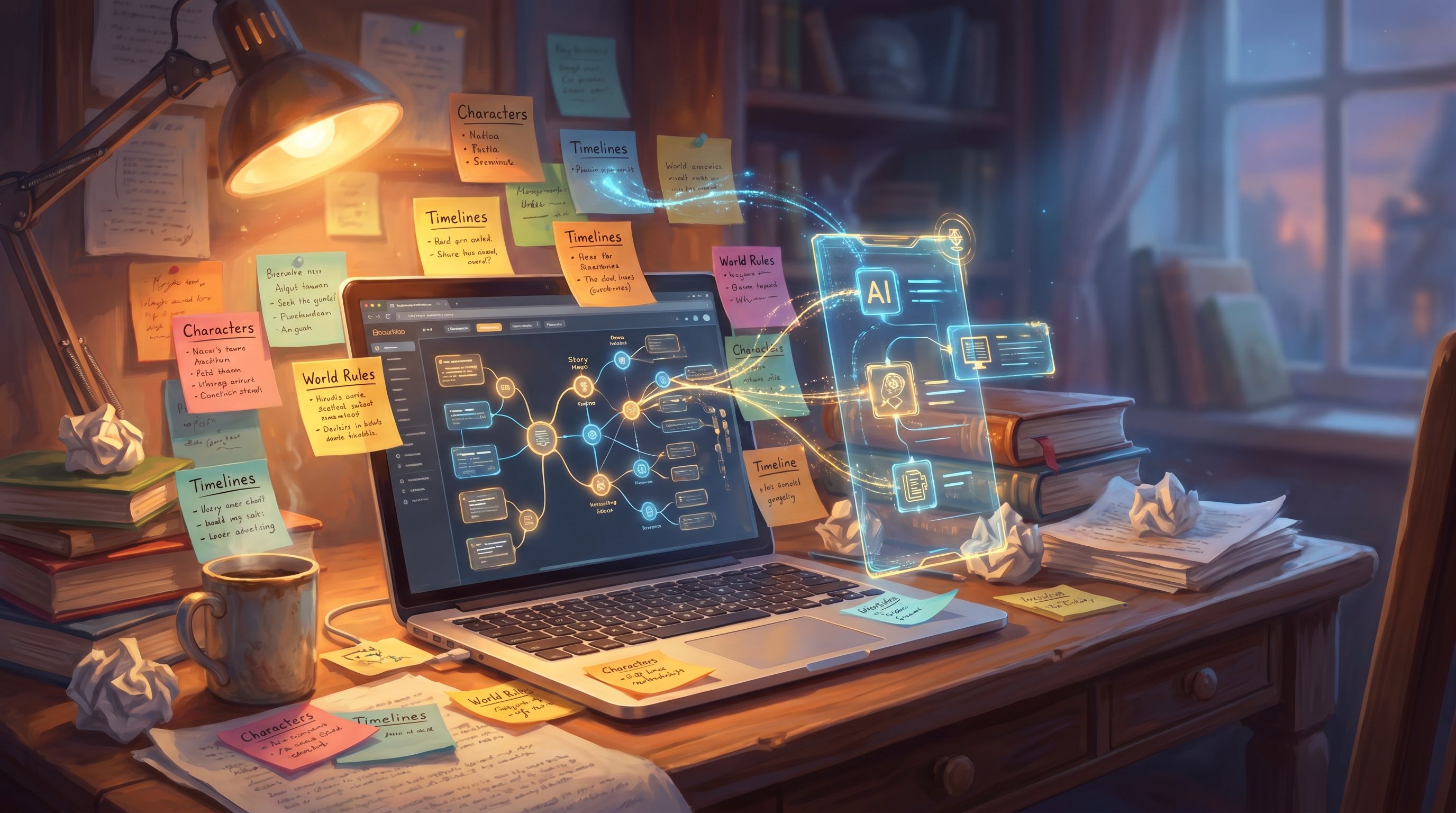
Step 2: Turn AI into a Plot and Canon Checker
Once you have a Canon Bible, you can ask AI to behave like a continuity editor, not just a generative engine.
Use AI to sanity-check new branches
Any time you write a new scene or branch for your Questas series, run it through an AI pass with a prompt like:
“Here is the Canon Bible for my interactive series, followed by a new scene. List any continuity conflicts, contradictions, or missing references. Suggest specific edits to bring this scene in line with canon, without changing the core outcome.”
Ask the AI to look for:
- Character behavior drift – Is the stoic mentor suddenly cracking slapstick jokes with no buildup?
- Relationship inconsistencies – Did two characters meet again even though they already met in Episode 2 on certain paths?
- Timeline issues – Are you referencing an event that never happened on this branch?
- World-rule violations – Did someone teleport in a world where teleportation doesn’t exist?
You don’t have to accept every suggestion, but this gives you a quick, automated “continuity pass” before you even hit publish.
Use AI to keep branches logically distinct
In branching stories, you’ll often have:
- Soft branches that reconverge later.
- Hard branches that define alternate timelines.
Ask AI to help you label and track these:
“Based on the Canon Bible and this story map, label each branch as soft or hard divergence, and summarize what is canonically true in each timeline.”
You can then copy those labels back into your Questas node names or notes, so you always know which version of reality you’re writing in.
For more on planning branches with intention before you touch a prompt, it’s worth revisiting [Story First, Prompt Second: Designing Strong Questas Scenes Before You Touch an AI Tool](/story-first-prompt-second-designing-strong-questas-scenes-befor), which pairs nicely with this continuity mindset.
Step 3: Lock In Visual Canon with Reusable Image Prompts
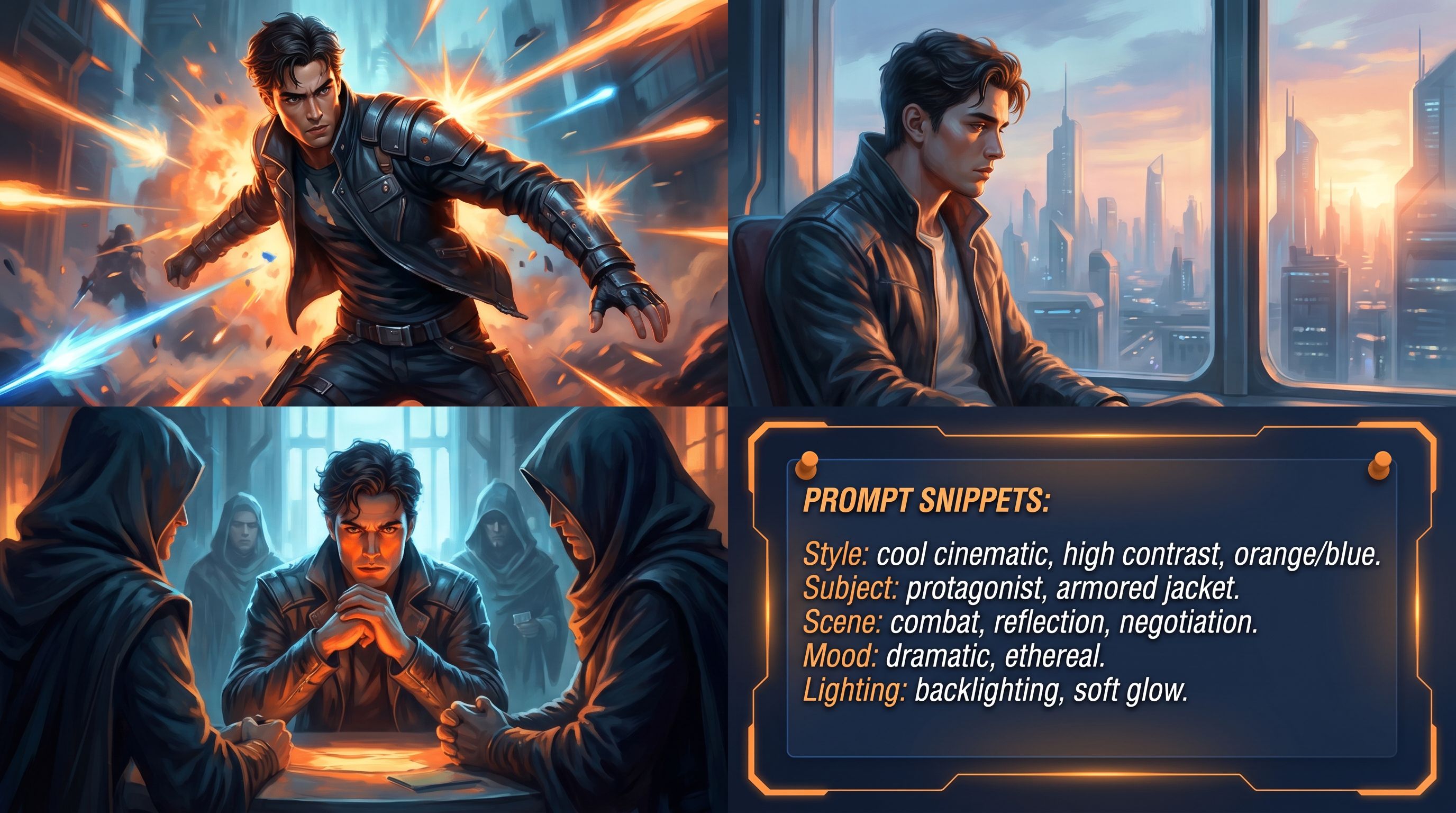
Visual continuity is where many interactive projects fall apart. The hero’s jacket changes color. The city skyline morphs style between scenes. A key artifact looks completely different in each episode.
Instead of re‑prompting from scratch every time, treat your AI visuals like a style guide in prompt form.
Create master prompts for recurring elements
For each major character, location, or prop, define a master image prompt that you reuse and lightly adapt.
Example for a character:
“Portrait of Captain Rhea, mid‑30s, South Asian woman with short curly black hair, a narrow scar over her left eyebrow, wearing a weathered teal flight jacket with orange piping and a silver salvage badge on the chest, standing in a dim starship corridor lit by flickering blue panels, cinematic lighting, realistic style.”
Then, when you need a new angle:
- Keep the identity chunk (age, ethnicity, scar, jacket, badge) unchanged.
- Vary only the context chunk (location, pose, emotion, camera angle).
Example variations:
- “Captain Rhea sitting at the starship bridge console, tired but determined…”
- “Captain Rhea arguing with her mechanic in the cargo bay…”
Do the same for:
- Flagship locations (the tavern, the lab, the courtroom).
- Iconic props (the amulet, the prototype device, the spellbook).
Store those master prompts in your Canon Bible so every collaborator uses the same language.
Use AI to audit visual consistency
You can also ask AI to review your existing prompt library:
“Here are 20 prompts I’ve used for Captain Rhea across my Questas series. Identify inconsistencies in her appearance, clothing, and setting, and suggest a unified canonical description I should use going forward.”
Once you have that unified description, retrofit any outlier prompts and regenerate visuals where needed.
If you’re interested in going deeper on evaluating and mixing AI art tools for a single coherent world, [Beyond DALL·E and Midjourney: Evaluating AI Art Tools for Building Rich Questas Worlds](/beyond-dalle-and-midjourney-evaluating-ai-art-tools-for-buildin) explores this in more detail.
Step 4: Keep Series Structure and State in Sync
Continuity isn’t just about what players see; it’s also about what the story remembers.
In a multi-episode Questas series, your AI continuity editor can help you:
- Track which choices are “series-defining” vs. local flavor.
- Decide what state needs to carry over between episodes.
- Design reputation and hidden meters that stay believable.
Identify what must persist across episodes
Ask AI to analyze your story outline and flag:
- Major allegiances (which faction the player backed, who they betrayed).
- Irreversible outcomes (who is alive or dead, which city fell, which artifact was destroyed).
- Long-term traits (is the protagonist seen as ruthless, compassionate, reckless?).
Then, decide explicitly:
- What becomes saved state from one Questas to the next.
- What is only referenced in flavor text.
You can use the logic patterns from [No-Code, All Systems: Building Reputation, Factions, and Hidden Meters in Questas Without a Dev Team](/no-code-all-systems-building-reputation-factions-and-hidden-met) to design these systems visually, then have AI help you sanity-check that they stay coherent with your canon.
Use AI to generate branch-aware recaps
When players jump into Episode 2 or 3, a short recap does a lot of continuity work.
Feed AI a summary of the player’s path (or representative paths) and ask it to:
- Generate 1–2 paragraph recaps that reference specific past choices.
- Maintain your series tone and key visual motifs.
Example prompt:
“Here is the Canon Bible and a list of key choices the player made in Episode 1. Write a 150-word in-universe recap that would appear at the start of Episode 2, referencing those choices and setting up the main conflict, in a wry but hopeful tone.”
This keeps the emotional throughline intact, even if players took a break between episodes.
Step 5: Use AI to Police Tone and Voice Across a Series
Continuity isn’t only factual; it’s also stylistic. A series that swings from grimdark to slapstick and back again without warning feels less like a saga and more like a content sampler.
You can train AI to watch for tone and voice drift.
Build a tone reference from your best scenes
Pick 3–5 scenes that feel perfectly “you” in this series. Have AI:
- Analyze them for tone, pacing, sentence length, and word choice.
- Summarize that as a style sheet: “short, punchy sentences,” “present tense,” “occasional dry humor,” etc.
Then, whenever you draft new scenes, ask AI to:
“Rewrite or edit this scene to match the series tone described here, while preserving plot and character actions.”
Or:
“Score this dialogue from 1–10 on how well it matches the series style guide, and suggest edits where it diverges.”
Over time, this keeps your Questas series feeling like one coherent voice, even if you’re collaborating with co-writers or generating alt branches months apart.
Step 6: Make Continuity Part of Your Build Ritual
The creators who ship big, coherent interactive series don’t treat continuity as a one-off cleanup pass. They bake it into how they work.
Here’s a simple continuity checklist you can run every time you:
- Add a new episode.
- Introduce a major new branch.
- Regenerate a batch of visuals.
Before building:
- Re-read the Canon Bible (or at least the relevant sections).
- Update it with any major decisions from the last build session.
While building in Questas:
- Name nodes and branches with canon-aware labels (e.g.,
EP2_AfterBetrayal_PathAinstead ofChoice1). - Copy in the relevant canon snippets into your AI prompts for dialogue and visuals.
After building:
- Run AI continuity checks on:
- New scenes (plot and canon).
- New prompts (visual consistency).
- Recaps and summaries (tone and factual accuracy).
- Playtest at least one full path per major timeline (e.g., “faction A loyalist run,” “faction B defector run”).
If you like working in sprints, you can pair this with the approach from [The One-Evening Story Sprint: Shipping a Complete Questas Prototype from Blank Page to Playtest](/the-one-evening-story-sprint-shipping-a-complete-questas-protot)—just add a dedicated “continuity hour” to your sprint so you never ship a prototype that quietly breaks its own rules.
Summary: Let AI Sweat the Details So You Can Tell Bigger Stories
Continuity is what turns a handful of interactive episodes into an actual saga. It’s also where many creators quietly burn out.
By treating AI as your continuity editor—not just your art engine or dialogue generator—you can:
- Anchor your world in a clear Canon Bible that everyone (and every tool) can reference.
- Catch plot holes and canon breaks before players ever see them.
- Lock in visual canon with reusable prompts for characters, locations, and props.
- Keep state and systems coherent across episodes, so choices truly echo.
- Maintain a consistent tone and voice, even as your series grows and collaborators join.
The result: Questas series that feel deep, replayable, and trustworthy—worlds your audience wants to live in, not just sample.
Ready to Appoint Your AI Continuity Editor?
You don’t need a massive team or custom tools to build a coherent interactive universe. You need:
- A simple Canon Bible.
- A few well-crafted prompts.
- A habit of letting AI review your work like a script supervisor.
Open up Questas, pick one of your existing stories or a new idea, and:
- Draft a one-page Canon Bible.
- Create master prompts for one recurring character and one key location.
- Build or revise a single episode with AI continuity checks turned on.
Once you’ve seen how much cognitive load this takes off your plate, you’ll start designing every new quest with your AI continuity editor in the loop from the first scene.
Your players may never notice all the tiny details that stayed consistent.
But they’ll feel it—and they’ll keep coming back to see where your world goes next.