AI as Your Co-Author: Using Questas to Break Writer’s Block and Rapidly Prototype Story Ideas


AI as Your Co-Author: Using Questas to Break Writer’s Block and Rapidly Prototype Story Ideas
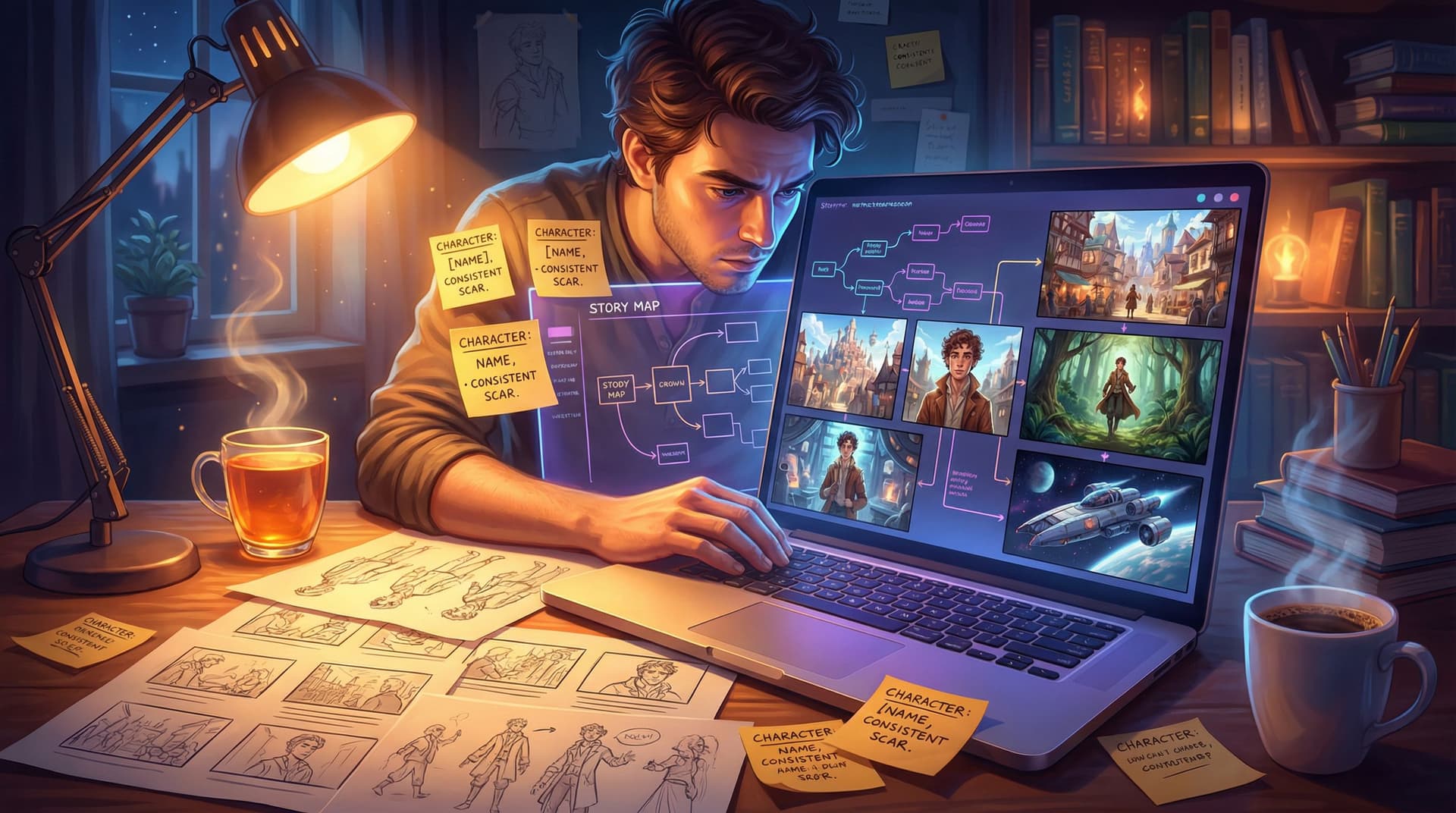
Writer’s block used to mean staring at a blank page, waiting for inspiration to show up. Now, you can invite a co-author into your browser—a collaborator that never gets tired, always has another angle to try, and can visualize your ideas in seconds.
That’s what makes interactive storytelling with Questas so powerful. You’re not just fighting writer’s block; you’re designing story experiences your audience can explore, tweak, and replay.
In this post, we’ll look at how to treat AI as a creative partner rather than a replacement, and how to use Questas to quickly prototype story ideas, test branches, and get from “I have a vague concept” to “I have a playable story” in record time.
Why Writer’s Block Hits Harder with Interactive Stories
If you’ve ever tried to build a branching narrative, you know the pressure isn’t just:
- What happens next?
It’s also:
- What else could happen next?
- How do these choices connect later?
- What if this path is boring—or worse, broken?
Interactive stories add layers of complexity:
- Multiple timelines to track. Every choice can create a new path, which means more scenes, more consequences, more continuity to manage.
- Higher expectations for payoff. Readers expect their choices to matter, so you can’t just railroad them back to the same scene every time.
- Visual immersion to maintain. If you’re using AI art or video, you also need consistent characters and worlds across dozens of scenes.
That’s a lot for one human brain to juggle.
AI co-authoring doesn’t remove your role as storyteller. It lightens the load so you can focus on the things only you can do: voice, themes, emotional beats, and the overall arc.
How AI Becomes a True Co-Author (Not a Ghostwriter)
The most productive way to use AI in Questas is to think of it like a writer’s room partner:
- You bring vision, taste, and constraints.
- AI brings speed, variation, and structure.
Used well, this partnership helps you:
- Break the ice when you’re stuck on a scene or choice.
- Generate multiple options for a branch instead of forcing yourself to pick the “perfect” one on the first try.
- Explore tonal variations (serious, comedic, dark, hopeful) before committing.
- Visualize scenes with AI-generated images and videos so you can feel the story, not just outline it.
Your job isn’t to accept everything AI suggests. It’s to:
- Frame the problem clearly.
- Ask AI for targeted help.
- Curate, rewrite, and shape the output into something that feels like you.
A Simple Workflow: From Idea Spark to Playable Prototype in Questas
Let’s walk through a practical, repeatable process you can use with Questas whenever you feel stuck—or when you just want to move faster.
1. Start with a One-Sentence Story Hook
Before you open the visual editor, give your AI co-author a clear north star.
Examples of strong hooks:
- “A burned-out paramedic relives the same disaster every night and can change only one person’s fate per loop.”
- “Middle-schoolers explore a haunted library where each book leads to a different historical era—and a different mystery.”
- “A space cargo pilot discovers their ship’s AI has secretly joined a rebellion and is using deliveries to smuggle people to safety.”
Your hook should answer:
- Who is this about?
- Where/when does it happen?
- What’s the central tension or promise?
Drop that hook into your first node in Questas as a working logline. You can refine it later, but having it visible keeps your branches aligned.
2. Use AI to Rough-In the Core Loop
Instead of trying to build the entire branching tree at once, focus on the core loop—the set of repeated decisions that define the player’s experience.
Common interactive loops:
- Investigate → Decide who/what to trust → Face consequences
- Explore → Discover secret → Choose to reveal or hide it
- Prepare → Confront challenge → Deal with outcome
Inside Questas:
- Create 3–5 key scenes that represent one full loop (e.g., Arrival, Discovery, Decision, Consequence).
- For each scene, prompt AI for short, punchy drafts, not polished prose. For example:
- “Write a 2-paragraph scene where the hero arrives at a derelict space station, focusing on eerie sensory details and a sense of isolation.”
- Add 2–3 choices per scene that clearly reflect the story’s tension, like:
- Investigate the distress signal alone
- Call for backup, even if it blows your cover
You’ll get something imperfect—but you’ll have a loop you can play through, which is far more motivating than a blank canvas.

3. Branch with Purpose, Not Panic
Branching is where writer’s block often returns. Every time you add a choice, your brain whispers: “But what about all the scenes this will create?”
This is where AI shines as a fast prototyper.
In Questas:
- Duplicate a scene to create alternate versions.
- Ask AI to remix the scene based on the different choice outcomes.
- Example prompt: “Rewrite this scene as a consequence of the hero choosing to trust the smuggler. Keep the same setting, but shift the tone from suspicious to uneasy alliance.”
To avoid runaway complexity:
- Limit deep branches at first. Aim for wide but shallow—lots of interesting choices, but they recombine into shared scenes.
- Use simple patterns to structure your story map. If you want a primer on patterns like hub-and-spoke, gauntlets, and converging branches, check out Level Up Your Plots: 7 Branching Narrative Patterns to Try in Questas.
Think of your first pass as a story sketch, not a final painting. You’re discovering which branches feel alive and which ones can be merged, trimmed, or cut.
4. Generate Visuals Early to Unlock New Ideas
One of the underrated ways to beat writer’s block is to let images lead the way.
Because Questas supports AI-generated images and videos directly in your scenes, you can:
- Generate a few key character portraits and locations.
- Drop them into early scenes.
- Let those visuals inspire new details, moods, and twists.
For example:
- A generated image of a “haunted library” might include a glowing, locked cabinet you hadn’t planned. That can become a new branch: Open the cabinet vs. Leave it alone.
- A character portrait might suggest a hidden scar, strange accessory, or unexpected age—fuel for backstory and reveals.
If you want your characters and worlds to stay visually consistent across branches, you’ll love the techniques in Picture This: How to Prompt AI for Consistent Characters and Worlds in Questas.
5. Use AI as a Question Machine When You’re Stuck
When you hit a wall, don’t just ask AI to “continue the story.” Instead, ask it to interrogate the scene with you.
Helpful prompts inside your Questas scene notes:
- “List 10 possible secrets this character could be hiding that would reframe the story.”
- “What are 5 surprising but plausible consequences if the hero refuses the call to adventure?”
- “Give me 3 ways to raise the stakes in this scene without adding new characters.”
Then:
- Pick 1–2 ideas that resonate.
- Use AI again to draft a short version of the new branch.
- Rewrite in your own voice.
You’re not outsourcing creativity; you’re outsourcing option generation.
6. Tighten Dialogue and Voice with Guided Rewrites
Once your prototype is playable, you’ll usually see:
- Some scenes that feel alive.
- Some that feel like placeholders.
AI can help polish without flattening your style:
- Ask it to shorten wordy passages: “Make this scene 30% shorter while keeping the emotional beats.”
- Ask it to sharpen dialogue: “Rewrite this dialogue to sound like two exhausted paramedics who use dark humor to cope.”
- Ask it to match voice: paste a scene you love and say, “Rewrite this other scene to better match the tone and rhythm of this one.”
Because Questas keeps all your scenes in a visual map, you can quickly move between nodes and apply these micro-rewrites where they matter most: pivotal choices, climaxes, and endings.
7. Playtest Early, Iterate Quickly
A huge benefit of rapid AI-assisted prototyping is that you can get feedback much earlier than with traditional writing.
With Questas:
- Share your story link with a friend, student, or community.
- Ask them to play through once and note:
- Where they felt most engaged.
- Where they got confused or bored.
- Which choices felt like they didn’t matter.
- Use AI to help you fix specific issues:
- “Readers say this branch feels like a dead end. Suggest 3 ways to make this choice feel meaningful without adding more than 2 scenes.”
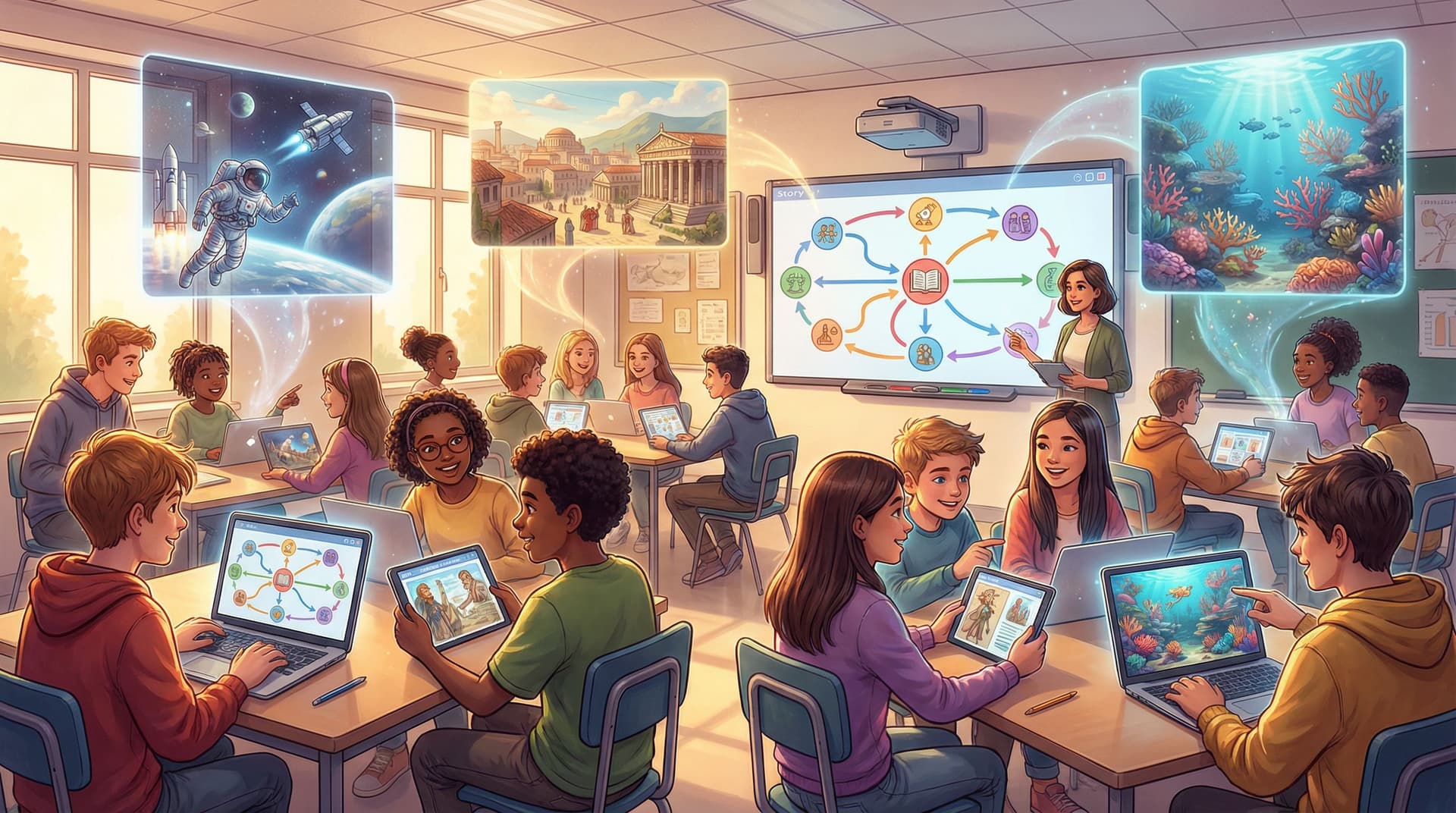
If you’re an educator, you can see how this approach lines up beautifully with interactive learning. For examples of how teachers prototype and refine story-based lessons, take a look at Classroom Adventures: How Teachers Use Questas to Turn Lessons into Playable Stories.
Practical Prompt Patterns You Can Reuse
To make this even more concrete, here are plug-and-play prompt templates you can adapt inside Questas when working on your scenes.
For scene drafts:
- “Write a short interactive fiction scene (2–3 paragraphs) where [character] in [setting] faces [immediate problem]. Focus on [mood/tone], and end with a clear dilemma that could lead to multiple choices.”
For alternate branches:
- “Given this scene, rewrite it as if the player chose to [choice]. Keep the same characters and setting, but change the emotional outcome to [emotion], and introduce 1 new complication.”
For raising stakes:
- “Suggest 5 ways to raise the stakes in this scene that don’t require new locations or characters. Prioritize internal conflict, time pressure, or moral dilemmas.”
For endings:
- “Draft 3 different endings for this story: one hopeful, one bittersweet, and one tragic. Each should feel like a logical consequence of the player’s choices around [theme].”
Save your favorite prompts in a note or template scene within Questas so you can reuse them across projects.
Keeping Your Story Yours While Using AI
A common worry: “If I use AI this much, is the story still mine?”
Here’s a helpful way to think about it:
- Your originality lives in your constraints. The themes you care about, the kinds of characters you write, the settings you gravitate toward, the moral questions you keep returning to—that’s the part no model can invent for you.
- AI is a pattern amplifier. It’s good at remixing, combining, and extending patterns. You decide which patterns to keep.
To keep your voice front and center:
- Always rewrite at least the key scenes (opening, major twist, climax, endings) in your own words, even if AI drafts them first.
- Maintain a story bible—a simple doc or note with your rules for tone, worldbuilding, and character arcs.
- Regularly ask: “Does this feel like something I would write?” If not, adjust.
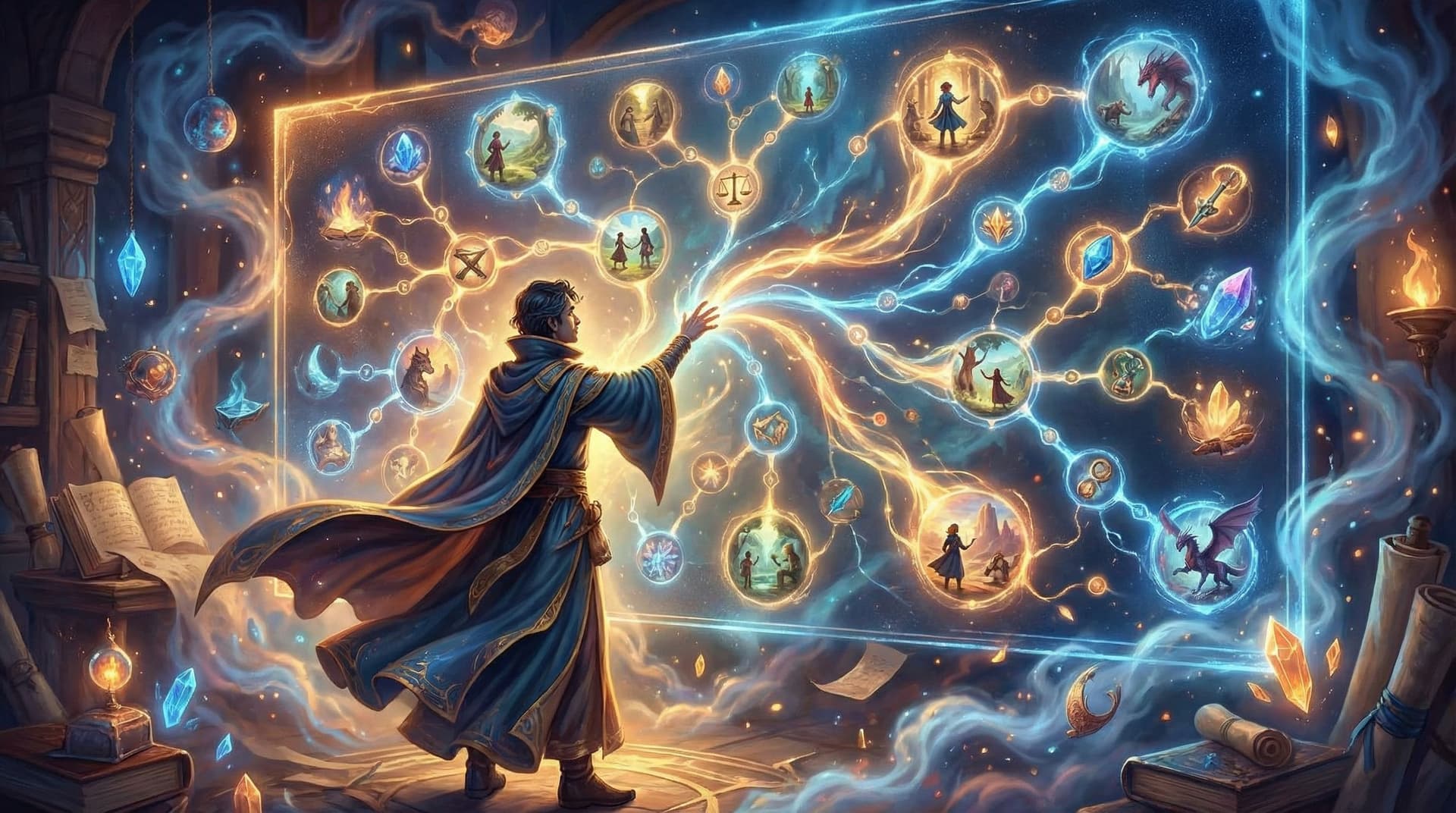
Questas makes this easier because you can see your entire narrative structure in one place. You’re never just scrolling through a wall of text; you’re navigating a map of your own decisions.
Recap: From Blank Page to Branching Prototype
Let’s pull it all together. Using AI as your co-author in Questas helps you:
- Define a clear story hook so every branch serves the same core idea.
- Sketch a core loop instead of trying to build the whole tree at once.
- Branch with intention, using AI to remix scenes based on choices.
- Leverage visuals early to inspire new details and directions.
- Turn stuck moments into questions, letting AI generate options you can curate.
- Polish voice and pacing with guided rewrites that still sound like you.
- Playtest and iterate quickly, refining branches that players actually care about.
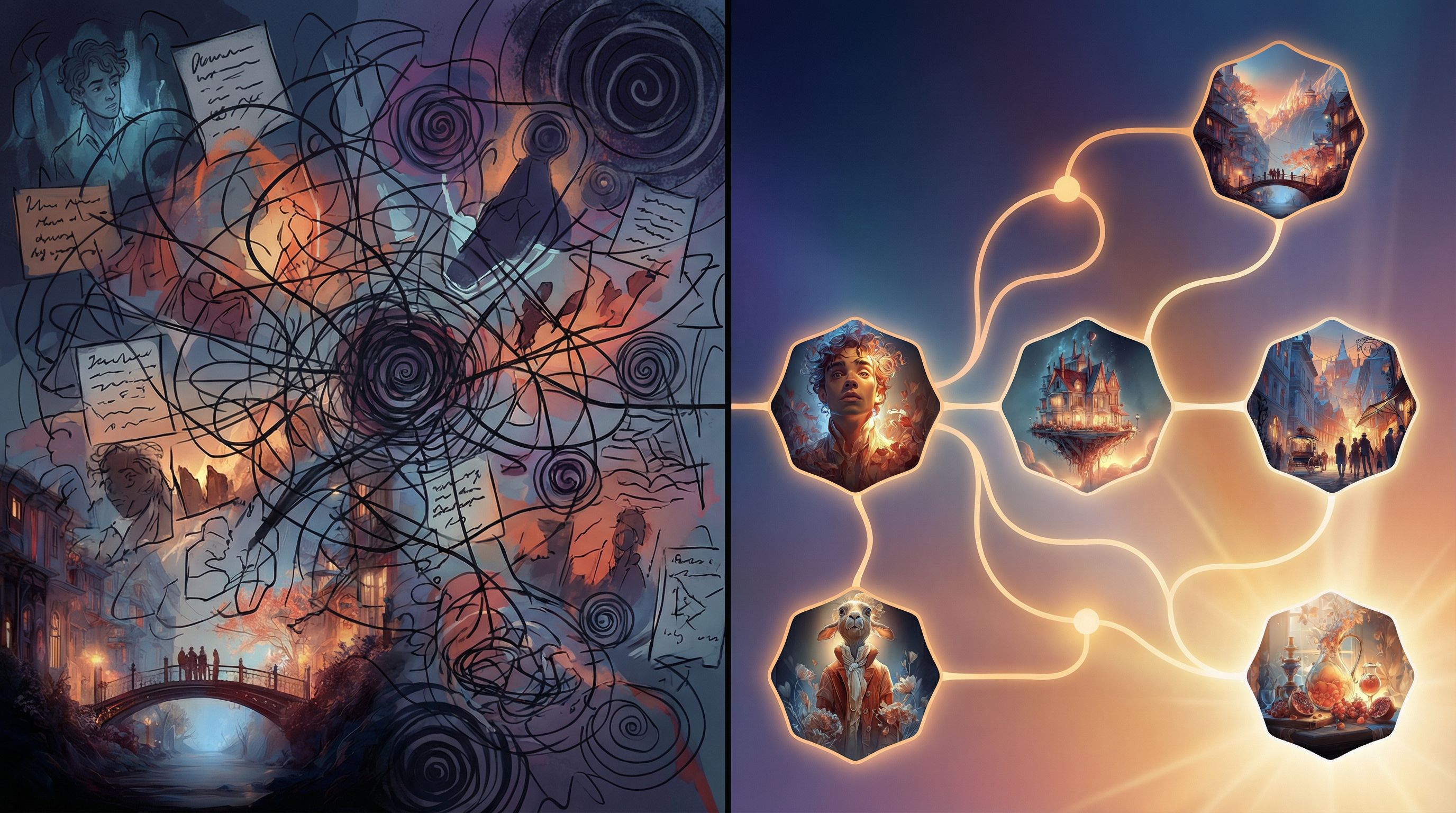
You don’t have to wait for the perfect idea, the perfect outline, or the perfect first draft. You can build your story while you explore it.
Your Next Step: Build One Playable Loop
If you’re feeling the tug to create—but also feeling that familiar resistance of “Where do I even start?”—here’s a simple challenge:
- Open Questas.
- Write a one-sentence hook for a story you’d love to explore.
- Build just one playable loop:
- 3–5 scenes.
- 2–3 choices per scene.
- Rough drafts only.
- Use AI to help draft, branch, and visualize—but commit to rewriting at least one key scene in your own voice.
By the end, you won’t just have an idea—you’ll have a living, clickable story you can share, test, and grow.
Adventure awaits. Your AI co-author is ready when you are.