From Sprints to Stand-Ups: How Product Teams Run Live Playtests of Questas Prototypes with Stakeholders


Product teams are under constant pressure to ship experiences that feel right before engineering sinks weeks of effort into them. Wireframes and decks can explain an idea, but they rarely answer the question everyone actually cares about:
“What does it feel like to move through this flow as a real user?”
That’s where live playtests of interactive prototypes come in—especially when those prototypes are built as branching, story-driven experiences in tools like Questas.
With Questas, product teams can turn product journeys, onboarding flows, and UX concepts into playable, choose‑your‑own‑adventure scenarios with AI‑generated images and video. Then, instead of walking stakeholders through a slide deck, you invite them to play through the experience together.
This post is a practical guide to running those live playtests—from sprint planning to stand‑ups—so you get sharper feedback, faster alignment, and fewer expensive reworks down the line.
Why Live Playtests Belong in Every Product Sprint
Live playtests aren’t just “nice to have.” They solve several chronic problems in product development:
1. You collapse the gap between intention and experience.
Stakeholders often sign off on flows they’ve only seen as diagrams or static mocks. When they finally experience the real thing weeks later, they realize it doesn’t match what they imagined. Live playtests surface that gap before you commit to code.
2. You get richer, more honest feedback.
Watching someone play through a Questas prototype reveals:
- Where they hesitate before making a choice
- Which branches they ignore
- Where they feel lost, pressured, or confused
- How they interpret the story and visuals
That’s more actionable than comments on a Figma file.
3. You align cross‑functional teams around a shared experience.
Instead of debating abstract requirements, your PMs, designers, engineers, sales, and support teams can all react to the same playable scenario. For complex spaces—like compliance, policy, or support training—this is especially powerful. If that’s your world, you may also want to read how teams turn dry topics into engaging branching stories in Corporate, But Make It Quest: Turning Dry Compliance Topics into Engaging Branching Stories.
4. You de‑risk high‑stakes decisions.
Whether you’re redesigning onboarding, reworking pricing flows, or prototyping a new feature, a 30‑minute playtest can surface issues that would otherwise cost weeks of rework later.
What Makes a Good Questas Prototype for Live Playtests?
You don’t need a fully polished, multi‑hour adventure to run a useful playtest. In fact, you shouldn’t.
Aim for a focused, scenario‑driven prototype that:
- Covers a single, well‑defined journey (e.g., “First‑time user onboarding for our mobile app”)
- Includes 2–4 meaningful decision points with visible consequences
- Uses AI‑generated images or video to set context and emotion, not to show off
- Is short enough to complete in 5–10 minutes during a stand‑up or stakeholder review
If you’re trying to ship something end‑to‑end on a tight timeline, the workflow in Branching Narratives for Busy Teams: Shipping a Complete Questas Experience in One Workday pairs well with the playtesting cadence in this post.
Step 1: Define the Question Your Playtest Should Answer
Before you open Questas, decide what you’re trying to learn. A vague goal like “see what people think” leads to vague feedback.
Instead, frame a sharp learning question such as:
- “Does this onboarding flow help new users understand the value of our product within three choices?”
- “Do stakeholders agree on which path should be the ‘recommended’ upgrade option?”
- “Where do people feel confused or anxious in this support escalation journey?”
- “Does this pricing story feel transparent or manipulative?”
Then, turn that into a testable hypothesis, for example:
- “If we present three persona‑based paths at the start, stakeholders will consistently choose the same ‘best fit’ path for our target customer.”
Your prototype and your playtest script should both be designed to probe that hypothesis.
Step 2: Build a Playable Scenario in Questas
Once you’ve framed your question, you can build a lean but expressive prototype in Questas.
Map the story as a user journey
Think of your scenario as a story with beats:
- Hook: Where the user is, what they’re trying to do
- First decision: A meaningful fork that reflects real product choices
- Escalation: Consequences, new information, or friction based on that choice
- Second decision: Another fork that reveals priorities or tradeoffs
- Outcome: A short “ending” that reflects likely user sentiment or success
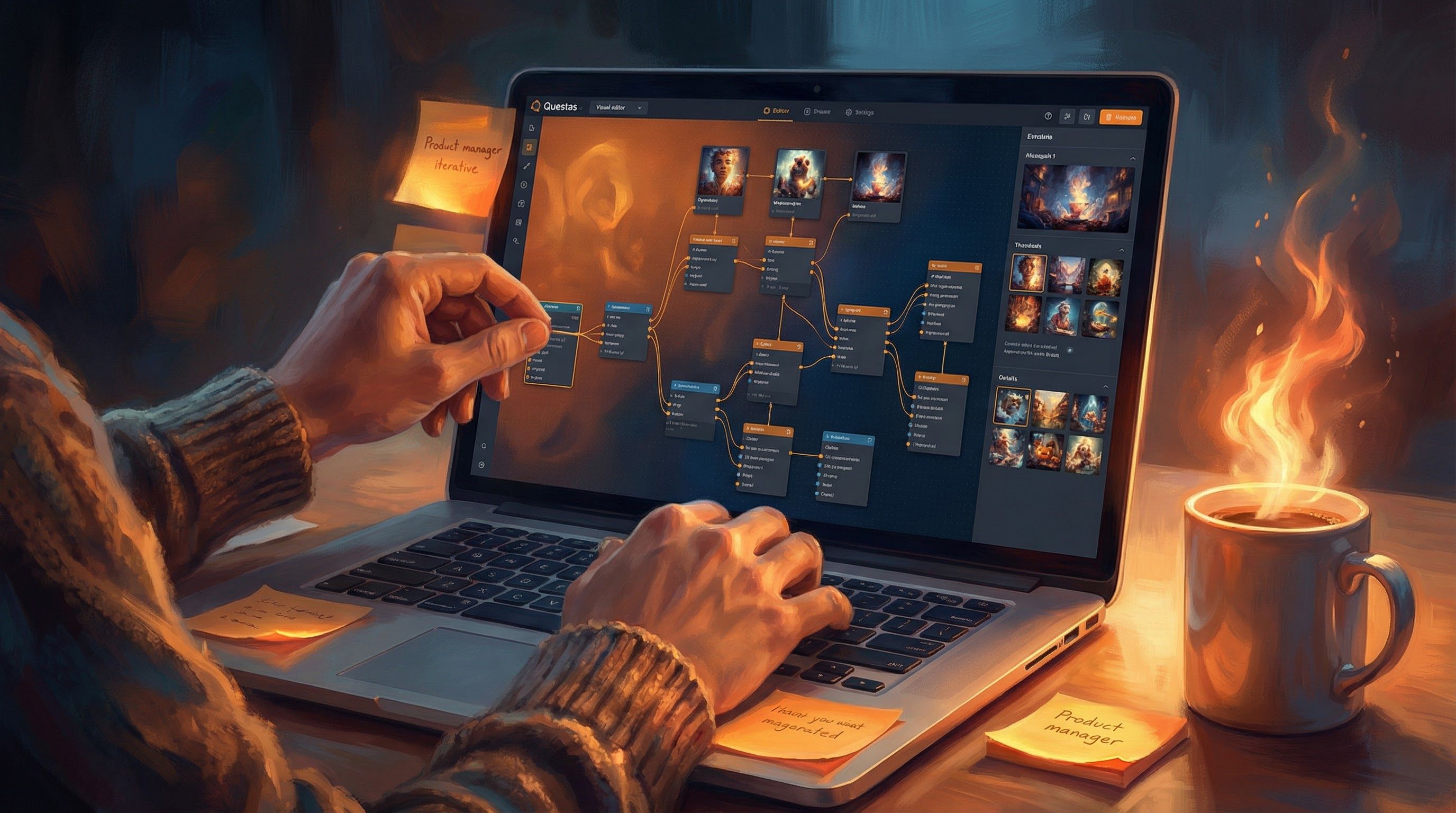
In Questas’s visual editor, this becomes a compact graph of scenes and branches. You don’t need every edge case—just enough to:
- Show the shape of the journey
- Expose the key choices you want to test
- Make consequences visible and emotionally legible
For more on shaping rhythm across branches, From Branches to Beats: Using Story Rhythm to Keep Players Clicking in Long Questas dives deeper into pacing and tension.
Use AI visuals to signal context and stakes
You don’t need pixel‑perfect UI mocks for every step. Instead, use AI‑generated images or video to:
- Set the environment (e.g., “new user dashboard,” “support chat window,” “pricing comparison screen”)
- Convey emotion (e.g., a confused user, a delighted customer, a stressed support agent)
- Highlight risk and reward (e.g., a calm, tidy interface for a smooth path vs. a cluttered, alarming visual for a risky choice)
This helps stakeholders feel the difference between branches, not just read about it.

Step 3: Plan the Playtest Session Like a Mini Sprint Ceremony
Treat your live playtest with the same respect as a sprint review or planning session. A bit of structure goes a long way.
Who to invite
Aim for 6–10 participants representing:
- Product management
- UX / UI design
- Engineering
- Customer success or support
- Sales or marketing (if the flow touches acquisition or upsell)
- A key stakeholder or decision‑maker
If you’re testing something like a compliance journey, consider inviting a legal or HR partner as well.
How long to schedule
A 30–45 minute block is usually enough:
- 5–10 minutes: Context and goals
- 10–15 minutes: Live playthrough
- 10–20 minutes: Discussion and next steps
Tools to have ready
- Your Questas prototype open and tested
- A shared notes doc or collaboration tool (e.g., Google Docs, Notion, or Miro)
- Optional: a quick poll tool like Slido or Mentimeter if you want structured reactions
Step 4: Facilitate the Live Playthrough
How you run the playtest matters as much as what you’ve built. Your job as facilitator is to:
- Keep the session focused on the learning goal
- Make it safe for people to disagree
- Capture observations without derailing into solutioning too early
Decide who “drives” the story
You have three main options:
-
Facilitator‑driven: You share your screen and click through based on group input.
- Pros: Keeps things on time and on track.
- Cons: Less visceral; people are watching, not playing.
-
Stakeholder‑driven: A key stakeholder shares their screen and makes the choices.
- Pros: Reveals their instincts and priorities.
- Cons: Can bias the group; others may defer to their choices.
-
Rotating drivers: Different participants take turns making a choice at each branch.
- Pros: More voices, more perspectives.
- Cons: Requires stronger facilitation to avoid chaos.
For early‑stage concepts, rotating drivers often surfaces the richest feedback.
Script your facilitation prompts
During the playthrough, ask participants to think aloud. Useful prompts include:
- “What are you noticing on this screen?”
- “Which option feels most natural to you and why?”
- “Is there any information you wish you had before making this choice?”
- “How would a brand‑new user interpret this?”
- “On a scale from 1–5, how confident do you feel choosing an option here?”
Encourage disagreement. If two people would choose different paths, pause and explore why.
Capture observations, not solutions (yet)
In your shared notes, log observations in a simple structure:
- Moment: Which scene or choice
- What happened: Behavior or comment
- Why it matters: Impact on understanding, trust, or conversion
For example:
- Moment: First upgrade decision
- What happened: Three people hesitated for 10+ seconds; one asked if they could skip this step
- Why it matters: Indicates friction; upgrade prompt may feel too early or too pushy
You’ll use this log to drive post‑session decisions.
Step 5: Turn Reactions into Concrete Changes
A successful playtest isn’t one where everyone “likes it.” It’s one where you walk away knowing exactly what to change next.
Right after the session (or as the last 10–15 minutes), synthesize feedback with the group.
Sort findings into three buckets
-
Critical blockers
- Confusion that prevents progress
- Mistrust or negative emotion that would cause churn
- Misalignment with brand, policy, or legal constraints
-
High‑leverage improvements
- Small wording or visual tweaks that unlock clarity
- Re‑ordering choices to match mental models
- Adding or removing a single branch to clarify stakes
-
Nice‑to‑have polish
- Extra visuals or microcopy
- Additional endings or Easter eggs
Agree on 1–3 changes in each of the first two buckets to tackle before the next sprint.
Update your Questas prototype quickly
One of the advantages of Questas is how fast you can iterate:
- Drag scenes around to adjust flow
- Edit dialogue or UI copy directly in the nodes
- Regenerate AI images or tweak prompts for clearer visual cues
- Duplicate small branches to test alternate phrasings or layouts
Because everything is no‑code and visual, designers and PMs can ship a new version without waiting on engineering.
Step 6: Weave Playtests into Your Regular Sprint Rituals
The real magic happens when live playtests aren’t a one‑off event, but a habit.
Here’s how teams commonly integrate them:
During discovery sprints
- Use Questas to prototype multiple directions for a flow.
- Run lightweight, 20‑minute playtests with internal stakeholders or friendly customers.
- Kill weak directions early; double down on the most promising.
Mid‑sprint check‑ins
- Replace part of a mid‑sprint stand‑up with a 5–10 minute micro‑playtest.
- Show just the new or updated branches.
- Ask: “Is this still solving the original problem?”
Sprint reviews and demos
- Instead of demoing static comps, play through the Questas scenario that inspired the implementation.
- Invite engineers to map what’s in code vs. what’s still conceptual.
- Use the story to explain tradeoffs and future iterations.
Over time, your team builds a library of reusable narrative prototypes—patterns for onboarding, upgrade flows, support journeys, and more. Posts like No-Code Narrative Systems: Designing Reusable Templates and Story Blueprints in Questas can help you turn these into durable assets instead of one‑off experiments.
Practical Tips for Smoother Sessions
A few battle‑tested practices from teams already running live playtests with Questas:
Keep the story short.
If you can’t finish the core path in 5–7 minutes, you’ll run out of time for discussion.
Limit choices per screen.
Three options is usually enough. More than that and stakeholders start over‑analyzing the interface instead of the journey.
Label branches clearly in the editor.
Use internal labels like “Path A – risk‑averse,” “Path B – power user,” so you can reference them easily in discussion.
Invite dissent early.
Ask, “Who disagrees with this path being our recommended one?” Silence is not consensus.
Record sessions when possible.
With permission, record the screen and audio so you can revisit exact phrasing or hesitation points later.
Don’t defend the prototype.
Your job is not to convince people it’s good; it’s to learn where it fails.
Bringing It All Together
Live playtests of Questas prototypes turn abstract product ideas into shared experiences your whole team can feel and critique together. When you:
- Start from a sharp learning question
- Build focused, branching scenarios with clear stakes
- Facilitate sessions that prioritize observation over debate
- Translate reactions into concrete, prioritized changes
- Bake playtests into your regular sprint rituals
…you dramatically increase the odds that what you ship will actually work for real users—and for the stakeholders who care about them.
You’re not just checking a box on “user testing.” You’re building a culture where story, choice, and consequence are core tools in your product practice.
Your Next Step
You don’t need a massive initiative to start. Pick one upcoming decision—a new onboarding step, a pricing page tweak, a support path—and:
- Block 90 minutes on your calendar this week.
- Open Questas and sketch a 5–10 minute branching scenario around that decision.
- Invite 4–6 teammates to a short live playtest.
- Run through the flow, capture observations, and ship one concrete improvement.
Do that once, and you’ll feel the difference. Do it every sprint, and live playtests will become one of your team’s most reliable tools for building products that make sense, build trust, and actually get used.
Adventure awaits—inside your next prototype. Go build it, and let your stakeholders press “Play.”