Build an Interactive Portfolio: Using Questas to Showcase Your Skills, Case Studies, and Client Work

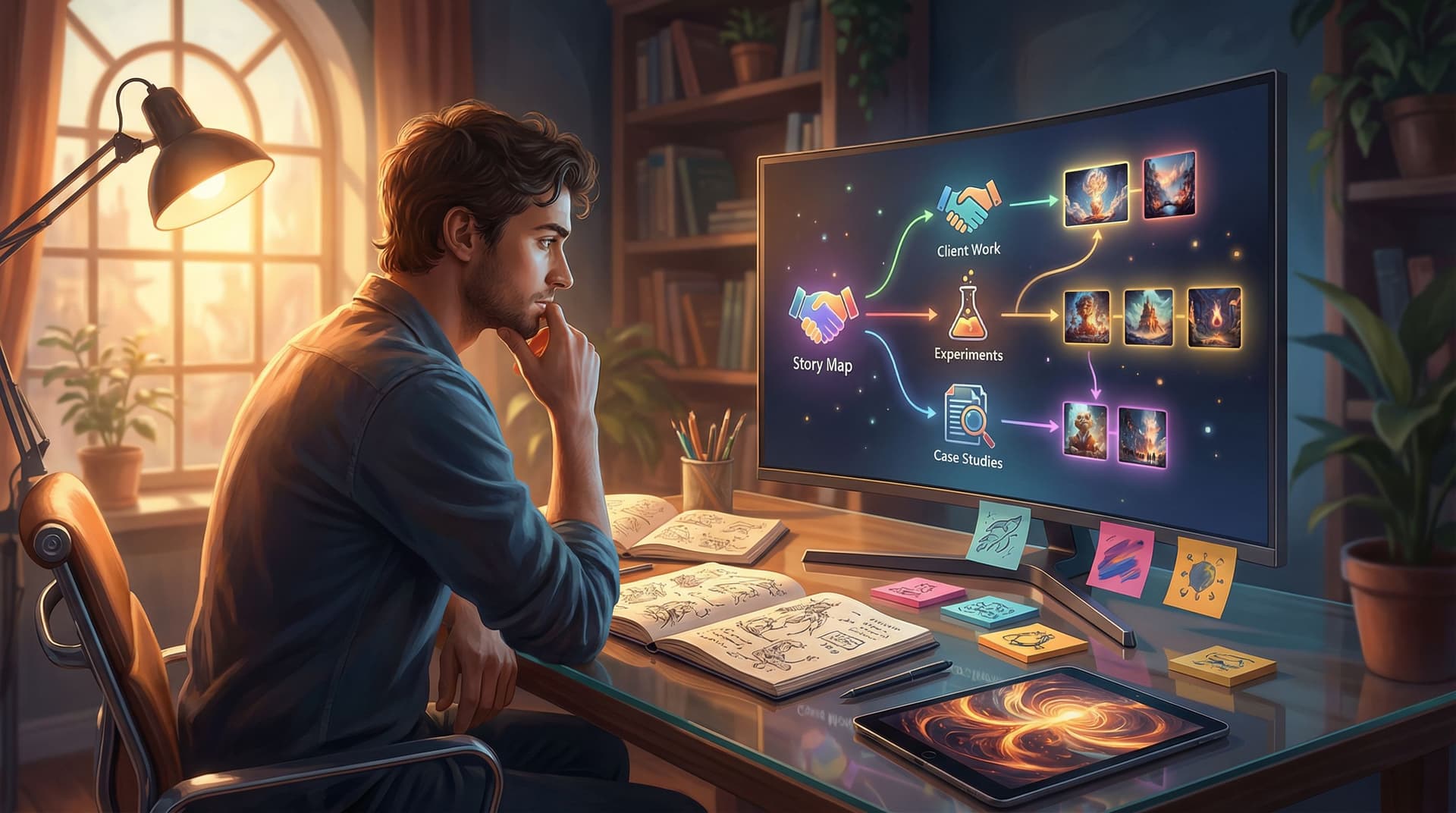
Your portfolio is no longer just a gallery of static screenshots and PDF case studies. Clients and collaborators want to experience what you can do—how you think, what it feels like to work with you, and the outcomes you create.
Interactive storytelling is a powerful way to do that. Instead of asking someone to scroll through a flat page, you invite them into a playable journey where they choose what to explore: your design process, your dev chops, your strategy thinking, or the behind‑the‑scenes story of a flagship project.
That’s where Questas shines. As a web-based, no‑code platform for building choose‑your‑own‑adventure stories with AI-generated images and video, it’s a natural fit for turning your portfolio into an immersive experience.
In this guide, we’ll walk through how to use Questas to build an interactive portfolio that:
- Shows your skills in action, not just in bullet points
- Lets visitors follow paths that match their interests (e.g., UX vs. engineering vs. storytelling)
- Highlights case studies as playable narratives
- Feels memorable enough that people remember you after they close the tab
Why an Interactive Portfolio Is Worth the Effort
Before we get tactical, it’s worth asking: why go beyond a traditional portfolio at all?
1. You demonstrate skills by doing, not just telling
An interactive portfolio built with Questas doesn’t just talk about your storytelling, UX, or product thinking—it is an example of it.
You can showcase:
- Narrative design: How you structure choices, tension, and payoff
- User experience: How intuitive your branching paths feel
- Visual direction: How you use AI-generated images and video to create a coherent style
- Systems thinking: How you map complex projects into clear decision trees
For roles in design, product, content, game writing, education, or marketing, this is an instant differentiator.
2. You match how people actually evaluate talent now
Hiring managers, clients, and collaborators are overloaded with portfolios. Many of them skim one or two case studies and move on.
An interactive portfolio gives them:
- Control: They can jump straight to what they care about—say, “show me your B2B work” or “show me something mobile-first.”
- Context: They see how you responded to real constraints and trade‑offs.
- Engagement: They’re making choices, not passively scrolling.
That extra engagement is what makes you stand out when they’re reviewing a long shortlist.
3. You can tailor paths to different audiences
With branching narratives, your portfolio can adapt to:
- Freelance clients vs. full‑time employers
- Technical stakeholders vs. non‑technical founders
- Education, games, SaaS, or whatever niche you serve
Instead of creating five separate PDF decks, you create one interactive experience where each path speaks to a specific audience.
If you want to go deeper on how branching structures work, check out our post on narrative patterns: Level Up Your Plots: 7 Branching Narrative Patterns to Try in Questas.
Decide What Your Interactive Portfolio Should Do
Before opening Questas, clarify the job of your portfolio.
Ask yourself:
- Who is this for? (e.g., product design hiring managers, indie game collaborators, course clients)
- What do I want them to do after playing? (book a call, send an email, download a resume, subscribe, etc.)
- What 2–3 strengths do I want them to remember? (e.g., “systems thinker,” “great at onboarding flows,” “strong narrative designer”)
From there, define one clear primary outcome:
- “I want a hiring manager to feel confident I can own complex UX projects.”
- “I want potential clients to see I can turn rough briefs into polished campaigns.”
- “I want collaborators to feel my storytelling is cinematic and adaptable.”
This outcome becomes your guiding star for every choice, branch, and scene you design.
Map Your Portfolio as a Playable Journey
Next, translate your traditional portfolio into a branching narrative.
Step 1: Choose your core entry point
Think of your portfolio like the opening scene of a story. When someone hits “play,” what’s the first thing they see?
Common options:
- You as a guide: A stylized version of you welcomes the visitor and asks what they want to explore.
- A mission prompt: “Help this startup fix their onboarding funnel” or “Guide this class through an interactive lesson.”
- A role-based intro: “Are you a hiring manager, a potential client, or a creative collaborator?”
From that first screen, you’ll offer 2–4 choices that lead to different branches.
Step 2: Group your work into meaningful paths
Instead of listing “Projects” in one long list, group them into narrative paths such as:
- By audience
- Work for startups
- Work for enterprises
- Work for education/nonprofit
- By skill
- UX & product flows
- Brand and visual storytelling
- Systems, tools, and automation
- By format
- Case studies
- Prototypes and experiments
- Long‑term engagements
Each path becomes a branch in your Questas story.
Step 3: Turn each case study into a mini adventure
For each project, think of it as a short, self-contained quest:
-
The setup
- Who was the client or context?
- What problem were they facing?
- What constraints did you have (timeline, budget, tech, stakeholders)?
-
The choices
- Where did you have to make real trade‑offs?
- What options did you consider—and why did you pick the one you did?
- What would have happened if you’d gone another way?
-
The outcome
- What changed as a result of your work?
- Any metrics, testimonials, or visible improvements?
In Questas, these become:
- Nodes for each phase of the project
- Branches for alternative decisions (even if you label them “What if we had…”)
- Endings that summarize the real‑world result
This structure lets visitors play through your reasoning, not just read a summary.

Build Your First Interactive Portfolio in Questas
Once you’ve sketched out your structure, it’s time to build.
If you’re brand new to the platform, our guide From Idea to Interactive Epic: A Step‑by‑Step Beginner’s Guide to Building Your First Questas Story walks through the basics. Below, we’ll focus specifically on portfolio use.
1. Set up your story canvas
Inside Questas:
- Create a new story and name it something clear like “Interactive Portfolio – [Your Name].”
- Define your starting scene as your intro: a short welcome, a sentence about who you are, and 2–4 choices for where to go.
- Create top‑level branches for your main categories (e.g., “Client Work,” “Personal Experiments,” “Teaching & Workshops”).
Keep the opening tight. The goal is to get people into relevant content within 1–2 clicks.
2. Turn projects into scenes and branches
For each project you want to feature:
- Create a project intro scene: a short overview and a “Start this case study” button.
- Build process scenes that walk through:
- Discovery and research
- Key decisions and trade‑offs
- Prototypes or iterations
- Final outcome
- Add branching choices such as:
- “See early sketches” vs. “Jump to final visuals”
- “Explore the user research path” vs. “Explore the technical implementation path”
- “What if we had chosen a different onboarding pattern?”
This gives visitors control over how deep they go, without overwhelming them.
3. Use AI visuals to make your work feel cinematic
One of the strengths of Questas is its AI-generated images and video. For portfolio projects, that means you can:
- Recreate key moments: A stylized scene of a whiteboard workshop, a sprint planning session, or a product launch.
- Visualize abstract concepts: “Before vs. after” states for a product, metaphorical visuals for strategy, or visual metaphors for constraints.
- Keep a consistent visual identity: Use similar prompts (colors, style, character description) across scenes so your persona and brand feel cohesive.
If you want to go deeper on visual consistency, check out Picture This: How to Prompt AI for Consistent Characters and Worlds in Questas.
4. Layer in your voice and personality
Your interactive portfolio shouldn’t feel like a dry slide deck with buttons.
Use your scenes to:
- Narrate in first person: “Here’s the moment we realized the onboarding was losing 40% of users.”
- Share honest trade‑offs: “We wanted to test three concepts, but we only had budget for one.”
- Highlight collaboration: “I partnered with engineering to simplify the API constraints into user‑friendly flows.”
You can also add optional branches like:
- “See my rough notes and sketches”
- “Hear the client’s feedback at this stage”
These “bonus” branches are great for people who want to go deeper without forcing everyone to read everything.
Make It Easy to Take the Next Step
An engaging portfolio is only half the job. The other half is making it effortless for someone to contact you when they’re excited.
Within Questas, you can:
- Add call‑to‑action scenes at the end of major branches:
- “Book a 20‑minute intro call” (link to your scheduling tool like Calendly)
- “Email me about your project” (mailto link)
- “Download my traditional resume” (link to PDF)
- Include light CTAs mid‑story on high‑impact scenes:
- After a strong outcome: “Want results like this? Here’s how to reach me.”
- Create different endings based on the path:
- After a “client work” path: invite them to discuss a similar project.
- After a “teaching & workshops” path: invite them to inquire about training.
The key is to keep the story immersive while still clearly showing where to go next.

Use Analytics to Refine Your Portfolio Over Time
Your first version doesn’t have to be perfect. In fact, it shouldn’t be.
One of the advantages of a platform like Questas is that you can see how people actually move through your story and improve it.
Here are a few things to track and iterate on:
- Drop‑off points: Where do visitors stop playing? Maybe that branch is too long or not relevant enough.
- Popular paths: Which projects or skills get the most clicks? You might feature those more prominently.
- Conversion scenes: Which endings or CTAs lead to the most emails, calls, or form submissions?
We go deeper on this in Analytics for Adventure: Using Player Data to Improve Your Questas Stories Over Time.
Use these insights to:
- Shorten or simplify confusing branches
- Add more detail to high‑interest projects
- Experiment with different CTAs and endings
Think of your interactive portfolio as a living project that evolves as your work and goals change.
Practical Tips to Make Your Interactive Portfolio Shine
A few extra pointers to help your project feel polished and professional:
Keep sessions short and satisfying
Aim for a structure where:
- A quick playthrough takes 3–7 minutes
- A deeper dive path might stretch to 10–15 minutes, but always with clear “exit ramps” and summaries
Busy people appreciate an experience that respects their time.
Write for skimmers and explorers
- Use short paragraphs and clear headings within scenes.
- Highlight key outcomes in bold so they stand out.
- Offer optional branches like “See more detail” for those who want to go deeper.
Balance honesty with storytelling
Don’t gloss over challenges or missteps. Instead, frame them as:
- “Here’s what went wrong.”
- “Here’s how we responded.”
- “Here’s what I’d do differently next time.”
This shows maturity and reflective thinking—qualities many clients and hiring managers value highly.
Make it easy to share
Once your portfolio is live:
- Include the link in your email signature and social profiles.
- Add a short line like “Explore my interactive portfolio” on your traditional site or resume.
- Create a short walkthrough video or GIF of the first few choices to share on platforms like LinkedIn or X.
Summary: Why Your Next Portfolio Should Be Playable
An interactive portfolio built with Questas turns your work into an experience people remember.
By:
- Mapping your projects into branching paths
- Turning case studies into short, playable adventures
- Using AI-generated visuals to make your process feel vivid
- Tailoring endings and calls‑to‑action to different audiences
- Iterating with analytics as you learn what resonates
…you create something more than a list of deliverables. You create a story that shows who you are, how you think, and what it feels like to collaborate with you.
Whether you’re a designer, developer, educator, marketer, or storyteller, this approach helps you stand out in a sea of static portfolios.
Ready to Build Your Own Interactive Portfolio?
You don’t need code, a custom engine, or a massive time investment to get started.
Here’s a simple way to take the first step this week:
- Pick one flagship project you’re proud of.
- Sketch a three‑act mini adventure: problem → choices → outcome.
- Open Questas, create a new story, and build just that one interactive case study.
- Share it with a few trusted peers or mentors and ask: “What did you want more or less of?”
Once that’s live, you can expand into a full, multi‑path portfolio at your own pace.
Your work already tells a story. With Questas, you can let people step inside it.