From Idea to Interactive Epic: A Step‑by‑Step Beginner’s Guide to Building Your First Questas Story

Interactive stories used to mean complex code, custom engines, and a lot of technical overhead. Now, anyone with a browser can build a branching adventure that feels like a playable graphic novel.
That’s the promise of Questas: a visual, no‑code platform for creating choose‑your‑own‑adventure experiences with AI‑generated images and video. But if you’re new, staring at that empty story canvas can feel just as intimidating as a blank page.
This guide walks you from first spark of an idea to a fully playable, shareable interactive epic—step by step. You’ll learn how to:
- Shape a simple concept into a strong interactive premise
- Map choices without getting lost in branching chaos
- Use AI to co‑write scenes and generate consistent visuals
- Build your story in the Questas editor without touching a line of code
- Playtest, polish, and share your adventure with the world
Whether you’re a writer, educator, game designer, or just story‑curious, you’ll walk away with a clear path to building your first Questas project.
Why Your First Interactive Story Matters
Your first Questas story is more than a test project. It’s a sandbox where you:
- Learn the rhythm of branching storytelling. Choices change pacing, stakes, and emotional payoff. The only way to really understand that is to build.
- Discover what kind of creator you are. Are you drawn to puzzle‑like structures, emotional character arcs, or wild, sprawling worlds? Interactive format makes those preferences obvious.
- Build a foundation you can grow from. Once you’ve shipped one story, you can iterate: expand it, monetize it, or adapt its structure for new projects.
If you’re thinking long‑term—maybe even turning your work into a revenue stream—your first project is also your prototype. When you’re ready to earn from your stories, you’ll already have a solid base. (If that’s on your mind, you’ll love our deep dive on how creators monetize Questas stories.)
Step 1: Start with a Focused, Choice‑Friendly Concept
You don’t need a trilogy‑sized idea. You need a situation that naturally invites decisions.
Ask yourself:
-
Who is the player?
- A rookie starship pilot?
- A new teacher on their first day?
- A thief on one last heist?
-
What’s their urgent problem?
- Escape a doomed space station.
- Survive the school day without losing the class.
- Steal the artifact without getting caught.
-
What kinds of choices feel obvious in this setup?
- Which corridor do you run down?
- Do you side with the principal or the students?
- Do you trust your partner or go solo?
A great first project is:
- Small in scope, rich in possibilities. One night, one mission, one exam, one heist.
- Grounded in a clear goal. “Get out alive,” “Win the tournament,” “Solve the mystery.”
- Easy to visualize. If you can picture the scenes, AI image generation will be smoother.
Pro tip: If you’re stuck at the idea stage, use AI as a brainstorming partner. Our post on using Questas as your co‑author walks through prompts and workflows that turn vague concepts into concrete premises.
Step 2: Sketch the Spine Before the Branches
Before you touch the editor, outline the core path of your story—the version you’d tell if it were linear.
Answer these questions:
- Opening: Where does the player start, and what’s the inciting incident?
- Middle: What 2–4 major obstacles must they face?
- Endings: What counts as a win, a loss, or a bittersweet outcome?
Write this like a simple, straight‑line summary:
A young smuggler arrives at a border station (start), is forced to choose between helping rebels or the authorities (middle), and ultimately either escapes rich, is imprisoned, or sparks a revolution (endings).
Only once that spine is clear do you start asking:
- “Where would a meaningful choice fit here?”
- “What’s an interesting alternative to this event?”
This keeps your story from turning into a tangle of half‑developed branches.
If you want structural inspiration, check out 7 branching narrative patterns to try in Questas. It covers patterns like hub‑and‑spoke, gauntlet, and time loops that are perfect for first‑time creators.
Step 3: Turn Moments into Decisions
Now you’re ready to identify choice points—moments where the player’s decision changes what happens next.
Look at your spine and mark spots where the protagonist could reasonably:
- Change tactics
- Choose between allies
- Take a risk or play it safe
- Prioritize one value over another (duty vs. love, safety vs. curiosity)
For each decision, define:
- The setup: What information does the player have?
- The options: 2–3 clear choices, phrased as actions.
- The consequences: What immediate effect does each choice have?
Example:
- Setup: Guards are searching every ship in the docking bay.
- Options:
- Bribe the guard with your last credits.
- Sneak onboard through the maintenance tunnels.
- Turn yourself in and try to talk your way out.
- Consequences:
- Bribe: You get through, but you’re broke later.
- Sneak: You risk a stealth mini‑sequence if caught.
- Turn yourself in: You unlock intel, but gain a new enemy.
Keep your first project manageable:
- Aim for 5–10 choice points total.
- Give most choices 2 options, a few 3‑option moments for drama.
Step 4: Rough Out Your Story Map in Questas
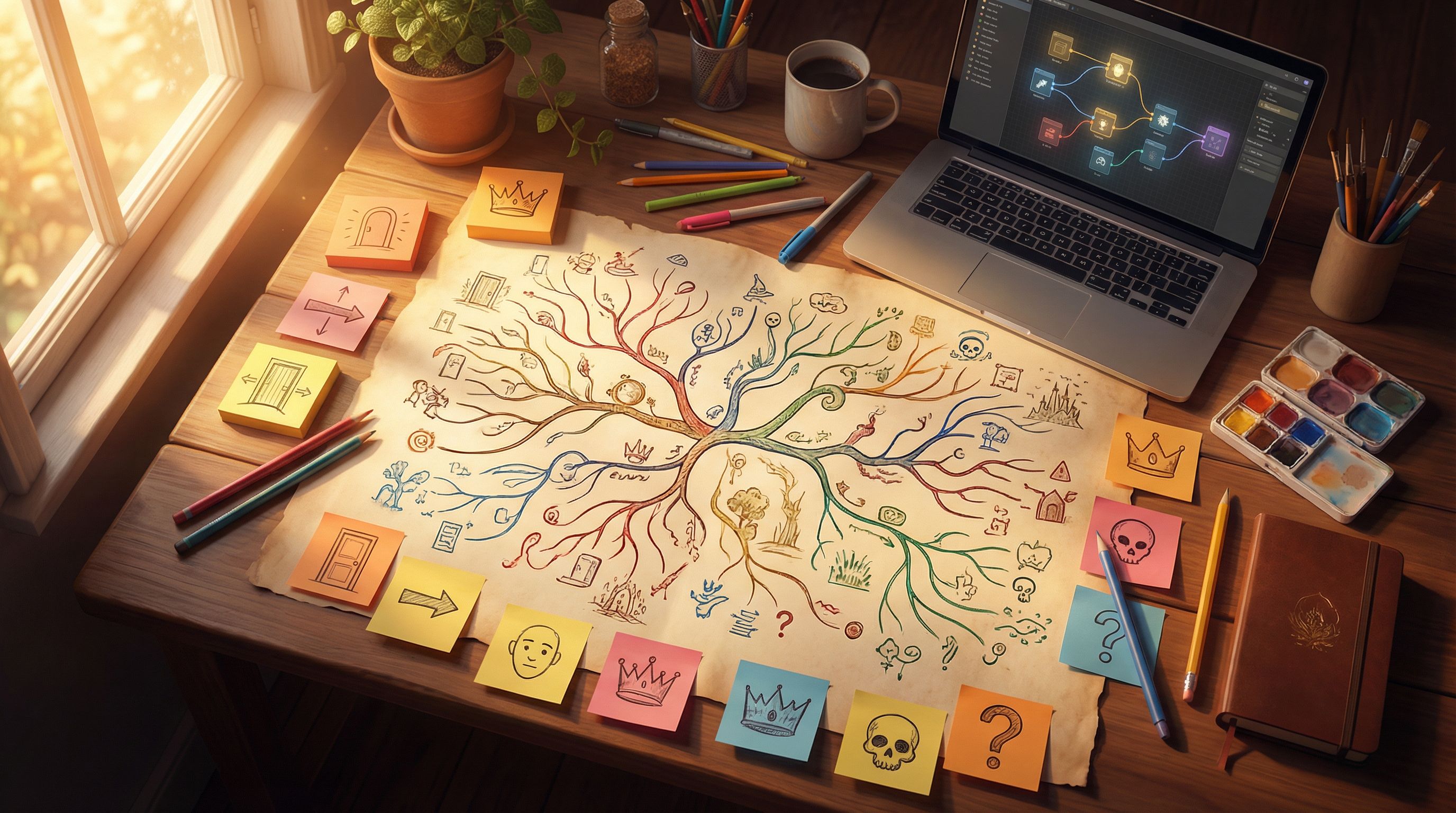
Now it’s time to move into the Questas editor and turn your outline into an interactive map.
Build your core scenes
- Create a new project and name it after your adventure.
- Add your opening scene node.
- Write a short description of the setting.
- Introduce the player’s role in second person (“You step onto the platform…”), if you like that style.
- Add 3–5 key scenes along your main spine.
- Think of these as anchor points: the confrontation, the twist, the climax.
Don’t worry about perfect prose yet. You’re building structure.
Add choices and branches
For each choice point:
- Add a decision node at the end of the scene.
- Create one new scene node per option.
- Connect them visually so you can see the flow.
A few structure tips:
- Reuse scenes when possible. Different choices can converge back to the same node (e.g., multiple paths lead to the same final showdown).
- Avoid dead ends unless they’re intentional “fail” endings. If a path ends, make it feel like a complete mini‑story.
- Label nodes clearly (e.g.,
Docking Bay – Bribe Path,Docking Bay – Sneak Path) so you don’t get lost.
If you’re curious about more advanced structures later, you can experiment with patterns like “branch and bottleneck” or “looping hub” described in our branching patterns post.
Step 5: Draft Scenes with AI as Your Collaborator
With your map in place, it’s time to fill scenes with words.
Inside Questas, you can:
- Draft your own text directly in each scene.
- Use integrated AI assistance (where available) to:
- Expand a rough summary into a full scene.
- Adjust tone (more suspenseful, funnier, more serious).
- Rewrite dialogue to match character voices.
A simple workflow:
- Write a 1–2 sentence summary in the scene: “The smuggler tries to bribe the guard, who hesitates and asks probing questions.”
- Ask AI to expand that into 300–500 words of immersive prose.
- Edit for voice and pacing. Keep paragraphs short; interactive readers skim more than novel readers.
To keep scenes tight and engaging:
- Start late, end early. Drop into the moment of tension.
- Use sensory details to ground the player: sounds, smells, textures.
- End scenes on a beat that makes the next choice feel urgent.
If you hit writer’s block, revisit our guide on using AI as your co‑author for specific prompt templates.
Step 6: Generate Consistent Visuals for Your World
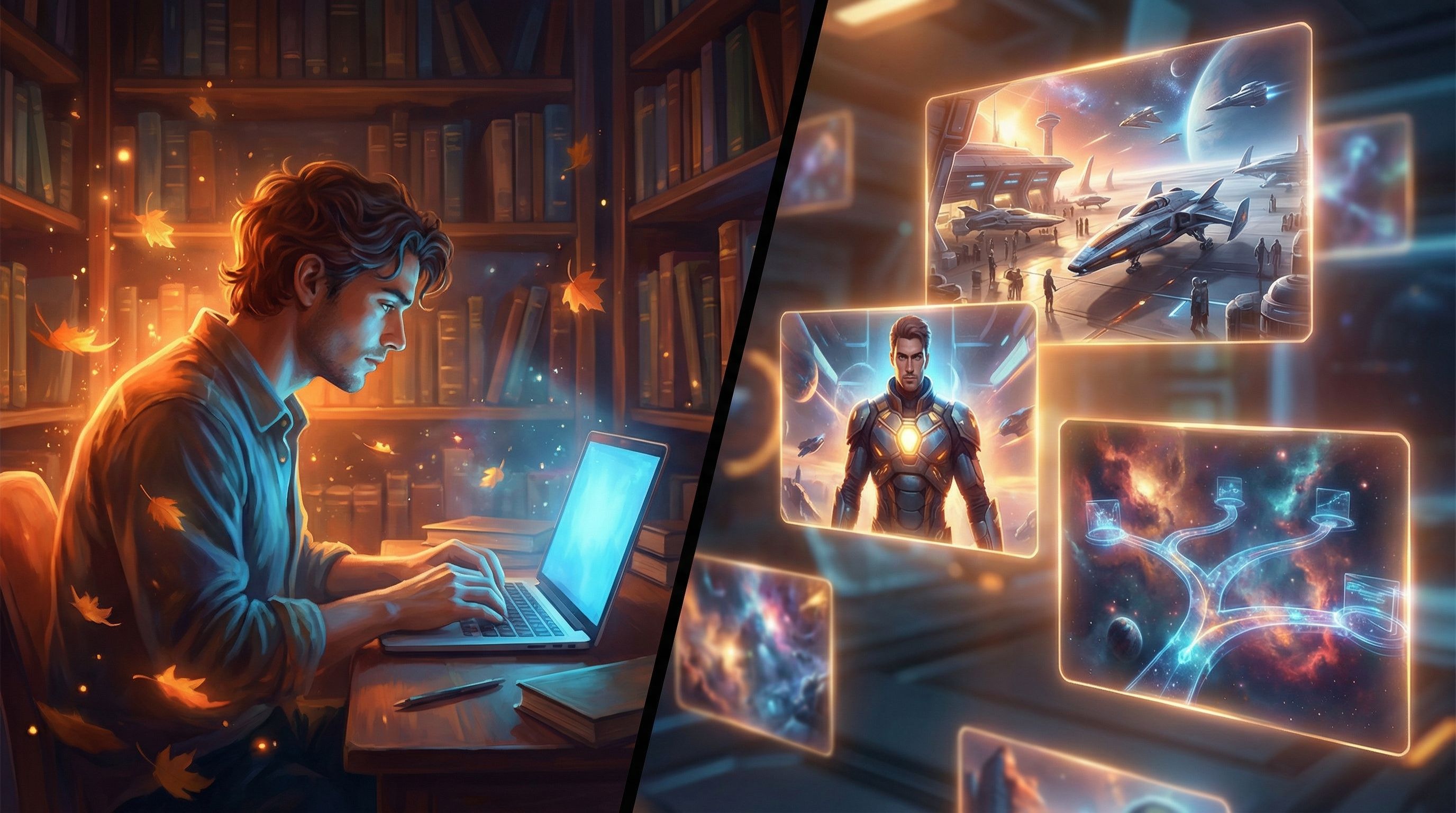
One of the biggest joys of Questas is pairing your text with AI‑generated images and videos. But to keep your story immersive, you’ll want visual consistency—the same hero, same outfit, same vibe across scenes.
Define your visual style early
Before you generate anything, decide:
- Art style: painterly fantasy, gritty realism, anime, pixel art, etc.
- Color palette: neon cyberpunk, muted earth tones, bright pastels.
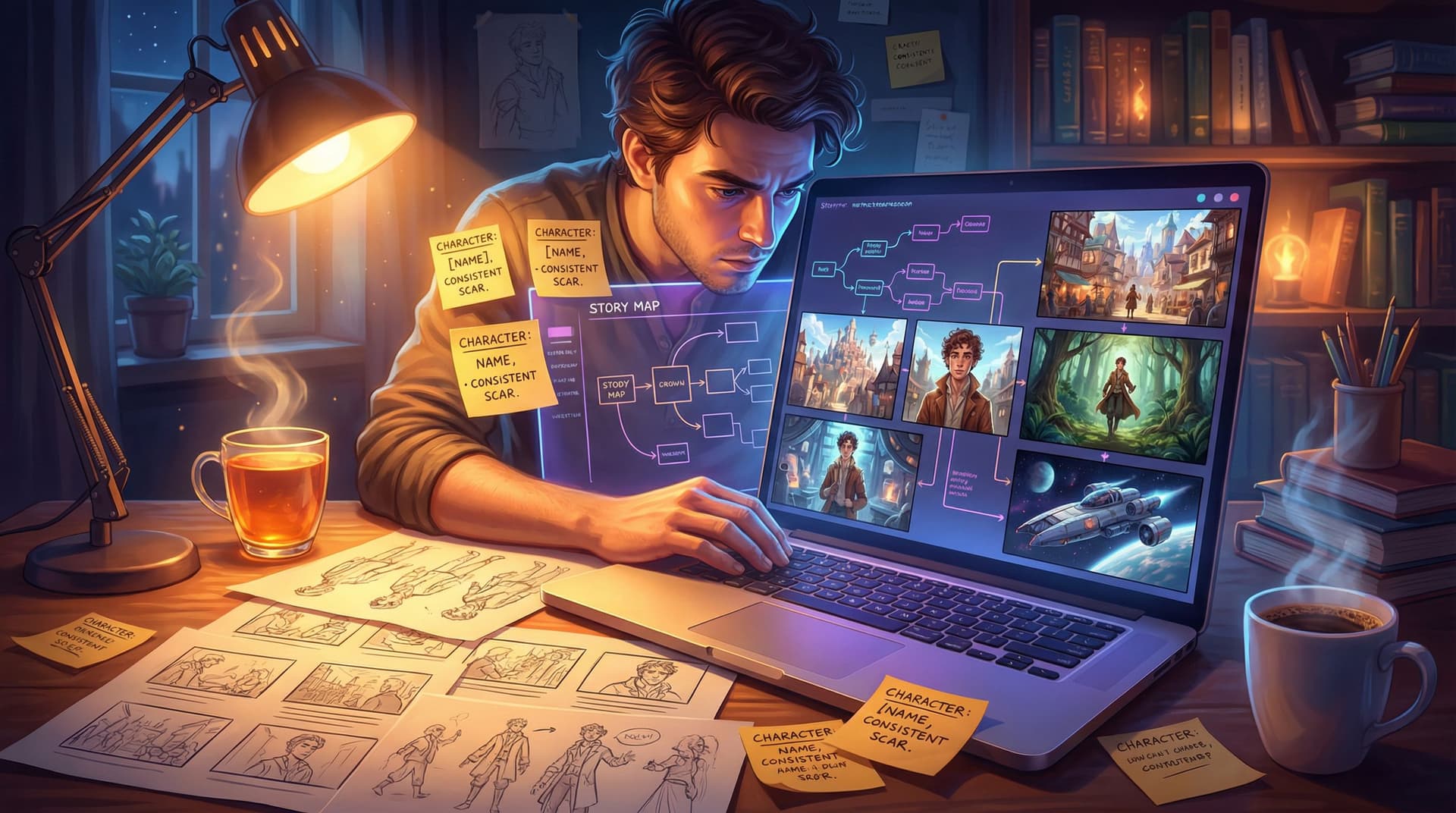
- Character traits: age, build, hair, clothing, distinctive items (scar, necklace, weapon).
Write this as a mini “visual bible” you can reuse in prompts:
"Young brown‑skinned woman smuggler, short curly hair, worn leather jacket, neon‑lit spaceport, cinematic sci‑fi realism, high contrast lighting."
Use that bible in every prompt
When generating images in Questas:
- Reuse key phrases for recurring characters and locations.
- Add scene‑specific details last ("running through crowded market," "facing armored guard at checkpoint").
For a deeper dive into this skill, bookmark our guide on prompting AI for consistent characters and worlds.
Step 7: Playtest Like a Player, Not a Creator
Once your scenes and visuals are in place, it’s time to experience your story the way your audience will.
Solo playtest
Run through your story multiple times, deliberately choosing different paths:
- Note where pacing drags (too many slow scenes in a row).
- Highlight confusing choices (“Wait, why would I ever pick this?”).
- Watch for continuity errors (a character alive in one branch, dead in another with no explanation).
Ask yourself:
- Does each choice feel meaningful?
- Do endings feel earned, not random?
- Are there enough “middle” outcomes, not just perfect win vs. total fail?
External playtest
Share a test link with:
- A friend who loves games.
- A colleague who likes stories but isn’t “a gamer.”
- A student group, if you’re an educator.
Ask for specific feedback:
- “Where did you feel most engaged?”
- “Where did you feel lost or bored?”
- “Which choices felt like they didn’t matter?”
Use that feedback to:
- Clarify or rephrase weak choices.
- Add short bridging scenes where pacing feels abrupt.
- Strengthen payoffs for major decisions.
Step 8: Polish, Package, and (Optionally) Plan for Growth
With structure solid and feedback in hand, do a final polish pass.
Text and UX polish
- Fix typos and grammar.
- Standardize tense and point of view.
- Make button text/action labels consistent (all verbs, same tone).
- Ensure choices are visible and readable against backgrounds.
Visual polish
- Replace any placeholder images with final, consistent art.
- Adjust contrast and brightness so text overlays stay legible.
- Trim or loop videos so they don’t distract from reading.
Think about what’s next
Even if this first story is a passion project, it can be the start of something bigger:
- Expand your story with new branches or a sequel.
- Turn it into a series set in the same world.
- Use it as a portfolio piece to attract collaborators or clients.
If you’re curious about turning your growing catalog into income—through direct sales, memberships, classroom licenses, or brand partnerships—our guide on monetizing your Questas adventures walks through practical models and examples.
Step 9: Share Your Epic and Learn from Real Players
The final step: release the story. Don’t wait for perfection.
Ways to share your Questas project:
- Post the link on social platforms where your audience hangs out.
- Embed it on your personal site or portfolio.
- Share it with your class or community group as an activity.
- Send it to a small email list or Discord server for “early access.”
Encourage responses:
- Ask players which ending they reached first.
- Run a poll on their favorite character or moment.
- Invite them to suggest alternate paths they wish existed.
Those reactions become fuel for your next interactive story—and proof that you can take an idea all the way to a playable experience.
Bringing It All Together
Let’s recap the journey from spark to story:
- Choose a focused, decision‑rich concept that fits in a single mission, night, or challenge.
- Outline a simple story spine before you add branches.
- Identify key choice points and define clear consequences.
- Build your map in the Questas editor, starting with core scenes.
- Draft scenes with AI support, then edit for voice and pacing.
- Generate consistent visuals by reusing a clear visual bible.
- Playtest thoroughly, both solo and with others.
- Polish text and visuals, then think about future growth.
- Share your story, gather feedback, and let it inspire your next project.
You don’t need to be a programmer. You don’t need a huge budget. With Questas, you need curiosity, a bit of structure, and the willingness to let players into your story world.
Your Next Move
The hardest part is not mastering branching logic or image prompts—it’s starting.
Here’s a simple challenge:
- Open Questas.
- Create a new project.
- Build one short scenario with three choices and two different endings.
That’s it. No epic saga, no pressure. Just a small, complete adventure.
Once you’ve done that, you’ll no longer be “thinking about making an interactive story.” You’ll be a creator with a finished, playable experience—and a foundation to build your own interactive epics from here on out.
Adventure awaits. Go make it playable.