From Knowledge Checks to Narrative Arcs: Rethinking eLearning Quizzes as Questas Stories

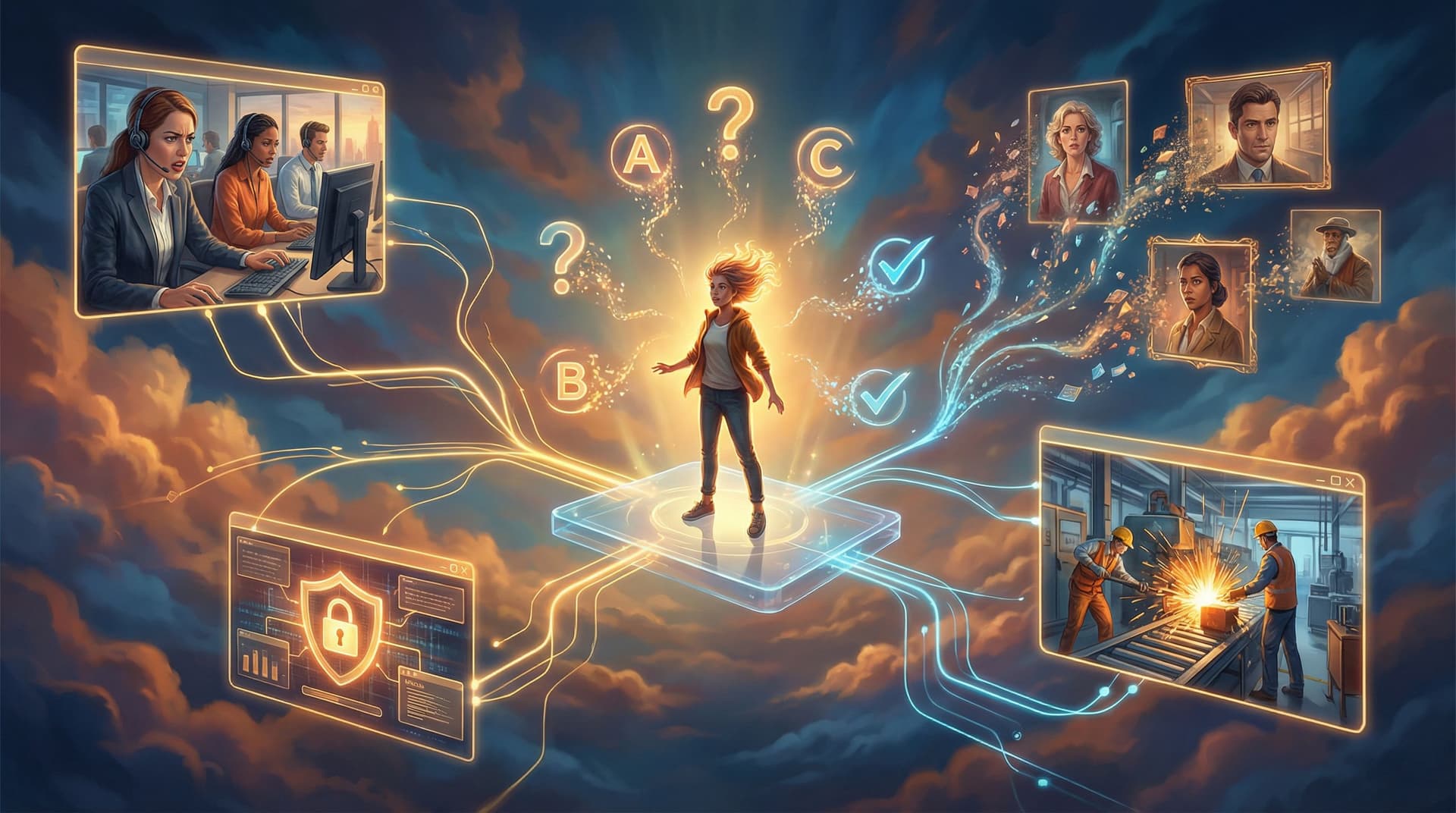
From Knowledge Checks to Narrative Arcs: Rethinking eLearning Quizzes as Questas Stories
Traditional eLearning quizzes are having a credibility crisis.
Learners click through multiple-choice questions, guess their way to a passing score, and forget most of it within days. Instructional designers know this isn’t enough—but when deadlines loom, the default is still: content → slides → quiz.
What if your “quiz” wasn’t a bolt-on at the end, but the core of the experience—a playable story where every decision is a knowledge check in disguise?
That’s where narrative-driven, branching experiences built with platforms like Questas come in. Instead of asking, “Which option is correct?”, you ask, “What do you do next?”—and let learners feel the consequences of their choices.
This post is a deep dive into how to transform static quizzes into interactive Questas stories that build judgment, not just recall.
Why Story-Driven Quizzes Work Better Than Question Banks
Research in learning science keeps circling back to the same themes:
- People remember stories better than abstract facts.
- Contextual practice (doing, not just recalling) improves transfer to real situations.
- Immediate feedback tied to meaningful consequences accelerates learning and behavior change.
Traditional quizzes usually fail on all three fronts:
- They’re decontextualized (“What is the definition of X?”).
- They reward short-term memorization over applied reasoning.
- Feedback is shallow (“Incorrect. The right answer is B.”).
Narrative quizzes—built as branching stories—flip that script:
- Every question lives inside a scene. The learner is a character with goals, constraints, and pressures.
- Choices are actions, not labels. Instead of picking the “correct term,” they choose what to say, do, or prioritize.
- Consequences unfold over time. A poor decision doesn’t just mark a red X; it complicates the next scene.
Tools like Questas make it practical to build these experiences without code: you map scenes visually, attach AI-generated images or video, and connect branches like a flowchart.
From Question List to Story Spine
You don’t have to start with a screenplay. You can start with the quiz you already have.
Take a typical 10–15 question eLearning quiz and run it through this transformation:
-
Group questions into real-world moments
- Cluster items by scenario instead of topic label. For example:
- “Handling an upset customer” (3–4 questions)
- “Escalating a security incident” (3–4 questions)
- “Giving constructive feedback” (3–4 questions)
- Each cluster becomes a chapter or episode in your story.
- Cluster items by scenario instead of topic label. For example:
-
Define the protagonist and stakes
For each cluster, answer:- Who is the learner being in this story? (New manager, support rep, nurse, sales engineer…)
- What do they want in this situation? (Resolve the issue, protect data, keep the relationship, hit a target…)
- What’s at risk if they get it wrong? (Customer churn, safety incident, legal exposure, team morale…)
-
Rewrite questions as decisions
Original quiz item:“Which of the following is the best way to de-escalate an angry customer?”
Story version:
“The customer raises their voice and says, ‘This is the third time I’ve had this issue.’ What do you do next?”
The options might be:
- “Remind them of your company’s policy and ask them to calm down.”
- “Acknowledge their frustration, summarize the issue, and propose a concrete next step.”
- “Place them on hold to check with your manager before responding.”
Same concept, but now it’s a moment.
-
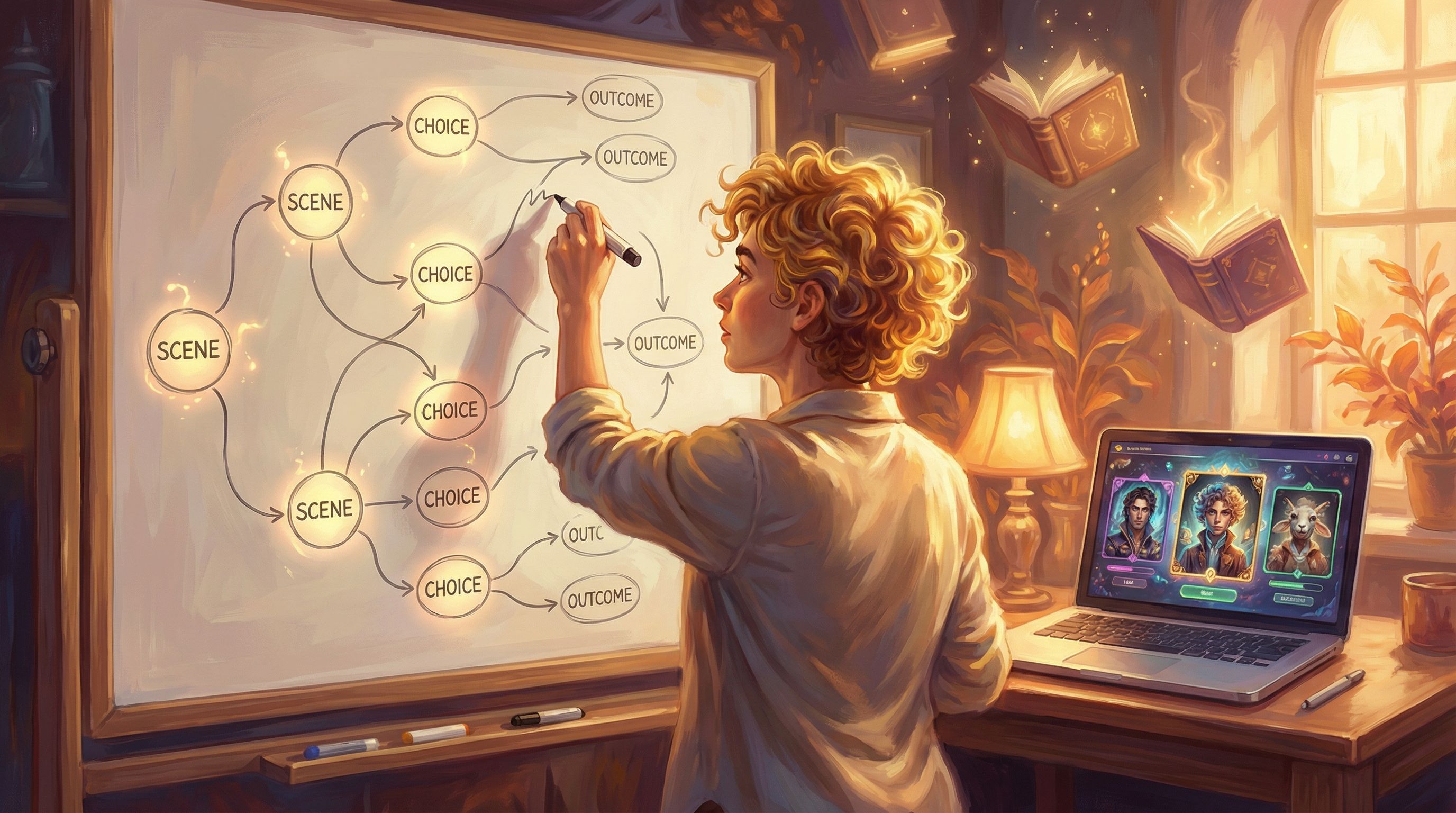
Map a simple narrative arc
You don’t need dozens of endings. Start with a compact arc:- Setup: Who you are, what you’re trying to accomplish.
- Rising tension: 2–4 key decisions that test knowledge and judgment.
- Outcome: A short epilogue showing consequences of the path taken.
On Questas, you can sketch this as a visual flow: intro scene → decision → consequence scene → next decision → outcome.
Designing Knowledge Checks as Story Beats
To turn a quiz into a compelling Questas story, think like a writer and a learning designer at the same time.
1. Anchor every decision in a concrete situation
Instead of:
- “What is the correct data classification for customer email addresses?”
Try:
- “You’re about to paste a list of customer email addresses into a shared team channel to get help on a campaign. What do you do?”
This forces learners to apply the concept under realistic constraints (time pressure, collaboration norms, tool limitations).
2. Use branching depth strategically
Not every choice needs a full alternate timeline. Reserve deeper branches for:
- High-risk decisions (safety, ethics, compliance).
- Common failure patterns you want learners to experience and correct.
For minor decisions, you can:
- Give immediate feedback in-line.
- Nudge the learner back to the main path while still acknowledging their choice.
If you’re curious how to design rich ethical forks without overwhelming your team, the post on using Questas for grey-area dilemmas is a great companion read.
3. Make feedback part of the narrative, not a pop-up
Instead of a generic “Incorrect,” let characters and context respond:
- A mentor figure pulls you aside and explains what went wrong.
- A status dashboard in the story updates to show rising risk.
- A customer’s tone shifts in the next scene.
You can still link to reference material (“Want to review the policy?”), but the first layer of feedback should feel like a natural consequence in the world of the story.
4. Vary the emotional tone
Purely didactic stories can feel like long quizzes with costumes. Mix in:
- Small wins and praise when learners make strong choices.
- Mild discomfort when they take a risky or suboptimal path.
- Occasional humor or surprise to keep attention high.
You’re not just checking knowledge; you’re building emotional memory around doing the right thing.
Building Your First Questas-Powered “Quiz Story”
Here’s a practical blueprint you can use this week.
Step 1: Pick one high-impact scenario
Choose a situation where:
- Mistakes are costly in real life (compliance, safety, customer trust, ethics).
- Learners often struggle or ask follow-up questions.
- You already have quiz items or content built.
If you want something small and shippable, consider treating it like a “micro-quest.” The piece on interactive zines, The New Interactive Zine: Short-Form, Lo-Fi Questas Experiments for Writers and Indie Creators, has great patterns you can borrow for compact training stories.
Step 2: Define success and failure states
Before writing scenes, decide:
-
What does a successful run look like?
- Customer leaves satisfied and retained.
- Incident is escalated correctly with minimal damage.
- Team member feels supported and clear on next steps.
-
What does a problematic run look like?
- Issue escalates unnecessarily.
- Policy is violated.
- Relationship or trust is damaged.
These become your endings. Work backward from them.
Step 3: Draft 5–7 scenes maximum
A tight structure might look like:
- Scene 1 – Hook: Introduce the situation and your role.
- Scene 2 – First decision: Low-stakes but revealing (tone, priorities).
- Scene 3 – Consequence + second decision: Stakes rise.
- Scene 4 – Pivotal decision: This is where knowledge really matters.
- Scene 5 – Outcome: Show consequences.
- (Optional) Debrief scene: Summarize key lessons and link to resources.
In Questas, each scene becomes a node with:
- Short, punchy text.
- An AI-generated image or short video to set mood and context.
- One to three choices leading to the next node.
If you’re worried about scope creep, the post on Creative Constraints as Superpowers offers concrete ways to limit word count, branches, and build time without sacrificing impact.
Step 4: Embed your knowledge checks
Now weave your original quiz items into the scenes:
- Each decision corresponds to a concept you need to assess.
- The consequence scene delivers feedback and reinforcement.
- You can still track which options learners choose for reporting.
For example, a data privacy quiz question about encryption becomes a choice about how to send sensitive information in a time-pressured moment.
Step 5: Add visual storytelling
Because Questas supports AI-generated images and video inside the editor, you can:
- Show the environment (hospital ward, call center, factory floor).
- Highlight key objects (a suspicious email, a safety hazard, a policy document).
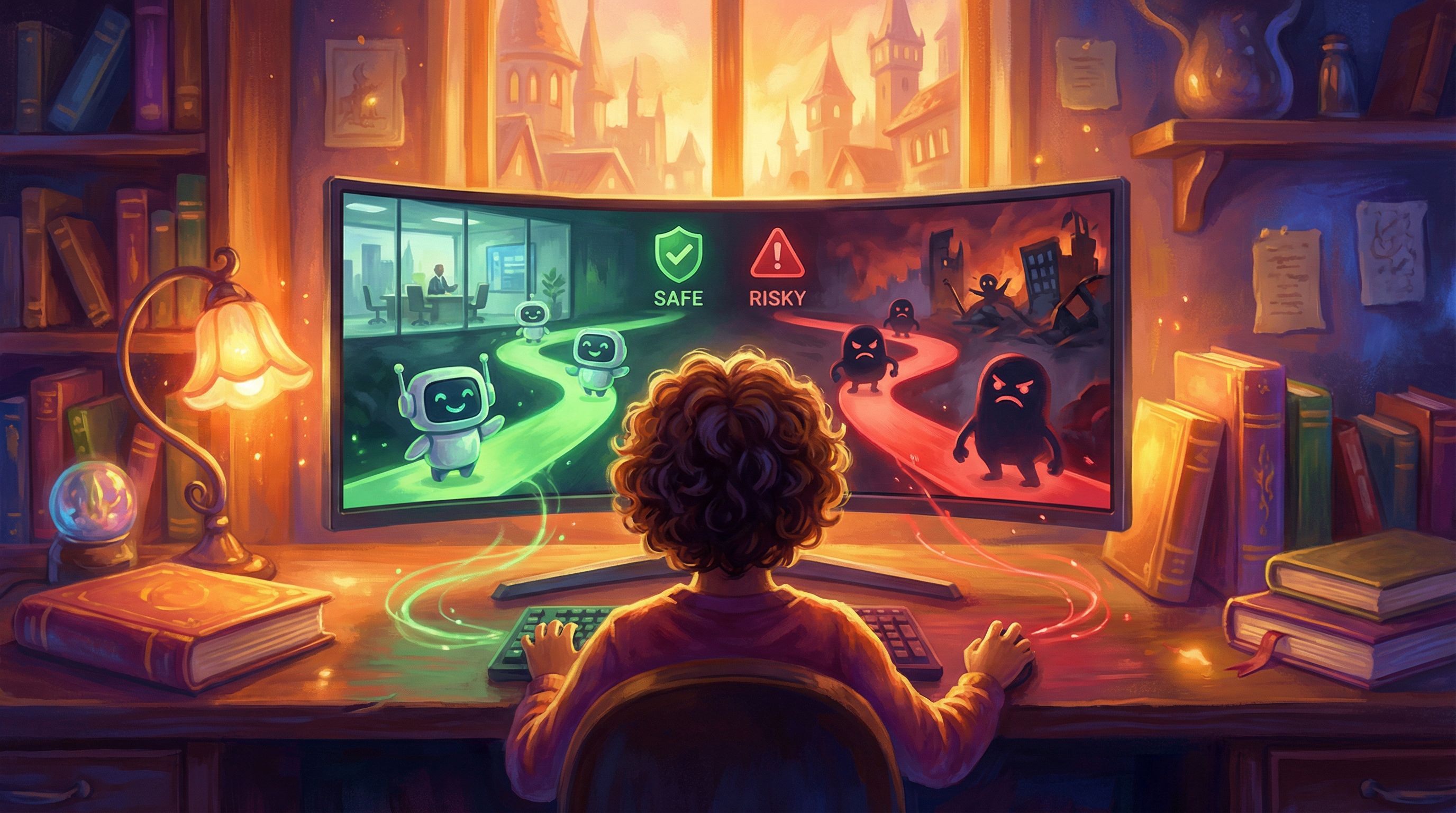
- Use color and composition to signal risk or safety (e.g., cooler tones for calm resolution, harsher contrast for danger).
If you want to go deeper on using visuals to signal consequences, the post on Visual Fail States: Using AI Imagery to Signal Risk, Reward, and Consequences in Questas is packed with examples you can adapt directly to training.
Measuring Learning Without Killing the Story
Stakeholders still need proof that your story-quiz is “working.” You can get that without reverting to a bland final test.
Quantitative signals
Track metrics such as:
- Branch choices: Which options are most and least popular? Where do learners hesitate or consistently choose poorly?
- Completion rates: Do people finish the story more often than they finished your old quiz?
- Replay rate: How many learners run through alternate paths to see different outcomes?
These numbers tell you where understanding is strong and where misconceptions persist.
Qualitative signals
Pair the data with human feedback:
- Short reflection prompts at the end (“What surprised you?” “What would you do differently at work after this?”).
- Manager debriefs where they ask, “Which path did you take and why?”
This moves your quiz from a private score to a shared conversation about real behavior.
Common Pitfalls (And How to Avoid Them)
As teams shift from question banks to narrative arcs, a few patterns show up again and again.
Pitfall 1: Over-branching too soon
It’s tempting to create an intricate spiderweb of paths. The result:
- Hard-to-maintain content.
- Learners getting lost or fatigued.
Fix: Start with a “braided” structure—branches that diverge briefly, then rejoin at key checkpoints. Reserve true forks for your most important decisions.
Pitfall 2: Story that contradicts policy
If your narrative choices don’t align with real-world rules, you’ll confuse learners.
Fix: Co-design with subject matter experts. Treat them as co-authors, not just reviewers.
Pitfall 3: Feedback that’s too soft—or too harsh
If every path feels “fine,” learners won’t internalize the difference between good and great decisions. If failure paths feel punishing, they’ll disengage.
Fix:
- Use graduated consequences—from mild friction to serious fallout.
- Frame failure as a safe place to learn: “You tried X. Here’s what happened. Let’s rewind and explore another approach.”
Pitfall 4: Ignoring accessibility and cognitive load
A richly visual story can still be overwhelming or inaccessible.
Fix:
- Keep text concise and scannable.
- Use alt text and clear contrast in visuals.
- Limit choices per screen (usually 2–3 is plenty).
Where This Approach Shines
Rethinking quizzes as Questas stories is especially powerful for:
- Compliance and ethics training – Turn abstract rules into lived dilemmas.
- Customer service and sales – Practice conversations, objections, and emotional cues.
- Leadership and coaching – Explore tradeoffs in feedback, prioritization, and delegation.
- Safety and operations – Simulate incidents, near-misses, and decision cascades.
Anywhere you need people to exercise judgment, not just recall facts, a branching narrative beats a static quiz.
Bringing It All Together
When you move from knowledge checks to narrative arcs, you’re not just making training “more engaging.” You’re:
-
Embedding assessments in realistic situations.
-
Turning questions into decisions with consequences.
-
Using story structure to organize and reinforce key concepts.
-
Giving learners a safe space to practice judgment before it matters.
Platforms like Questas make this shift attainable for L&D teams, educators, and creators who don’t have engineering resources. With a visual editor, AI-generated media, and branching logic built in, you can transform an existing quiz into a playable scenario in days—not months.
Your Next Step
If you’re curious but busy (who isn’t?), don’t start by overhauling an entire course. Start with one quiz:
- Pick a high-impact scenario with 8–12 existing questions.
- Turn those questions into 4–5 decisions inside a single story.
- Build a compact prototype in Questas and share it with a small group of learners or managers.
- Ask them which version felt more useful: the old quiz or the story.
Once you see the difference—in engagement, conversation, and remembered details—you’ll never look at “end-of-module quizzes” the same way again.
Adventure awaits—not just for your learners, but for how you design the journeys they take.
Summary
Reframing eLearning quizzes as interactive stories turns assessments into practice arenas for real-world judgment. By grouping questions into scenarios, rewriting them as decisions, and mapping them onto a simple narrative arc, you can build Questas-powered experiences that are more memorable, more honest about consequences, and more aligned with how people actually learn. Start small, use constraints to stay focused, and let story do the heavy lifting that question banks never could.