From Pitch Deck to Playable Demo: Using Questas to Prototype Startup Ideas for Investors and Users


Most founders obsess over their pitch deck. Far fewer put the same care into the experience they’re actually selling.
Slides can tell a story about your startup. A playable demo lets investors and users live it.
Interactive prototypes are quietly becoming a fundraising edge. Crowdfunding campaigns that launch with working prototypes raise, on average, well over 100% more than those without one, and investors consistently report that a tangible demo increases confidence in a team’s ability to execute.
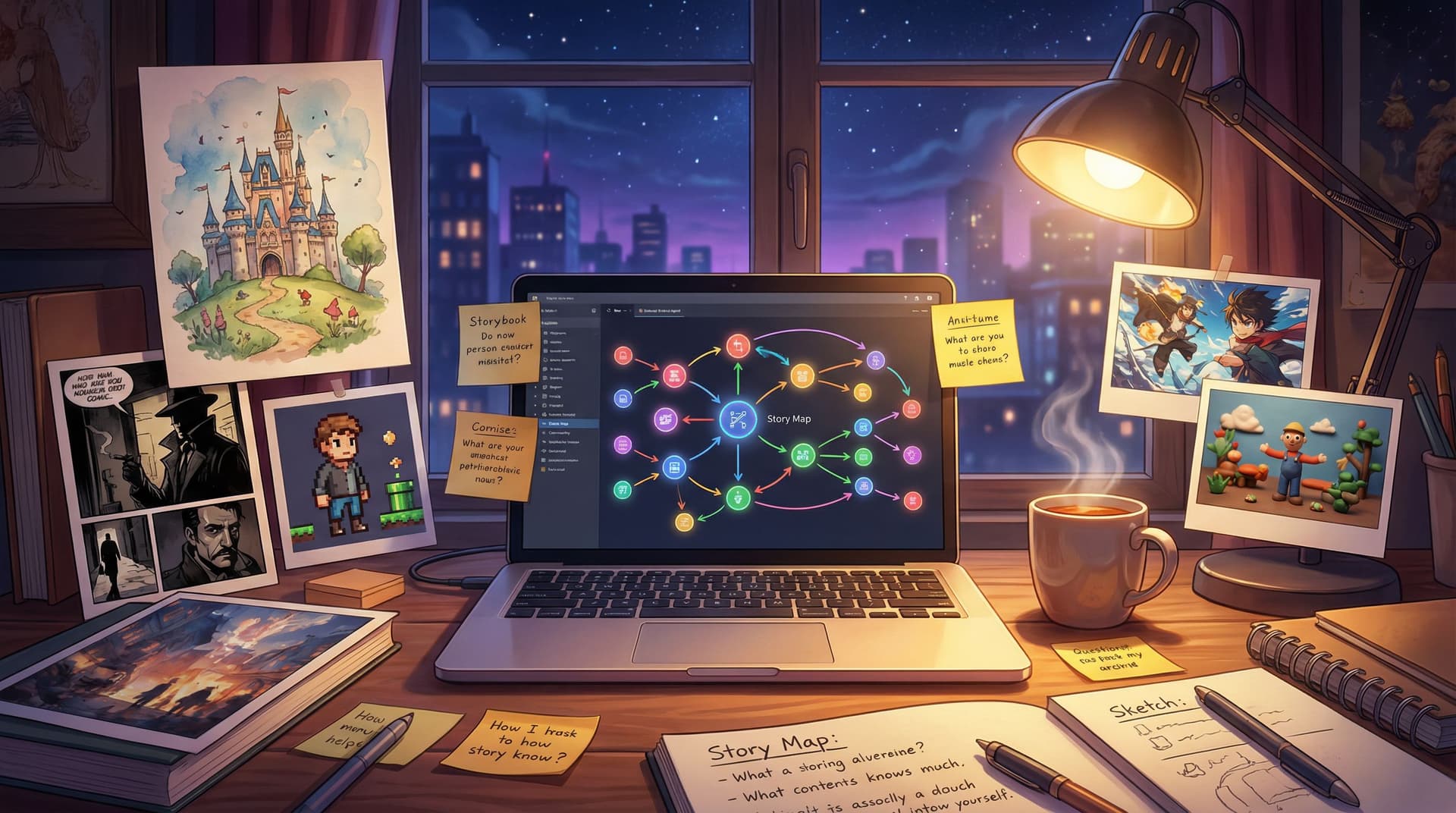
The good news: you no longer need a design team or custom code to build that demo. With a visual, no‑code platform like Questas, you can turn your pitch into a branching, choose‑your‑own‑adventure story where investors and early users click through the key flows, make decisions, and see consequences—supported by AI‑generated images and video that make your concept feel real.
This post walks through how to go from static deck to playable narrative prototype that:
- Makes your value prop felt, not just explained
- Doubles as lightweight user research
- Is fast and cheap enough to build before you write a line of production code
Why a Playable Demo Beats Another 20 Slides
Before we get tactical, it’s worth asking: why bother with an interactive prototype at all? Isn’t a slick deck enough?
For most early‑stage teams, the answer is no.
Here’s what a playable, story‑driven prototype built in Questas gives you that a deck can’t:
1. Shared understanding instead of hand‑wavy imagination
Investors, co‑founders, and potential users all bring their own mental model to your idea. A clickable prototype aligns everyone around the same experience. They don’t have to imagine how onboarding works or how a key decision feels—they click through it.
2. Proof you can execute, not just ideate
A common reason startups struggle to raise is that they look stuck in “PowerPoint mode.” An interactive prototype shows you can:
- Scope a coherent user journey
- Make trade‑offs
- Ship something concrete on a short timeline
Even if it’s not production code, it signals momentum and discipline.
3. Real behavior, not hypothetical opinions
Ask a user, “Would you use this?” and they’ll often say yes. Put them in a branching story where they must choose between options, and their clicks tell you what they actually value.
Our post on using interactive stories for research, “Beyond Personas: Using Interactive Questas Stories to Research Audience Motivations and Play Styles”, digs into this in detail.
4. Emotion and stakes, not just features
Good pitches don’t just describe a product; they dramatize a problem. A narrative prototype lets someone step into your user’s shoes, feel the frustration, and then experience relief when your product solves it.
5. Faster, cheaper learning cycles
Building a full MVP to test an idea is often overkill. A story‑driven prototype can be built in days, shared widely, and iterated quickly. It’s a low‑risk way to:
- Test positioning and messaging
- Explore different user flows
- Try multiple “product futures” without committing code

Step 1: Translate Your Pitch into a Story Arc
Your pitch deck already has a structure:
- Problem
- Target user
- Solution
- How it works
- Why now / market
- Traction & plan
To turn that into a playable experience in Questas, you’re going to:
- Pick a protagonist – a single representative user
- Drop them into a high‑stakes moment – the problem, in action
- Let the player make the key decisions your product is designed to support
Think of it as: “A day in the life of our user, with and without us.”
A simple mapping exercise
Take a blank doc and answer:
-
Who is the player?
"You are Maya, a sales manager at a 50‑person SaaS startup…" -
What’s the inciting incident?
"It’s the last week of the quarter and your team is behind quota…" -
What are the two or three pivotal decisions?
These should mirror your core product flows:- Choosing a workflow
- Responding to an alert
- Collaborating with a teammate
-
What does success look like? What does failure look like?
These will become your alternate endings.
Once you have this, sketch a quick branching map:
- Start scene: problem hits
- Branch A: user tries the old way (without your product)
- Branch B: user tries your product
- Within Branch B:
- Good usage path → “best case” outcome
- Misuse or partial usage → “mixed” outcome
You don’t need a sprawling tree. For investor and user prototypes, 3–5 meaningful decision points is plenty.
If you want inspiration on how to keep branches focused but characterful, “Designing ‘Quiet Choices’: Low-Stakes Branches that Build Character, Not Just Plot, in Questas” is a great companion read.
Step 2: Build the Spine in Questas’ Visual Editor
Now you’re ready to move into Questas and turn that outline into a living prototype.
Start with a lean scene list
Create scenes for:
- Cold open – Drop the player into the moment of tension.
- Context – A few lines that frame who they are and what’s at stake.
- Decision 1 – Their first meaningful choice.
- Consequence scenes – Short vignettes that show what happens.
- Final outcomes – 2–3 different endings:
- Best‑case with your product
- Partial win
- Painful failure (often “without product” path)
In the Questas canvas, wire these as nodes with arrows representing branches. Don’t worry about visuals or perfect copy yet; you’re building the spine.
Write tight, pitch‑grade copy
Keep your writing:
- Short – Think UX microcopy, not a novel.
- Concrete – Use specific numbers, names, and constraints.
- Outcome‑oriented – Every scene should move the player closer to or farther from success.
Example decision scene:
“Your support queue just spiked to 240 open tickets after a bad release. Your team is already stretched thin.
What do you do first?”
- “Triage tickets manually by severity in a spreadsheet.”
- “Use AutoRoute (our product) to categorize and assign tickets automatically.”
Each choice leads to a consequence scene that illustrates the impact in human terms: stress, time saved, customer reactions—not just abstract metrics.
Step 3: Use AI Visuals to Make It Feel Like a Real Product
A key advantage of Questas is built‑in AI image and video generation. You can:
- Mock up screens of your future app
- Visualize dashboards, alerts, or workflows
- Show the human side (the user at their desk, the team in a meeting, the customer on their phone)
Decide on a visual strategy
For investor and user prototypes, two approaches work especially well:
-
“Product‑first” visuals
- Focus on mock UI screens, dashboards, and flows.
- Great for SaaS, fintech, productivity tools.
-
“Situation‑first” visuals
- Focus on the protagonist’s environment and emotions.
- Great for marketplaces, B2C apps, and behavior‑change products.
You can absolutely blend both, but pick one to lead.
If you’re new to AI imagery, our post “AI Visual Storytelling for Non-Artists: A Practical Style Cookbook for Your First 10 Questas Worlds” walks through concrete prompt recipes and style systems that keep your prototype looking cohesive.
Practical tips for visual cohesion
- Lock a style early. Decide on a style (e.g., “clean, semi‑realistic UI mockups with soft gradients” or “illustrated, flat design with bold colors”) and stick to it.
- Re‑use characters. Keep your main user visually consistent across scenes so investors recognize them.
- Use visuals to telegraph stakes.
- Calm, organized screens for “with product” paths.
- Chaotic, red‑tinted, cluttered scenes for “without product” or failure paths.

Step 4: Design Two Modes – Investor Run and User Run
The same Questas prototype can do double duty—if you’re intentional about how it’s used.
Mode 1: Investor walkthrough
Here, you (or a team member) drive.
Goal: Tell a tight story in 3–6 minutes that makes your product inevitable.
Tips:
-
Pre‑choose a “hero path.” You want a path that:
- Starts with pain
- Shows a “without us” dead‑end
- Switches to your product
- Ends with a clear, quantifiable win
-
Narrate like a live case study. As you click:
- Frame each decision: “Here’s where most teams get stuck…”
- Highlight the difference your product makes: “Notice how AutoRoute triages 240 tickets in under a minute.”
-
Bookmark key scenes. Use Questas’ structure to jump to:
- The opening problem scene
- The main decision where your product appears
- The final outcome
This keeps you flexible if you’re short on time or an investor wants to skip ahead.
Mode 2: User playtest
Here, they drive.
Goal: Observe real behavior and gather feedback.
Set it up like this:
- Share the prototype link to a small group of target users.
- Ask them to “think aloud” as they play.
- Afterwards, ask:
- “Where did you feel stuck or confused?”
- “Which choices felt most realistic?”
- “What surprised you about the outcomes?”
Combine this with simple analytics (branch popularity, completion rates) to see which flows resonate. For deeper methods, check out “Beyond Clicks and Completion Rates: Qualitative Playtesting Methods for Deeply Improving Your Questas Stories”.
Step 5: Wire Feedback Loops into Your Fundraising Process
A Questas prototype isn’t just a showpiece—it’s a living asset you should evolve as you talk to investors and users.
After each investor meeting
Right after a pitch, jot down:
- Which scenes made them lean in
- Which questions kept coming up
- Where you had to verbally “patch” the story
Then:
- Add clarifying micro‑scenes. If investors keep asking, “Who pays for this?” add a short branch where the user chooses a pricing plan.
- Tighten confusing branches. If a path consistently derails the conversation, simplify or remove it.
- Capture objections as alternate futures. If an investor says, “What if customers just ignore the alerts?”, create a branch where that happens and show the consequences.
With users and design partners
Treat your prototype as a sandbox for product strategy:
- Test different onboarding flows as alternate branches.
- Explore pricing and packaging as narrative choices.
- Prototype new features as “what if” paths before committing roadmap space.
Because Questas is no‑code and visual, you can ship these changes in hours, not sprints.
Step 6: Keep Scope Ruthless (and Use Constraints as a Feature)
The biggest trap founders fall into is trying to build a full product inside their prototype.
Resist it.
Your goal is not to simulate everything. Your goal is to dramatize the few moments that matter most to your story:
- The moment the problem becomes impossible to ignore
- The decision to try (or avoid) your product
- The first sign it’s working (or not)
A well‑scoped Questas prototype might be:
- 8–15 scenes total
- 3–5 decision points
- 2–3 endings
If you struggle with keeping things small, you’ll probably enjoy “Creative Constraints as Superpowers: Time-Boxed, Word-Count, and Image-Only Challenges in Questas”, which shows how deliberate limits actually make your work sharper.
A Concrete Example: Turning a SaaS Pitch into a Questas Demo
Let’s make this real with a hypothetical startup: SignalNorth, a tool that helps revenue teams prioritize the highest‑intent leads from multiple channels.
Deck version:
- Slide 1: Cold outbound is noisy; reps waste time on low‑intent leads.
- Slide 2: ICP definition and TAM.
- Slide 3: “SignalNorth unifies signals and scores leads across channels.”
- Slide 4–7: Screenshots, architecture, roadmap.
Questas prototype version:
-
Scene 1 – “End of Quarter”
You are Dana, Head of Sales. Two weeks left. Pipeline shortfall: $380K. -
Scene 2 – “Signal Overload”
Notifications from LinkedIn, email, website chat, and events flood in. -
Decision 1
- Chase the loudest accounts manually
- Open SignalNorth to see a unified, ranked list
-
Branch A – Manual Chaos
- Dana picks wrong accounts; big opportunity slips.
- Ending: team burns out, misses target.
-
Branch B – SignalNorth Path
- Visual: AI‑generated dashboard mockup showing ranked accounts.
- Decision 2: prioritize by deal size vs. engagement.
- Consequence: short narrative showing rep conversations and outcomes.
-
Ending – “Record Quarter”
- Dana hits target with fewer meetings.
- Subtle “metrics” overlay (e.g., 30% fewer touches per closed‑won).
Investors don’t just hear that SignalNorth prioritizes leads—they play the trade‑offs. Early users can tell you whether the decisions feel realistic, what data they’d want to see, and which parts of the flow they’d trust or ignore.
Bringing It All Together
A pitch deck is still essential. But the founders who stand out are the ones who can say:
“Let me show you what this feels like as a real user.”
By turning your idea into a branching narrative prototype with Questas, you:
- Align investors, teammates, and users around a shared vision
- Prove you can execute quickly with limited resources
- Gather real behavioral data before you commit to an MVP
- Tell a story that sticks in people’s memory long after the meeting ends
You don’t need a game studio or a design department. You need a clear story, a handful of meaningful choices, and a willingness to treat your prototype as a living, evolving part of your fundraising and product process.
Your Next Step
If you’re sitting on a deck and a big idea but nothing playable yet, here’s a simple way to start this week:
- Pick one user and one high‑stakes moment. Write it down in a paragraph.
- List three key decisions that user has to make.
- Sign up for Questas and create a new story.
- Build a 10‑scene prototype that covers just that moment and those decisions.
- Share it with one investor and three target users and ask them to play through.
That’s it. Not a full MVP. Not a six‑month project. Just a focused, story‑driven demo that moves you from “interesting idea” to “I can feel this working.”
Adventure awaits—especially for the founders willing to let their audience click into the future they’re building, not just hear about it on slide 7.