The Minimal Viable Quest: Tiny, Three-Choice Questas Formats That Still Deliver Big Insight

Most creators overestimate how much content they need to build something valuable.
If you’re working with interactive stories, that pressure is even heavier: multiple branches, alternate endings, character arcs, AI-generated visuals, maybe even video. It’s easy to think, “If I’m not building a sprawling epic, why bother?”
But some of the most useful, insight-rich experiences you can build are also the smallest.
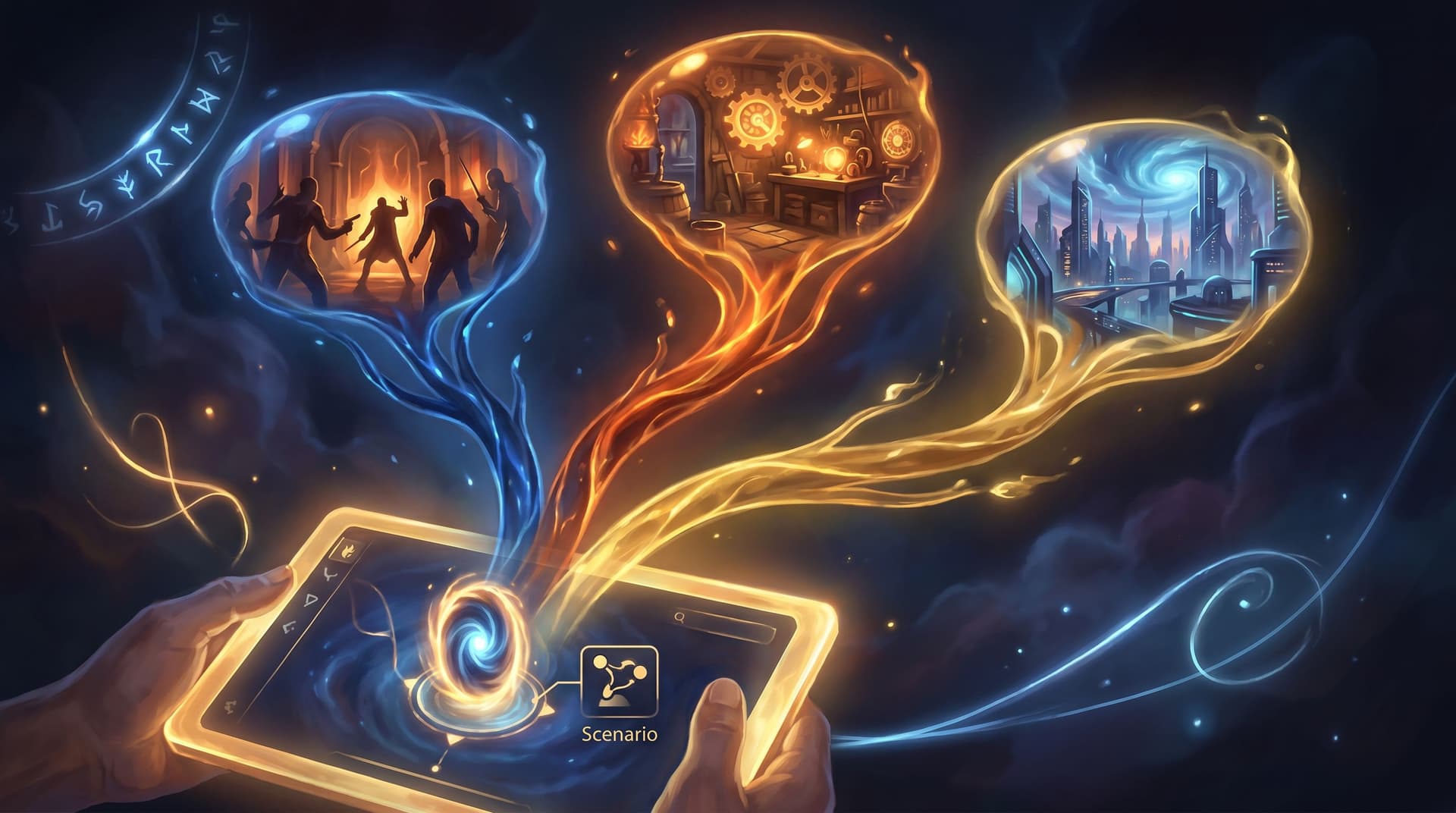
This is where the Minimal Viable Quest comes in: a tiny, three-choice interactive built in Questas that still gives you real data, real emotional impact, or real learning—without weeks of production.
In this post, we’ll unpack what a Minimal Viible Quest looks like, why it works so well, and several concrete formats you can start building this week.
Why Small Quests Punch Above Their Weight
A “Minimal Viable Quest” (MVQ) is deliberately constrained:
- One core scenario (a moment, not a whole saga)
- Three meaningful choices (no more, no less)
- Clear feedback or outcome tied to each path
- A single objective (insight, learning, persuasion, or practice)
That’s it. No sprawling maps. No 40-scene outline.
Those constraints are a feature, not a bug.
1. Less friction, more completion
Short, focused interactive experiences are more likely to be finished. Research on microlearning shows that concise, focused modules improve knowledge retention and motivation compared to longer, unfocused lessons, especially on mobile. Learners get a clear, quick win instead of a vague sense of “I should come back to this later.”
In a three-choice quest, players can:
- Enter the story in seconds
- Make a single, meaningful decision
- See the consequence
- Exit with a clear takeaway
That tight loop is ideal for:
- Busy professionals between meetings
- Students on school devices
- Event attendees scanning a QR code in a hallway
- Survey participants who would never finish a 15-minute form
2. Choice itself drives engagement and satisfaction
Interactive narrative research consistently finds that having agency—even at a small scale—boosts enjoyment and emotional investment. When people actively choose what happens next, they feel more responsible for the outcome and rate the experience as more satisfying than if they simply read the same story passively.
A three-choice quest is the smallest possible “dose” of agency that still feels like you did something.
3. Tiny branches, big insight
From a creator’s perspective, three choices are also three data points:
- Which option do people choose most often?
- How does that vary by audience segment or channel?
- What patterns emerge when you run the same MVQ in different contexts?
Because the structure is so small, you can actually read the results and act on them. You’re not drowning in a combinatorial explosion of paths.
If you’re interested in the research and experimentation side of micro-quests, you’ll find a lot of overlap with the formats we explored in Micro-Quests, Macro Insight: 10 Bite-Size Questas Formats for User Research, Polls, and Surveys.
What Counts as a “Minimal Viable Quest” in Questas?
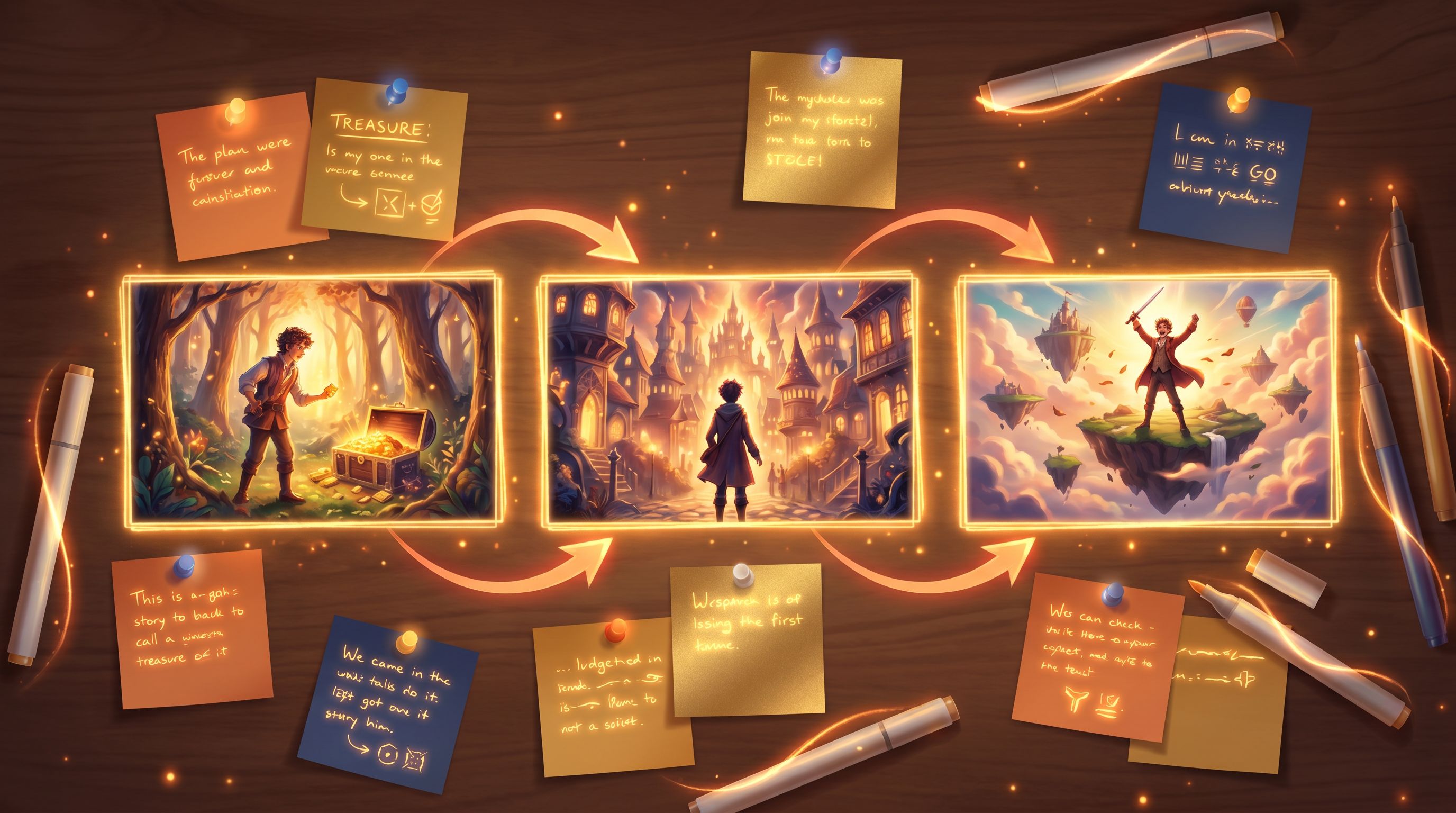
On Questas, an MVQ usually looks like this:
-
Intro scene
- Sets up a single, specific situation
- Establishes stakes in 2–4 short paragraphs
- Uses 1–2 AI-generated images or a micro-video for context
-
Choice scene with three options
- Each option is distinct and diagnosable
- Wording is short, concrete, and mutually exclusive
-
Outcome scenes (1–3)
- Either one outcome with tailored commentary per choice, or
- Three short outcomes (one per branch)
- Each outcome delivers feedback, a reveal, or a next step
That’s 3–5 scenes total.
You can build that in under an hour once you’re familiar with the editor.

Three-Choice Patterns That Work Almost Everywhere
Let’s walk through a few reliable three-choice patterns and how to implement each one in Questas.
Pattern 1: The Trade-Off Triangle
Best for: product marketing, UX research, strategy workshops, investor education
Here, each choice represents a different priority. You’re asking: “Which trade-off matters most to you?”
Example scenario: “You’re choosing a new analytics platform for your team.”
Three choices might be:
- Max reliability, even if it’s expensive
- Max flexibility, even if setup takes longer
- Max speed to value, even if it’s less customizable
Each branch then:
- Confirms what that choice says about the player’s priorities
- Briefly shows a “day in the life” consequence
- Optionally offers a recommendation or resource
How to build it in Questas
-
Intro scene
- Use the AI text tools to draft a short scenario.
- Generate a hero image: the decision-maker at their desk, dashboards glowing, clock ticking.
-
Choice scene
- Create three buttons with clear labels.
- Use AI-generated micro-video (if you like) to highlight the tension—e.g., a loading spinner, a budget spreadsheet, a team waiting on data. For inspiration on using motion at the decision point, check out Micro-Video, Macro Impact: Using AI-Generated Video Moments to Punctuate Key Choices in Your Questas.
-
Outcome scenes
- Either one outcome scene with conditional text blocks based on the choice, or three separate scenes.
- Add a short, visual vignette showing the “after” of that decision.
What you learn
- Which trade-offs your audience actually prefers, not just what they say on surveys
- How preferences shift by channel (email vs. social vs. in-product)
- Which pain points you should emphasize in your messaging
Pattern 2: The Gut-Check Scenario
Best for: compliance, safety, coaching, leadership, classroom discussions
Here, you present a sticky moment and three plausible responses:
- One is the “ideal” or policy-aligned answer
- One is understandable but risky
- One is clearly problematic
Example scenario: “A colleague makes a questionable joke in a client meeting.”
Three choices:
- Laugh it off and change the subject
- Address it gently in the moment
- Say nothing now, but follow up privately later
How to build it in Questas
-
Intro scene
- Use a single AI-generated image that captures the mood (e.g., tense conference room).
- Keep the text tight; the complexity lives in the implications, not the description.
-
Choice scene
- Label each option as what the character does, not what they believe.
- Avoid “gotcha” wording; all three should feel like real possibilities.
-
Outcome scenes
- Describe what happens next.
- Provide brief, non-judgmental commentary:
- Why this choice might feel natural
- What risks or benefits it carries
- How it aligns or conflicts with your guidance
What you learn
- Where your learners’ instincts diverge from official policy
- Which scenarios trigger the most disagreement or confusion
- How ready your audience is for more advanced training
If you’re working in health, safety, or compliance, this pattern pairs well with the deeper design ideas in Branching Narratives for Health and Safety: Turning Procedures and Protocols into Rehearsable Questas Scenarios.
Pattern 3: The “What Kind of X Are You?” Snapshot
Best for: audience segmentation, onboarding, community-building, content personalization
People love light-touch identity quizzes—especially when they feel respectful and insightful, not gimmicky.
Example scenario: “You’re planning a weekend project.”
Three choices:
- Plan every step with a checklist
- Start with a rough sketch and figure it out as you go
- Jump in and learn by fixing mistakes along the way
Each branch reveals a persona snapshot:
- “You’re a Systems Builder…”
- “You’re an Improviser…”
- “You’re a Tinkerer…”
How to build it in Questas
-
Intro scene
- Use a cozy, aspirational visual: a workbench, laptop, or creative studio.
-
Choice scene
- Make the options feel flattering but distinct.
- Keep them behavior-based (what they do), not abstract traits.
-
Outcome scenes
- Celebrate the persona.
- Offer 2–3 tailored suggestions: content to read, quests to play, communities to join.
What you learn
- How your audience self-identifies
- Which content paths to recommend next
- Where to focus future Questas series (e.g., more “Systems Builder” content)
Pattern 4: The Micro-Prototype Test
Best for: writers, instructional designers, and product teams prototyping bigger stories
Use a three-choice MVQ as a testbed for a larger interactive you might build later.
Example: You’re considering an extended sales training quest with multiple objection-handling routes. Instead of building the whole thing, you:
- Pick one objection
- Offer three possible responses
- Show the buyer’s reaction and a short debrief
How to build it in Questas
-
Intro scene
- Drop the player into the moment just before the objection.
-
Choice scene
- Three responses: one you think is best, one you’ve seen in the field, one you suspect is weak.
-
Outcome scenes
- Show the buyer’s reaction (body language, tone, next step).
- Add a quick coaching note.
What you learn
- Which responses your audience actually chooses
- How they react to the coaching tone
- Whether this scenario is worth expanding into a full quest
This is a practical way to apply the “prototype first” mindset from Prompt-to-Prototype: Using AI to Rapidly Concept 20 Story Ideas Before You Build a Single Questas.
Designing Strong Three-Choice Moments
Regardless of format, effective MVQs share a few craft principles.
Make the moment specific
Your MVQ should zoom in on one decision at one moment in time. Avoid vague, multi-issue scenarios.
Instead of:
“You’re redesigning your entire onboarding flow. What do you do?”
Try:
“A new user just landed on your pricing page from a partner link. They have 60 seconds before their next call. What’s the first thing they should see?”
Specificity makes choices feel real, not hypothetical.
Make each choice truly different
Three variations of the same idea won’t tell you much. Aim for:
- Different priorities (speed vs. quality vs. relationship)
- Different risk levels (safe vs. bold vs. reckless)
- Different time horizons (short-term win vs. long-term gain)
If you can’t explain, in one sentence, what each option represents, it’s not ready.
Use visuals to frame, not distract
Interactive story research suggests that congruent visuals—images, animation, or micro-video that support the story—boost comprehension and interest, while irrelevant “bells and whistles” can distract.
In a Minimal Viable Quest, that means:
- One strong image in the intro to ground the scene
- Optional micro-video at the moment of choice
- Simple, consistent character and setting design
Because Questas bakes AI image and video generation into the editor, you can iterate quickly on visuals that support your tiny story instead of crowding it.
For longer series or recurring characters, consider how your MVQ fits into a bigger canon and visual style; the techniques in AI as Continuity Editor: Keeping Plot, Canon, and Visuals Aligned Across a Questas Series apply even to small quests if you plan to reuse scenes later.
Close the loop with meaning
Even in a tiny quest, the outcome should feel worth the tap.
Good MVQ endings usually:
- Reflect the choice back to the player (“You prioritized X over Y…”)
- Reveal something (a hidden constraint, a future consequence, a surprising reaction)
- Offer a next step (link, resource, or invitation to another quest)
Avoid “You died, try again” endings unless you’re deliberately going for humor.
A Simple Workflow for Building Your First MVQ in Questas
If you want a concrete checklist, here’s a lightweight flow you can reuse.
-
Pick your objective
- Insight: “I want to know which pricing objection worries prospects most.”
- Learning: “I want learners to practice one de-escalation move.”
- Persuasion: “I want investors to feel the urgency of our market.”
-
Choose a single moment
- Write one sentence: “The moment is when ______.”
- Sanity-check: Could someone picture this as a still image?
-
Draft your three choices
- Write them as actions, not labels.
- Under each, jot what it represents (e.g., “short-term revenue,” “user trust,” “team morale”).
-
Sketch outcomes
- 2–4 sentences each.
- Include a reaction from another character, the environment, or future-you.
-
Build in Questas
- Create the intro scene and generate a fitting image.
- Add the choice scene with three buttons.
- Create 1–3 outcome scenes and wire the branches.
- Optionally, add a micro-video or subtle animation at the decision point.
-
Test with 3–5 people
- Ask them to play once.
- Then ask:
- “What did you think this was really about?”
- “Did any option feel missing?”
- Tweak wording and outcomes.
-
Ship and measure
- Share the quest link where your audience already is (email, chat, LMS, event slide).
- Watch completion rates and choice distribution.
- Decide: keep it as a self-contained MVQ, or expand into a larger quest.
Bringing It All Together
Minimal Viable Quests are small by design, but they unlock big advantages:
- Faster from idea to live test—you can go from “what if?” to playable in an afternoon.
- Higher completion and lower fatigue—a three-choice story respects your audience’s time.
- Cleaner insights—three distinct paths make patterns obvious.
- Reusable building blocks—today’s MVQ can become tomorrow’s chapter in a larger Questas series.
When you combine tight storytelling, clear choices, and AI-generated visuals in a no-code editor like Questas, you don’t need a studio or a dev team to start learning from your audience. You just need one moment and three good options.
Ready to Build Your First Minimal Viable Quest?
Don’t start with a saga. Start with a single decision.
- Pick a moment your audience faces all the time.
- Write three honest, different ways they might respond.
- Open Questas, drop those into a tiny branching flow, and generate one or two images to bring it to life.
Ship it. See what people choose. Let that inform your next story.
Your biggest insights might come from the smallest quest you build this week.