Prompt-to-Prototype: Using AI to Rapidly Concept 20 Story Ideas Before You Build a Single Questas

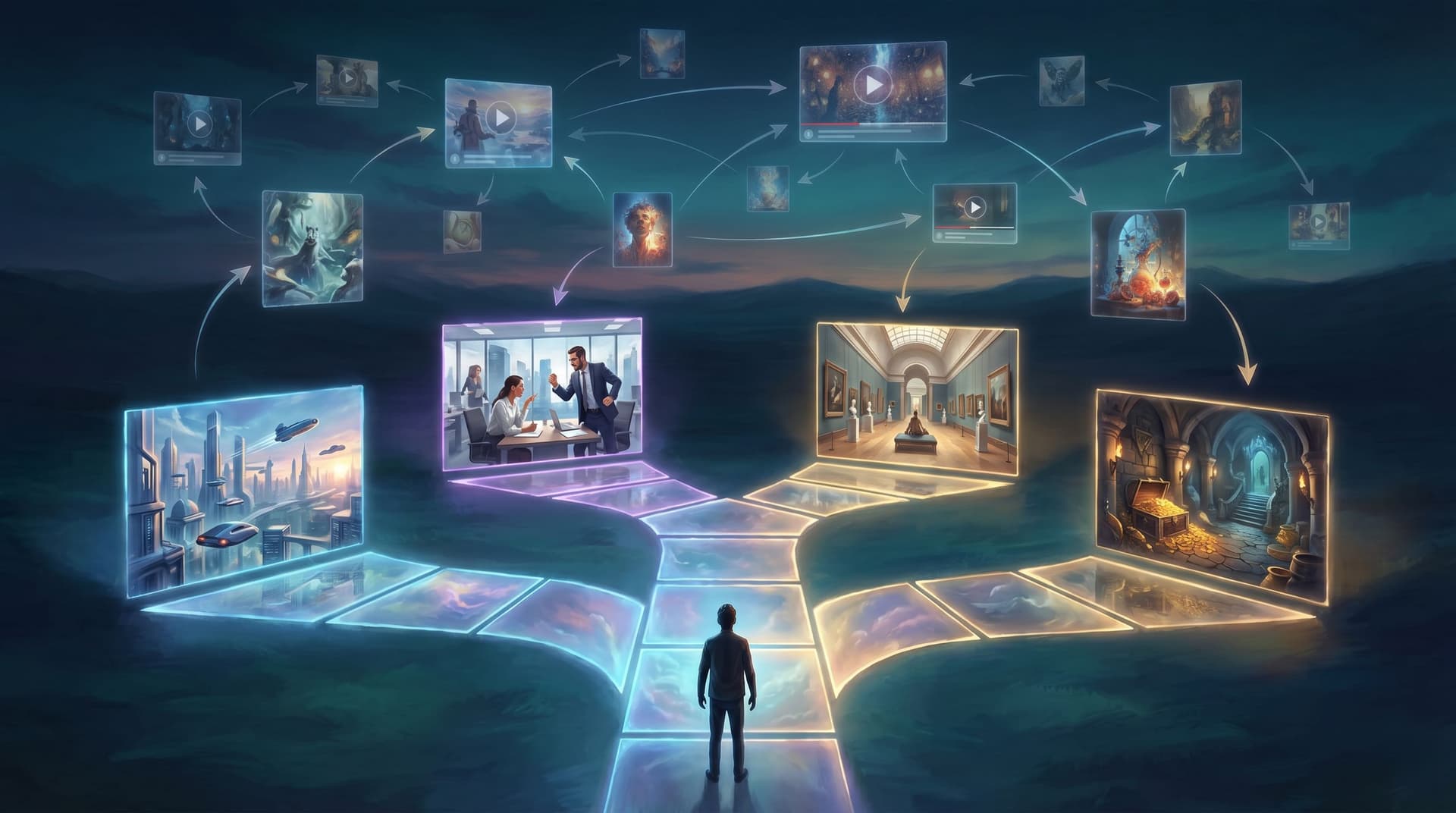
You have a hundred ideas for interactive stories… and zero finished Questas.
That gap between “this could be cool” and “here’s a playable prototype” is where many creators stall. Not because they lack imagination, but because committing to one idea feels risky:
- What if it’s the wrong concept for your audience?
- What if the scope explodes once you start branching it?
- What if the visuals you imagined are impossible to pull off?
The solution isn’t to think harder. It’s to prototype faster.
AI gives you a way to do exactly that: turn rough prompts into a slate of 20+ story concepts you can compare side by side—before you invest hours building a single scene inside Questas.
This post is about how to use AI as an idea generator, stress tester, and creative partner so that when you finally open the visual editor, you’re working from a short list of concepts you already know are worth building.
Why Rapid Concepting Matters for Interactive Stories
Branching stories are powerful, but they’re also uniquely easy to overbuild. A single decision can spawn three more scenes, each of which can spawn three more, and suddenly your “small prototype” is a 70-node epic you’re too tired to finish.
Running a prompt-to-prototype phase first solves several problems at once:
1. You de-risk your time.
Instead of guessing which idea will resonate, you quickly explore 20+ variations:
- Different genres (mystery vs. workplace drama vs. sci‑fi)
- Different formats (micro-quest, long-form saga, live-facilitated session)
- Different audiences (students, employees, fans, customers)
You only build inside Questas once you’ve seen which concepts feel sticky.
2. You think in systems, not just plots.
Interactive stories aren’t just about “what happens”; they’re about what can happen given a player’s choices. When you generate a lot of ideas quickly, you start noticing:
- Which decisions drive the most interesting branches
- Which settings naturally support replayability
- Which concepts are better as linear stories vs. branching experiences
That mindset pays off later when you’re designing more advanced systems like factions or hidden meters (see No-Code, All Systems: Building Reputation, Factions, and Hidden Meters in Questas Without a Dev Team).
3. You separate story quality from AI quality.
If you’ve ever abandoned a concept because the first AI image or paragraph wasn’t perfect, you’ve seen how tools can distort your judgment. By explicitly framing this as a concept sprint, you’re evaluating:
- Does this premise excite you and your audience?
- Does it suggest meaningful choices?
- Can you imagine at least three strong scenes?
…instead of “Did the AI nail the first try?”
4. You arrive in the editor with momentum.
When you finally start building a Questas story, you’re not staring at a blank canvas—you’re adapting a concept you’ve already sketched, named, and partially visualized.

Step 1: Define Your Constraints Before You Prompt
AI is great at generating endless possibilities. Your job is to narrow the field.
Before you write a single prompt, clarify three things:
1. Who is this for?
Be specific. Instead of “general audience,” think:
- Corporate trainers designing safety scenarios
- Museum educators building location-based tours (see Interactive Museum Guides: Turning Exhibits, Tours, and Timelines into Location-Based Questas)
- Sales leaders rehearsing objection handling
- Fantasy fans who love replayable dungeon crawls
Write a one-sentence audience statement, e.g.:
“I’m designing for new managers who need to practice tough feedback conversations.”
2. What is the primary outcome?
Again, be concrete:
- Teach a skill (e.g., de-escalating an angry customer)
- Explore a world (e.g., a haunted city where choices change the map)
- Market a product (e.g., simulate a prospect’s onboarding journey)
- Run a live event (e.g., a conference game layer; see No-Code Live Events: Running Conferences, Summits, and Offsites as Playable Questas Storylines)
Your outcome will shape which ideas are worth keeping.
3. What constraints do you actually have?
Be honest about:
- Time: Do you have one evening, one weekend, or a whole quarter?
- Length: Are you targeting a 10-minute micro-quest or a 45-minute adventure?
- Media: Are you comfortable generating lots of custom images/video, or do you want something mostly text-driven?
Write these down. They’ll become parameters you reuse in your prompts so the AI doesn’t offer you a 4‑hour branching epic when you only have bandwidth for a snack-sized story.
Step 2: Use AI to Generate a Slate of 20+ Raw Concepts
Now you’re ready to prompt.
You can use any strong text model (including the one you’re reading right now), or tools like Notion AI, ChatGPT, or Claude. The key is how you prompt.
Start with a “batch brief” prompt
Here’s a template you can adapt:
“You are an interactive narrative designer. Generate 20 concise concepts for branching, choose-your-own-adventure style stories that I could later build in Questas, a visual no-code platform with AI-generated images and video.
Constraints:
- Audience: [describe your audience]
- Outcome: [describe your main outcome]
- Playtime: [e.g., 10–15 minutes]
- Format: web-based, playable on mobile, no prior game experience required.
For each concept, provide:
- A 1-sentence logline
- The opening decision
- 3–4 example branches or twists.”
Run that once. If you like the direction, run it again with a twist:
- “Make these all workplace comedies.”
- “Make these all near-future sci-fi with ethical dilemmas.”
- “Make these all museum-based adventures that could be location-aware.”
You’ll quickly end up with 30–40 ideas. That’s good. We’ll filter next.
Add a “visual hook” pass
Because Questas leans heavily on AI-generated visuals, you want concepts with strong imagery.
Prompt again:
“From the concepts above, propose 10 more that have especially strong visual hooks—striking locations, memorable props, or recurring motifs that would look great in AI-generated images and short videos. Describe the core visual motif in 1 sentence for each.”
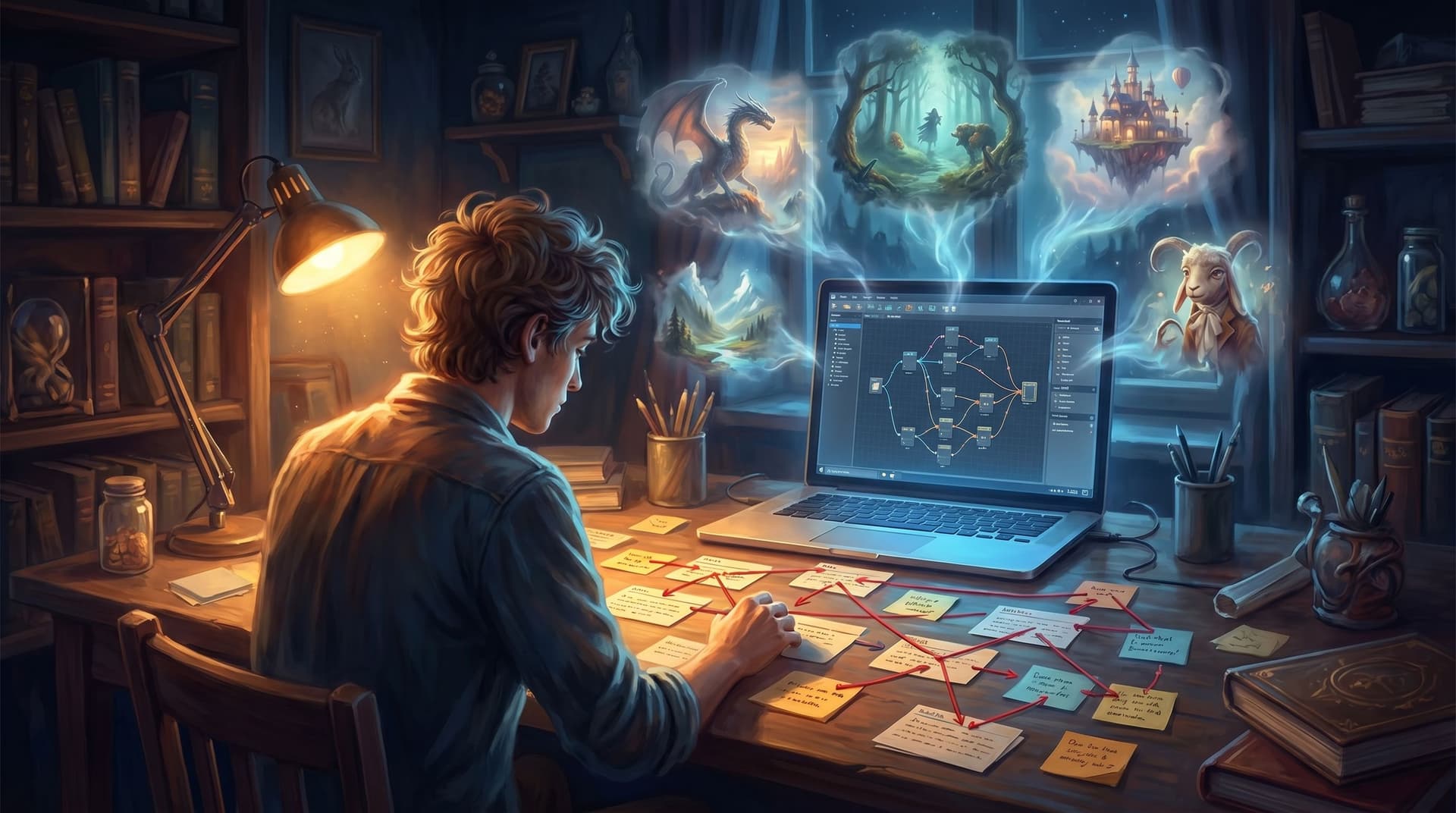
You’re not committing to any of these yet. You’re just filling your wall with sticky notes.
Step 3: Triage Your Ideas with a Simple Scoring System
With 20–40 concepts on the table, it’s time to narrow down.
Create a simple scoring grid (in a spreadsheet, Notion, or even on paper) with four columns:
- Hook strength (1–5): Would someone click this if it were a thumbnail and a title?
- Branching potential (1–5): Can you imagine at least 3–5 meaningful decisions, not just “left door vs. right door”?
- Visual richness (1–5): Will AI images/video make this sing, or is it mostly internal monologue?
- Scope fit (1–5): Does it match your time and length constraints?
Then:
- Skim each concept.
- Assign quick gut scores in each column.
- Total them up.
You’re not looking for mathematical perfection; you’re looking for relative standouts.
Once you’ve scored everything, mark:
- Top 3–5 concepts: High scores across the board.
- Dark horses: Maybe 1–2 weird ideas you personally love even if the score is middling.
Everything else goes into an “idea graveyard” you can revisit later.

Step 4: Flesh Out Your Shortlist with Micro-Summaries and Key Choices
Now you’ll deepen the few ideas that survived.
For each shortlisted concept, run a focused prompt like:
“Take this concept: [paste 1–2 paragraph concept].
Expand it into a 4-paragraph overview that covers:
- The player’s role
- The central conflict or question
- 3–5 pivotal decisions the player will face
- 2–3 possible endings with different emotional tones.
Keep it concise and focused on what makes this a good fit for a branching story in Questas.”
You’re aiming for clarity, not full scripts. You just want to know:
- What does the player do?
- What are the “oh wow” decisions?
- How might different playthroughs feel?
If any concept feels flat or generic at this stage, cut it. Better to discover that now than halfway through building.
Sanity-check against your audience and outcome
Revisit your initial constraints:
- Does each concept clearly serve your audience?
- Can you point to where the desired outcome shows up in the story?
- Are there any concepts that might be amazing… but for a different audience or project?
Park those for later and keep your shortlist tight—ideally 2–3 frontrunners.
Step 5: Prototype Visuals Before You Touch the Editor
Before opening Questas, it’s worth doing a quick visual feasibility check on your top concepts.
You can use tools like:
- DALL·E
- Midjourney
- Stable Diffusion
- Or any integrated image generator you already use
For each concept, identify 3–5 key visuals:
- The opening scene
- A major decision moment
- A recurring location or prop
- One potential ending
Then prompt for each image:
“Highly detailed illustration of [scene description], in a consistent [art style] that could be reused across multiple scenes. The mood should be [adjective] and the composition should highlight [player’s choice / key object].”
You’re not trying to perfect your style yet—that’s where techniques like AI style chains come in (see AI Style Chains: Keeping Characters, Locations, and Props Consistent Across a Questas Series). You’re just asking:
- Do these visuals feel compelling?
- Can I imagine 5–10 more scenes in this style?
- Are there any technical gotchas (e.g., complex diagrams, licensed characters) that will slow me down?
If a concept falls apart visually, replace it with one of your dark horses.
Step 6: Choose Your First Build Candidate
By now, you’ve:
- Generated 20–40 raw concepts with AI
- Scored and filtered them down
- Expanded a shortlist into richer overviews
- Test-drove visuals for your favorites
You’re ready to pick one concept to build first.
When choosing, consider:
- Speed to prototype: Which concept could you realistically bring into Questas and make playable in a single evening or weekend? (If you want a detailed playbook for that, check out The One-Evening Story Sprint: Shipping a Complete Questas Prototype from Blank Page to Playtest.)
- Clarity of structure: Which one already suggests a simple spine of 5–7 scenes with a few key branches?
- Testability: Which concept would be easiest to share with 3–5 people in your target audience and get feedback on?
You’re not choosing a forever project. You’re choosing a first experiment.
Write a one-page brief for your chosen concept that includes:
- Working title
- Audience and outcome
- 3–5 pivotal decisions
- 2–3 possible endings
- Links or references to your favorite AI-generated visuals
This becomes your north star when you finally open the Questas editor.
Step 7: Bring the Winner into Questas as a Lightweight Prototype
Now—and only now—it’s time to build.
Inside Questas:
-
Lay down the spine.
- Create 5–7 core scenes that represent the “default” path.
- Don’t worry about every branch yet; just get the main flow in place.
-
Add your pivotal decisions.
- For each key choice from your brief, add a branching decision node.
- Create 1–2 scenes off each branch to show how the choice matters.
-
Drop in rough visuals.
- Use your AI test images or quickly generate new ones through your usual tools.
- Don’t chase perfection; placeholders are fine at this stage.
-
Write just enough text.
- Focus on clear setup, choices, and consequences.
- You can always polish dialogue and description after playtesting.
-
Publish a private link and playtest.
- Share with 3–10 people in your target audience.
- Ask them to record their screen or talk aloud as they play.
- Watch where they hesitate, skim, or light up.
From here, you can iterate, expand, or decide to try a different concept from your shortlist. Either way, you’re making decisions based on real player behavior, not just vibes.
Summary: Turn Prompts into Prototypes, Not Just Pretty Outputs
Using AI to generate 20+ story ideas isn’t about collecting clever loglines. It’s about:
- Clarifying your audience and outcomes before you touch a tool
- Batch-generating a wide range of concepts with clear constraints
- Scoring and filtering to find the ideas with the strongest hooks, branches, and visuals
- Pressure-testing your favorites with short overviews and quick image prototypes
- Choosing one concept to build as a lean, testable Questas prototype
When you treat AI as a collaborator in a structured concept sprint, you:
- Avoid overcommitting to the wrong idea
- Arrive in the editor with momentum and clarity
- Build prototypes that are easier to share, test, and improve
And most importantly, you move from “someday I’ll make an interactive story” to “here’s a playable link—want to try it?”
Your Next Move: Run a 90-Minute Concept Sprint
If you want to put this into practice, here’s a concrete, time-boxed challenge:
In the next 90 minutes:
- Spend 10 minutes writing down your audience, outcome, and constraints.
- Spend 30 minutes generating 20–30 concepts with AI using the batch brief prompt.
- Spend 20 minutes scoring and narrowing to 3–5 favorites.
- Spend 20 minutes expanding your top 2 concepts into short overviews.
- Spend 10 minutes picking one winner and drafting a one-page brief.
When you’re done, open Questas, start a new project, and lay down the first 3–5 scenes while the idea is still warm.
Your first interactive story doesn’t need to be perfect. It just needs to exist.
Adventure awaits—go prompt your way to a prototype.