No-Code Live Events: Running Conferences, Summits, and Offsites as Playable Questas Storylines

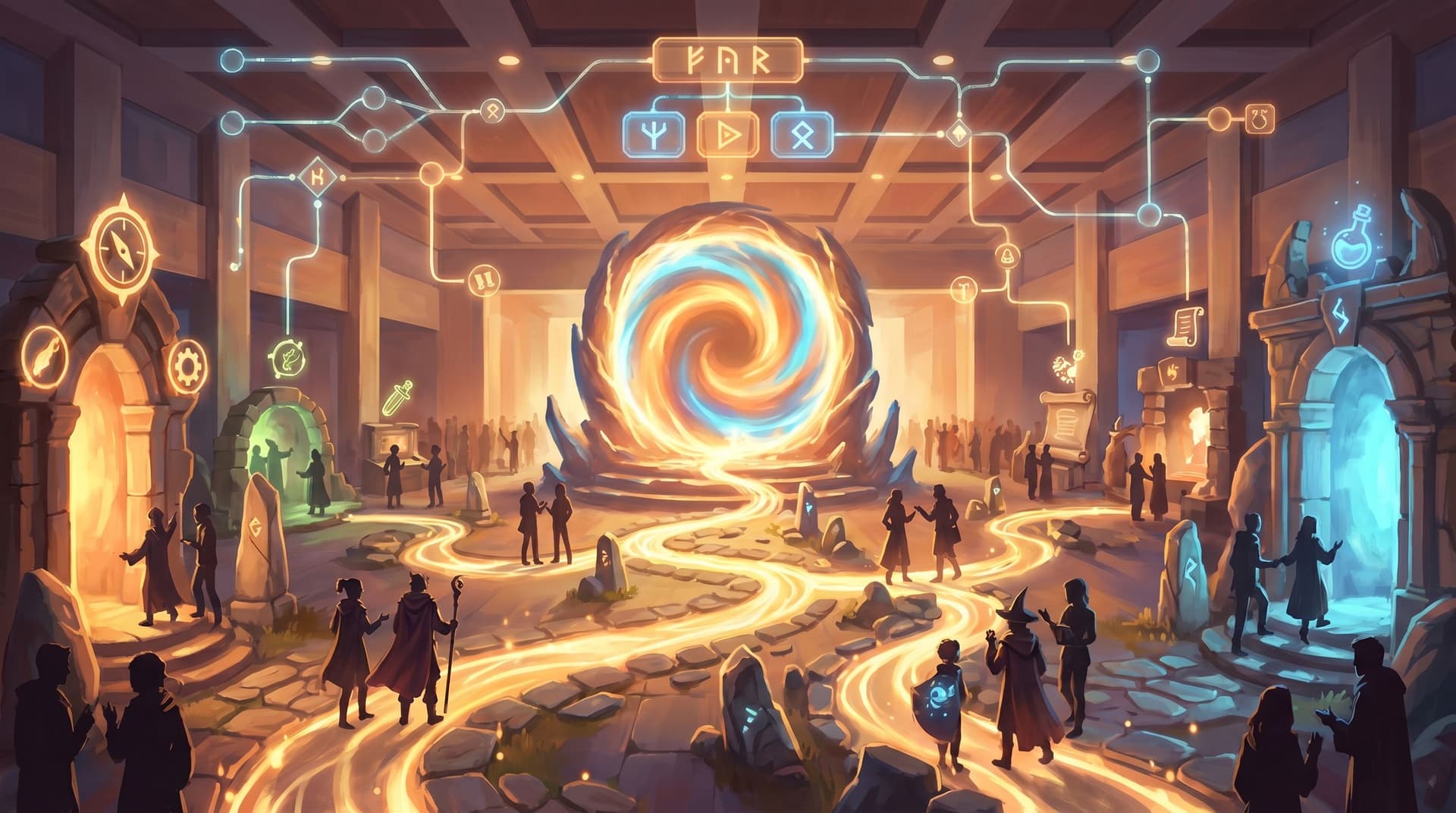
Conferences, summits, and offsites used to be defined by slide decks, panels, and a printed agenda that everyone mostly ignored. Now attendees expect something else entirely: participation, personalization, and experiences that feel worth leaving their inbox for.
That’s where interactive story formats come in.
With a platform like Questas, you can turn your event into a playable narrative—one where attendees make choices, unlock paths, and see different outcomes based on how they participate. And you can do it visually, without code, using AI‑generated images and video to bring each moment to life.
This post walks through how to design and run conferences, summits, and offsites as live, branching storylines—plus concrete tips to keep your logistics sane while your narratives get wild.
Why Turn a Live Event into a Playable Story?
When you treat an event as a branching narrative instead of a static agenda, you unlock a few powerful shifts:
1. Higher engagement and memory
Interactive experiences consistently outperform passive formats on attention and recall. Participants who choose paths, solve dilemmas, and see consequences remember more—about the content, the people, and the brand behind it.
2. Built‑in personalization
Instead of one agenda for everyone, you give attendees:
- Different tracks based on their goals
- Optional side quests (e.g., “Meet three people in a different department”)
- Alternate endings (e.g., “You’re now the champion of the sustainability guild”)
All of that can be driven by simple branching choices in Questas, no custom app required.
3. Stronger social connection
Stories give people a shared language. When your offsite is framed as “The Great Alignment Expedition” instead of “Q3 Strategy Meeting,” attendees:
- Reference scenes and choices in hallway conversations
- Compare paths they took
- Bond over shared “boss fights” (like a tough scenario or decision challenge)
If you’ve explored multiplayer formats before, this is very much in the spirit of turning single‑player stories into shared experiences.
4. Better insight for organizers
Every choice inside a Questas storyline is also a data point:
- Which sessions people gravitated toward
- Where they hesitated or dropped off
- How different teams or personas responded to the same scenario
Instead of guessing what landed, you can replay the story analytics.
From Agenda to Adventure: A Simple Design Framework
Before you open any tool—even a no‑code one—treat your event like a story. A helpful pattern:
- Premise – What is the core “quest” of this event?
- Roles – Who are the protagonists? (Attendee archetypes, not just job titles.)
- Acts – What are the major phases of the day(s)?
- Choices – Where can participants meaningfully diverge?
- Consequences – What changes based on those choices (content, people they meet, artifacts they leave with)?
If you’ve read our post on designing strong scenes before touching an AI tool, this will feel familiar. The same principle applies here: nail the story spine first, then open the editor.
1. Define the event’s core quest
Give your conference or offsite a clear narrative goal that maps to your real‑world objective.
Examples:
- Product summit → “Unify the roadmap guilds to ship the next legendary release.”
- Leadership offsite → “Navigate a year in the company’s future, making the decisions that get us there.”
- Customer conference → “Choose your path from curious explorer to certified champion.”
Your storyline in Questas becomes the through‑line that connects:
- Opening keynote
- Breakout sessions
- Networking blocks
- Closing reflections
2. Map your event into acts
Most live events already follow a three‑act structure—you just haven’t called it that.
-
Act I – Arrival & alignment
- Registration, welcome, context setting
- In your storyline: character creation, initial choices, setting expectations
-
Act II – Exploration & challenge
- Breakouts, workshops, simulations, side quests
- In your storyline: branching paths, dilemmas, “boss fights”
-
Act III – Synthesis & commitment
- Debriefs, planning, commitments, closing keynote
- In your storyline: consequences, epilogues, “where your choices led us”
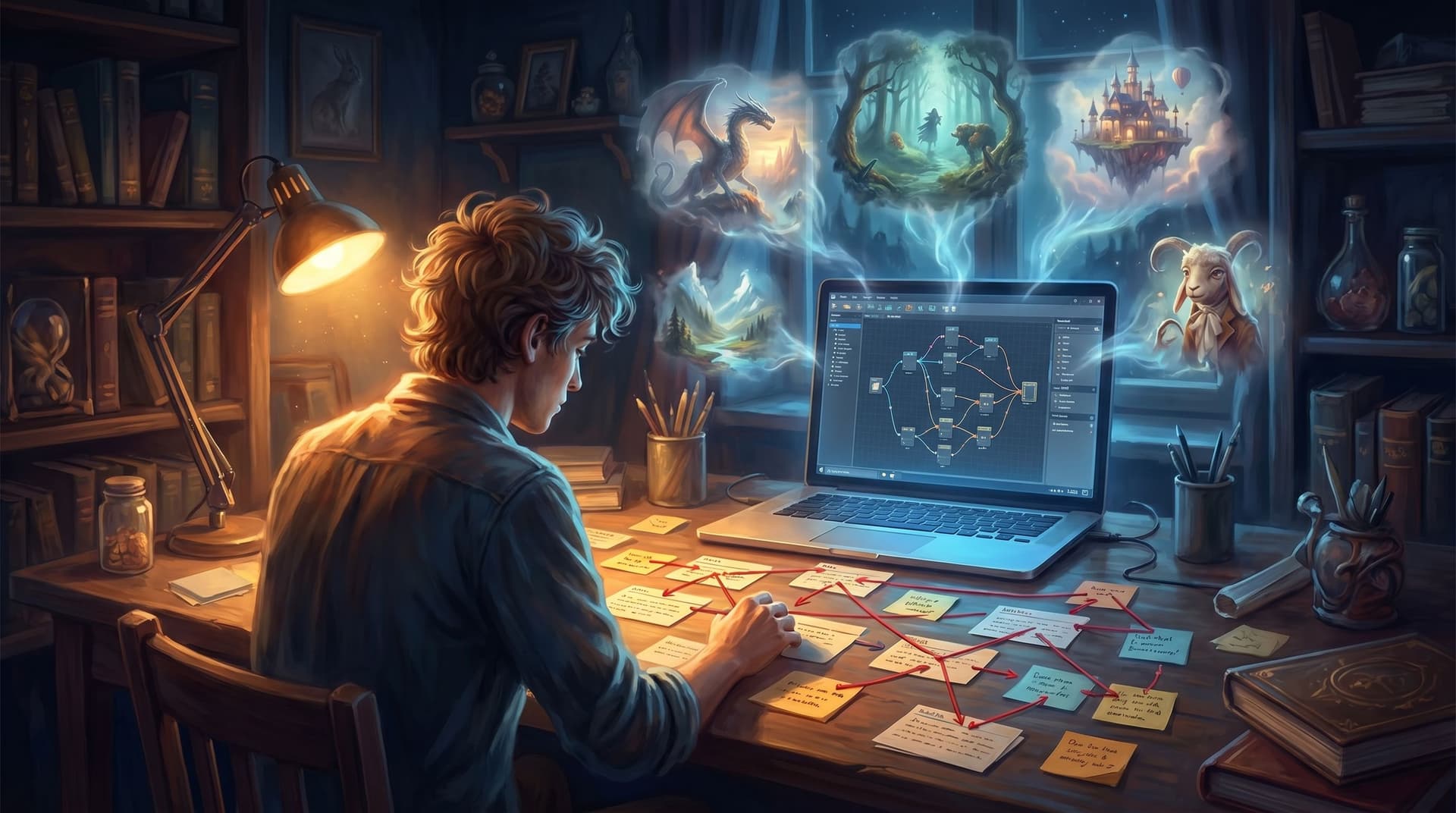
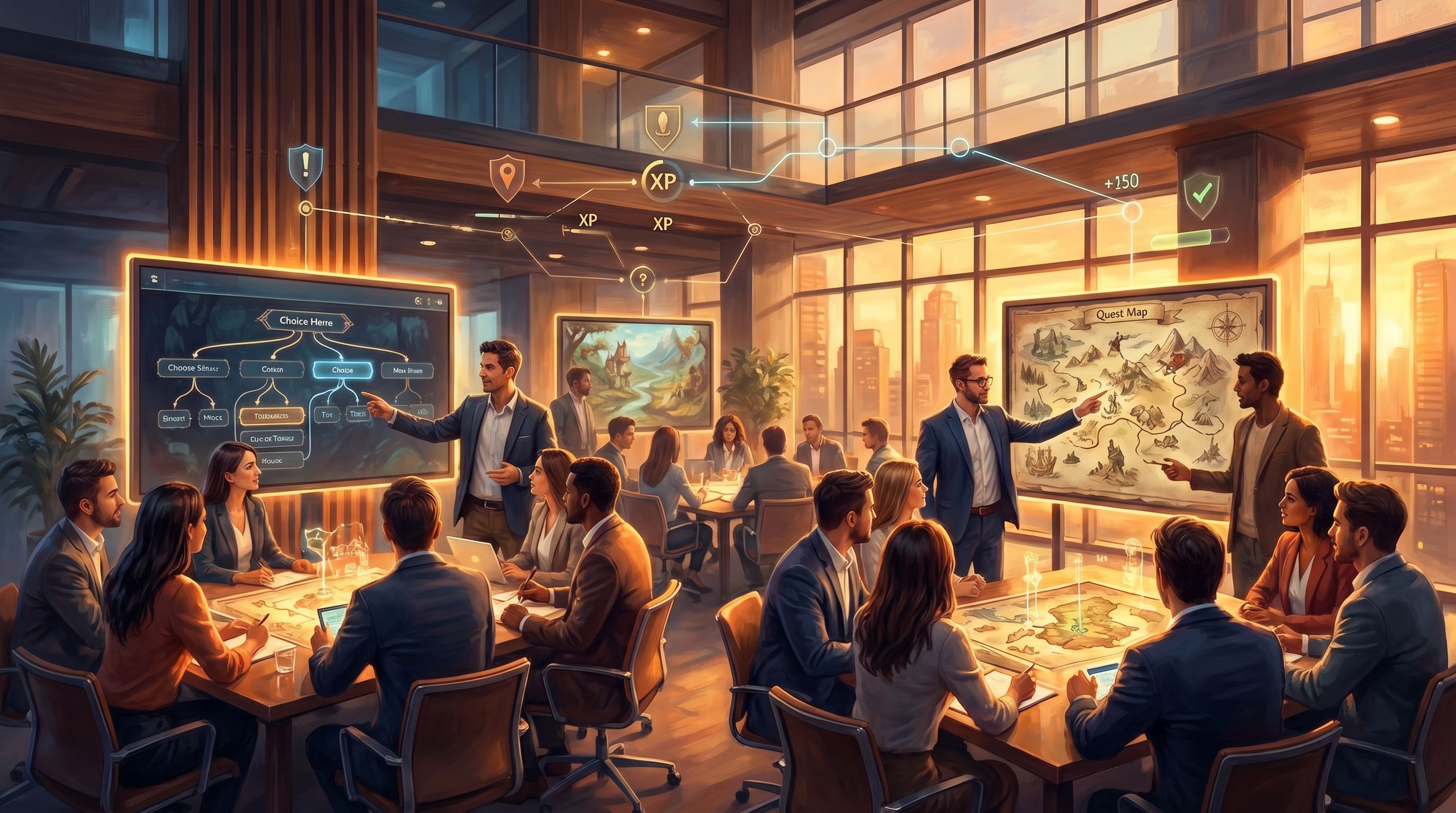
Sketch these acts as a simple node map before you ever open the editor:
- One node per key moment in the day
- Arrows for how people move between them
- A note on what choice, if any, drives that movement
This rough map will save you hours once you’re building.
3. Choose where branching actually matters
Not every moment needs to branch. In live events, too much divergence can create logistical chaos. Focus your branching on:
- Session selection (e.g., “Choose your challenge path: customer, product, or culture.”)
- Perspective taking (e.g., “Play this scenario as a manager vs. as a new hire.”)
- Risk/reward choices (e.g., “Go deep with one team or sample multiple tables.”)
Keep a few things mostly linear:
- Safety briefings
- Critical announcements
- Any time‑boxed activities where everyone must reconvene
Translating Your Plan into a Live Questas Storyline
Once you’ve got a story spine, it’s time to build the playable layer. Here’s a practical workflow using a no‑code platform like Questas.
Step 1: Build a “spine” project
Create a single storyline that represents the entire event at a high level.
Include nodes for:
- Welcome & orientation
- Each major block (keynotes, breakouts, meals, social time)
- Closing reflection & follow‑up
At this stage, don’t worry about every micro‑choice. Focus on:
- Clear labels – So your facilitation team can navigate quickly.
- Simple visuals – A consistent visual style that sets the tone.
If you’re not sure how to maintain visual cohesion across dozens of scenes, check out our guide to using AI style chains for consistent characters and locations.
Step 2: Add “live choice” moments
Identify 3–7 moments where you want the room to make a collective decision.
Examples:
- “Which scenario should we play through as a group?”
- “Do we double down on this strategy or pivot to explore Plan B?”
- “Which stakeholder’s perspective should we prioritize first?”
In Questas:
- Create a scene that sets up the choice with visuals and concise text.
- Add 2–4 options as clickable branches.
- Connect each branch to a different next scene (or cluster of scenes).
Facilitation tip:
Have participants vote using:
- A show of hands
- Table‑level discussion then a spokesperson
- A quick poll tool like Slido or Mentimeter
Then the facilitator clicks the winning option in the live storyline.
Step 3: Layer in parallel tracks
For conferences and summits, you’ll often have concurrent sessions. You can model this in Questas without making your life miserable.
Two simple patterns:
-
Track selection node
- One scene where attendees pick a path (e.g., “Builder,” “Leader,” “Explorer”).
- Each path leads to a slightly different sequence of scenes, mirroring the sessions they attend.
-
Role lenses
- Everyone attends the same physical session, but the story asks them to choose a role lens.
- The content they see (prompts, reflection questions, epilogues) changes based on that lens.
This lets you personalize the story layer even when the room is physically together.
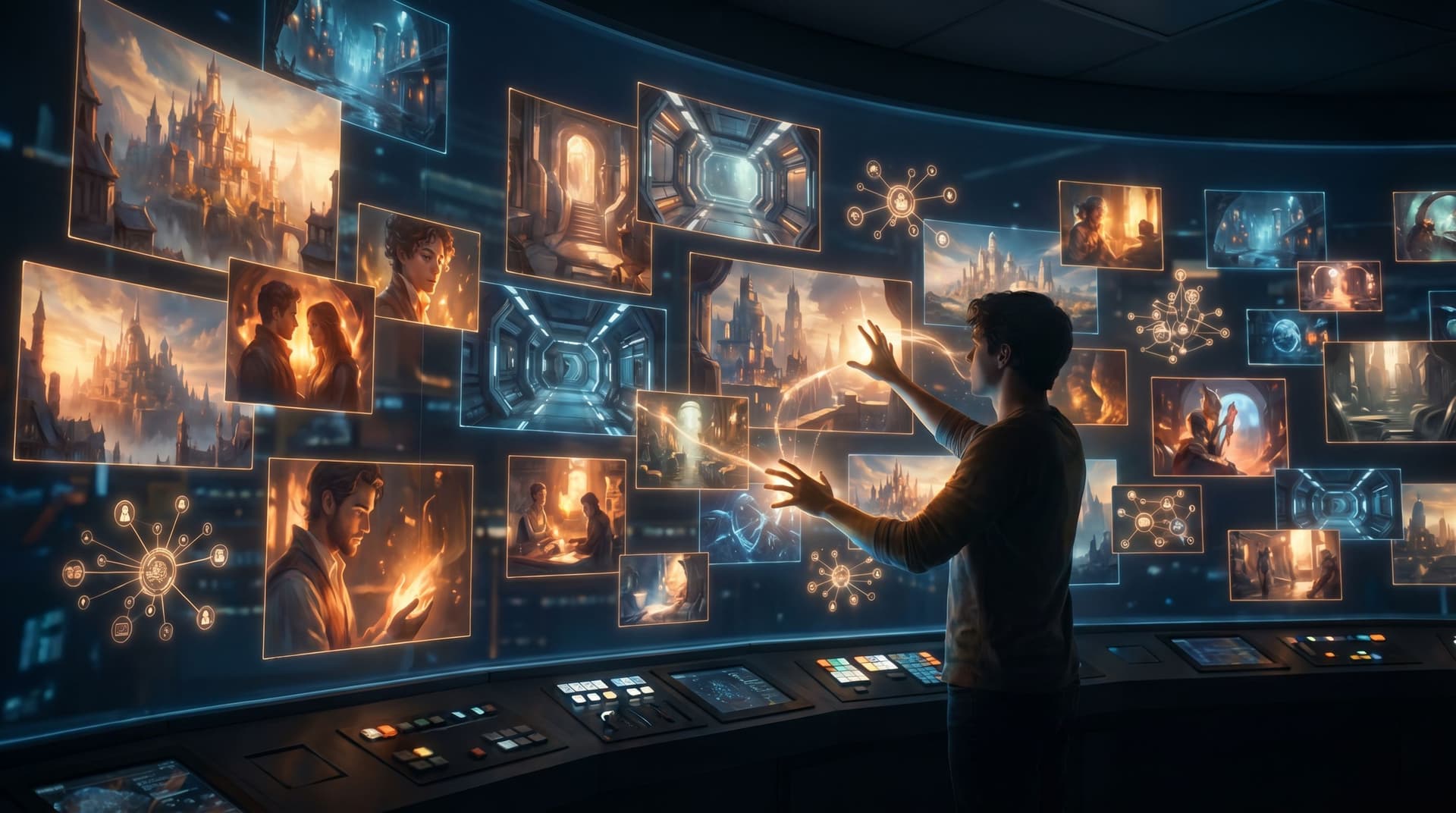
Step 4: Use AI visuals to mark key beats
Live events move quickly. Visual anchors help people remember where they are in the story.
For each major beat, generate a distinct image:
- A stylized “map” of the event world
- Iconic illustrations for each track or guild
- A “boss” image for major decision points
In Questas, you can:
- Use AI image generation directly inside the editor
- Re‑use characters and locations for continuity
- Create quick variations for different branches
If you enjoy letting visuals lead your imagination, the techniques from our post on AI‑first worldbuilding translate beautifully to event design.
Making It Work in the Room
A brilliant storyline doesn’t matter if the Wi‑Fi dies or your facilitators are lost. Here’s how to keep the live experience smooth.
Design for “good enough” connectivity
Most venues say they have great Wi‑Fi. Many are… optimistic.
Plan with these guardrails:
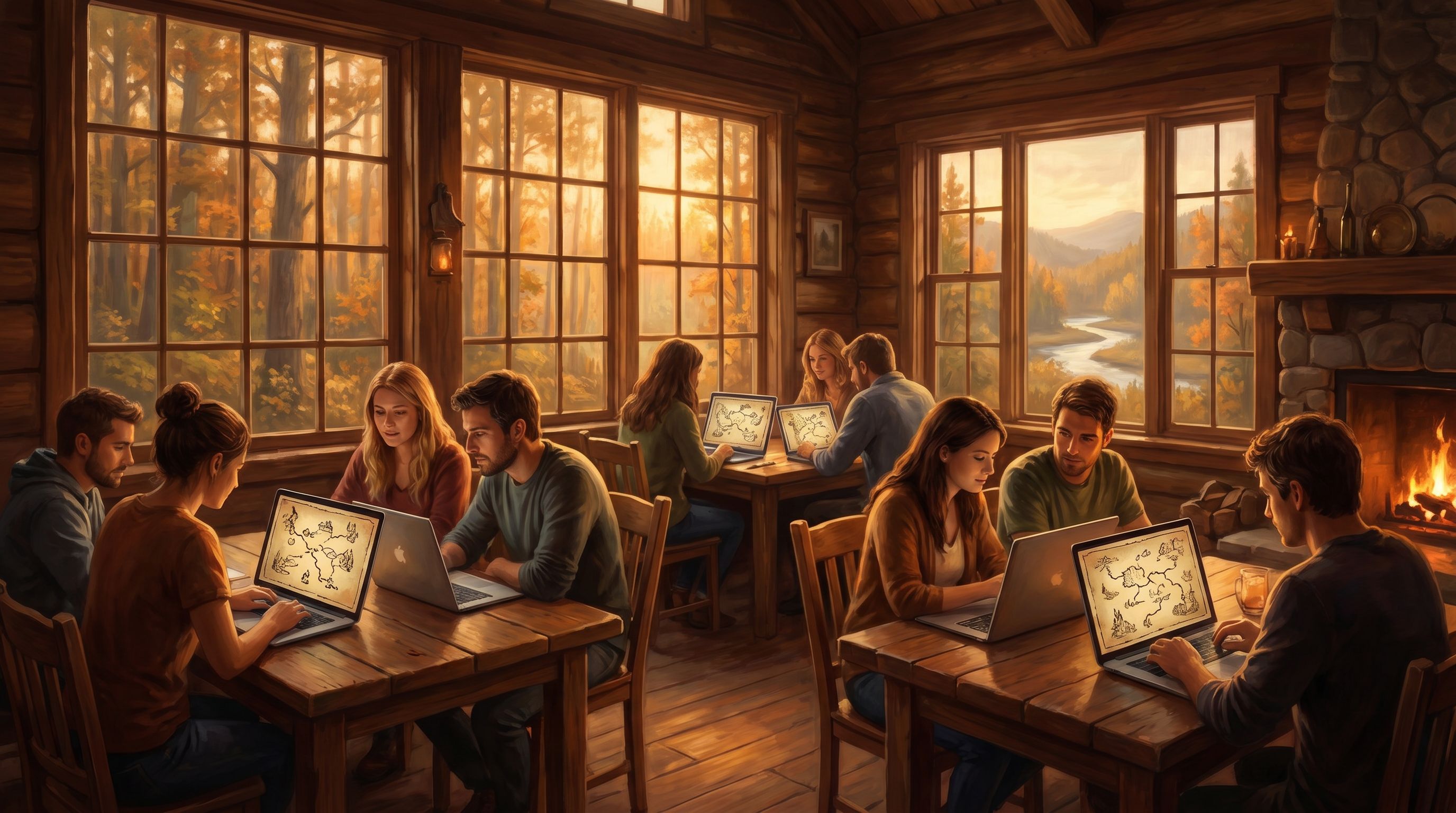
- One device per room – The facilitator’s laptop or tablet runs the Questas storyline on a projector or shared screen.
- Offline backups – Export a PDF or screenshot map of your nodes so you can improvise if needed.
- Short media – Favor images and short clips over long embedded videos to reduce load time.
Script your facilitation beats
Every interactive node is also a facilitation moment. For each key scene, prepare:
- A 1–2 sentence spoken intro
(“You’re now at a crossroads: do we double down on our current product strategy, or divert resources to experiment with a new market?”) - A prompt or question for small‑group discussion
- A timebox (e.g., 7 minutes at tables, 5 minutes share‑out)
Add these as notes in your Questas project or in a separate run‑of‑show doc.
Decide how “multiplayer” you want to be
You have a few formats to choose from:
-
Single‑screen, facilitator‑led
- Best for keynotes, all‑hands, and large plenaries.
- The room makes decisions together; the facilitator drives the story.
-
Table‑level story paths
- Each table gets its own device and link.
- They make choices independently, then compare outcomes.
-
Asynchronous side quests
- Attendees receive links to short micro‑quests they can play during breaks or after the event.
You can mix these within one event. For deeper design patterns, the ideas in our multiplayer guide are directly applicable.
Use Cases: Conferences, Summits, and Offsites in Practice
Let’s ground this in a few concrete formats you can ship quickly.
1. Strategy offsite as a year‑in‑the‑future simulation
Premise: “It’s April 2027. The company has just finished a turbulent year. You’re about to replay the key decisions that got us here.”
How it works:
- Act I: Teams step through a narrative of the upcoming year with branching choices around investments, hiring, and bets.
- Act II: Each team’s choices lead to different fictional outcomes (market share, culture shifts, customer stories).
- Act III: Groups compare timelines, discuss trade‑offs, and extract real commitments for the actual year ahead.
This structure turns abstract strategy debates into concrete, rehearsable scenarios—similar to how we approach branching narratives for training and protocols, but applied to leadership.
2. Customer summit as a hero’s journey
Premise: “You’re the hero of your own implementation story.”
How it works:
- Attendees choose an archetype on arrival (Innovator, Optimizer, Firefighter).
- The main conference storyline follows a hero’s journey arc, with sessions mapped to stages:
- Call to adventure (keynote)
- Trials (case studies, workshops)
- Allies & mentors (networking, expert clinics)
- Return with the elixir (closing roadmap + your 90‑day plan)
- Each archetype sees slightly different prompts and reflection scenes inside Questas, tailored to their goals.
3. Internal conference as a cross‑department quest
Premise: “The organization is a world of factions; your job is to broker alliances.”
How it works:
- Departments are represented as guilds with distinct visuals and values.
- Attendees earn “favor” with different guilds by choosing certain sessions, activities, or responses in scenarios.
- The closing session reveals how the room collectively balanced those factions—and what that suggests about priorities.
You can implement lightweight reputation systems visually using the ideas from our no‑code systems design guide.
Measuring Impact (Without Killing the Magic)
Interactive events give you rich data, but you don’t want the experience to feel like a disguised survey.
A few gentle ways to measure:
- Branch analytics – Which paths were most popular? Where did people hesitate or backtrack?
- Embedded reflection prompts – Short, story‑native questions like “Which risk felt most uncomfortable to you?”
- Post‑event epilogues – Send follow‑up micro‑quests that continue the story and ask a few targeted questions.
Because Questas is web‑based, you can share these experiences as simple links—no app store friction, no device constraints.
Common Pitfalls (and How to Avoid Them)
Even with no‑code tools, live interactive events can go sideways. Watch for these traps:
-
Over‑branching
- Symptom: You have 80 scenes for a 90‑minute workshop.
- Fix: Collapse minor branches into flavor text and keep the main path simple.
-
Unclear stakes
- Symptom: Choices feel cosmetic; attendees stop caring.
- Fix: Make at least some outcomes visible and meaningful (different debrief prompts, different “future timelines,” different artifacts).
-
Facilitator overload
- Symptom: The person driving the story is juggling clicks, timing, and room energy.
- Fix: Assign a “story operator” who handles the Questas interface while the main facilitator stays focused on people.
-
Inconsistent tone
- Symptom: The visuals and text feel like they came from five different universes.
- Fix: Choose a clear visual style and narrative voice early, and stick to it, using style chains and a short writing guide for your team.
Bringing Your First Playable Event to Life
You don’t have to start with a 500‑person summit. In fact, you probably shouldn’t.
A pragmatic path:
-
Pilot a single session
- Take an existing workshop, training, or leadership meeting.
- Turn just one segment into a branching Questas scenario.
-
Run it live with a small group
- 8–20 people is perfect.
- Use a single screen and facilitator‑led choices.
-
Debrief explicitly
- Ask: What did the story format change for you? Where did it help? Where did it distract?
-
Iterate and expand
- Add more branches, visuals, or segments based on feedback.
- When it works in a small room, scale it to a full track or day.
Once you’ve shipped one successful pilot, your internal stakeholders will start seeing possibilities everywhere: onboarding, sales kickoffs, partner summits, leadership retreats.
Summary
Running conferences, summits, and offsites as playable storylines isn’t about gamifying everything for the sake of it. It’s about:
- Giving attendees meaningful choices instead of a static agenda
- Turning strategy, learning, and connection into experiences people can feel and replay
- Using a no‑code platform like Questas to handle branching logic, visuals, and delivery so you can focus on the story and the room
By treating your event as a narrative with acts, roles, and consequences—and by designing deliberately for live facilitation—you can make gatherings that people talk about long after the lanyards are in the trash.
Ready to Turn Your Next Event into a Quest?
If you’re curious what this could look like for your team or community, the easiest next step is small:
- Pick one upcoming workshop, offsite, or breakout.
- Identify a single decision point you wish people could practice instead of just discuss.
- Turn that moment into a short, branching scene in Questas and run it live.
From there, you can grow into full event‑length storylines, parallel tracks, and ongoing epilogues that extend the experience beyond the venue.
Your next conference doesn’t have to be “another day of sessions.” It can be a quest people step into—and remember.