The One-Keyboard Writer’s Room: Running Live Co‑Writing Sessions in Questas with Guests, Students, or Fans

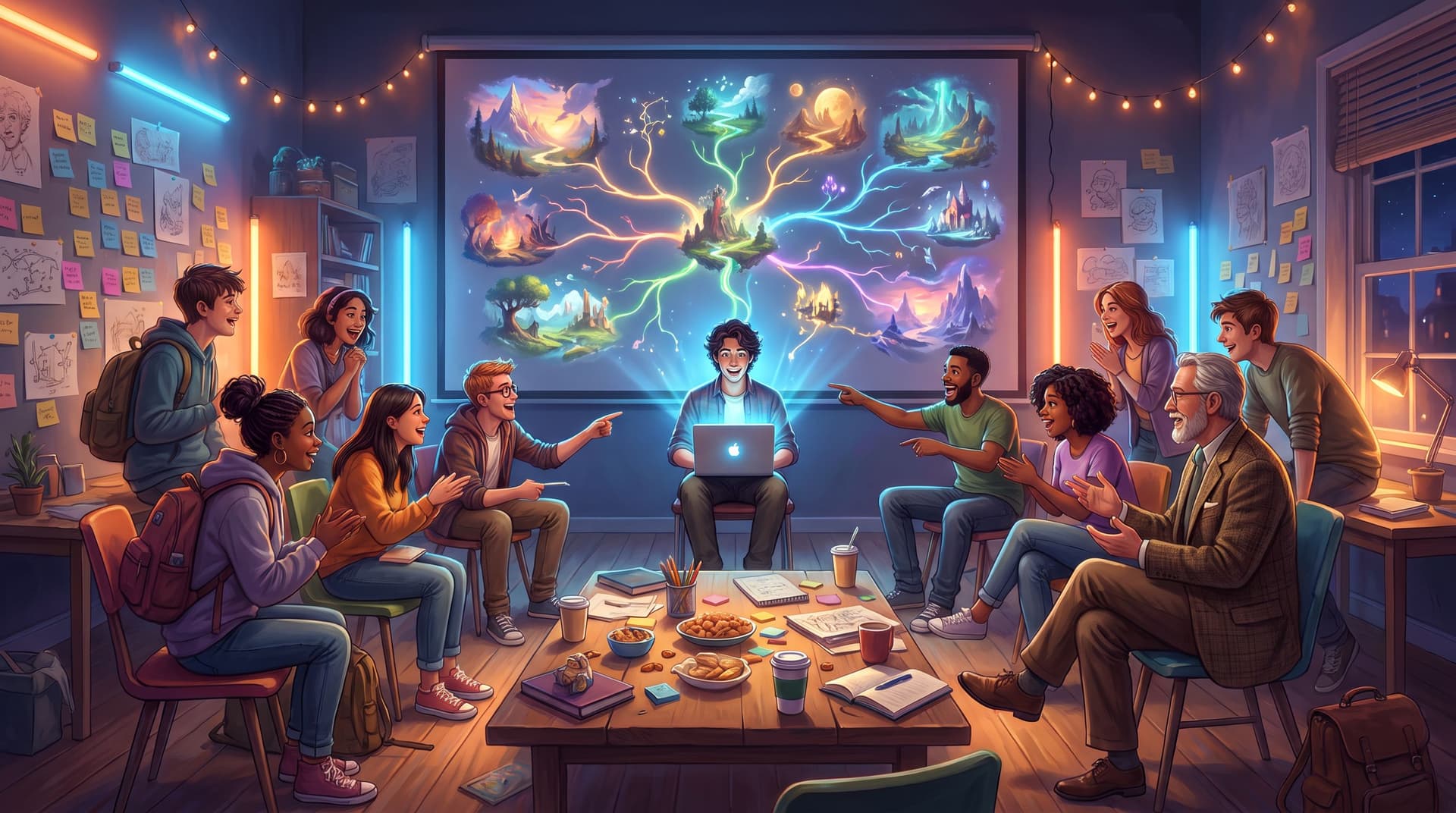
Live writing used to mean one person at the keyboard and everyone else watching over their shoulder. Notes in chat. Suggestions shouted across the table. Maybe a shared doc if you were lucky.
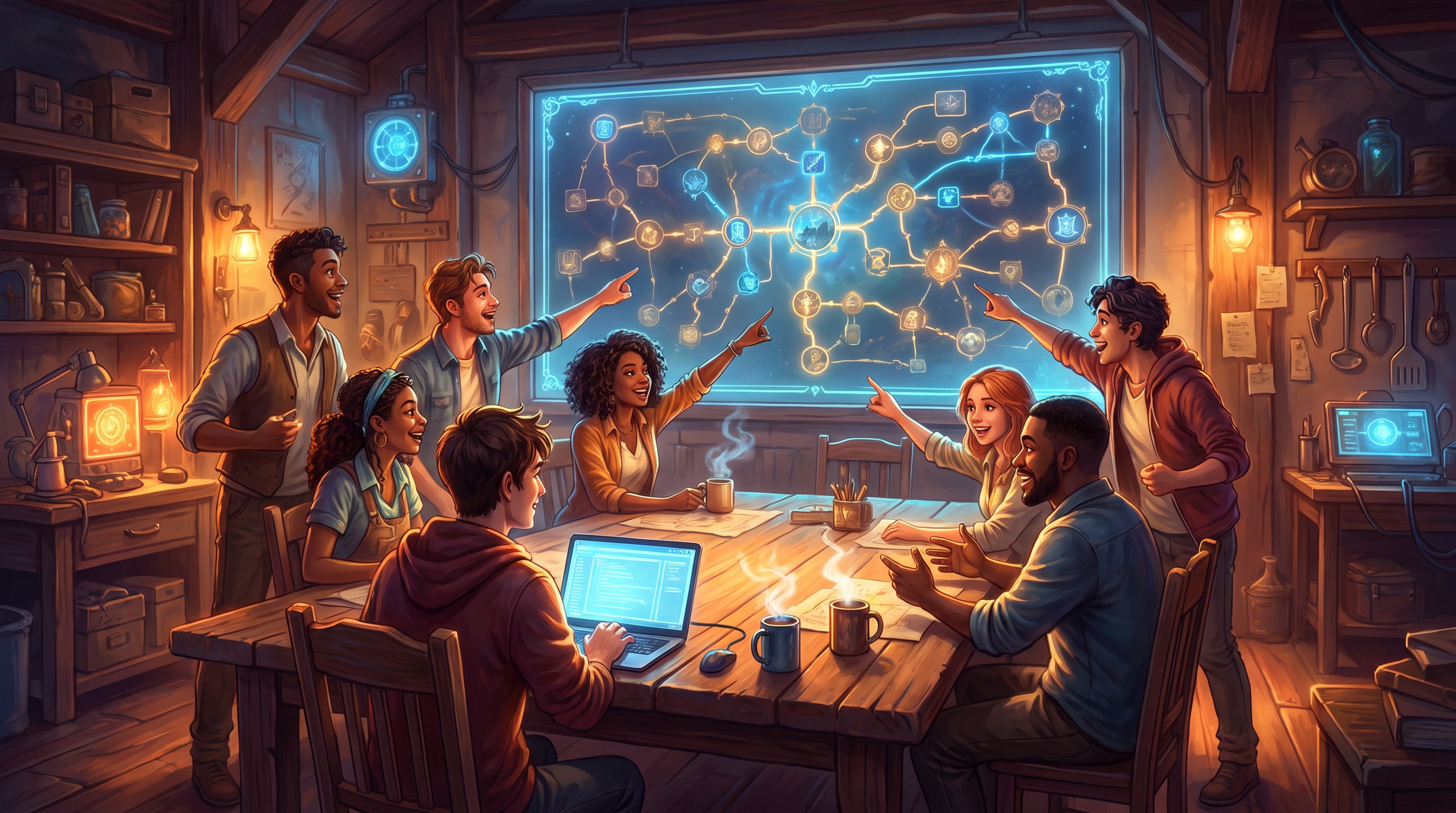
Now you can turn that same energy into a playable, branching story—built collaboratively, in real time—using Questas as your “one-keyboard writer’s room.”
Whether you’re hosting a fan workshop, teaching a class, or co‑creating with a guest author, live sessions are one of the fastest ways to:
- Test story ideas with real people
- Turn passive audiences into collaborators
- Build a shared sense of ownership around your worlds
This guide walks through how to plan, run, and follow up on a live co‑writing session in Questas, so you can get the benefits of a full writer’s room—even if there’s only one physical keyboard in the room.
Why a Live Writer’s Room Around One Keyboard Works So Well
Live co‑writing isn’t just a fun gimmick. It solves real problems for creators, educators, and teams.
1. You get instant feedback on story decisions
Instead of guessing which branch is more interesting or which tone lands, you can:
- Watch faces and hear reactions as you propose options
- See which choices people lobby for hardest
- Notice where the room goes quiet (usually a sign of confusion or low stakes)
This is the same principle behind using Questas as a previz lab for film and animation: you prototype moments quickly and let people play the idea, not just imagine it.
2. You turn spectators into co‑owners
When fans, students, or colleagues:
- Name characters
- Argue for a risky choice
- Pitch alternate endings
…they feel invested. They’re more likely to replay the quest later, share it, and suggest improvements. For communities, this is the same dynamic that makes asynchronous story clubs in Questas so sticky.
3. You keep scope under control
A single live session forces constraints:
- Limited time (60–90 minutes)
- Limited number of branches you can realistically build
- One person driving the tool while others contribute ideas
Those constraints are a gift. They push you toward compact structures like the 3‑Path Pattern, which you can explore in more detail in this blueprint for short, high‑impact Questas stories.
4. You model creative process in the open
For students or newer writers, watching you:
- Make trade‑offs between branches
- Decide when to cut an idea
- Rewrite a scene live
…is as valuable as the finished quest. They see that interactive storytelling is iterative, not magic.
Choosing the Right Format for Your Live Session
Before you schedule anything, decide what kind of writer’s room you’re running. That choice shapes everything else.
Common live co‑writing formats
-
Guest Author Spotlight
- You invite a writer, game designer, or subject‑matter expert.
- The group helps adapt their idea, talk, or story into a branching Questas experience.
- Great for: podcasts, newsletters, or communities that already feature guests.
-
Classroom or Workshop Lab
- You’re teaching narrative design, creative writing, UX, or leadership.
- Students co‑design a scenario, then later build their own quests using the session as a template.
- Pairs beautifully with educator‑focused workflows like those in From Slides to Storyworlds in One Afternoon.
-
Fan or Community Jam
- You bring your existing storyworld, IP, or campaign.
- Fans propose “what if?” scenarios and help you spin up side quests or alternate timelines.
- Great for testing ideas before committing to a full multi‑season arc.
-
Team Scenario Design
- For L&D, product, or operations teams designing training or decision simulations.
- You co‑create a realistic scenario (e.g., customer escalation, leadership dilemma) and build it as a playable quest.
Pick one format and write it down. It will anchor your next decisions.
Planning Your Session So It Doesn’t Sprawl
A live room can generate more ideas than you can possibly build. Your job is to design constraints that keep things focused and fun.
Step 1: Define a tiny, sharp goal
Aim for something like:
- “By the end of 75 minutes, we’ll have a playable pilot with one key decision and three outcomes.”
- “We’ll adapt the first 10 minutes of this podcast episode into an interactive opener.”
- “We’ll build a single tough leadership moment with two ‘good’ and two ‘learning’ endings.”
Tie this to a concrete structure (e.g., a 3‑path or single‑decision quest) so everyone knows the target shape.
Step 2: Prep a bare‑bones skeleton in Questas
Before people arrive, set up:
- A starting screen with a short premise
- One or two early choice nodes (even if they’re placeholders)
- A few empty scene nodes labeled with things like “Consequence A,” “Consequence B,” “Wildcard”
This way, you’re not explaining the UI from scratch while everyone waits. You’re dropping ideas into a visible structure.
Step 3: Decide how you’ll gather input
With one keyboard, you need clear channels for contribution. Options:
- Verbal pitching (in‑person or on a call) while you type
- Chat or backchannel (Zoom chat, Discord, Slack) where people drop line suggestions or branch ideas
- Sticky notes or cards if you’re in a physical room, then you translate them into Questas
Tell people up front how you’ll handle conflicting suggestions: for example, “We’ll vote with hands/emoji, and the top two ideas get in.”
Step 4: Timebox your phases
A simple 75‑minute agenda:
- 5 min – Welcome & premise
- 10 min – Map the core situation and protagonist
- 15 min – Design the first big decision
- 25 min – Build out 2–3 consequence branches
- 10 min – Add or refine key visuals
- 10 min – Playtest the draft together & debrief
This keeps you from spending 40 minutes word‑smithing the opening paragraph.
Running the Room: Facilitation Moves That Help
When the session starts, you’re not just a writer—you’re a showrunner, facilitator, and scribe. A few habits make that easier.
Start with a clear pitch and ground rules
Open with:
- The premise in one or two sentences
- The goal for the session (what “done” looks like)
- How decisions get made (host decides, group votes, guest author has final say, etc.)
Example:
“We’re building a short leadership scenario where you have to handle a teammate who’s quietly checked out. By the end, we want one big decision and three different outcomes. I’ll drive in Questas, you’ll pitch ideas, and we’ll vote quickly when we have multiple good options.”
Use the canvas as a shared thinking space
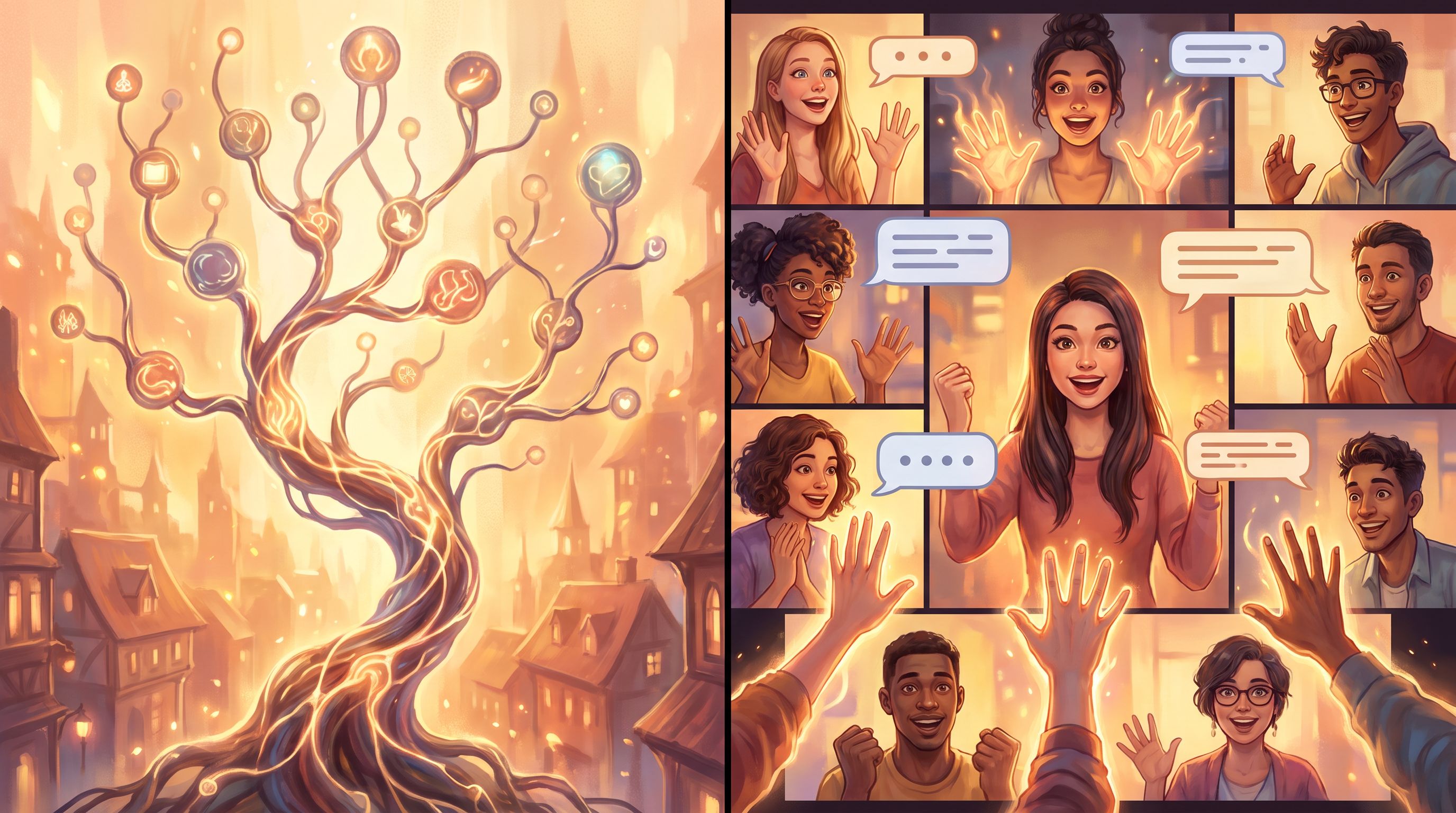
As you talk, move and build on the Questas canvas:
- Drag nodes around so branches are visually clear
- Rename scenes out loud as you type: “This one’s ‘Confront in Private’…”
- Draw new branches when someone says, “What if they just walk out?”
People think better when they see the structure evolving in front of them. This is the same principle behind replacing static diagrams with playable prototypes.
Turn messy ideas into structured choices
Groups will propose ideas at very different levels of detail:
- One person pitches a whole monologue
- Another just says, “What if they lie?”
Your job is to normalize everything into decisions and consequences. For example:
- “I’m hearing two main directions: confront them directly, or pretend nothing’s wrong. Let’s make those two buttons.”
- “That monologue sounds like a great result of choosing to confront. Let’s attach it to that branch.”
This keeps the quest coherent even while the room is chaotic.
Narrate your edits
As you type and adjust branches, talk through what you’re doing:
- “I’m shortening this line so it fits better on screen.”
- “Let’s merge these two similar ideas into one stronger choice.”
- “I’m adding a ‘quiet failure’ ending here so we can explore that emotion.”
You’re teaching people how to think like interactive storytellers, not just taking dictation.
Collaboratively Designing Branches Without Getting Lost
The biggest risk in a live session is branch explosion. Everyone has “one more idea,” and suddenly your neat skeleton becomes spaghetti.
Here’s how to keep it under control.
Anchor to one pivotal decision
Pick a single, high‑leverage choice and frame the whole session around it. For example:
- “Do you tell your co‑founder about the investor’s secret condition?”
- “Do you break quarantine to help a neighbor?”
- “Do you follow the ghost into the off‑limits wing?”
Everything else becomes setup or consequence. This mirrors the 3‑Path approach: one fork, three distinct paths.
Limit branches per level
Set simple rules like:
- No more than 3 options on any choice screen
- No more than 2 levels of depth beyond the main fork for this session
When someone proposes a fourth option, you can say:
“Love that. Which existing option should we replace, or should we save it for version two?”
Use “parking lots” for good ideas you can’t build yet
Create a scratchpad scene or external doc called “Parking Lot.” When a great idea doesn’t fit the current scope, park it there:
- “Alternate intro where the ghost is your sister”
- “Branch where the manager walks out mid‑conversation”
You’re honoring contributions without derailing the build.
Design at the level of moments, not whole arcs
Ask the room to think in moments:
- A revealing line of dialogue
- A surprising consequence
- A visual twist in the environment
Then stitch those into branches. It’s much easier than asking, “Who wants to design the entire left path?”
Co‑Creating Visuals on the Fly
Because Questas supports AI‑generated images and video, you can turn “writer’s room” energy into art direction energy.
Make visual decisions part of the conversation
As you reach a key scene, pause and ask:
- “What’s the emotional temperature here—warm, cold, eerie, clinical?”
- “Is this shot wide and distant, or close on someone’s face?”
- “What’s one weird detail that would make this location memorable?”
Translate those answers into prompt ingredients:
- Mood (e.g., “sodium‑orange streetlights, drizzle on windows”)
- Composition (e.g., “over‑the‑shoulder shot from behind the protagonist”)
- Style (e.g., “painterly concept art,” “gritty documentary still”)
For deeper guidance on consistent visuals across your quest, you can point people to your own AI art stack or to resources like Onboarding Your AI Art Stack.
Reuse motifs to tie the session together
Even in a quick live build, you can:
- Reuse a color palette across branches
- Repeat a symbol (a key, a logo, a scar) in multiple scenes
- Keep character designs consistent
This gives the final quest a cohesive feel, instead of a random collage of images.
Turning the Session into a Playable Artifact
When the clock runs out, you’ll likely have a rough but playable quest. Don’t stop there.
1. Do a quick live playthrough
Before everyone leaves:
- Hit Play in Questas
- Run through at least one full path
- Ask the group to call out:
- Lines that feel off
- Missing reactions or consequences
- Moments that felt especially strong
Fix the obvious issues immediately while everyone’s still present.
2. Assign light post‑session polishing
You can:
- Volunteer to tighten prose and pacing yourself
- Invite 1–2 participants to do a follow‑up async pass
- Ask the guest author to refine their character’s voice on specific scenes
Clarify that you’re not changing the structure the room built—just making it sing.
3. Decide how you’ll share it back
Options include:
- Publishing the quest to your community or class with a short intro crediting co‑creators
- Embedding it in a recap newsletter or course module
- Using it as the first episode in a larger series, with future episodes built in similar sessions
For communities, consider pairing the finished quest with a reflection thread or follow‑up story club, similar to the practices in Branching Narratives for Community Building.
4. Capture what you learned about your audience
Your session is also research. Right after, jot down:
- Which themes people gravitated toward
- Which choices sparked the most debate
- Any surprising pushes (e.g., “everyone wanted the morally gray option”)
Those insights can guide your next quests, your marketing, or your teaching.
Variations and Advanced Moves
Once you’ve run a basic one‑keyboard writer’s room, you can experiment.
Hot‑seat protagonist
Rotate who “plays” the protagonist during the build:
- Each person takes a turn deciding how their version of the character would act
- You branch when two players strongly disagree
This is powerful for leadership or ethics training, where values differ.
Competing endings
Split your group into two factions:
- Faction A argues for a hopeful or redemptive ending
- Faction B argues for a bleak or cautionary ending
You build both as parallel branches, then let future players decide which one they see.
This pairs beautifully with ideas from Designing Failure on Purpose, where “bad” endings are crafted to teach, not punish.
Live metrics follow‑up
After a few days of real players using the quest, come back together and review:
- Where people drop off
- Which branches they replay
- Which endings they screenshot or share
Use those “quiet metrics of play” to refine the quest further, drawing on practices from The Quiet Metrics of Play: What Session Length, Backtracking, and Screenshot Habits Reveal About Your Questas.
Recap: What Makes a One‑Keyboard Writer’s Room Work
To pull this off smoothly, remember:
- Start with a tiny goal. One pivotal choice, a handful of branches, and a clear timebox.
- Prep the skeleton. Have a basic Questas structure ready so you’re not fighting the tool on live time.
- Facilitate, don’t just type. Narrate decisions, normalize ideas into branches, and keep the room focused.
- Control branch creep. Cap options per decision and depth per path, and use a parking lot for extras.
- Make visuals collaborative. Treat AI image prompts as a shared art‑direction exercise.
- Ship a playable artifact. Do a quick live playthrough, polish lightly, and share it back with credits.
Do that, and you’ll walk away not just with a cool story, but with a community that feels like they helped write it.
Your Next Step
You don’t need a huge audience, a perfect story idea, or a full course outline to try this.
Here’s a simple way to start this week:
- Pick 3–5 people—friends, students, teammates, or superfans.
- Choose a single pivotal decision you’d love to explore.
- Block 60–75 minutes on a call.
- Set up a bare‑bones quest in Questas with an intro and one decision node.
- Run your first one‑keyboard writer’s room and see what happens.
Once you feel how different it is to build a story with people instead of for them, you’ll never want to go back.
Open Questas, sketch your starting premise, and send that calendar invite. Your writer’s room is closer than you think.