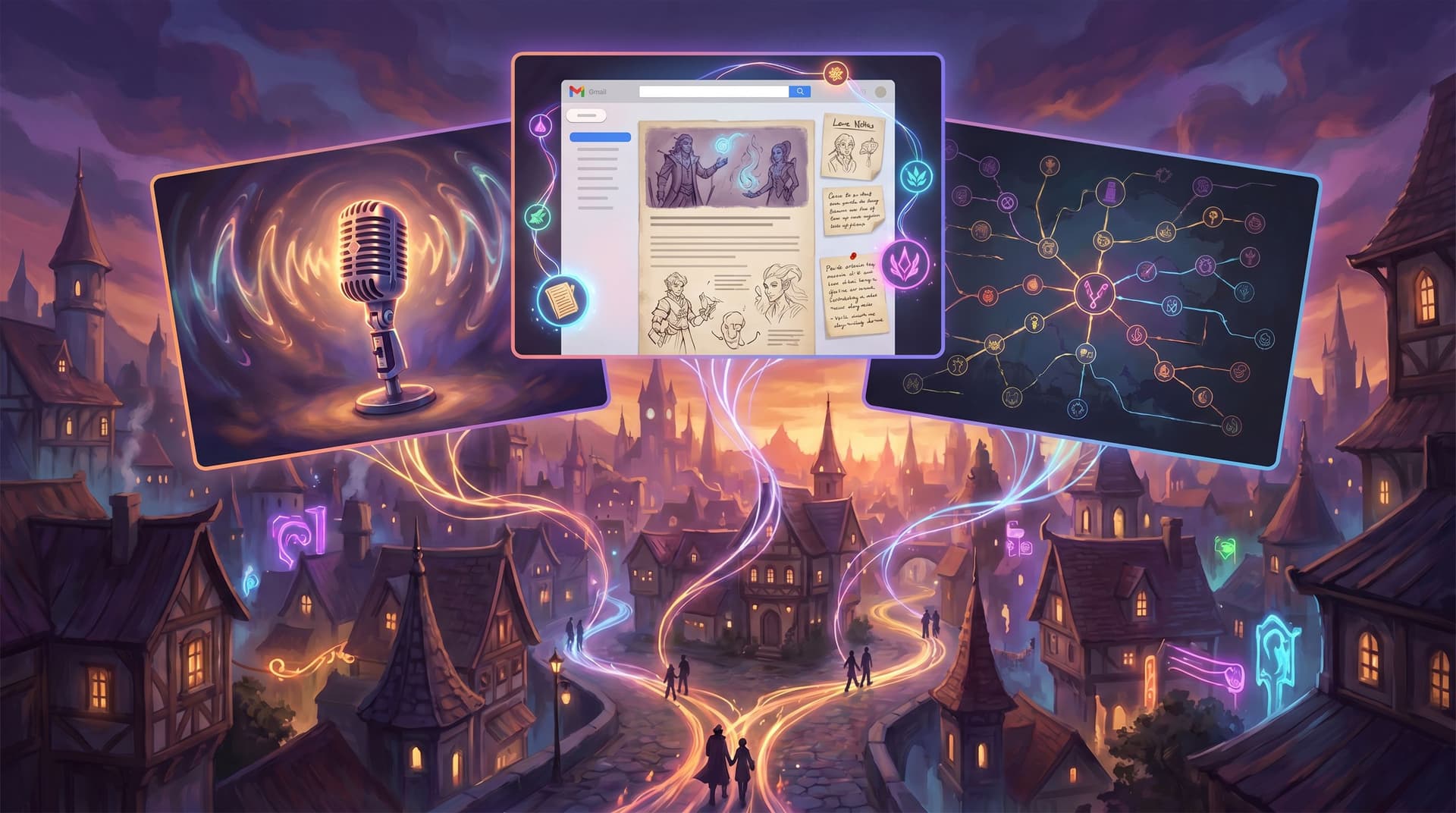
From Flowchart Fatigue to Playable Prototypes: Using Questas to Replace Sprawling Narrative Diagrams


From Flowchart Fatigue to Playable Prototypes: Using Questas to Replace Sprawling Narrative Diagrams
If you’ve ever zoomed out on a branching diagram and watched your story turn into an unreadable hairball of nodes and arrows, you’re not alone. Whether you’re designing a learning scenario, a narrative game, a customer journey, or a policy simulation, the same pattern shows up:
- You start with a clean flowchart.
- You add a few “what if?” branches.
- Stakeholders ask for more edge cases.
- Suddenly you’re maintaining a diagram no one fully trusts and almost no one can play.
Meanwhile, the thing you actually want isn’t a prettier diagram. You want a playable prototype: something people can click through, experience, and react to.
That’s where Questas comes in.
Questas is a web-based platform for building interactive, choose-your-own-adventure stories with AI-generated images and video. Instead of wrestling with static diagrams, you design branching narratives in a visual, no-code editor and instantly test them as real, shareable experiences.
This post is about making a shift: from diagram-first to prototype-first. You’ll see how to use Questas as your primary thinking tool for branching structure—so flowcharts become a side effect, not your main deliverable.
Why Flowcharts Break Down for Complex Stories
Flowcharts are great for:
- Simple decision trees
- High-level overviews
- Early alignment on major beats
They start to fall apart when you’re dealing with:
- Rich narrative context – Emotions, visuals, pacing, and tone don’t live in boxes and arrows.
- High branch density – Every new decision point multiplies paths; your diagram grows exponentially.
- Frequent iteration – Every script tweak, legal note, or design change means redrawing connections.
- Cross-functional teams – Writers, SMEs, designers, and stakeholders all interpret the same diagram differently.
If you’ve ever related to the pain described in Branch Smart, Not Wide: Blueprint Patterns for Scalable Questas Stories, you’ve already felt this.
The result is flowchart fatigue:
- You spend more time grooming diagrams than improving the story.
- Stakeholders argue about arrows instead of outcomes.
- You delay playtesting because “the map isn’t ready yet.”
The irony? Players never see your diagram. They experience moments, choices, and consequences.
Why Playable Prototypes Are a Better Source of Truth
Shifting to a prototype-first mindset means treating a live, clickable build as the canonical version of your story. That has big benefits:
1. You design for experience, not just logic.
- You feel pacing: where tension spikes, where things drag.
- You notice when choices feel fake or repetitive.
- You see how visuals and text work together.
This is the same philosophy behind From Branch Map to Beat Sheet: Structuring Scene Pacing in Complex Questas Stories—but applied at the very first stages of design.
2. You get feedback on what actually matters.
- Testers react to scenes and decisions, not shapes on a whiteboard.
- SMEs can say, “This scenario feels wrong,” instead of, “This arrow seems to point to the wrong box.”
- You can watch real playthroughs and adjust based on behavior, not assumptions.
3. You reduce documentation drag.
- Your story graph lives inside Questas; no need to keep diagrams and builds in sync.
- Node relationships update automatically as you iterate.
- You can still export or screenshot maps for presentations, but you’re not beholden to them.
4. You unlock richer storytelling tools.
- AI-generated images and videos make branches feel distinct and memorable.
- Variables, timers, and resource systems add nuance without adding diagram clutter (see No-Code Narrative Systems: Building Timers, Cooldowns, and Limited Resources Inside Questas for deeper systems design).
In short: playable prototypes turn your branching structure into something people can feel, not just inspect.

Rethinking Your Process: From Diagram-First to Prototype-First
You don’t have to throw away your flowcharts. But you can change where they sit in your workflow.
Here’s a practical way to reframe your process around Questas:
1. Start with a story spine, not a full map
Instead of trying to capture every branch up front, define a simple spine:
- Premise – Who is the player? What do they want?
- Conflict – What stands in their way?
- Crucial decision points – 3–5 moments where choices truly matter.
- Possible outcomes – A small set of meaningful endings (success, partial success, failure, twist).
Write this as a one-page outline or a beat list. At this stage, a rough sketch is fine—but resist the urge to fully map every path.
If you’re working in education or training, you can adapt the approach in From Slides to Storyworlds in One Afternoon: A Repeatable Questas Template for Busy Educators: treat each slide or learning objective as a potential beat in your spine.
2. Block out scenes directly inside Questas
Open Questas and:
- Create a new story.
- Add nodes for your core beats: opening, inciting incident, key decisions, endings.
- Connect them in a single “golden path”—a basic, mostly linear route.
Don’t worry yet about every alternate choice. Your goal is to:
- Get a feel for how long a basic run takes.
- See where natural branch points emerge.
- Start writing dialogue, description, and internal monologue in context.
Because Questas lets you preview scenes instantly, you can jump into player mode early and often.
3. Add choices where tension or uncertainty is highest
Now that you have a playable spine, look for moments where players might reasonably think:
- “Wait, I could handle this differently.”
- “I wish I could ask another question first.”
- “This feels like a turning point.”
At those beats, add one or two meaningful choices:
- Avoid adding branches just to add volume.
- Prefer choices that reveal values, strategies, or trade-offs.
- Use low-stakes branches (e.g., what to say first, where to look) to build empathy and texture, as explored in The Quiet Choice: Using Low-Stakes Branches to Build Empathy, Not Just Drama, in Questas.
Each new branch should earn its keep:
- Does it show the player something they couldn’t see otherwise?
- Does it change how later scenes feel, even if they rejoin the main path?
- Does it reveal something important about the world, the character, or the system you’re modeling?
4. Use blueprint patterns instead of ad-hoc branches
This is where you can borrow from your own internal “design library” or from patterns like those in Branch Smart, Not Wide: Blueprint Patterns for Scalable Questas Stories.
Common, reusable patterns include:
- Hub-and-spoke – A central scene with optional side explorations that return to the hub.
- Branch-and-merge – Two or more distinct routes that reconverge at a key beat.
- Escalating gauntlet – A sequence of decisions where stakes rise each time.
- Perspective switch – Jumping to another character or role to show consequences from a new angle.
When you add a branch in Questas, ask: Which pattern am I using here? Designing with patterns:
- Keeps your node map understandable as it grows.
- Makes it easier to explain structure to stakeholders.
- Reduces the number of truly unique scenes you need to maintain.
5. Let visuals guide structure, not just decorate it
One of the advantages of Questas is that you can generate AI images and videos directly in the editor. Use that power structurally:
- Differentiate branches visually – If two routes reflect different moods (optimistic vs. ominous), choose art styles and color palettes that reinforce that.
- Signal state changes – When the world shifts because of a choice (e.g., a city under curfew, a team under pressure), update visuals to match.
- Anchor recurring locations – Use consistent prompts or styles so players recognize when they’ve returned somewhere familiar.
Thinking visually can also reveal structural gaps:
- If you struggle to picture a scene, maybe it’s doing too many things at once.
- If two branches look identical, maybe they’re not distinct enough to justify separate nodes.
For multi-episode or team projects, the techniques in AI as Art Director: Building Cohesive, On-Brand Visual Languages for Your Questas Series can help you keep a consistent look as your prototype grows.
6. Playtest early, then refine logic—not the other way around
Once your core route and a few key branches are in place:
- Invite a small group of testers: colleagues, SMEs, or representative players.
- Ask them to share screen or record their playthrough.
- Watch for:
- Where they hesitate or get confused.
- Which choices they find compelling or trivial.
- Where they want more control—or less.
Then iterate inside Questas:
- Rewrite scenes that feel flat.
- Simplify or merge branches that cause confusion.
- Add clarifying context or foreshadowing earlier in the story.
Only after several rounds of prototype iteration should you consider making a formal diagram—if you still need one at all.

When (and How) to Use Diagrams Alongside Questas
Replacing sprawling narrative diagrams doesn’t mean diagrams disappear. It means they become supporting artifacts, not the primary canvas.
Here are smart ways to use them alongside your Questas build:
Use diagrams for communication, not authorship
- Create high-level overview maps for executives or stakeholders who need the big picture.
- Highlight critical paths and risk points—where compliance, safety, or brand concerns are highest.
- Show how your interactive story connects to other channels (podcasts, newsletters, live sessions), as explored in The New Transmedia Toolkit: Blending Podcasts, Newsletters, and Questas into One Story Universe.
But always pair diagrams with a link to the live Questas prototype so people can experience what the boxes and arrows represent.
Keep diagrams intentionally coarse
Instead of trying to represent every node:
- Group clusters of scenes into chapters or phases.
- Represent recurring patterns (like hub scenes) as a single symbol.
- Annotate with design intent (“empathy-building segment,” “high-stakes decision,” “cooldown exploration”) rather than every individual decision.
This keeps diagrams legible and durable, even as the prototype evolves.
Let Questas be your single source of truth
Whenever there’s a conflict between a diagram and the prototype:
- Default to what’s actually playable in Questas.
- Update or discard diagrams that no longer reflect the experience.
Your team should know: the story lives in Questas. Diagrams are just maps.
Practical Tips to Avoid Flowchart Fatigue Altogether
A few concrete habits can keep you from drifting back into diagram overload:
- Set a branch budget up front. Decide how many major decision points and endings you’re aiming for before you build.
- Design with rejoin points. Plan where branches will merge back into shared scenes so your node count doesn’t explode.
- Favor state over separate branches. Use variables and conditional text to reflect past choices without duplicating entire scenes.
- Timebox diagramming. Give yourself a fixed window (e.g., 90 minutes) for high-level mapping, then move into Questas and stay there.
- Prototype ugly, then beautify. Start with plain text and basic structure. Add polished visuals and micro-interactions once the core experience works.
These habits keep your energy focused on what players feel and learn, not how pretty your planning document looks.
Bringing It All Together
Moving from flowchart-first to prototype-first storytelling is a mindset shift:
- From maintaining diagrams to shipping experiences.
- From guessing how branches will feel to watching people play them.
- From being owned by your map to letting your map emerge from a living prototype.
Questas gives you the tools to make that shift practical:
- A visual, no-code editor for branching structure.
- AI-generated images and video to give each path a distinct flavor.
- Instant playtesting so you can iterate based on real behavior.
Flowcharts still have a place—but as supporting documentation, not your primary creative battlefield.
Your Next Step: Build One Playable Slice
You don’t need to migrate an entire 200-node diagram into Questas tomorrow. Instead, pick one thin slice and turn it into a playable prototype:
- Choose a scenario or chapter where your current flowchart feels most unwieldy.
- Distill it into a simple spine: opening → 2–3 key decisions → 2–3 outcomes.
- Block those beats out in Questas as a golden path.
- Add a handful of meaningful branches using patterns you trust.
- Generate a few images to bring the world to life.
- Put it in front of someone and watch them play.
Once you’ve seen how much clearer your thinking becomes when you’re working in a live prototype, you may find you never want to go back to sprawling diagrams as your primary tool.
Adventure awaits—not on your whiteboard, but in the stories people can actually play.
Open Questas, sketch your first spine, and build that first playable slice. Your future self (and your future players) will thank you.