No-Code Narrative Systems: Building Timers, Cooldowns, and Limited Resources Inside Questas

Interactive stories feel most alive when time and scarcity matter.
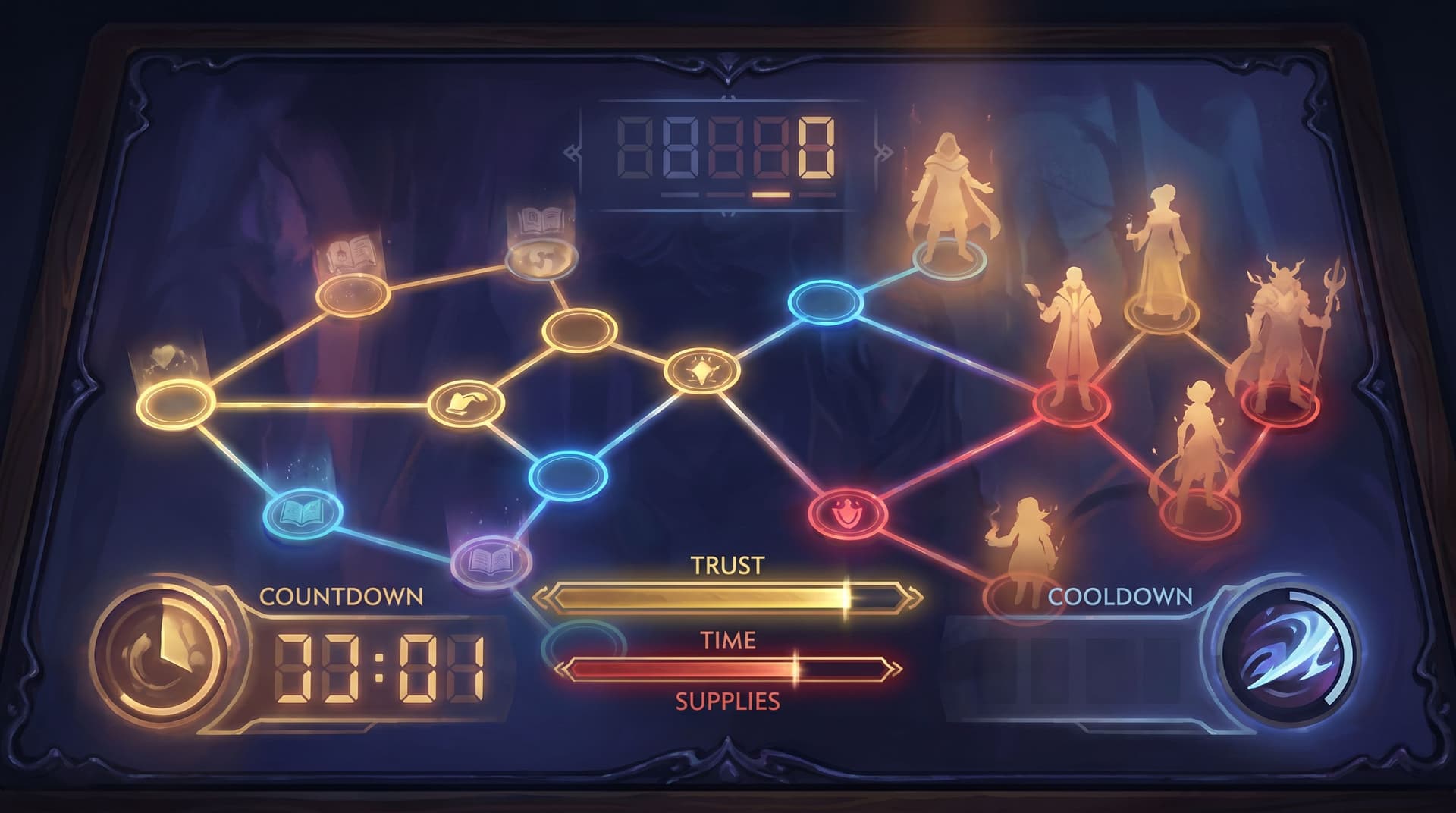
A countdown before the reactor blows. A cooldown before you can trigger a powerful ability again. A dwindling supply of fuel, trust, or money that forces hard calls. These aren’t just gamey extras—they’re how you turn a pleasant stroll through a story into a tense, memorable journey.
On platforms that require coding, those systems often live in scripts and spreadsheets. With Questas, you can build them visually, no code required.
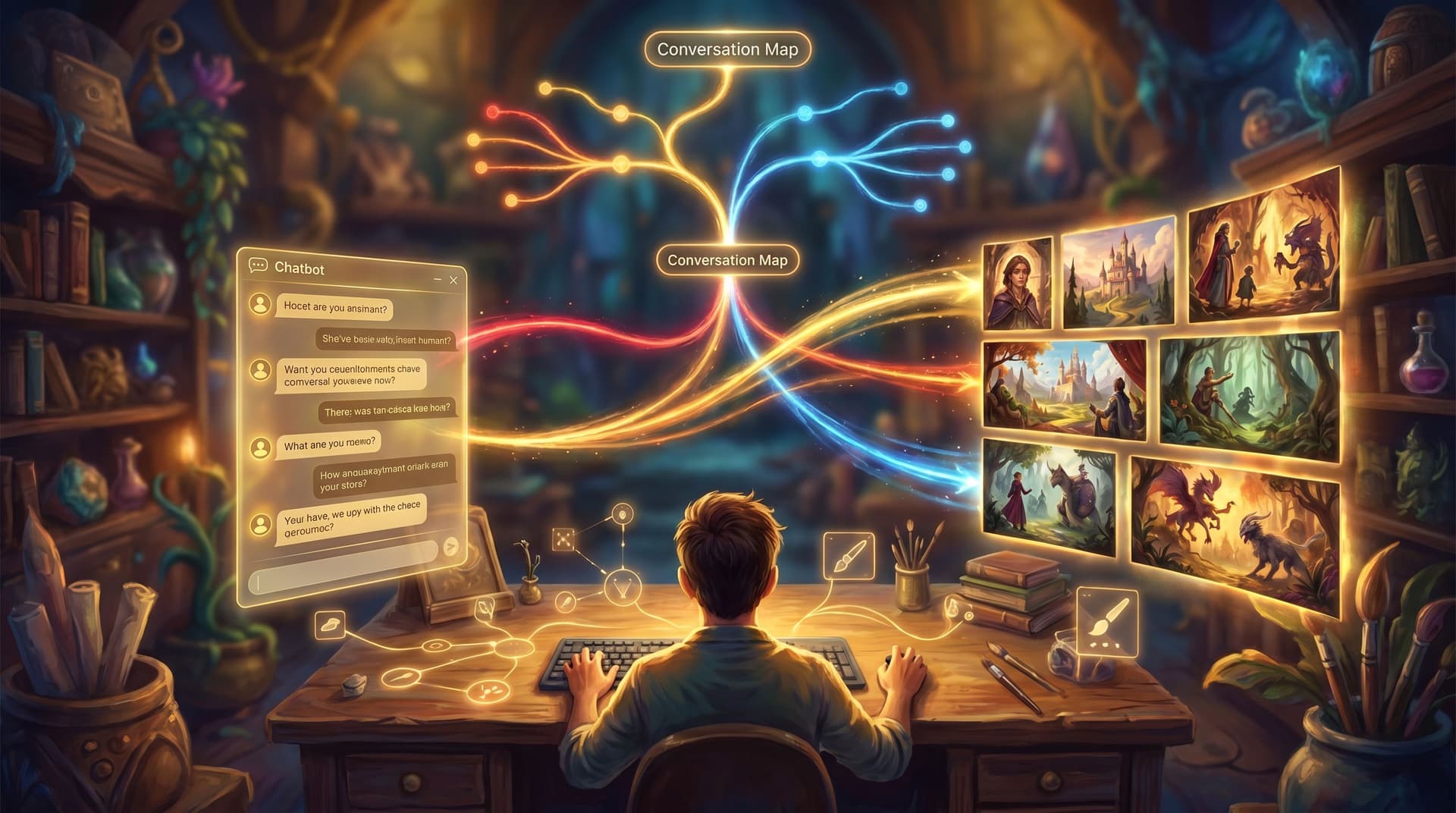
This guide walks through how to design timers, cooldowns, and limited resources using narrative logic, node structure, and simple variables so your quests feel strategic, replayable, and emotionally charged—without ever touching a line of code.
Why Time and Scarcity Make Your Quests Sing
Before we get tactical, it’s worth getting clear on why you’d bother with timers or resource systems at all.
1. They turn choices into trade‑offs
Without constraints, many branches boil down to: "Which flavor of awesome do you want?" When you introduce time pressure or limited resources, every decision has a cost.
Examples:
- You can either rescue a teammate or secure intel before the timer runs out.
- You can spend your last medkit now, or risk pushing forward injured.
- You can call in a favor from a powerful ally—but it triggers a long cooldown, so you won’t have them later.
If you’re already thinking about emotional nuance in your choices, systems like these pair beautifully with low‑stakes branches. For more on that, see how small decisions build empathy in The Quiet Choice: Using Low-Stakes Branches to Build Empathy, Not Just Drama, in Questas.
2. They create natural pacing and rhythm
Time and resources are pacing tools.
- A timer can compress a sequence into a frantic sprint.
- A cooldown can force a breather between high‑impact moves.
- A limited resource can turn a long, meandering branch into a focused run of hard decisions.
If you’ve ever struggled with some branches dragging while others rush ahead, these systems give you new levers—alongside the structural tools covered in From Branch Map to Beat Sheet: Structuring Scene Pacing in Complex Questas Stories.
3. They increase replay value
Once you add scarcity, players start thinking:
- “What if I spent resources differently?”
- “What if I ignored the timer and explored more?”
- “What if I saved my cooldown for the final confrontation?”
That mindset is exactly what fuels replays. Combine it with deliberate structure (see Designing Replay Value on Purpose: Structuring Questas Stories So Players Actually Want a Second Run), and your quests become worlds players want to revisit.
The Building Blocks Inside Questas
You don’t need a full game engine to model time and scarcity. You need a few simple pieces:
- Variables – Named values you track (e.g.,
time_left,energy,medkits,trust_with_mentor). - Conditions – Rules that check those values (e.g.,
if time_left <= 0,if medkits > 0). - Branching nodes – Scenes that split based on conditions or choices.
- Counters – Simple increments/decrements when a choice is taken.
In Questas, these are all surfaced through the visual, no‑code editor:
- Variables panel – Define and initialize story‑wide or scene‑specific variables.
- Choice configuration – Add actions like “increase/decrease variable” when a player picks an option.
- Conditional routing – Send players to different nodes based on variable values.
- Display logic – Surface timers/resources in UI text so players feel the pressure.
Once you’re comfortable with those primitives, you can layer them into three core systems: timers, cooldowns, and limited resources.
Designing Story Timers Without Writing Code
A timer in a narrative isn’t about real‑time seconds; it’s about how many meaningful actions fit before a deadline.
Think of a timer as: "You have N scenes or decisions before X happens."
Step 1: Decide what your timer measures
Common narrative timers:
- Urgency – A bomb, a storm, a press conference, a trial.
- Exposure – How long you can sneak before being detected.
- Stamina – How long the protagonist can push before collapsing.
Pick one clear event that happens when the timer hits zero. That event can be:
- A fail state (mission aborted).
- A soft fail (you’re late, consequences shift, but story continues).
- A branching pivot (you miss a chance but open a different route).
Step 2: Create a time_left variable
- In your quest’s variable settings, add something like
time_left. - Set an initial value that roughly equals the number of key decisions you want before the deadline—say
5.
Step 3: Decrement time on meaningful choices
Not every click should eat time. Focus on impactful actions:
- Moving to a new location.
- Attempting a complex task.
- Engaging in a long conversation.
In each choice configuration:
- Add an action:
time_left = time_left - 1. - Optionally, show this in the choice text: “(Costs 1 hour)” or “(This will take a while)”.
Step 4: Add conditional branches when time runs out
At key checkpoints, add logic like:
- If
time_left > 0→ continue along the “on time” path. - If
time_left <= 0→ route to a “you’re too late” scene.
Use that late scene to:
- Change who’s present.
- Alter the stakes.
- Lock or unlock certain choices.
This is a perfect place to design soft fails, where the story bends instead of breaking. If you want a deeper dive on that design pattern, check out Designing ‘Soft Fails’ in Questas: Letting Players Mess Up Without Breaking the Story.
Step 5: Surface the timer in the story
A timer only creates tension if players know it exists.
Ways to show it:
- Inline text: “Hours left before launch: {{time_left}}.”
- UI element: a small status panel that appears in relevant scenes.
- Character dialogue: an NPC who keeps reminding you how little time is left.
Pro tip: Don’t show the timer everywhere. Reserve it for scenes where the countdown is top of mind—that keeps it from becoming visual noise.
Cooldowns: Making Powerful Actions Feel Special
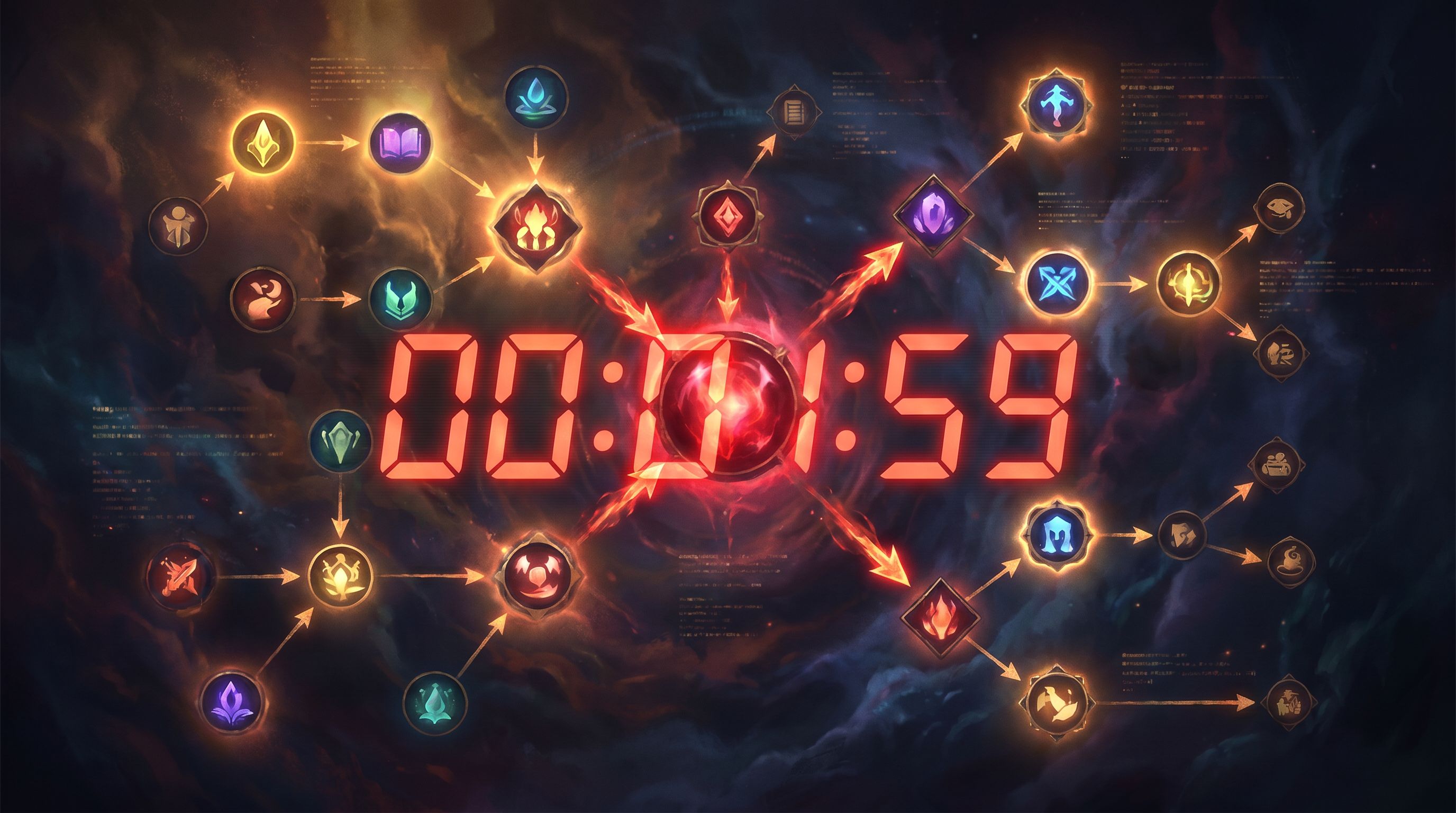
Cooldowns are a way to say: “You can do this, but not all the time.” In story terms, they:
- Make big moves feel weighty.
- Encourage players to save abilities for the right moment.
- Create rhythm between spikes of power and quieter scenes.
Step 1: Define the action that needs a cooldown
Ask yourself:
- What action is so strong it shouldn’t be spammable?
- What narrative logic explains why it can’t be used constantly?
Examples:
- A hacker’s once‑per‑mission system override.
- A negotiator’s “call in a political favor” move.
- A mage’s ultimate spell that leaves them drained.
Step 2: Create a cooldown_X variable
For each ability, define a variable like cooldown_override.
Two simple patterns:
-
Boolean pattern (on/off)
cooldown_override = 0→ ready.cooldown_override = 1→ on cooldown.
-
Counter pattern (number of scenes until ready)
cooldown_override = 0→ ready.cooldown_override > 0→ N scenes remaining.
If you’re just starting, the boolean pattern is easiest.
Step 3: Gate the choice with a condition
On any scene where the ability might be used:
- Show the “Use ability” choice only if
cooldown_override == 0. - Optionally show a grayed‑out or alternate line like “You’re still recovering from the last use” when it’s not available.
Step 4: Flip the variable when the ability is used
When a player chooses the ability:
- Set
cooldown_override = 1. - Route to a powerful payoff scene.
Step 5: Reset the cooldown later
Decide when it becomes available again:
- After a certain number of scenes.
- After resting at a safe hub.
- After a story milestone.
In the scene where it refreshes:
- Set
cooldown_override = 0. - Optionally, narrate why: “You’ve had time to recompile your tools.”
Optional: Multi‑step cooldowns
If you want more granularity:
- Initialize
cooldown_override = 0. - When used, set
cooldown_override = 3. - On each subsequent major scene, decrement:
cooldown_override = max(0, cooldown_override - 1). - Gate the ability with
cooldown_override == 0.
This gives you that satisfying “2 turns until ready” feel without complex math.
Limited Resources: Turning Numbers Into Feelings
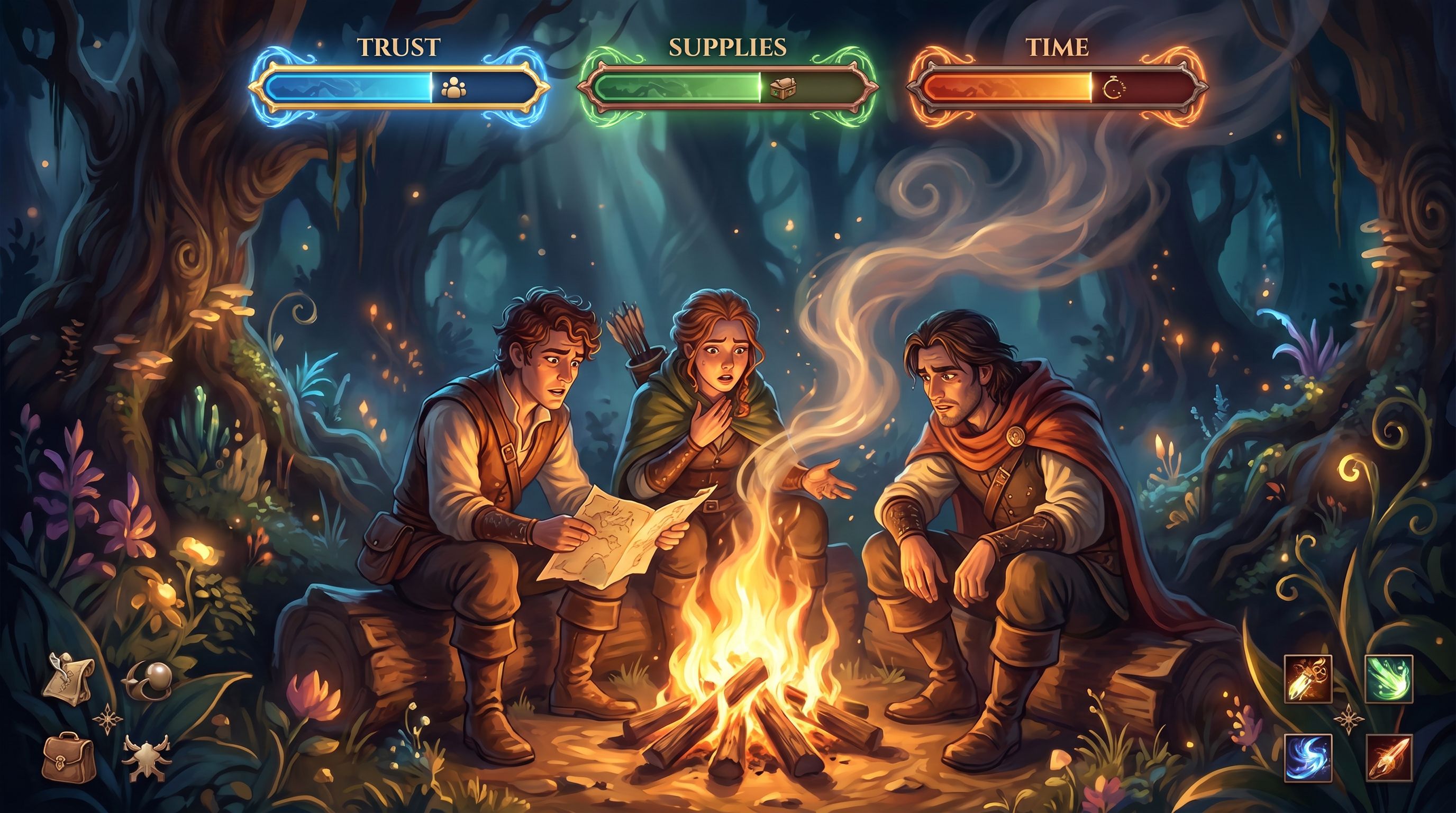
Resources turn abstract themes—risk, sacrifice, greed, care—into concrete numbers the player can see and manage.
Common narrative resources:
- Physical: ammo, fuel, food, tools.
- Social: trust, reputation, political capital.
- Emotional: willpower, resolve, hope.
Step 1: Choose 1–3 core resources
Resist the urge to track everything. Pick a small set that aligns with your story’s core tensions.
Examples:
- Survival trek:
food,warmth,morale. - Political intrigue:
influence,secrets,alliances. - Training sim:
credibility,budget,customer_satisfaction.
Step 2: Initialize and display them
- Create variables: e.g.,
food = 5,influence = 3. - Decide where they show up:
- A persistent status panel.
- A recap at the start of each chapter.
- Occasional “resource check‑in” scenes.
Step 3: Attach costs and rewards to choices
For each significant choice, ask:
- Does this spend a resource?
- Does this earn a resource?
- Is this resource‑neutral but still important?
Then, in Questas choice actions:
- Decrease:
food = food - 1. - Increase:
influence = influence + 2.
Make the trade‑off legible:
- “Share the supplies (+2 trust, -1 food)”
- “Keep the cache secret (+1 food, -2 trust)”
Step 4: Use thresholds to branch the story
Resources matter most when they change what’s possible.
Examples:
- If
influence >= 5, you can sway the council. - If
food <= 0, you trigger a starvation sequence. - If
morale < 2, certain characters stop volunteering for danger.
In the editor, this means:
- Adding conditional branches based on resource values.
- Showing or hiding choices depending on thresholds.
Step 5: Let resources paint the ending
One powerful pattern is to use final resource values to shape epilogues.
For instance:
- High
trust_with_team→ a united, hopeful ending. - Low
trust_with_teambut highmission_success→ a bittersweet, fractured victory.
You can combine multiple variables in your conditions to create nuanced outcomes without building dozens of separate endings.
Putting It All Together: A Simple Pattern You Can Reuse
Let’s combine these ideas into a concrete pattern you can adapt for your own quests.
Imagine a short scenario built in Questas: a smuggling run through a storm.
Variables:
time_left = 4(storm hits in 4 major moves)fuel = 3crew_trust = 2cooldown_afterburner = 0
Core loop:
- Each leg of the journey is a scene.
- Most navigation choices cost 1
time_leftand 1fuel. - Risky shortcuts might:
- Cost 0 time but 2 fuel.
- Risk a soft fail that lowers
crew_trust.
- The afterburner move:
- Available only if
cooldown_afterburner == 0. - Skips a leg (no
time_leftcost) but consumes 1fueland setscooldown_afterburner = 1. - Resets to 0 when you reach a safe harbor or after a “cooldown” scene.
- Available only if
- At each checkpoint, conditions check:
- If
time_left <= 0→ you’re caught in the storm; branch to survival mode. - If
fuel <= 0→ you drift and must call in a favor (costingcrew_trust). - If
crew_trust <= 0→ mutiny route.
- If
You’ve just built a lightweight survival system with:
- One timer (
time_left). - One consumable resource (
fuel). - One relational resource (
crew_trust). - One cooldown (
cooldown_afterburner).
All of it is driven by variables, conditions, and branching scenes—no scripting needed.
Practical Tips So Your Systems Serve the Story
It’s easy to get excited and overbuild. A few guardrails will keep your narrative systems in service of emotion, not spreadsheets.
Start small and visible
- Introduce one timer or one key resource in your next build.
- Make sure players can see it and understand how choices affect it.
- Playtest a short run and tweak values before you scale.
Tie every number to a feeling
Ask, for each variable:
- What does it feel like when this is high?
- What does it feel like when this is low?
- How can I show that in visuals, dialogue, and consequences?
For example, low morale might:
- Desaturate AI‑generated visuals slightly.
- Change character posture and facial expressions.
- Shift dialogue from confident to hesitant.
Use AI visuals to reinforce state changes
Because Questas leans on AI‑generated images and video, you can:
- Generate alternate versions of key locations (calm vs. stormy, crowded vs. empty).
- Create character variants for high vs. low trust or morale.
- Build visual motifs for timers (e.g., a clock tower growing darker each chapter).
If you’re working on a series, it’s worth establishing a consistent visual language for these states. AI as Art Director: Building Cohesive, On-Brand Visual Languages for Your Questas Series goes deep on that.
Don’t be afraid of soft fails
Timers and resource systems can make creators nervous: “What if players hit a dead end too early?”
The solution isn’t to avoid failure; it’s to design soft fails:
- Losing time means you arrive late, not that the story ends.
- Running out of a resource triggers a costly detour, not a game over.
- Burning trust closes one door but opens another.
That way, your systems create texture instead of hard walls.
Document your logic
Even in a no‑code builder, complex systems can get confusing. Keep a simple doc or node annotation that tracks:
- Which variables exist and what they represent.
- Where they’re changed.
- Which scenes check them.
Future‑you (or your collaborators) will thank you.
Where to Go Next
Timers, cooldowns, and limited resources are just the beginning of building narrative systems in Questas.
From here, you might:
- Turn a linear training module into a resource‑driven sim where learners juggle budget, time, and stakeholder trust.
- Add a subtle trust meter to a character‑driven drama, unlocking different confessions and alliances.
- Build a replay‑friendly thriller where beating the timer on one run reveals shortcuts you can exploit on the next.
If you’re new to the platform, From Idea to Interactive: A Step‑By‑Step Workflow for Building Your First Questas Story is a great companion piece—walk through that workflow, then layer in the systems you’ve just read about.
Quick Recap
- Timers in Questas are about decisions, not seconds. Track
time_left, decrement on meaningful actions, and branch when it hits zero. - Cooldowns make powerful actions special. Gate them with simple boolean or counter variables, then flip those values as the story moves.
- Limited resources (like fuel, trust, or morale) turn abstract themes into concrete trade‑offs players can see and manage.
- Soft fails, clear UI, and strong visuals keep these systems emotional rather than mechanical.
- With just variables, conditions, and branching nodes, you can build rich narrative systems—no scripting required.
Ready to Build Your First Timed, Resource‑Driven Quest?
You don’t need to become a game programmer to make stories where time matters, resources run out, and choices echo forward. You already have the tools inside Questas; all that’s left is to decide which tension you want players to feel first.
Here’s a simple challenge:
- Open Questas.
- Create a short 5–7 scene quest.
- Add one timer or one resource that clearly changes at least two choices.
- Play it yourself, then share it with a friend and watch how they manage the pressure.
From there, you can layer in more systems, richer visuals, and deeper branching. Adventure awaits—now with timers, cooldowns, and just enough scarcity to make every decision count.