From Chatbot to Quest Guide: Turning Conversational Flows into Visual, Branching Questas Experiences

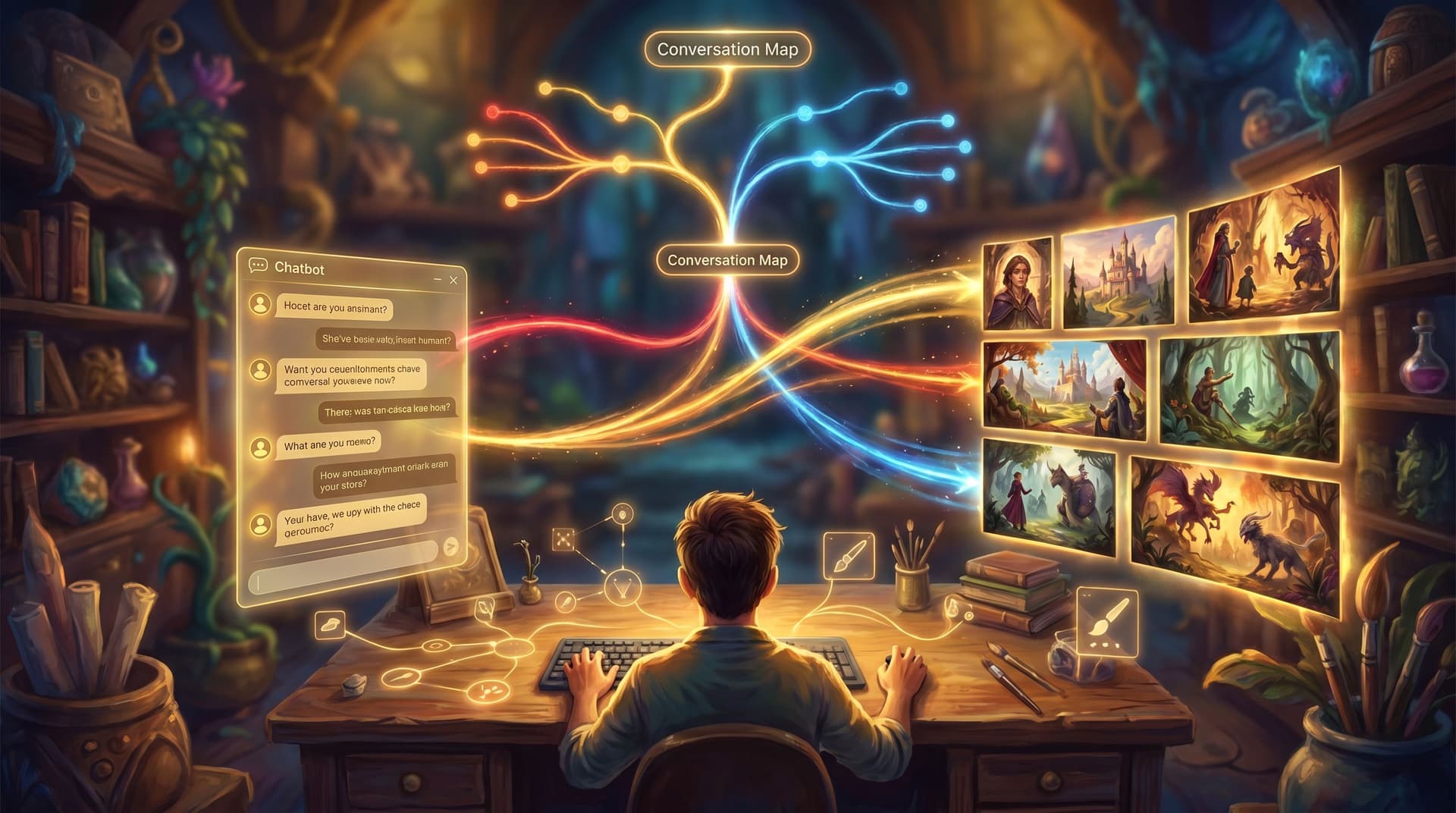
Most teams already have interactive stories hiding in plain sight—they just call them chatbots.
Customer support bots, onboarding assistants, HR FAQ flows, training chat widgets: all of these are essentially branching narratives. They ask questions, offer choices, and guide people toward outcomes.
But there’s a big gap between a text-based chatbot and a rich, visual, replayable story built in Questas. Close that gap, and you can turn utilitarian flows into:
- Immersive simulations for training and onboarding
- Playable walkthroughs for products and services
- Narrative experiences that people want to explore more than once
This post walks through how to transform an existing conversational flow—whether it’s a scripted bot, a decision tree in a tool like Intercom, or a prompt-based assistant—into a guided, cinematic quest.
Why upgrade a chatbot into a quest?
Before we get tactical, it’s worth asking: why bother turning a working chatbot into a branching story at all?
1. Conversations are already stories—quests just make that visible
Every chatbot flow has:
- A starting situation ("You’ve just signed up" / "You’re locked out of your account" / "You’re a new manager")
- Choices ("Do you want help with billing or product setup?" / "Do you escalate or handle this yourself?")
- Consequences ("Your trial is extended" / "The customer churns" / "Your team trusts you more")
A quest doesn’t invent structure; it reveals it, then amplifies it with visuals, pacing, and meaningful outcomes.
If you’re curious about how that structure looks end-to-end, you might like pairing this article with From Idea to Interactive: A Step‑By‑Step Workflow for Building Your First Questas Story.
2. Visual branching boosts comprehension and recall
Research on scenario-based and simulation learning consistently shows higher retention and better transfer to real-world behavior compared to passive formats like slides or static FAQs. When people see a situation, make a choice, and watch the outcome play out, they internalize it more deeply.
Turning a dry chatbot exchange into a visual scene with characters, locations, and emotional stakes:
- Makes abstract policies and flows feel concrete
- Helps players remember what to do under pressure
- Encourages exploration instead of “just clicking through”
3. You unlock replay value instead of one-and-done interactions
A typical chatbot is transactional: the user has a problem, the bot solves it, the interaction ends.
A quest can be:
- Replayed to explore alternate paths
- Shared with colleagues, communities, and customers
- Extended into a series—new episodes, new branches, seasonal updates
If you’re thinking beyond a single build, Designing Replay Value on Purpose: Structuring Questas Stories So Players Actually Want a Second Run goes deep on how to keep players coming back.
4. You get richer data about decisions—not just clicks
Chatbots log which button someone clicked. Quests can log:
- Which sequence of choices players took
- Where they paused or bounced
- Which endings or outcomes are most common
That’s gold for teams doing training, product onboarding, or customer research. You’re not just answering questions; you’re watching how people think.
Step 1: Choose the right chatbot to transform
Not every conversational flow deserves the full quest treatment. Start with one that already has:
- High stakes – Mistakes are costly, embarrassing, or risky (e.g., crisis response, compliance, leadership decisions)
- Emotional weight – There’s frustration, delight, fear, or excitement baked in (e.g., a customer escalation, a big purchase, a career decision)
- Clear branching – Multiple valid paths, not just a linear FAQ (e.g., troubleshooting, discovery calls, onboarding journeys)
Examples that translate especially well:
- A support escalation bot → becomes a “day in the life” of a support lead handling tough tickets
- A sales qualification chatbot → becomes a branching discovery call where you role-play the rep
- An HR policy assistant → becomes a narrative about handling sensitive situations at work
Pick one flow that already matters to your team and has enough branching to be interesting.
Step 2: Extract the story hiding in your flow
Next, you’ll reverse-engineer the narrative that’s already there.
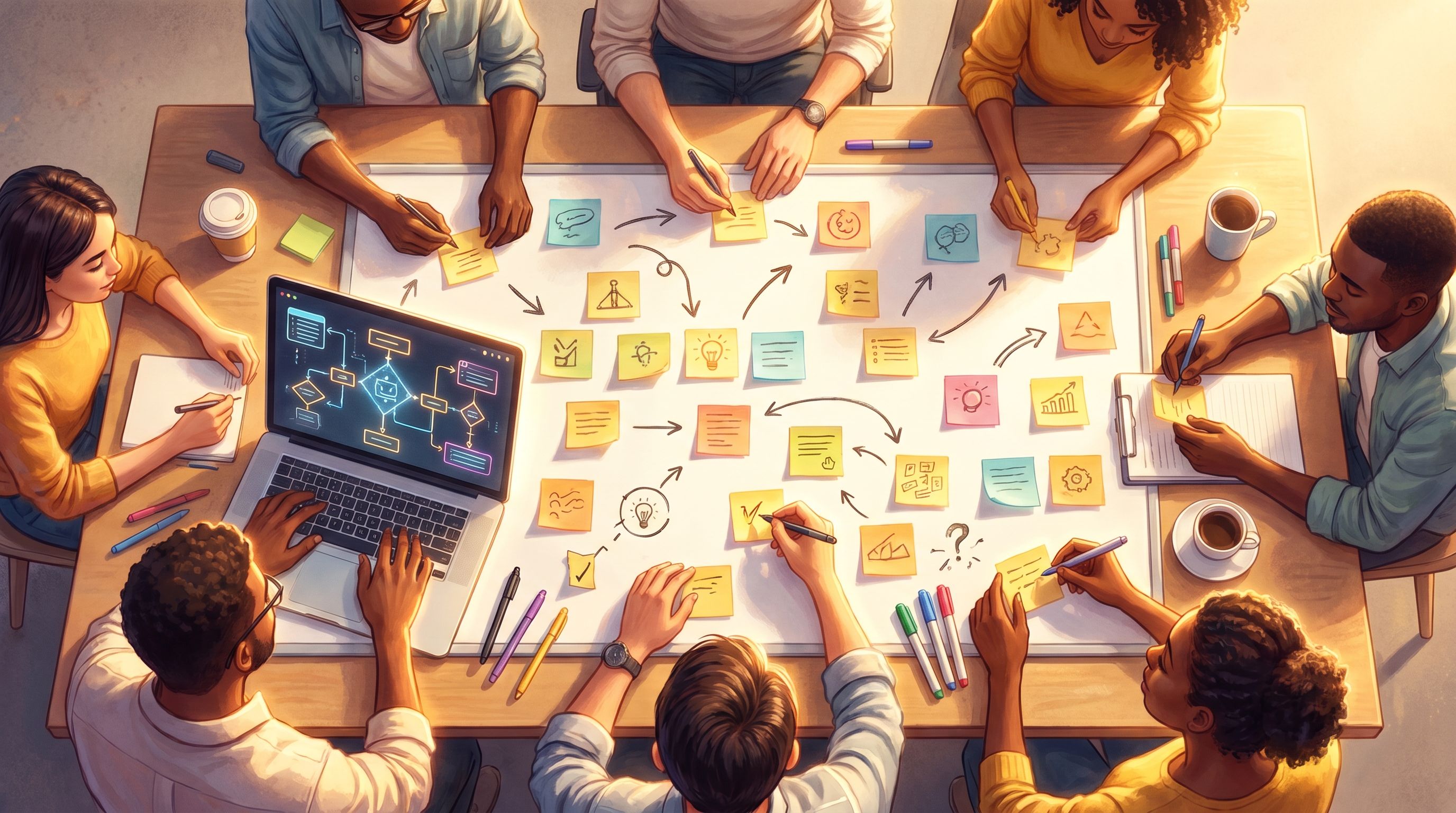
Map the conversation as scenes, not nodes
Instead of thinking in terms of “bot messages” and “user replies,” think in scenes:
- Scene = a moment of decision in a specific context
Print your chatbot flow or export it into a diagram. Then:
- Group clusters of messages that belong to the same situation (e.g., "Customer is angry about a billing error"). Each cluster becomes a candidate scene.
- For each cluster, ask:
- What’s the player’s role here? (support rep, customer, manager, etc.)
- What is the core dilemma or decision?
- What information, emotion, or pressure defines the moment?
- Give each cluster a scene name:
- "The Angry Invoice Call"
- "The Tempting Shortcut"
- "The Late-Night Escalation"
You’re already halfway to a quest outline.
Identify the true decision points
Chatbots often include micro-choices that don’t change much:
- “Show me that again” vs “Continue”
- “Yes” vs “Got it”
Ignore these for now. Focus on decisions that:
- Change the tone of the interaction
- Lead to different information or different outcomes
- Reveal something about the player’s priorities or values
These decisions will become your branching moments in Questas.
Step 3: Reframe bot prompts as narrative beats
Now you’ll translate utilitarian bot messages into story-friendly beats.
Turn prompts into in-world dialogue or narration
Instead of a bot message like:
"What type of issue are you having?"
Reframe it as:
"The customer takes a deep breath. ‘Honestly? I’m just tired of being double-charged. This is the third time.’ What do you focus on first?"
The underlying logic (categorize the issue) stays the same, but the player:
- Feels present in the scene
- Understands the emotional context
- Sees how their choice affects a real person, not just a ticket
Give choices flavor and intent
Chatbots often use generic labels:
- "Billing"
- "Technical issue"
- "Account access"
In a quest, choices can reveal character and strategy:
- Reassure first, then dig into billing details
- Ask clarifying questions about their previous tickets
- **Offer a refund immediately to de-escalate"
All three might still route to similar logic under the hood, but the player now understands why they chose a path.
Step 4: Design your branching structure with purpose
Once your scenes and decisions are clear, it’s time to decide how the story branches.
You don’t need a wild, exponentially exploding tree. In fact, most strong Questas builds use a structured branching pattern:
- Shared opening – Establish context, stakes, and the player’s role.
- First branch – A meaningful fork based on approach or priority.
- Convergence – Branches rejoin around a shared complication or twist.
- Second branch – A higher-stakes decision informed by what they’ve learned.
- Multiple endings – Distinct outcomes that reflect the path taken.
For deeper guidance on structuring tension and stakes, Beyond Interactive Fiction: What Game Design Theories Teach Us About Structuring High-Stakes Questas Stories offers a rich toolkit.
Use soft fails instead of dead ends
Chatbots often dump users into “I don’t understand” loops. In a quest, you can turn those into soft fails:
- A choice that leads to a setback, not a full stop
- A consequence that raises stakes or introduces a new constraint
- A mentor or colleague stepping in—with a cost
This keeps the story moving while still signaling that choices matter.
If you want to go deeper on this pattern, Designing ‘Soft Fails’ in Questas: Letting Players Mess Up Without Breaking the Story is a great companion read.
Step 5: Bring scenes to life with AI visuals
One of the biggest upgrades when moving from chatbot to quest is the visual layer. Instead of a wall of text, players see:
- Characters’ expressions
- Environments and interfaces
- Key objects or documents
On Questas, you can generate images and micro-videos directly inside your scenes. To keep things coherent:
Define a visual language before you generate
Answer a few questions up front:
- Style – Realistic? Illustrated? Comic-like? Minimalist UI mockups?
- Palette – Warm and inviting, cold and clinical, high-contrast and dramatic?
- Camera angle – Over-the-shoulder, first-person POV, wide establishing shots?
Then, use consistent prompt patterns for:
- Recurring characters (e.g., the same support rep across multiple scenes)
- Key locations (e.g., your product dashboard, a call center, a conference room)
- Signature props (e.g., a red escalation phone, a branded laptop, a customer dashboard)
This is where ideas from AI as Art Director: Building Cohesive, On-Brand Visual Languages for Your Questas Series become especially useful.
Match visuals to decision moments
You don’t need an image for every line of dialogue. Focus on:
- Scene openers – Establish where we are and who’s involved
- Major decisions – Show the tension or opportunity
- Consequences – Visualize the outcome of a key choice
A single strong image at each of these beats can transform the feel of the experience.
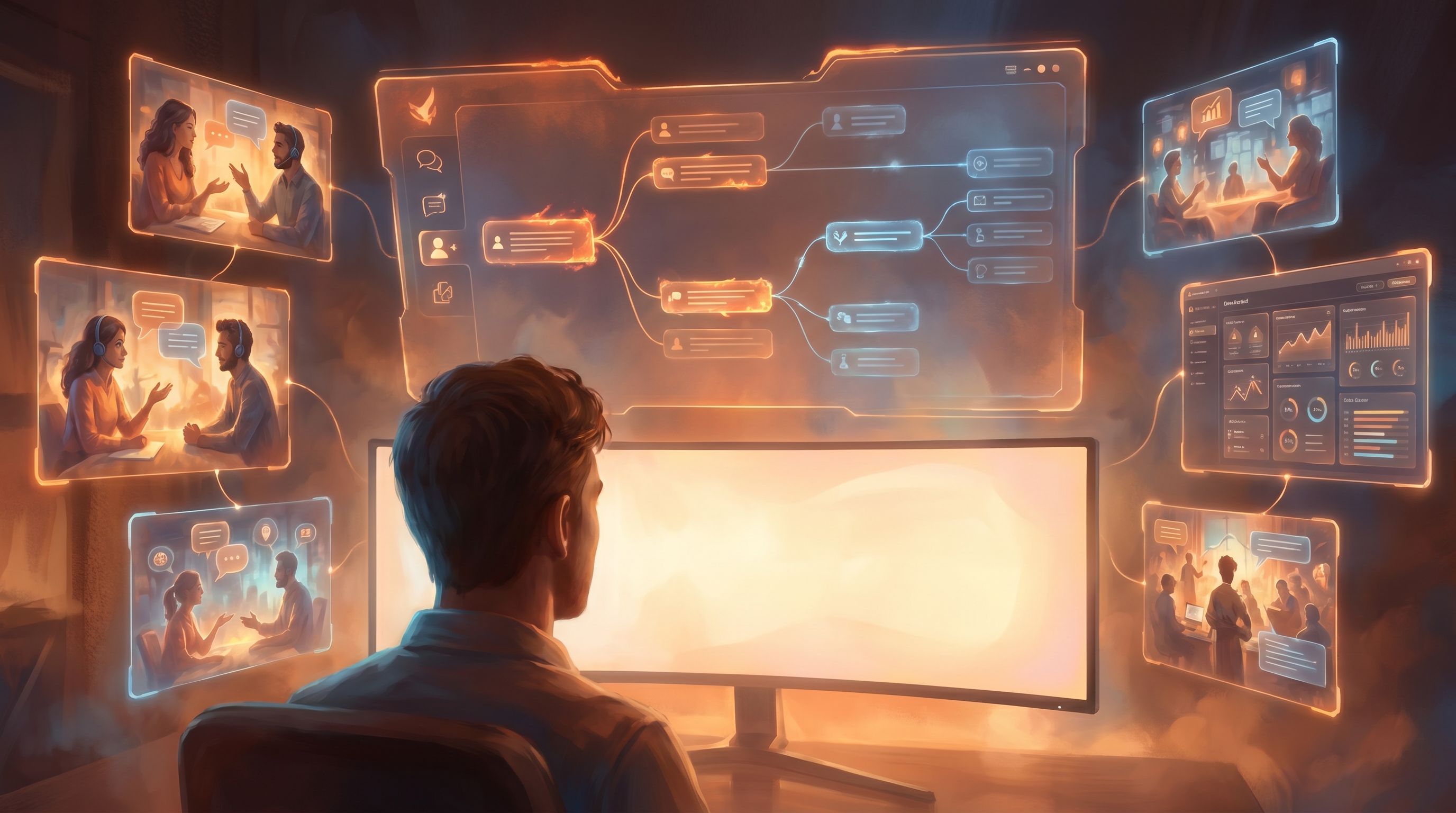
Step 6: Implement the flow in Questas’s visual editor
With your scenes, branches, and visual language defined, you’re ready to build.
A practical sequence inside Questas:
-
Create your core scenes
- Add one scene per narrative moment from your earlier mapping.
- Drop in your rephrased narration and dialogue.
-
Wire up choices as branches
- For each decision, create options that link to the appropriate next scene.
- Use labels that reflect intent, not just outcome (e.g., "Push for a refund" vs. "Escalate quietly").
-
Layer in AI images and videos
- Generate visuals for your key beats.
- Attach them to scenes and, where helpful, to specific outcomes.
-
Add variables or flags if needed
- Track things like trust, risk, or time pressure.
- Use these to unlock special branches or endings (e.g., "If trust < 2, the customer asks for a manager").
-
Preview and play through
- Run through the quest as a new player.
- Note where the pacing drags, where choices feel thin, or where visuals don’t match tone.
Step 7: Playtest with the people who use the chatbot
The best test audience for your new quest? The same people who rely on the original bot.
Ask them to “break” it
Invite:
- Customer support reps who handle escalations
- Sales reps who use the qualification bot
- New hires who went through the original onboarding flow
Have them:
- Play through once as they normally would
- Replay while intentionally making risky or unusual choices
- Narrate their thinking out loud if possible
Listen for three signals
- “This feels real.”
- They recognize situations, language, and stakes from their actual work.
- “I tried something here I wouldn’t in real life.”
- They use the quest as a safe lab for experimentation.
- “I want to see what happens if…”
- They’re curious about alternate paths—a sign of good replay value.
Use their feedback to:
- Tighten or expand branches
- Clarify confusing moments
- Adjust visuals that feel off-brand or unrealistic
Step 8: Decide how the quest and chatbot coexist
You don’t have to replace the chatbot entirely. Often, the best setup is a hybrid:
- The chatbot handles real-time, transactional queries.
- The quest becomes a practice ground, explainer, or onboarding journey.
Ways to connect them:
- Link to the quest from the bot when someone seems confused or stuck.
- Use the quest in training, then reference the bot as the “live” version.
- Embed the quest in documentation or a learning portal, with the bot as a follow-up helper.
Over time, insights from how people play the quest can inform how you refine the bot—and vice versa.
Bringing it all together
Turning a chatbot into a quest isn’t about throwing away what you’ve built. It’s about:
- Recognizing the narrative structure that’s already there
- Reframing dry prompts as vivid, in-world scenes and decisions
- Visualizing key moments so people feel present in the situation
- Branching with intention, using soft fails and meaningful outcomes
- Building and testing in a visual, no-code editor like Questas
Do that, and your chatbot stops being a faceless utility. It becomes a guide through a world of decisions your audience actually cares about.
Ready to turn your chatbot into a quest guide?
Pick one flow—just one.
- Export or sketch the conversation.
- Highlight the real decision points.
- Rewrite them as scenes with stakes, characters, and consequences.
- Open Questas, drop those scenes into the editor, and generate a handful of visuals.
You don’t need a massive build to see the difference. Even a 5-scene prototype can show you how much more engaging your conversational logic becomes when it’s framed as a playable story.
Your chatbot already knows the path.
It’s time to let players walk it.