From Idea to Interactive: A Step‑By‑Step Workflow for Building Your First Questas Story


Interactive stories look magical from the outside.
Branching paths. Cinematic visuals. Consequences that ripple forward.
But if you’ve never built one before, it’s easy to stall out between “I have a cool idea” and “other people can actually play this.” This guide is your bridge between those two points—a practical, end‑to‑end workflow you can follow to ship your first story in Questas.
Whether you’re a writer, trainer, GM, product marketer, or fan creator, you’ll learn how to:
- Shape a fuzzy idea into a playable concept
- Design branches that feel meaningful (without exploding into chaos)
- Use AI visuals to amplify your story instead of distracting from it
- Build, test, and share a polished experience—without touching code
Why Building Your First Interactive Story Is Worth It
Before we dive into the workflow, it helps to be clear on why this kind of project is worth your time.
Interactive stories change how people engage. Instead of passively consuming content, players:
- Make decisions and see consequences
- Explore multiple outcomes and perspectives
- Remember what they experienced, not just what they read
That matters whether you’re:
- Showcasing your work – Turn a case study or portfolio into a playable journey. (For a deep dive on this idea, check out Playable Portfolios: How Creators Use Questas to Showcase Skills, Case Studies, and Side Projects.)
- Teaching or training – Let learners practice judgment calls in realistic scenarios rather than skimming slides.
- Telling richer stories – Give fans, readers, or customers a chance to explore the “what ifs” of your world.
Platforms like Questas lower the barrier dramatically. You don’t need to:
- Learn a scripting language
- Stand up a custom game engine
- Hire an illustrator or video team
Instead, you work in a visual editor, drag out branches, and lean on AI to generate images and micro‑videos that match your scenes.
The only catch? You still need a clear process so your first build doesn’t sprawl out of control.
That’s what the rest of this post is about.
Step 1: Start Smaller Than You Think
Most first‑time creators overbuild. They imagine a 30‑scene epic with five endings and six main characters—and then stall halfway.
A better pattern: treat your first Questas story like a short film, not a streaming series.
Aim for:
- 1 clear premise – One situation, one main tension.
- 1 protagonist – The player’s point of view is stable.
- 5–9 scenes total – Enough room for choices, not enough to drown.
- 2–3 distinct endings – Different emotional payoffs, not dozens.
You can always expand later. In fact, the 5‑scene prototype approach is powerful enough that we wrote an entire post about it: The 5-Scene Story Lab: Rapidly A/B Testing Branches, Endings, and Visual Styles in Questas.
A quick way to pick a starter concept:
Ask yourself: “What’s a moment where a choice really matters?”
Examples:
- A junior PM deciding whether to ship a risky feature before a big launch
- A space courier choosing which of three dangerous routes to take
- A fanfic hero deciding whether to betray a friend to save a city
- A sales rep choosing how to respond to a skeptical stakeholder
You’re looking for situations where:
- The stakes are clear (something important can be won or lost)
- Reasonable people might choose differently
- The consequences make for good story beats
Write your premise in one sentence:
“You are a rookie smuggler on your first run through the asteroid belt, choosing between speed, safety, and loyalty when things go wrong.”
If that sentence excites you, you’re ready for the next step.
Step 2: Define Stakes, Player Role, and Win Conditions
Interactive stories feel flat when choices don’t matter. Before you touch the editor in Questas, answer three questions:
-
Who is the player?
Be specific. Not just “a manager,” but “a customer success manager three months into the job, under pressure to save a big account.” -
What’s at stake?
What can be gained or lost? Examples:- A promotion, a relationship, a mission, a city, a deal
- Reputation, trust, morale, survival
-
What does ‘success’ look like?
Define 1–2 good outcomes, 1–2 mixed outcomes, and at least 1 bad outcome.
If you’re building for learning or decision practice, it can help to think in terms of soft fails instead of hard game‑overs. Players can mess up, but the story bends instead of breaks. For more on that design pattern, see Designing ‘Soft Fails’ in Questas: Letting Players Mess Up Without Breaking the Story.
Once you’ve got stakes, role, and success conditions, you can shape your structure.
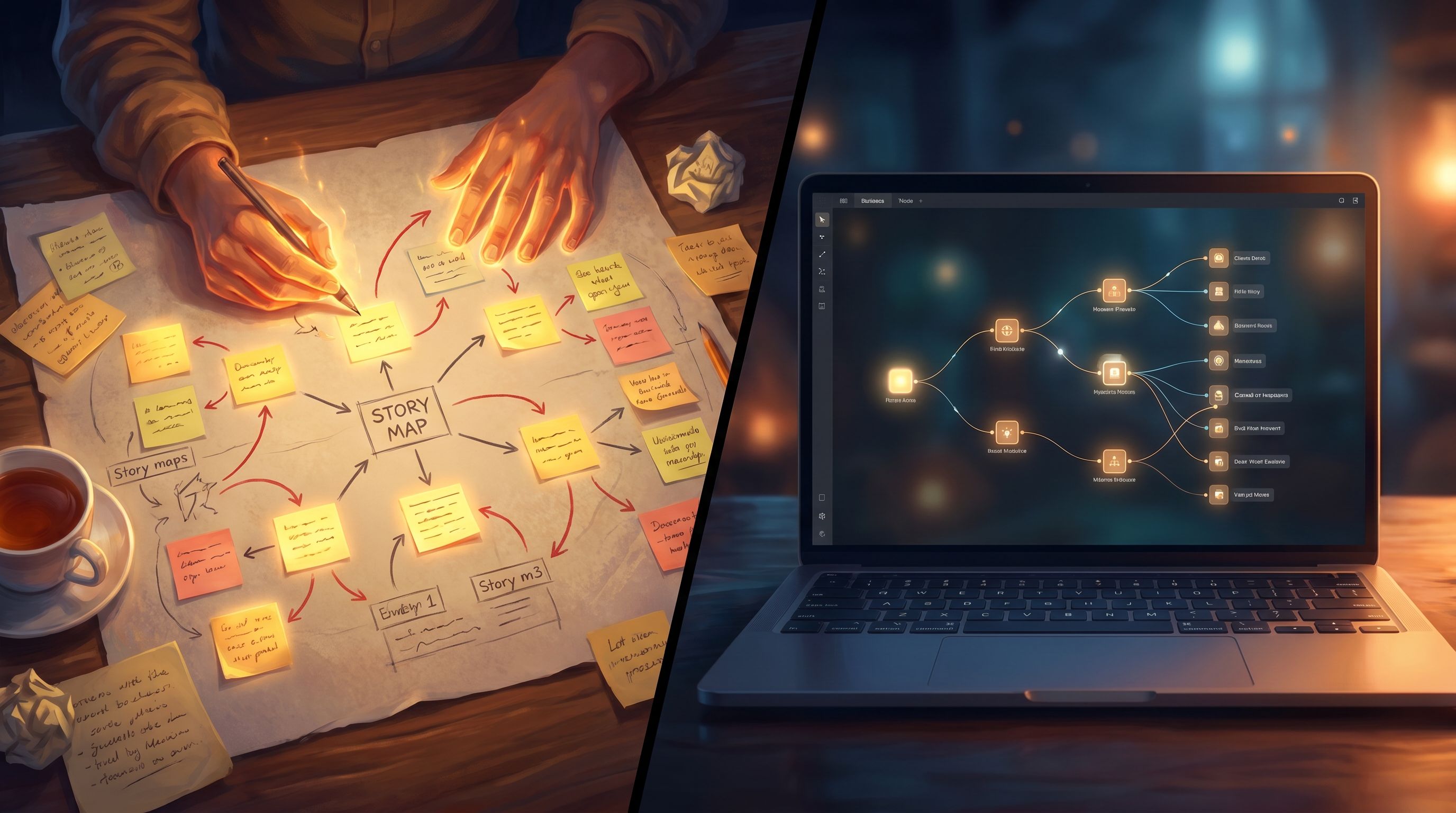
Step 3: Sketch a Simple Branching Map on Paper
Resist the urge to jump straight into the visual editor. A 10‑minute sketch on paper can save you hours.
Use a simple structure like this:
- Opening scene – Establish who the player is and what’s going on.
- First big choice – Two or three options that clearly relate to the stakes.
- Middle scenes – 2–4 scenes where earlier choices come back to bite or reward the player.
- Endings – 2–3 outcomes that differ in tone and consequence.
A quick shorthand:
- Draw circles for scenes.
- Draw arrows for choices.
- Label each arrow with the choice text.
Keep it manageable:
- Cap yourself at two choices per scene for your first build.
- Avoid “branching the branches” too early. It’s okay if some choices re‑converge into shared scenes.
If you’re curious about more advanced structures (like hub‑and‑spoke or braided routes), you can explore them later in Beyond the Hero’s Journey: Non-Linear Story Structures That Shine in Questas.
For now, your motto is: simple, readable, shippable.
Step 4: Write Scene Beats, Not a Full Script (Yet)
You don’t need polished prose before you open Questas. What you need is clarity on what happens in each scene.
For each circle on your map, jot down:
- Where are we? (location, time, vibe)
- Who’s present? (player, NPCs, antagonists)
- What changes by the end of the scene? (information, relationships, risk level)
- What choice leads into this scene? (so you can reference it)
Example scene beat:
- Location: Crowded cargo bay, alarms blaring
- Characters: Player, veteran smuggler mentor, panicked dock worker
- Change: Player learns the cargo is illegal weapons, not medicine
- Lead‑in: Player chose to inspect the cargo personally
- Exit choices:
- "Report this to the station authorities"
- "Look the other way and keep loading"
These beats will become your on‑screen text, dialogue, and choice prompts later. For now, they’re just guardrails.
Step 5: Set Up Your Story in Questas
Now you’re ready to open Questas and translate your plan into something playable.
At a high level, you’ll:
- Create a new story and give it a working title.
- Add your first scene and paste in a rough version of your opening beat as text.
- Create choices at the bottom of the scene that match your map.
- Add new scenes for each choice outcome and connect them visually.
Treat this like blocking a stage play:
- Don’t worry about perfect wording yet.
- Focus on getting the structure right—every choice leads somewhere, and you can trace a path from start to each ending.
Once your skeleton is in place, you can start layering in visuals and polish.
Step 6: Use AI Visuals Intentionally, Not Randomly
One of the superpowers of Questas is built‑in AI image and video generation. Used well, visuals:
- Anchor players in a specific world
- Make choices feel more concrete
- Create emotional resonance at key moments
Used carelessly, they:
- Clash in style from scene to scene
- Confuse who’s who
- Distract from the story
For your first build, aim for cohesive, lightweight visuals:
Pick a Visual Style
Decide on 1–2 adjectives for your look, such as:
- “Painterly, cinematic”
- “Clean, near‑future UI”
- “Cozy, storybook illustration”
Use those words in your prompts consistently. If your main character appears in multiple scenes, describe them the same way each time (age, clothing, hair, notable props).
If you want to go deeper on building a visual language that holds up across multiple episodes or projects, bookmark AI as Art Director: Building Cohesive, On-Brand Visual Languages for Your Questas Series.
Decide Where Visuals Matter Most
You don’t need a unique image for every single node. Prioritize:
- The opening scene – Establish tone and world.
- Major choice moments – Show what the player is deciding between.
- Endings – Give each outcome a distinct visual payoff.
For intermediate scenes, you can reuse images or go lighter on detail.
Prompt With the Player Experience in Mind
When you write prompts, think about what the player needs to see to make sense of the moment:
- Key characters and their emotional state
- Environmental cues (stormy sky, crowded boardroom, cramped starship corridor)
- Objects that matter to the choice (a contract, a detonator, a mysterious artifact)
The goal isn’t photorealism for its own sake; it’s clarity and mood.
Step 7: Refine Text for Clarity, Pace, and Choice Design
With your structure and visuals in place, circle back to the words.
Tighten Scene Text
Players skim more than they think they do. Help them by:
- Front‑loading context – The first 1–2 sentences should answer: Where am I? What’s happening? How do I feel?
- Using short paragraphs – Break up walls of text.
- Mixing narration and dialogue – Dialogue is faster to read and feels more immediate.
Sharpen Choices
Good choices are:
- Distinct – Avoid “A: Be slightly cautious” vs. “B: Be slightly more cautious.”
- Grounded in the fiction – Reflect what the character would realistically consider.
- Legible in their trade‑offs – Players don’t need to know the outcome, but they should understand what they’re prioritizing (speed vs. safety, loyalty vs. honesty, short‑term win vs. long‑term trust).
Try this pattern:
- Start with a verb: “Confront…”, “Hide…”, “Call…”, “Sign…”.
- Add a hint of motivation: “Confront your mentor about the cargo,” “Hide the truth to keep the deal alive.”
If you’re designing scenarios where stakes are high—life‑or‑death, company‑on‑the‑line, rebellion‑might‑fail stakes—you’ll find more detailed guidance in Beyond Interactive Fiction: What Game Design Theories Teach Us About Structuring High-Stakes Questas Stories.
Step 8: Playtest Early, With Real Humans
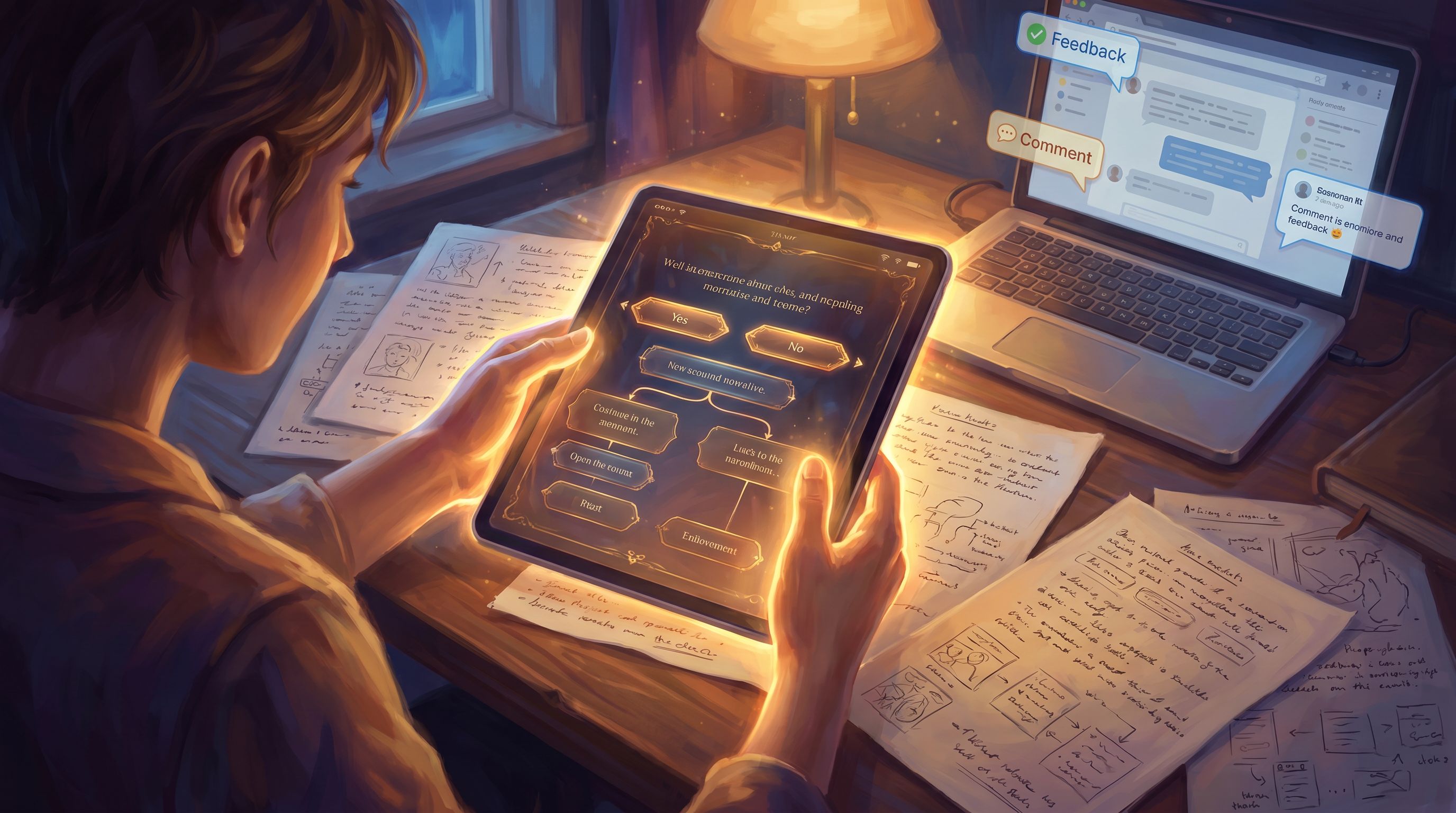
You are not your own best playtester. Once you can click from start to at least one ending in Questas, share a draft link with 2–5 people.
Ask them to:
-
Play through once without commentary.
Just watch where they pause, skim, or look confused. -
Play through again, thinking out loud.
Encourage them to narrate why they’re choosing each option. -
Answer a few focused questions:
- Where did you feel most engaged?
- Where did you feel lost or overwhelmed?
- Did any choice feel fake or inconsequential?
- Which ending felt most satisfying—and why?
Look for patterns rather than one‑off comments. If three people say the same middle scene drags, it probably does.
Quick Fixes That Often Help
- Shorten or split long scenes into two beats with a small choice in between.
- Clarify choice text so the options feel more different.
- Surface stakes earlier in the story.
- Adjust visuals if they’re miscommunicating key details (e.g., a character looks too old/young, the setting doesn’t match the text).
Remember: your goal isn’t perfection; it’s a coherent, satisfying first build that teaches you how you like to work.
Step 9: Add Light UX Polish and Share
Before you send your story out more widely, do a quick polish pass inside Questas:
- Check labels and titles – Make sure scene names make sense to you if you come back in a month.
- Standardize tone – Are you using second person (“you”) consistently? Is the voice more serious or playful?
- Ensure navigation is smooth – No dead ends unless they’re intentional endings.
- Consider a short intro screen – One card that explains what the player is about to experience and roughly how long it takes.
Then, share it where it makes sense:
- With your team, as a prototype for training or storytelling
- With your community or fandom, as a playable “pilot episode”
- With potential clients or recruiters, as an interactive sample of your thinking
Pay attention to how people talk about it. Which scenes do they quote back? Which choices spark debate? That’s your signal for what to build next.
Step 10: Reflect and Plan Your Next Build
Your first Questas story is both a finished piece and a learning lab.
After you’ve shipped it and seen a few reactions, take 20–30 minutes to jot down:
- What parts of the process felt smooth?
- Where did you get stuck or overcomplicate things?
- Which scenes or choices landed best with players?
- What would you do differently next time?
From there, you can:
- Expand this story into a series (reusing characters, locations, and art direction).
- Spin off a new scenario using the same structure for a different audience (e.g., from sci‑fi adventure to leadership training).
- Experiment with more advanced techniques like multi‑POV timelines, replay value design, or collaborative builds.
Your second story will go faster. Your third will feel almost routine. And from there, you can start thinking about bigger worlds, team workflows, and long‑running series.
Bringing It All Together
Let’s recap the core workflow:
- Start small and focused. Pick one high‑stakes moment and limit your scope.
- Define role, stakes, and success. Know who the player is and what they can win or lose.
- Sketch a simple branch map. Paper first, nodes later.
- Write scene beats. Capture what changes in each scene before you polish prose.
- Build the structure in Questas. Get from start to endings with clear connections.
- Layer in intentional visuals. Choose a style, prioritize key moments, and prompt for clarity.
- Refine text and choices. Tighten scenes and make trade‑offs legible.
- Playtest with humans. Watch where they lean in or drop out—and adjust.
- Polish and share. Clean up UX details and put your story in front of real players.
- Reflect and iterate. Use what you learn to plan the next build.
Follow this loop once, and you’ll have a complete, playable story. Follow it a few times, and you’ll have a personal toolkit for building anything from playable portfolios to full training simulations.
Your Turn: Take the First Step
You don’t need a massive epic, a studio‑level art team, or a game design degree to start. You just need:
- One situation where choices matter
- A handful of scenes
- A willingness to let players in and see what happens
Open Questas, create a new story, and sketch that first 5–9 scene arc. Give yourself permission to build something small, weird, and done.
Once you’ve shipped your first quest, you’ll never look at static stories—or static slide decks—the same way again.