AI as Casting Director: Designing Reusable Character Ensembles for Multiple Questas Stories

If you’ve built more than one interactive story, you’ve probably felt it:
“I’m reinventing the cast from scratch every time.”
New protagonist. New sidekicks. New villain. New visual prompts. New continuity headaches.
There’s a better way.
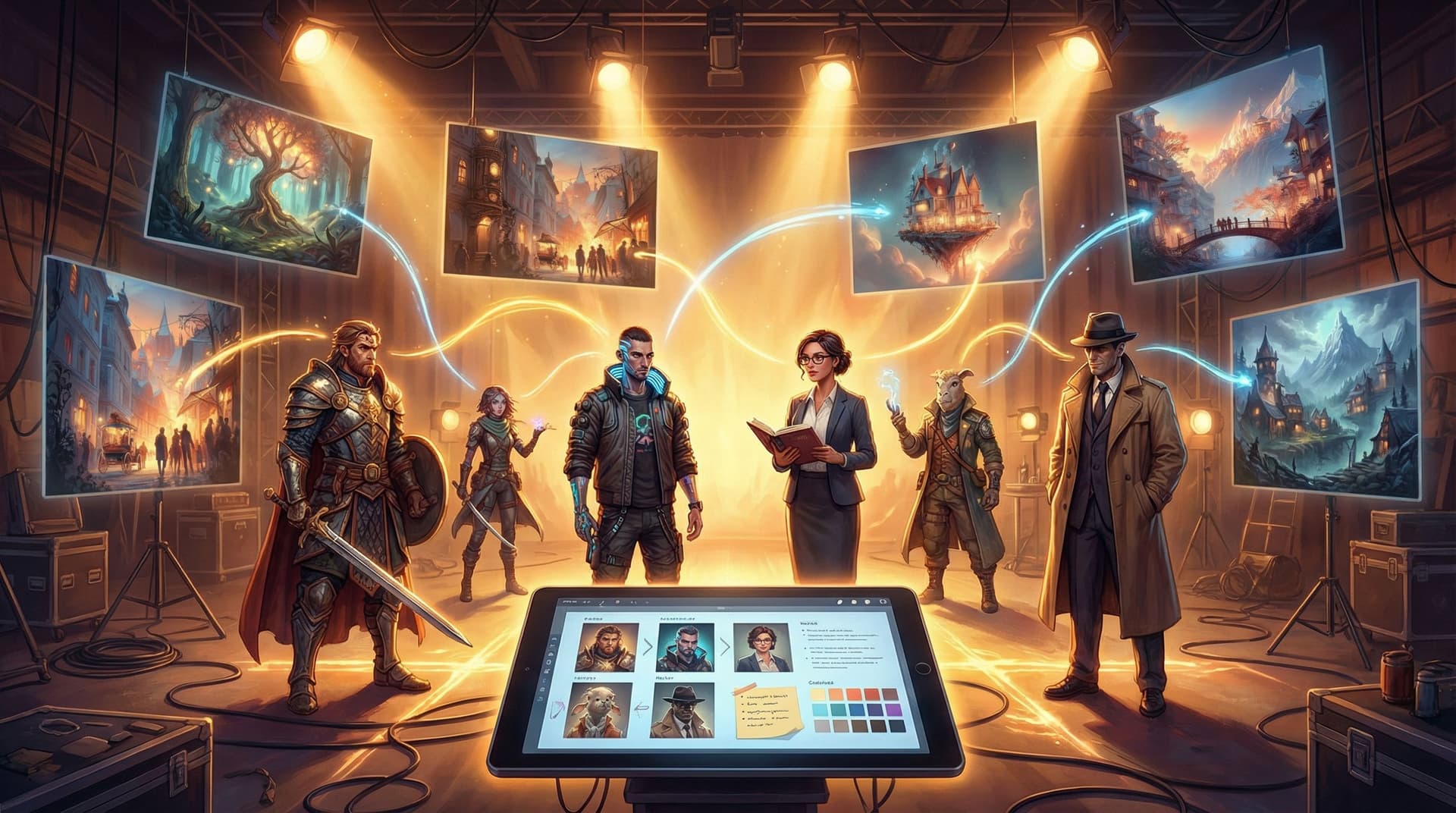
Think of yourself less as a one‑off character designer and more as a casting director running a repertory company. You don’t just create a hero for one adventure; you build a reusable ensemble that can be recast into different roles across multiple Questas projects—while staying visually and narratively consistent.
That shift unlocks:
- Faster production across stories
- Stronger audience attachment to recurring characters
- Easier continuity management in a growing story universe
- More mileage out of every AI‑generated visual
This post is a practical guide to building that ensemble, keeping it consistent, and reusing it across your whole slate of Questas stories.
Why Reusable Ensembles Matter for Interactive Stories
Before we get tactical, it’s worth zooming out. Why build a company of recurring characters at all?
1. Familiar faces, deeper attachment
Interactive stories live or die on player investment. When your audience recognizes a character from a previous adventure, you get:
- Instant emotional context – The grumpy mentor who once betrayed the player doesn’t need a fresh backstory; their very presence is loaded.
- Richer callbacks and twists – A side character from a small quest can quietly become the linchpin of a later campaign. (If you’re thinking about how that plays with reveals, you’ll enjoy AI-Enhanced Plot Twists: Designing Surprising Yet Fair Reveals in Your Questas Stories.)
2. Production efficiency instead of character chaos
Designing a polished character—visually and narratively—takes time. With AI visuals, the bottleneck is no longer drawing, but prompting, iteration, and consistency.
A reusable ensemble means:
- You define a character once, then reuse their prompt templates, image references, and personality notes across projects.
- You can spin up new stories by asking, “Which members of the ensemble fit this premise?” instead of starting from zero.
3. Continuity across a growing universe
As your Questas catalog grows, so does the risk of contradictions:
- Did the hacker sidekick grow up in Neo‑Tokyo or on a Martian colony?
- Is the detective’s prosthetic arm left or right?
A reusable ensemble, tracked in a lightweight “casting bible,” keeps your universe coherent. If you’re already juggling locations, timelines, and factions, pairing this with a continuity system like the one in From Lore Bible to Living Wiki: Using Questas to Maintain Continuity Across Expanding Story Universes makes everything easier.
Step 1: Define Your Ensemble’s Job, Not Just Their Look
Most AI character work starts with appearance: hair color, outfit, art style. For a reusable ensemble, flip the order.
Start with roles in the story system
Think in archetypes that can be re‑cast:
- The Reluctant Protagonist – Ordinary person pulled into extraordinary stakes.
- The Fixer – Competent problem‑solver with murky ethics.
- The Idealist – Moral compass who pushes for the “right” choice.
- The Wildcard – Chaotic force who makes situations more interesting.
- The Authority – Gatekeeper, boss, teacher, or official.
For each archetype, answer:
- Function: What do they do for the story? (Complicate choices, explain systems, raise stakes…)
- Range: In what genres or settings could they appear? (Your Fixer could be a cyberpunk netrunner, a fantasy smuggler, or a corporate troubleshooter.)
- Player relationship: Are they ally, rival, mentor, foil, love interest, or some mix?
Then layer in personality and dynamics
Give each ensemble member 3–5 core traits that stay stable across stories:
- Core values (loyalty, curiosity, ambition)
- Default conflict style (avoidant, confrontational, diplomatic)
- Secret or tension (what they’re hiding, what they fear)
These become the backbone of their dialogue and branching behavior, no matter the setting.
Tip: Write a one‑paragraph “if this character were dropped into any story, how would they behave?” summary. That’s your casting director brief.
Step 2: Turn Each Character into a Reusable Specification
Once you know who’s in your ensemble, you need a format that works across writing and visuals.
Think of this as a character spec sheet that has three layers:
- Narrative spec – Who they are.
- Visual spec – How they look.
- Prompt spec – How you talk to AI tools about them.
Narrative spec (for you and your dialogue)
For each character, capture:
- Logline: “A jaded ex‑cop who can’t stop trying to save people, even when it ruins his life.”
- Motivations: Short‑term (this story), long‑term (across the universe).
- Contradictions: Where they say one thing and do another.
- Relationships: To 2–3 other ensemble members.
This is what you’ll reference when writing branches or designing choices that test their values. If you’re exploring quieter, personality‑driven decisions, see how this connects to Designing ‘Quiet Choices’: Low-Stakes Branches that Build Character, Not Just Plot, in Questas.
Visual spec (for image and video generation)
Here you want high‑signal, low‑noise details:
- Age range, body type, posture
- Signature silhouettes (coat, hat, hairstyle, gear)
- Distinctive markers (scar, tattoos, jewelry, prosthetics)
- Color palette (clothing and accessories)
- Default expression and demeanor
Keep it compact enough that you can paste it into prompts repeatedly without editing.
Prompt spec (for consistent AI rendering)
Across modern image models, creators report that repeating a structured description and locking style choices dramatically improves character consistency.
Create a prompt template per character, e.g.:
Full-body portrait of [Character Name], [concise physical description], wearing [outfit description], [signature item], [art style and medium], [lighting], [camera angle], highly consistent character design
Then:
- Use the same phrasing across all scenes.
- Keep art style and lighting stable for that character within a given project.
- Where possible, reuse the same seed or reference image when your chosen tool supports it.
If you’d like a deeper dive into prompt patterns tuned specifically for Questas, the platform’s own blog post on image prompting for consistent characters and worlds is a great companion read.
Step 3: Build a “Casting Bible” That Lives Across Stories
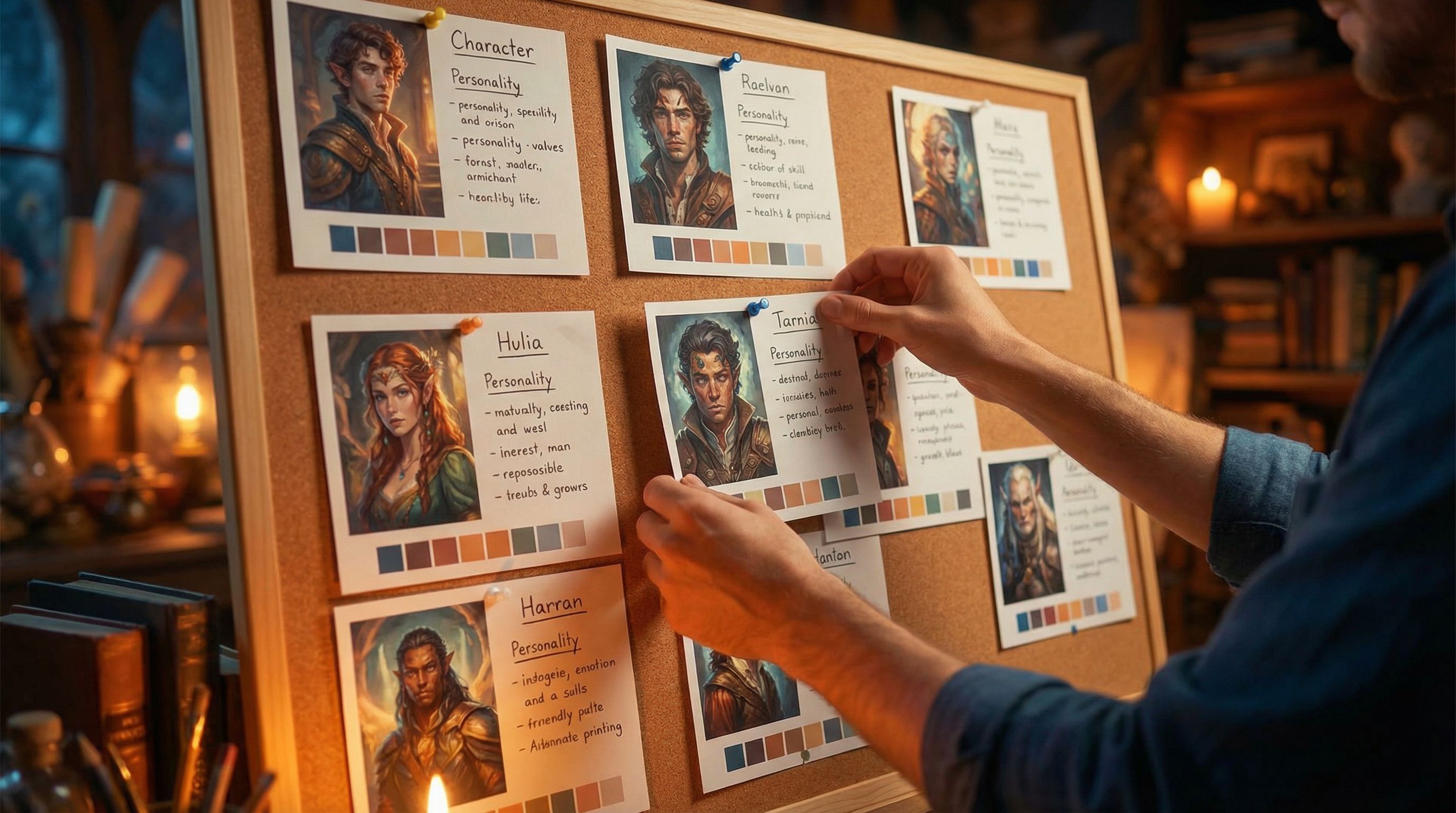
You don’t need a giant wiki to manage a reusable ensemble. You do need a single source of truth.
A simple structure that works well:
- A master document or database (Notion, Airtable, Google Sheets) with one row or page per character.
- Columns/sections for:
- Name + aliases
- Archetype and function
- Narrative logline and traits
- Visual description
- Prompt template
- Links to canonical reference images/videos
- List of Questas projects where they appear, with any story‑specific notes
Inside Questas itself, you can:
- Create a “Casting” scene group that holds example scenes or dialogue for each character.
- Store prompt templates and reference images in a shared resource node you can copy into new projects.
This mirrors the “living wiki” approach used for worldbuilding and continuity. If you’re already running a lore system like the one in From Lore Bible to Living Wiki: Using Questas to Maintain Continuity Across Expanding Story Universes, treat your ensemble as a first‑class section of that universe.
Step 4: Use AI Tools Like a Casting Director, Not a Randomizer
Once your specs exist, AI becomes your casting assistant rather than a slot machine.
For visuals
Depending on your preferred tools, you can:
- Use reference‑based generation (image‑to‑image, character reference, or LoRA‑style adapters) so the model anchors on your canonical portrait.
- Generate a character sheet (front, side, back, key expressions) and treat it as the visual Bible.
- Keep style parameters stable (e.g., same model, style preset, or style tokens) within a story.
Across tools, the same principles apply:
- Reuse the same prompt block for the character.
- Avoid rewriting their description from scratch every time.
- If you must change style for a new project, regenerate a new canonical sheet in that style first, then use it as the reference for all subsequent images.
For behavior and dialogue
When using AI to help draft dialogue or scene variations inside Questas:
- Feed the narrative spec for the character into your prompt.
- Include examples of how they speak—favorite phrases, formality level, humor.
- Ask for multiple variants of the same line to quickly populate branches while staying on‑voice.
Example system prompt when drafting dialogue:
“You are writing dialogue for Mara, a sarcastic but secretly hopeful mechanic who masks vulnerability with jokes. She avoids direct compliments, deflects with humor, and gets serious only when someone is in real danger. Write 3 variants of how she’d respond to a risky plan from a friend she cares about.”
This is the narrative equivalent of locking a visual style.
Step 5: Recast the Same Ensemble Across Different Questas Stories
Now for the fun part: reusing your cast.
Map ensemble members to new genres and formats
Take your existing ensemble and ask:
- If this were a noir detective story, who’s the detective, the informant, the client, the corrupt official?
- If this were a classroom dilemma, who’s the idealistic student, the pragmatic teacher, the peer pressure instigator?
- If this were a startup pitch simulation, who’s the visionary founder, the skeptical investor, the operations realist?
You’re not just recycling faces; you’re casting roles based on their core traits.
Keep identity, change surface details
Across stories, you can keep:
- Core personality traits
- Relationship dynamics (e.g., always some tension between two characters)
- Visual signatures (silhouette, color palette, key accessories)
While changing:
- Setting and backstory
- Specific skills or professions
- Costuming details appropriate to the world
In Questas, that might look like:
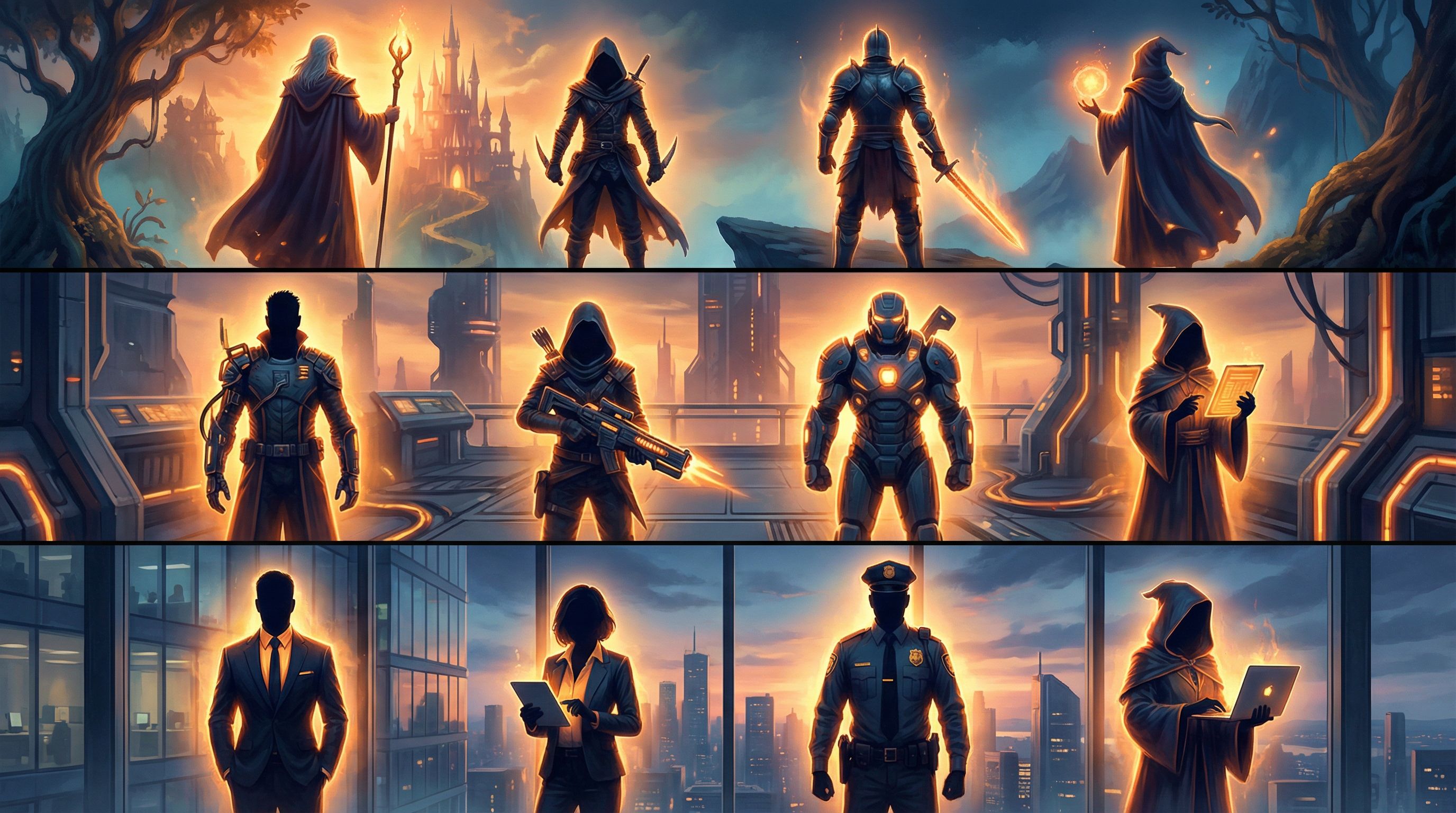
- A mentor figure who appears as a wizard in a fantasy quest, a senior engineer in a sci‑fi training sim, and a seasoned account director in a client‑facing agency prototype.
- The same Wildcard ensemble member becoming a rogue, a class clown, or a disruptive stakeholder—always pushing against the player’s comfort zone.
Step 6: Use Your Ensemble to Supercharge Branching Design
Reusable characters aren’t just a visual convenience; they’re a design tool for better branching.
Design choices around character clashes
When you know your ensemble well, you can:
- Create choice points that put their values in conflict.
- Let the player “side with” one character’s philosophy over another’s.
- Use recurring characters to reframe previous decisions in later stories.
For example:
- In Story A, the player sides with the Idealist over the Fixer.
- In Story B, years later in‑universe, the Fixer appears again—now with a grudge, a scar, and a different offer.
The same ensemble member becomes a living consequence of past playthroughs, especially if you invite players to replay earlier stories or bring save data forward.
Make NPCs truly “living” across titles
If you’ve read Designing ‘Living NPCs’: How to Give Side Characters Memory, Motives, and Agency in Questas, you know how powerful it is when NPCs remember and act on the player’s choices.
With a reusable ensemble, you can:
- Treat certain NPCs as franchise anchors, evolving them across multiple titles.
- Let their status, attitude, or role change based on what happened in previous adventures.
- Reuse the same visual and narrative spec while updating a few key fields: age, scars, changed affiliations.
The result feels less like separate games and more like a living storyworld.
Step 7: Test, Tweak, and Document Like a Studio
Even with great specs, AI can drift. Treat your ensemble like a professional production asset.
Visual QA checklist
Before you lock a character for reuse:
- Generate them in multiple poses and scenes.
- Check for consistency in:
- Face shape and features
- Hair style and color
- Signature accessories
- Body type and height relative to others
- Save the best, most on‑model images as your official references.
When something looks off, update:
- The prompt template (add or clarify key traits).
- The reference set (replace weak examples).
Narrative QA checklist
Across stories, periodically review:
- Does this character still feel like themselves? Or have they drifted into a different archetype?
- Are their motivations and contradictions still clear and consistent?
- Does their dialogue sound like one person, or five different writers?
If they’ve evolved in‑universe (which is good!), document that evolution in your casting bible so future stories can build on it intentionally.
Bringing It All Together
Designing a reusable character ensemble turns your Questas projects from isolated experiments into a coherent body of work.
You:
- Define characters by function and personality first, visuals second.
- Capture them in reusable specs that cover narrative, visual, and prompt details.
- Store everything in a casting bible that lives across projects.
- Use AI tools deliberately, like a casting director maintaining a repertory troupe.
- Recast the same ensemble into different genres, formats, and roles.
- Let those recurring characters shape your branching design and carry consequences across stories.
You’re not just prompting images or writing scenes—you’re building a company of performers your audience can fall in love with, argue about, and follow from one adventure to the next.
Your Next Step as Casting Director
You don’t need a huge universe to start. Pick three to five characters and:
- Draft a one‑page casting bible for each: archetype, traits, relationships.
- Create a prompt template and a small set of reference images using your favorite AI tool.
- Build a short Questas story—just 10–15 scenes—where all of them appear.
- Then, design a second mini‑story that reuses at least two of those characters in different roles.
By the time you’ve shipped those two projects, you’ll have:
- A functioning ensemble
- A repeatable workflow
- And a cast ready for your next big branching epic
Ready to step into the casting director’s chair? Head over to Questas, pick your first ensemble member, and give them a home in a story your players can actually play—not just read about.