Beyond Flashcards: Turning Study Guides and Revision Sheets into Replayable Questas Micro-Sims

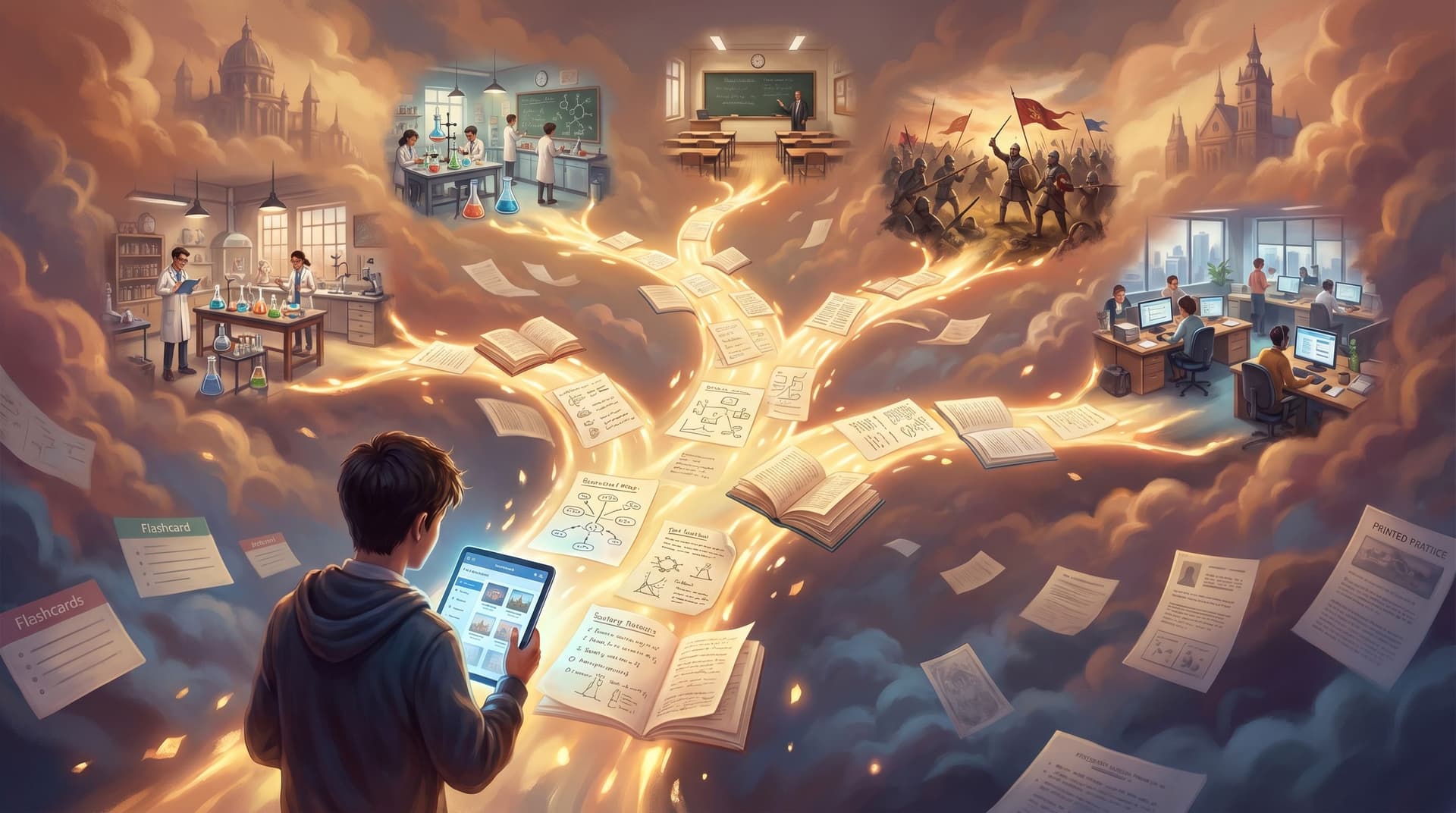
If you’ve ever stared at a stack of flashcards or a dense revision sheet and thought, “There has to be a better way to study than this,” you’re right.
Flashcards and summaries are great for surface-level recall. But most exams, projects, and real-world challenges demand more:
- Applying concepts in messy situations
- Choosing between similar ideas
- Spotting and correcting your own mistakes
- Remembering under pressure, not just at your desk
That’s where turning your materials into replayable micro-simulations—short, branching scenarios that can be played again and again—becomes powerful. And that’s exactly the kind of experience Questas is built to create.
In this post, we’ll explore how to transform ordinary study guides into small, interactive “micro-sims” that:
- Harness proven learning strategies like retrieval practice and spacing
- Make revision feel like playing through a story, not grinding through a deck
- Are fast to build with AI-generated visuals and a no-code editor
By the end, you’ll have a concrete blueprint for turning your next set of notes into a playable learning lab.
Why Move Beyond Flashcards at All?
Flashcards, summaries, and highlight-heavy notes share a hidden flaw: they’re too passive and too predictable.
Learning science research has consistently found that two strategies outperform passive review for long-term retention:
- Retrieval practice – actively pulling information from memory (e.g., quizzes, practice questions) rather than re-reading notes
- Spaced practice – revisiting material over time instead of cramming in one long session (nature.com)
When you only use flashcards, you often get:
- Isolated facts instead of connected understanding
- Short-term boosts that fade quickly after the test
- A sense of “I know this” that doesn’t always hold up under exam conditions
Micro-simulations fix that by embedding retrieval and spacing inside a narrative:
- Each scene asks you to make a decision based on what you’ve learned.
- Branches show consequences, not just right/wrong.
- Replays naturally create spaced exposure to key ideas.
Instead of asking, “What’s the definition of X?”, a micro-sim might ask:
“You’re managing a patient with these symptoms. Which diagnostic test do you order first, and why?”
Same content, different brain engagement.
To go deeper on how interactive choices can keep learners coming back because they want to, not because they’re chasing points, you might also enjoy Beyond Badges and Leaderboards: Designing Intrinsic Motivation Loops in Your Questas Worlds.
What Are Questas Micro-Sims, Exactly?
On Questas, you build interactive, branching stories with a visual, no-code editor. A micro-sim is just a short, tightly scoped story that focuses on one cluster of decisions or concepts.
Think of them as:
- A 5–10 minute playable scenario instead of a 50-question test
- A single topic or chapter instead of the entire syllabus
- Multiple small “what would you do?” moments instead of one big case
A micro-sim usually has:
- A concrete situation (e.g., a physics problem in context, a customer email, a historical crisis)
- 2–4 key decision points where the learner chooses what to do
- Short branches that show consequences, explanations, and feedback
- Replay hooks that make it worth running through again with different choices
Because Questas generates images and videos for each scene, your revision stops being abstract. You’re not just reading about a supply chain disruption—you’re seeing the warehouse, the delayed shipment, the inbox full of urgent messages.
For a broader look at how to turn linear lesson plans into adaptive, branching experiences, check out From Linear Lesson Plans to Living Simulations: Designing Classroom Questas that Adapt to Student Choices.
Step 1: Choose the Right Kind of Study Material
Not every page of notes needs to become a simulation. Start with topics where context and judgment really matter.
Great candidates include:
- Problem-solving domains
- Physics, chemistry, and math word problems
- Coding patterns and debugging flows
- Clinical reasoning in medicine or nursing
- Processes and procedures
- Lab protocols
- Safety checks
- Step-by-step workflows (e.g., onboarding a new client)
- Concepts that are easily confused
- Similar formulas or theorems
- Look-alike diagnoses
- Historical events with overlapping causes
Ask yourself:
“Where do students (or I) most often say, ‘I get the definition, but I can’t apply it’?”
That’s your first micro-sim.

Step 2: Strip Your Study Guide Down to Decisions
Take your existing revision sheet or study guide and translate it into decisions, not bullet points.
-
Highlight the “hinge moments”
- Where does a learner have to choose between options?
- Where do they often pick the wrong path?
-
For each hinge moment, write a decision question:
- “Given these lab values, what do you do first?”
- “Which formula applies here, and why?”
- “Which argument best explains this historical outcome?”
-
Turn your old bullet points into answer options and consequences:
- Correct option → progress the story, plus a brief explanation.
- Common mistake → a realistic consequence and a targeted correction.
Instead of:
- “Key features of Type I vs Type II error…”
You get:
“You design an experiment and set your significance level at 0.05. The test suggests an effect, but there actually isn’t one in reality. What type of error did you just commit?”
Followed by a branch that explains why and connects back to the definition.
If you want help shaping strong scenes before you even touch an AI tool, Story First, Prompt Second: Designing Strong Questas Scenes Before You Touch an AI Tool is a great companion read.
Step 3: Sketch a Tiny Branching Structure
You don’t need a giant tree. For a micro-sim, a simple structure is enough:
- Intro scene – sets the context and stakes
- Decision 1 – two or three options
- Correct → small win, next situation
- Incorrect → consequence + explanation, then either:
- Route back to the main path, or
- Lead to an alternate (harder or easier) path
- Decision 2 and 3 – repeat this pattern
- Outro – summarize what happened and what was learned
A quick template you can adapt for Questas:
-
Scene 1: Setup
- Short narrative, 2–3 lines
- Visual: AI-generated image capturing the setting (e.g., lab, courtroom, clinic, exam hall)
-
Scene 2: First fork
- Decision question
- 2–4 choices, each leading to a new scene
-
Scene 3–5: Consequences & follow-ups
- For each branch, show outcome + explanation
- Optionally, track a hidden “score” or “confidence meter” using Questas’ logic tools
-
Final scene: Debrief
- Reflect on key decisions
- Suggest which path to replay next (“Try again choosing X at the first decision.”)
Keep it small enough that you can build it in an evening, then iterate.
Step 4: Use AI Visuals to Anchor Memory
Images aren’t just decoration. When used well, they can:
- Make abstract concepts concrete and memorable
- Create distinct cues that help with recall later
- Increase engagement so learners stay with the material longer
On Questas, you can generate images and videos directly inside your scenes. Aim for visuals that:
- Emphasize what’s changing between branches (e.g., a calm vs chaotic lab, a satisfied vs angry customer)
- Highlight key details (e.g., a graph on a monitor, a specific piece of PPE, a labeled diagram)
- Reinforce emotional tone (e.g., urgency, uncertainty, relief)
Learning research suggests that dual coding—combining verbal and visual information—can support better recall, especially when visuals are tightly tied to the concept, not just decorative. (pmc.ncbi.nlm.nih.gov)
Step 5: Build Directly from Your Revision Sheet in Questas
Once your decisions and structure are sketched, it’s time to build.
Here’s a practical workflow inside Questas:
-
Create a new quest
- Title it after the concept cluster, not the chapter (e.g., “Acid–Base Disorders: First Moves” instead of “Chapter 7 Review”).
-
Add your intro scene
- Paste in your short setup narrative.
- Use the AI image generator to create a visual matching the scenario.
-
Add your first decision node
- Convert your revision bullet into a question.
- Turn each possible answer into a clickable choice.
-
Build out consequence scenes
- For correct answers: keep it brief, affirm the reasoning, and move forward.
- For incorrect answers: explain why it’s wrong and show a consequence.
-
Link scenes visually
- Use the visual editor to drag connections, so you can quickly see if your branches are too deep or too flat.
-
Add a short debrief at the end
- Summarize the key takeaways.
- Suggest a replay angle: “Next time, try choosing the higher-risk option and see what happens.”
Because everything is no-code, you’re mostly moving boxes and writing text, not wrestling with logic syntax.
Step 6: Bake in Replayability and Spacing
A micro-sim really shines when it invites multiple short replays over several days—that’s where spacing and retrieval practice kick in.
Here’s how to design for that:
1. Multiple viable paths
Avoid one “perfect” path and a bunch of dead ends. Instead:
- Let different choices lead to different, but still instructive, outcomes.
- Use mistakes as a way to explore edge cases, not just punish the learner.
2. Subtle variation on each run
On Questas, you can:
- Randomize small details (e.g., numbers in a calculation, names, dates) while keeping the structure the same.
- Swap images or add alternate prompts so scenes feel fresh.
This prevents learners from just memorizing the “click pattern” and forces genuine retrieval each time.
3. Encourage short, spaced sessions
Research on spaced practice suggests that short, distributed sessions beat one long cram for durable learning. (nature.com)
You can support that by:
- Keeping each micro-sim under 10 minutes
- Suggesting a replay schedule in your course or syllabus (e.g., “Play each sim once a day for three days before the exam.”)
- Grouping micro-sims into playlists that can be revisited in rotating order
Step 7: Test, Observe, and Refine
Your first version doesn’t need to be perfect. In fact, it shouldn’t be. Treat each micro-sim as a living artifact you refine based on real play.
Ways to improve over time:
-
Watch where players stall
- If everyone gets stuck at the same decision, your question may be ambiguous—or your revision sheet may have gaps.
-
Track common wrong paths
- Use them to write better explanations.
- Add a new branch that explores why that misconception is tempting.
-
Gather quick feedback
- Ask learners: “Which scene made something finally click for you?”
- Short reflections after the sim can deepen learning even further.
Over time, you’ll build a library of micro-sims that map directly to your study guides, but are far more effective than handing students a PDF.
If you’re curious how to go from idea to playable prototype in a single evening, The One-Evening Story Sprint: Shipping a Complete Questas Prototype from Blank Page to Playtest walks through a rapid-build process that pairs nicely with micro-sims.
Putting It All Together: A Concrete Example
Let’s say you’re revising introductory economics, specifically supply and demand shocks.
Your original revision sheet might have:
- Definitions of supply vs demand
- Diagrams of shifts left and right
- Example questions
You turn this into a Questas micro-sim:
-
Scene 1 – The Setup
You run a small coffee shop. News breaks that a popular influencer has featured your brand. You have limited staff and inventory. -
Scene 2 – First Decision
“What changes first: the supply curve or the demand curve?”
Choices:- Demand increases (correct)
- Supply increases
- Supply decreases
-
Scene 3 – Consequences
- If they pick “Demand increases”: they see a packed shop, a rising price graph, and a short explanation linking back to the theory.
- If they pick a supply option: they see mismatched inventory and confused customers, plus a clear explanation of why this is a demand-side shock.
-
Scene 4 – Follow-Up
A supplier calls offering beans at a discount if you commit to a larger order. Do you:- Increase supply now
- Wait and see if demand holds
-
Scene 5 – Debrief
Summarize how demand shocks and supply decisions interact, reinforcing the diagrams from your notes with concrete scenes.
Play this three times across a week, and you’ve:
- Retrieved concepts repeatedly
- Applied them in different branches
- Built a mental model that sticks far better than another page of bullet points
Summary: Why Micro-Sims Beat Static Revision Sheets
Turning study guides into replayable micro-sims on Questas helps you:
- Engage deeper – You practice making decisions, not just recalling definitions.
- Leverage learning science – Retrieval practice and spaced exposure are built into the format.
- Learn in context – Scenarios mirror the messy reality of exams and real-world tasks.
- Build once, reuse often – A good micro-sim can support multiple cohorts or exam cycles.
Most importantly, micro-sims make studying feel less like grinding and more like exploring.
Your Next Step
You don’t need to rebuild your entire course or study routine overnight.
Start small:
- Pick one tricky topic from your current revision sheet.
- Identify two or three key decisions learners struggle with.
- Open Questas and:
- Create 5–7 scenes
- Add AI-generated visuals that anchor each moment
- Share the link with a friend, class, or study group
After that first micro-sim, you’ll see how quickly a static PDF can turn into a replayable learning space.
Adventure awaits—one decision at a time.