Beyond Tutorials: How SaaS Teams Use Questas Stories to Replace Walkthrough Videos and Tooltips


Most SaaS teams know the pattern by heart:
- Launch a new feature.
- Record a walkthrough video.
- Sprinkle in-product tooltips and hotspots.
- Hope users actually watch, read, and remember.
But users are overwhelmed. They skip videos, close tours, and click past hint bubbles just to get back to their real work. Meanwhile, your product keeps evolving, and all that content ages badly and becomes a maintenance nightmare.
Interactive stories offer a different path.
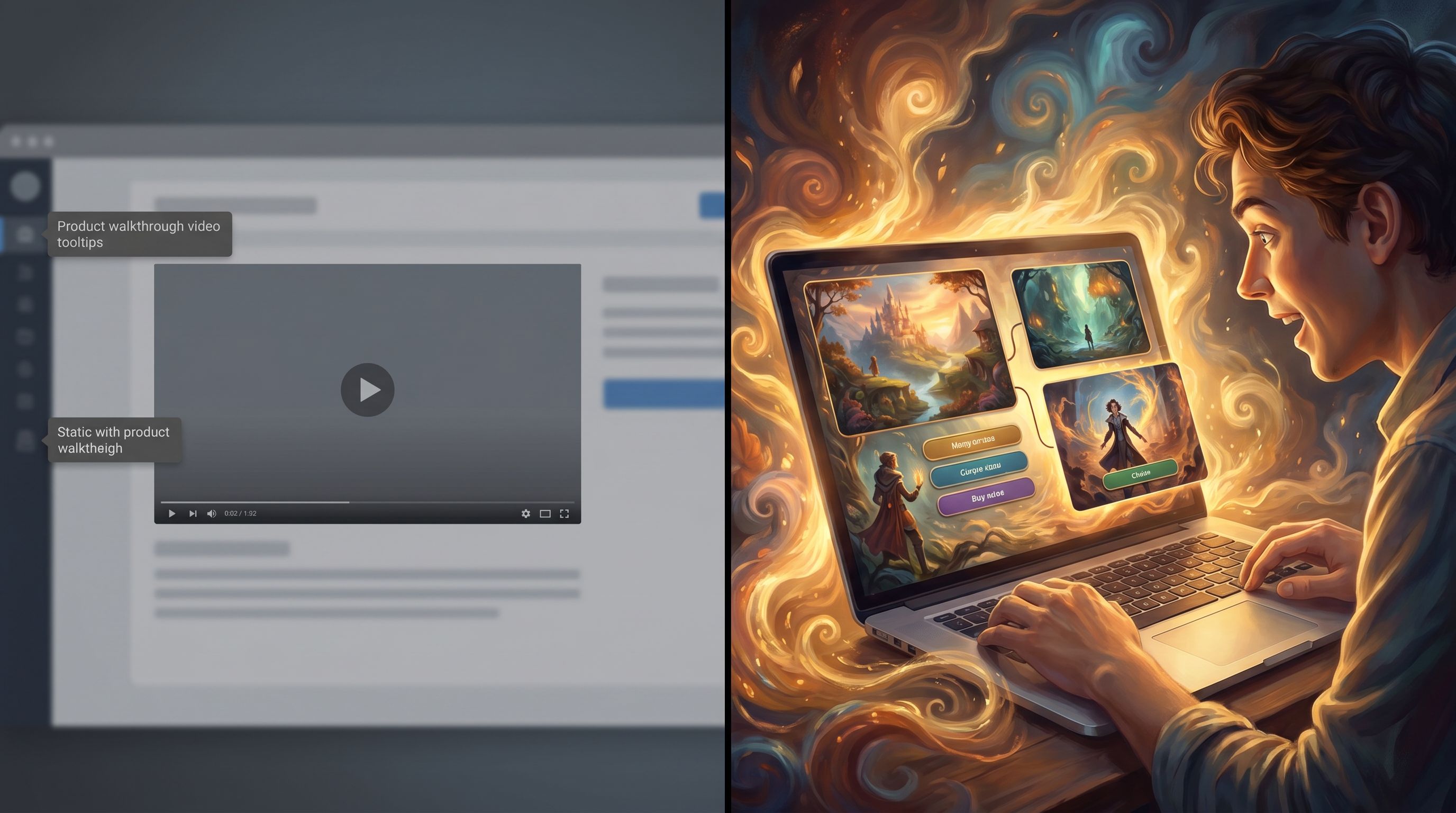
With Questas, SaaS teams are turning linear tutorials into branching, choose‑your‑own‑adventure experiences that feel more like a guided simulation than a lecture. Instead of “watch this 8‑minute video”, users get “step into this scenario and decide what to do next.” AI‑generated visuals and micro‑videos make each step feel concrete and memorable.
This post is about how to use that model to replace traditional walkthrough videos and tooltip clutter with Questas stories that onboard, educate, and retain users more effectively.
Why Static Walkthroughs and Tooltips Are Letting You Down
Before we talk about what to build, it’s worth naming what’s broken in the usual approach.
1. Videos are expensive and brittle
Product videos are great the first week they ship, and then:
- The UI changes and your footage is instantly out of date.
- Scripts are locked; you can’t easily personalize by role, plan, or use case.
- Localization is heavy; every language update means new VO, captions, or re‑edits.
Every iteration feels like starting over.
2. Tooltips and tours are noisy, not helpful
In‑app tours and tooltip systems (like Appcues, Pendo, or Userpilot) are powerful—but only if users engage.
Common failure modes:
- Cognitive overload: users get a blizzard of hotspots and dismiss them on sight.
- Context mismatch: the tooltip explains what a feature does, not why this specific user should care.
- One‑size‑fits‑all flows: admins, power users, and new hires all get the same tour.
You end up with a lot of UI noise and not much behavior change.
3. Linear content can’t adapt to real choices
Real product usage is branching:
- A user might skip setup steps.
- They might try something risky first.
- They might be blocked by permissions, data quality, or integrations.
Static tutorials assume the happy path. When users deviate, your content stops being relevant.
Interactive stories built in Questas embrace those branches instead of fighting them.
What Changes When You Use Questas Stories Instead
Questas lets you design branching, visual scenarios that mirror how people actually use your product:
- Users see a story frame: a realistic situation, persona, and goal.
- They make choices about what to click, configure, or prioritize.
- The story responds with consequences, alternate paths, and tailored guidance.
For SaaS teams, that means you can:
- Replace a single long walkthrough video with several short, targeted story paths.
- Swap tooltip walls for embedded mini‑scenarios that live beside or just before key workflows.
- Offer role‑specific journeys (admin vs IC, marketer vs engineer) without hand‑editing multiple videos.
If you’re coordinating across PMs, designers, and enablement, it’s worth looking at how teams build a shared story canon and visual system in Questas—this post on building a visual writer’s room goes deep on that.
Where Questas Stories Fit in a SaaS Experience
Let’s look at concrete places where teams are already swapping videos and tooltips for interactive stories.
1. First‑run onboarding
Instead of a generic “welcome to the product” tour, you can:
- Ask 2–3 questions about role, goals, and timeframe.
- Drop users into a short scenario that mirrors their reality.
- Let them choose how to proceed and see what happens.
Example: A project management tool
- Story premise: “You’ve just taken over a slipping project. You have two days to stabilize it using our product.”
- Branches:
- Prioritize setting up boards and views.
- Focus on stakeholder comms.
- Dig into risk tracking and dependencies.
- Outcome: Each path teaches different features and surfaces tailored tips and templates.
2. Feature launches and major redesigns
When you ship a big change, you typically:
- Record a Loom.
- Write a changelog.
- Add a tooltip explaining what moved.
With Questas, you can instead:
- Build a “before/after” story where users step through a day in the life with the new feature.
- Show alternative strategies: conservative vs advanced usage.
- Let users opt into deeper branches if they’re curious, without forcing everyone through.
3. Complex workflows and edge‑case training
Some workflows are too nuanced for a single tooltip or linear video:
- Multi‑step approvals.
- Security or compliance settings.
- Data import and mapping.
Interactive stories shine here because you can:
- Surface “what if I do X wrong?” branches safely.
- Model soft fails—near‑misses that teach without punishing. If you want to design those moments intentionally, this post on soft fails in Questas is a great companion.

Designing Your First “No‑More‑Walkthroughs” Story
You don’t have to boil the ocean. Start with one high‑leverage journey and treat it as a pilot.
Step 1: Pick a moment that really matters
Look for a workflow where:
- Confusion is high (lots of support tickets, long docs).
- Impact is high (activation, expansion, or churn risk).
- Your current video or tooltip system isn’t cutting it.
Good candidates:
- “Create your first dashboard and share it with your team.”
- “Configure SSO and role‑based access without locking anyone out.”
- “Set up your first automation and avoid common pitfalls.”
Step 2: Frame it as a story, not a tour
In Questas, start by writing a scenario brief, not a feature list.
Define:
- Who is the main character? (e.g., “Nina, a new RevOps manager,” or “Ravi, a customer success lead.”)
- What’s at stake? (e.g., “If this dashboard flops, leadership will fall back to spreadsheets.”)
- What’s the time pressure? (e.g., “You have 30 minutes before your weekly sync.”)
Then outline 3–5 key decisions they’ll face inside your product.
Step 3: Map 3–5 meaningful branches
You don’t need a huge tree. Focus on high‑signal forks where different choices teach different things.
For each decision:
- Name the choice clearly.
- “Start with a prebuilt template.”
- “Build a custom dashboard from scratch.”
- “Ask a teammate for their existing view.”
- Decide what each branch reveals.
- Templates path → teaches library, filters, and quick wins.
- Custom path → teaches layout, data sources, and advanced options.
- Teammate path → teaches collaboration, permissions, and sharing.
- Plan outcomes and soft fails.
- If a user chooses a sub‑optimal path, don’t dead‑end them; show consequences, then offer a recovery route.
Step 4: Use AI visuals to anchor abstract concepts
A lot of SaaS friction comes from invisible states—permissions, data freshness, background jobs, or complex logic.
Use Questas AI‑generated images and videos to:
- Visualize before/after states of a workspace.
- Show personas reacting to choices (happy stakeholder vs confused teammate).
- Depict risk and impact: a cluttered inbox vs a calm, organized dashboard.
If you’re planning to scale stories across teams or products, it helps to standardize your visual style and prompts. Posts like From Style Guide to Shot List and Prompt Libraries That Scale go deeper on building a reusable visual system.
Step 5: Write like a coach, not a tooltip
Tooltips tend to sound like UI labels. Your Questas story should sound like a helpful colleague.
Aim for:
- Plain language: “If you start from a template, you’ll be done faster, but you’ll have less control.”
- Visible trade‑offs: Spell out what users gain and lose with each path.
- Micro‑reflection: Occasionally ask, “What matters more right now—speed or flexibility?”
This framing helps users understand why a feature exists, not just where it lives.
Step 6: Close the loop with in‑product actions
A story is powerful, but the real win is when it changes behavior.
At the end of a branch, offer:
- Direct CTAs into your product: “Open the dashboard builder with this layout pre‑selected.”
- Saved presets or templates that match what the user just explored.
- Short checklists: 3 steps they can immediately execute in the live UI.
This makes the transition from “play” to “do” almost frictionless.
Making Stories Maintainable for Product, Design, and Enablement
One of the biggest objections teams have is: “Won’t this be even harder to maintain than videos and tours?” It doesn’t have to be.
Build for change from day one
A few patterns help your Questas builds stay resilient as your product evolves:
- Storyboard around outcomes, not pixels. Describe flows in terms of goals and concepts (“share a filtered view with your VP”) instead of hard‑coding button labels that may change.
- Modular scenes. Create reusable scenes for common beats: “introduce persona,” “show consequence,” “offer recovery path.” Swap them in and out as needed.
- Centralized canon. Keep a shared document or Questas world bible for characters, settings, and visual rules so multiple teams can update stories without breaking continuity. The internal post on building a shared prompt, style, and canon bible walks through this in detail.
Align with your ethical and brand guardrails
When you’re using AI to generate visuals and scenarios, you’re also shaping how users see themselves and their work.
- Be intentional about representation in your characters and scenes.
- Avoid dark patterns in branches (e.g., shaming users for choices).
- Be clear about data and privacy in any simulated situations.
If your team is thinking about bias, safety, and fairness in interactive content, this guide to ethical AI worldbuilding is a useful reference.
Instrument, observe, and iterate
The real advantage of interactive stories over static videos is that you can see how people move through them.
Track:
- Which branches users choose most often.
- Where they drop off or replay.
- Which endings correlate with successful product actions (activation, feature adoption, fewer tickets).
Then:
- Tighten unclear copy where players hesitate for the wrong reasons.
- Add or remove branches based on signal, not guesswork.
- A/B test alternate scenes and visual styles using a compact “story lab” approach (see the internal post on the 5‑scene story lab for inspiration).
Putting It All Together: A Sample Transformation
Let’s walk through how a typical SaaS team might replace a traditional onboarding flow with Questas.
Before:
- 6‑minute “Getting Started” video embedded in the help center.
- A 7‑step product tour on first login.
- Scattered tooltips explaining individual buttons.
After (with Questas):
- Entry survey: 3 quick questions about role, team size, and primary goal.
- Scenario selection: User sees two short stories:
- “Launch your first campaign in under an hour.”
- “Clean up your existing data and avoid embarrassing errors.”
- Branching story: They pick one and:
- Meet a persona who mirrors their situation.
- Make 4–6 key decisions about setup and priorities.
- See consequences, trade‑offs, and soft fails.
- Hand‑off to product: The ending scene offers:
- A preconfigured workspace matching the path they took.
- A short checklist and deep‑link into the live UI.
- Optional “advanced routes” they can explore later.
The result:
- Users feel guided, not lectured.
- You collect rich behavioral data from their choices.
- Updating flows is a matter of editing scenes and branches, not reshooting an entire video.
Summary
SaaS teams don’t need more walkthrough videos or tooltip mazes. They need ways to help users practice real decisions in a safe, engaging environment—and then carry that confidence into the live product.
By using Questas to:
- Frame onboarding, feature launches, and complex workflows as branching stories.
- Use AI‑generated visuals to make abstract concepts tangible.
- Design for soft fails, recovery paths, and real trade‑offs.
- Build maintainable, ethical, and brand‑aligned systems for ongoing iteration.
…you can replace brittle, linear content with interactive experiences that actually move the metrics you care about: activation, adoption, and long‑term retention.
Your Next Step
You don’t need a full story universe to start. Pick one place where your current onboarding or education is underperforming—a stale video, a confusing tooltip‑driven flow, a feature nobody quite “gets.”
Then:
- Draft a one‑paragraph scenario around that moment.
- Sketch 3–5 key decisions a user could make.
- Open Questas, drop those beats into the visual editor, and generate a handful of images that bring the situation to life.
Ship it to a small cohort of users, watch how they move through the branches, and iterate.
The shift away from walkthrough videos and tooltip clutter doesn’t happen all at once. It happens one interactive story at a time—and the first one is entirely within reach.


