Designing ‘Playable Personas’: Using Questas to Let Teams Step Into Their Users’ Shoes

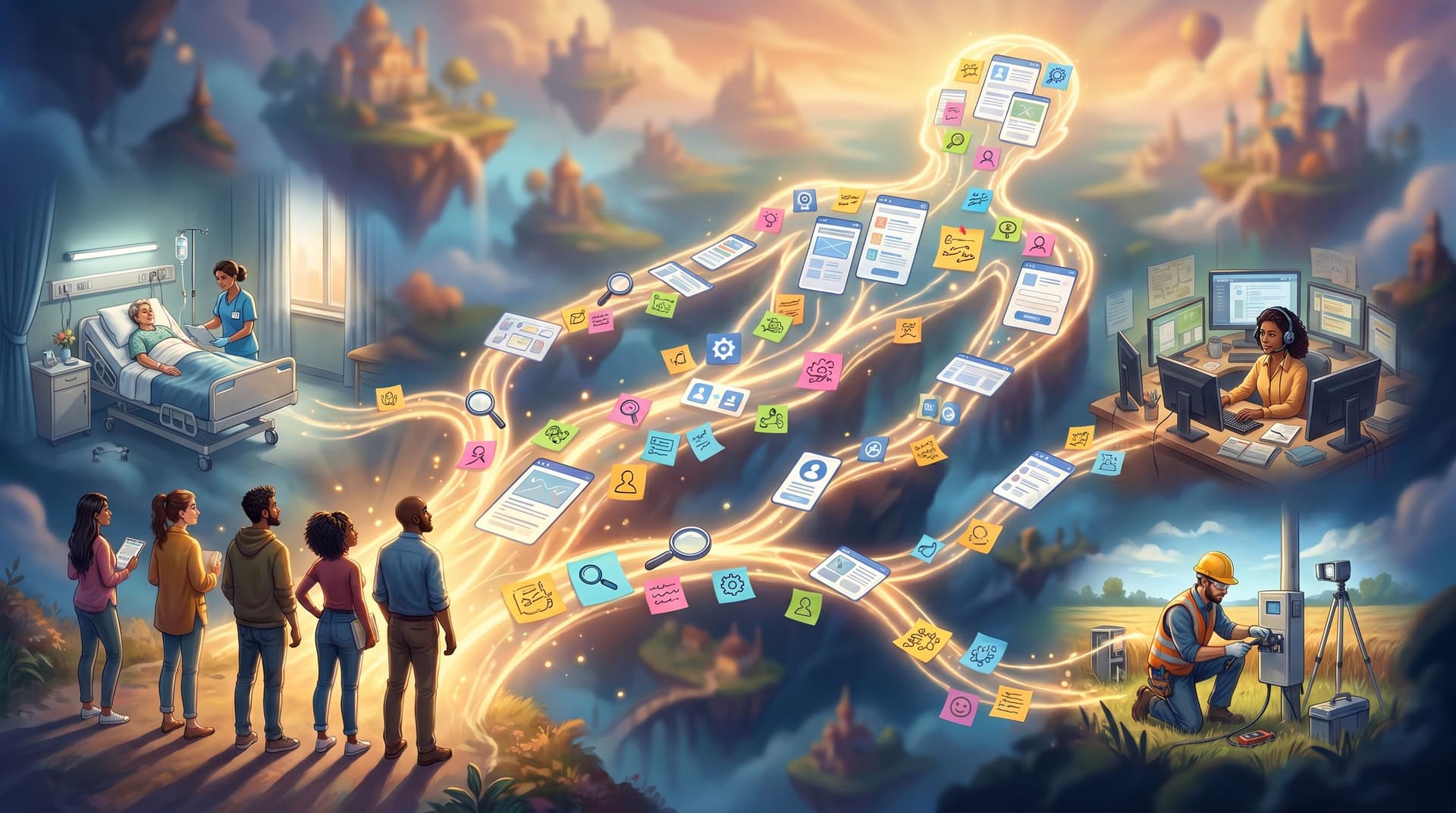
User personas have been around for decades. Most teams have some version of them: a slide with a stock photo, a name like “Researcher Rachel,” a few bullet points about goals and frustrations. Everyone nods, and then… goes back to making decisions based on gut feel and the loudest voice in the room.
What if your personas weren’t documents, but experiences your team could actually play through?
That’s the promise of playable personas—interactive, branching stories where your team becomes the user, makes their decisions, feels their constraints, and sees the consequences of product and policy choices from the inside.
With Questas, you don’t need a dev team or game engine to make this real. You can build no-code, choose-your-own-adventure style simulations with AI-generated images and video that let designers, PMs, engineers, sales, and leadership step directly into the lives of the people they serve.
This post walks through why playable personas matter, how to design them well, and a practical workflow for building them in Questas so your next “user empathy” workshop doesn’t end with another abandoned slide deck.
Why Turn Personas into Playable Experiences?
Traditional personas are:
- Static – They live in PDFs and Notion pages that rarely get updated.
- Abstract – They summarize behavior instead of showing it.
- Passive – You read them; you don’t have to make any decisions as that person.
Playable personas flip that:
- They’re dynamic – Scenarios branch based on real constraints and trade-offs.
- They’re embodied – You see the world through the user’s eyes, with visuals that match their context.
- They’re consequential – You make choices and feel the friction, confusion, or delight your users feel.
For teams, this has concrete benefits:
1. Deeper empathy without guesswork
Instead of “Our SMB persona is time-poor,” you feel what it’s like to juggle onboarding, finance, and a broken integration in the same 10-minute window.
2. Better cross-functional alignment
Playable personas give everyone a shared experience to point to:
- “Remember the moment the nurse couldn’t find the dosage info?”
- “Remember when the sales rep had to decide whether to overpromise on that feature?”
That’s far more powerful than arguing over bullet points on a slide.
3. Safer space to test risky decisions
You can explore “what if we changed this policy?” or “what if this feature shipped without X?” in a simulation before it impacts real users. If you’re already thinking about scenarios and simulations, you might also find it useful to explore how strategy and L&D teams use playable futures in From War Games to Scenario Planning: What L&D and Strategy Teams Can Learn from Playable Futures.
4. Stickier learning and behavior change
People remember decisions they made, not paragraphs they read. A 20-minute playable persona session can do more for empathy and product judgment than a 60-slide research readout.
What Makes a Persona “Playable”?
A playable persona is not just a persona text pasted into an interactive tool. It’s a short, replayable story that captures:
- Context: Where is this person? What’s happening around them?
- Goal: What are they trying to achieve right now?
- Constraints: Time, tools, policies, knowledge gaps, emotional state.
- Choices: What decisions do they face moment-to-moment?
- Consequences: What happens immediately and downstream?
Think of it as a day-in-the-life vignette with branches, not a full biography.
A strong playable persona in Questas usually has:
- 1–3 core moments from the user’s journey (signup, renewal, escalation, handoff, etc.).
- 2–4 choices per moment, each representing a real option users take.
- Short, vivid AI-generated images or micro-videos that show their environment and tools.
- Multiple end states that reveal different emotional and business outcomes.
If you’re worried that sounds like a lot of content, you’re not alone. The good news: you can get a ton of value from tiny builds. For a primer on scoping small but powerful experiences, see The Minimal Viable Quest: Tiny, Three-Choice Questas Formats That Still Deliver Big Insight.
Step 1: Pick One Persona and One Critical Moment
The easiest way to stall is trying to model all your personas and every scenario at once. Start small.
Choose one persona:
- A frontline support agent
- A new customer admin setting up your product
- A field technician using your mobile app
- A sales engineer running a high-stakes demo
Then pick one high-leverage moment:
- First time they try to complete the core job-to-be-done
- A failure or exception case (outage, escalation, complaint)
- A moment of handoff (sales → onboarding, nurse → doctor, agent → specialist)
Ask:
“If our team understood this moment from the user’s perspective, what decisions would we make differently?”
That’s your first playable persona.
Step 2: Turn Research into a Branching Spine
You probably already have raw material: interview notes, support transcripts, call recordings, usability tests, NPS comments.
Instead of summarizing them into bullets, translate them into decision points.
-
List real user decisions at that moment. For example, a customer admin encountering a confusing permission setting might:
- Click the first option that “sounds right.”
- Open a help article.
- Ask a colleague.
- Abandon and “deal with it later.”
-
Group decisions into 3–4 meaningful branches:
- “Guess and move on.”
- “Seek help in-product.”
- “Seek help outside the product.”
- “Defer the decision.”
-
Sketch a simple flow:
- Scene 1: Context + goal → Choice A/B/C
- Scene 2A/B/C: Immediate consequence → Next choice
- Scene 3: Resolution (good, mixed, bad) with emotional and business outcomes.
In Questas, you can drag-and-drop this as a node graph in the visual editor, then fill in dialogue and descriptions later.

Step 3: Use Questas to Build the Core Scenario
Once you have a rough branching spine, it’s time to make it playable.
1. Set up your scenes
In Questas:
- Create a new story and name it after the persona and moment (e.g., “Nurse Jamie: Night Shift Medication Mix-Up”).
- Add scenes for each step in your flow (intro, choice moments, outcomes).
- Use the visual editor to connect scenes with choice branches.
2. Write from the user’s POV
Keep the camera inside the persona’s head:
- Use first-person or close third-person: “I stare at the dashboard…” / “Jamie scans the dashboard…”
- Include sensory details: what they see, hear, and feel.
- Surface their constraints: “I have three minutes before the next patient arrives.”
Aim for short, punchy passages—enough to anchor the moment, not a wall of text.
3. Add meaningful choices
For each decision point:
- Offer 2–4 options, all plausible.
- Avoid obvious “right answer vs. wrong answer” framing.
- Reflect real trade-offs: speed vs. accuracy, policy vs. empathy, short-term vs. long-term.
Example for a support agent persona:
- “Escalate immediately to Tier 2.”
- “Ask the customer to try a workaround you’re not fully confident in.”
- “Delay responding while you search internal docs.”
4. Define outcomes that teach, not punish
Consequences should:
- Show immediate effects (customer reaction, system behavior).
- Hint at longer-term impact (churn risk, trust, compliance issues).
- Avoid moralizing; instead, invite reflection.
Each path doesn’t need to be huge—often a few scenes per branch are enough to spark strong discussion.
If you’re curious how to keep these builds small but effective, the patterns in The Minimal Viable Quest: Tiny, Three-Choice Questas Formats That Still Deliver Big Insight map perfectly onto playable personas.
Step 4: Make the Persona’s World Visible with AI Media
One of the superpowers of Questas is its built-in AI image and video generation. You can show the persona’s environment instead of just describing it.
For each key scene, consider adding:
- A location image (hospital ward, cluttered home office, factory floor, airport gate).
- A UI shot representing the screen they’re looking at.
- A short micro-video for high-tension or transitional moments.
Visuals do a few important things in playable personas:
- Ground abstract personas in specific, believable spaces.
- Reveal constraints at a glance (small phone screen, noisy environment, multiple tools open).
- Help non-researchers instantly “get” why something is hard.
If you want to go deeper on using micro-video to shape tension and reveal, check out Storyboard to Screen: Using AI-Generated Micro-Video to Pace Tension and Reveal in Your Questas.

Step 5: Playtest with Your Own Team First
Before you roll a playable persona out to a whole department, run a small internal playtest.
Who to invite:
- 1–2 people from product/design
- 1–2 from engineering
- 1–2 from a user-facing role (support, sales, success)
How to run it:
- Give everyone the same starting link to your Questas build.
- Ask them to play solo as the persona, without side chatter.
- After 10–15 minutes, regroup and discuss:
- Where did you feel stuck or frustrated as the persona?
- Which choice felt most realistic? Least realistic?
- What surprised you about the consequences?
You don’t need complex analytics at this stage. Focus on qualitative reactions and obvious friction.
When you’re ready to measure how people move through your scenario more systematically, you can layer in ideas from From Playtest Notes to Narrative Analytics: What to Measure (and Ignore) in Your Early Questas Builds.
Step 6: Facilitate Team Sessions Around the Persona
The real power of playable personas emerges when you use them as shared artifacts in workshops, offsites, and rituals.
Here are a few facilitation patterns that work well:
1. “Walk a Mile” Session (60 minutes)
- 10 min – Introduce the persona and context.
- 15 min – Everyone plays the Questas scenario individually.
- 25 min – Group discussion:
- Map where people made different choices.
- Ask, “What product, policy, or process decisions led to this moment?”
- 10 min – Capture 3–5 concrete changes or questions.
2. Role-Flip Debrief
After playing as the user, have participants answer:
- “As a PM/engineer/leader, what did you not understand about this persona until now?”
- “What assumptions in our roadmap/docs are clearly wrong from their perspective?”
3. Comparative Persona Runs
If you build multiple playable personas (e.g., a novice admin vs. an expert power user), run:
- Round 1: Half the group plays Persona A, half plays Persona B.
- Round 2: Swap personas.
- Debrief: “What did you notice about how the same feature or policy lands differently?”
These sessions turn empathy from something you talk about into something you practice.
Step 7: Keep Personas Alive, Not Frozen
The beauty of building personas in Questas is that they’re easy to update as you learn more.
- After new research: Add or adjust branches to reflect emerging behavior.
- After product changes: Update visuals and choices to match the current experience.
- For new hires: Use playable personas as part of onboarding so people start with a visceral sense of your users.
You can even version scenarios over time (“Nurse Jamie: Before the New Charting Workflow” vs. “Nurse Jamie: After”) to show how design decisions changed the lived experience.
Practical Tips for Strong Playable Personas
To wrap up the how-to, here are some patterns that consistently work:
Keep scope tight.
One persona, one moment, 10–20 minutes of playtime. You can always expand later.
Anchor in real quotes and events.
Seed your scenes with paraphrased user quotes or real support tickets. It keeps the story honest.
Avoid caricatures.
Your persona is not “the angry user” or “the clueless manager.” Give them competence, constraints, and context.
Design for replayability.
Make sure there are at least a couple of distinct paths worth exploring. In sessions, encourage people to replay with a different set of choices.
End with reflection prompts.
The final scene is a great place to ask:
- “If you could change one thing about this system for this persona, what would it be?”
- “What did you wish you had that you didn’t?”
Capture answers in your team’s usual planning or research tools.
Bringing It All Together
Playable personas transform personas from artifacts into experiences:
- Instead of reading about your users’ constraints, you feel them.
- Instead of debating hypotheticals, you explore concrete “what ifs” in a safe simulation.
- Instead of empathy being a one-off workshop theme, it becomes a repeatable practice.
With a no-code, visual platform like Questas, you can:
- Map real user decisions into branching stories.
- Use AI-generated images and video to bring their world to life.
- Run team sessions where everyone literally steps into the user’s shoes.
You don’t need to build a massive training program or a full-blown game. Start with a single persona, a single critical moment, and a small, well-crafted quest.
Your Next Step
If you’re curious how playable personas might shift the way your team thinks about users, don’t wait for the “perfect” spec or the next big offsite.
- Pick one persona and one moment that’s causing real friction right now.
- Open Questas and sketch a three-choice branching story around that moment.
- Add a couple of AI-generated visuals to ground the experience.
- Share it with 3–5 teammates and run a quick debrief.
That’s it. You’ll have taken personas from static documents to something people can actually play—and once your team has felt that difference, it’s hard to go back.
Adventure awaits—especially when the adventure starts by walking through your users’ worlds, one choice at a time.