From Chat Transcript to Quest: Turning Customer Support Logs into Interactive Training Scenarios

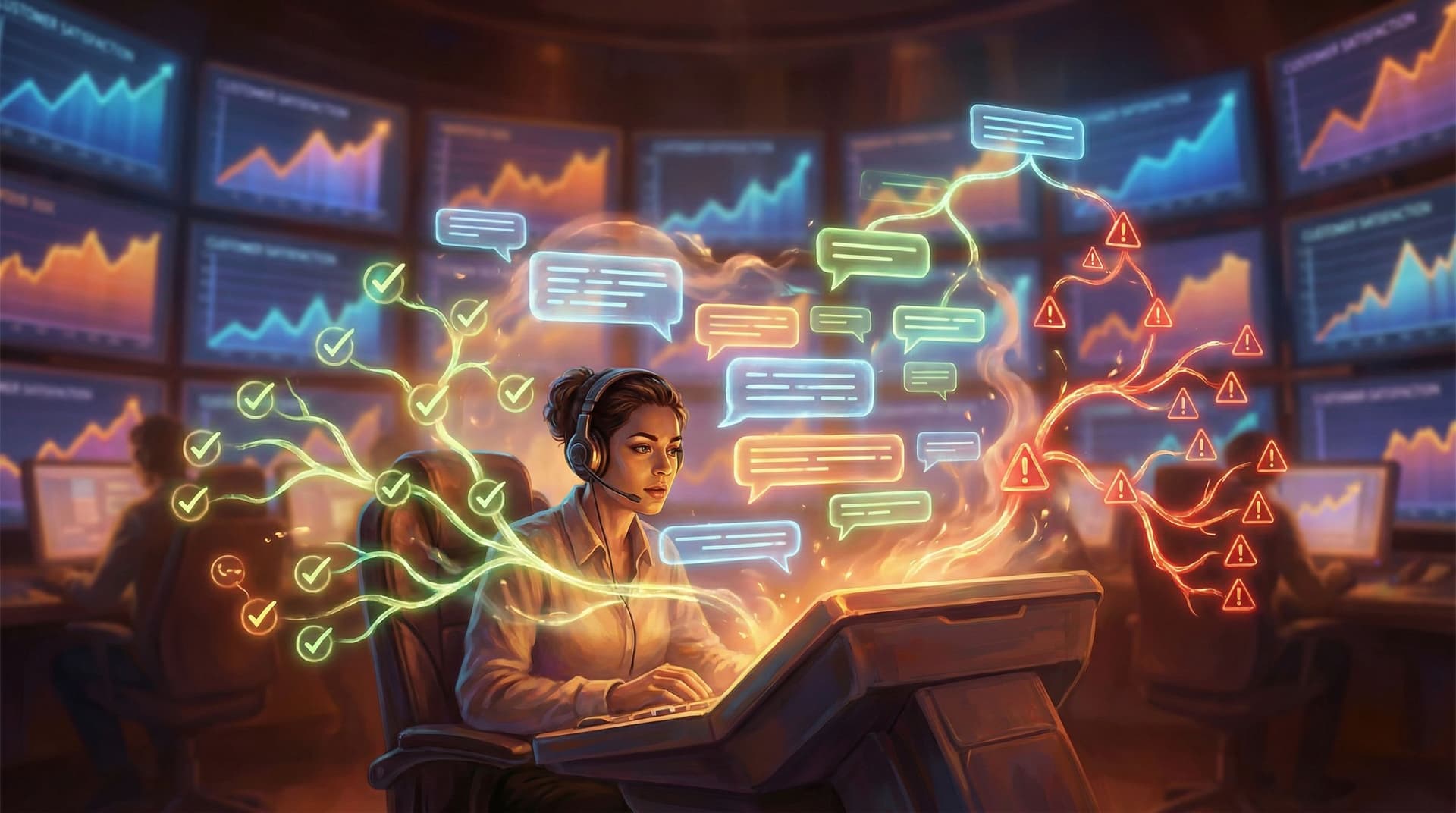
Customer support chats are some of the richest training material your company already owns—and also some of the least used.
They’re where real customers express real confusion, frustration, urgency, and delight. They reveal:
- What people actually struggle with (vs. what your docs assume)
- How your team really responds under pressure
- Where policies, tools, or handoffs quietly fall apart
But most of that gold is trapped in raw transcripts, QA spreadsheets, or the occasional “interesting case” someone brings up in a meeting.
Interactive, branching training scenarios change that. Instead of telling agents what “good” looks like, you let them play through realistic conversations, make decisions, feel the pressure—and see the consequences. With a no‑code platform like Questas, you can turn messy chat logs into immersive, choose‑your‑own‑adventure simulations with AI‑generated images and video, without involving engineering.
This post walks through how to go from raw transcript to polished quest, step by step.
Why support logs make perfect training stories
Most support training falls into one of three buckets:
- Slide decks and policy docs – Great for reference, weak for behavior change.
- Shadowing and live listening – Valuable, but inconsistent and hard to scale.
- Static roleplays – Useful, but often feel artificial or oversimplified.
Chat transcripts give you something better:
- Authenticity – Real language, real stakes, real edge cases.
- Variety – Billing disputes, outages, accessibility issues, VIP escalations, you name it.
- Hidden patterns – Repeated friction points, policy confusion, tone missteps.
When you convert those into branching scenarios:
- New agents can practice handling tough conversations before they go live.
- Experienced agents can experiment with alternative approaches and advanced skills.
- Managers can align the team on what “great” looks like—tone, judgment, and escalation.
If you’re already thinking about scenario-based training or high‑stakes simulations, support logs are one of the easiest places to start.
Step 1: Choose the right transcripts
Not every chat deserves to become a quest. You’re looking for conversations that:
- Represent common, high‑value situations, such as:
- First‑time onboarding problems
- Billing disputes or refunds
- Outage or incident communications
- Security, privacy, or compliance questions
- “I’m going to churn” moments
- Contain meaningful decision points where different choices could change the outcome:
- Whether to offer a refund or partial credit
- Whether to escalate or keep handling solo
- How much technical detail to share
- How directly to acknowledge a mistake
- Show clear consequences, good or bad:
- Customer leaves satisfied vs. still frustrated
- Issue resolved in one touch vs. multiple follow‑ups
- Ticket escalated unnecessarily vs. handled at first level
A simple way to shortlist candidates:
- Ask your QA or support leads: “Which conversations do you wish everyone could see?”
- Pull a sample of those transcripts from your helpdesk (e.g., Zendesk, Intercom, Freshdesk).
- Skim for:
- Strong emotions (anger, confusion, urgency)
- Interesting judgment calls
- Places where the agent clearly made the situation better—or worse.
You don’t need perfection. You need texture.
Step 2: Strip and sanitize the conversation
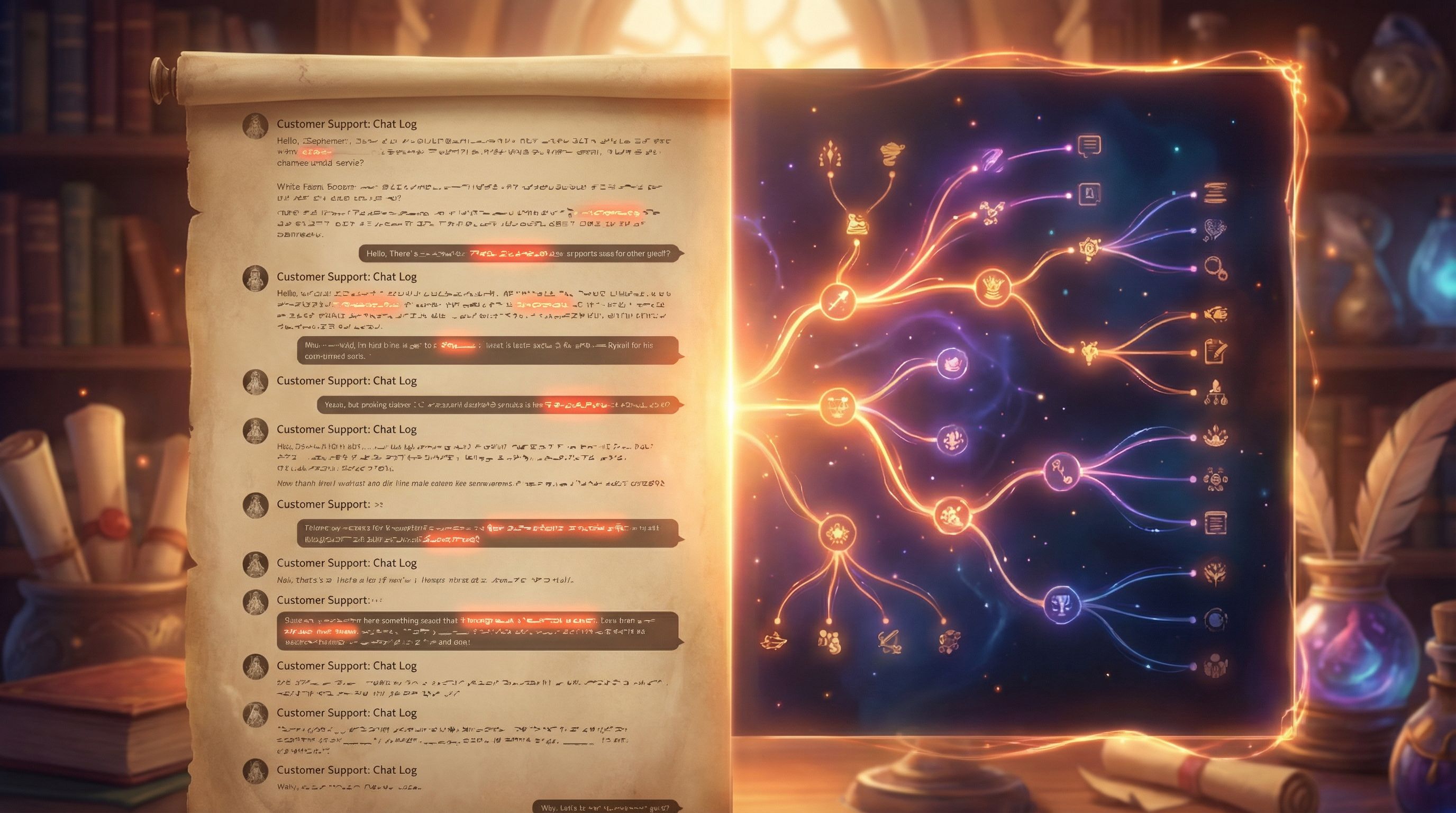
Before you turn a real chat into a training story, you need to:
-
Protect privacy and confidentiality
- Remove or anonymize:
- Names (customers, agents, companies if needed)
- Emails, phone numbers, addresses
- Account IDs, payment details, internal links
- Replace specifics with safe stand‑ins:
- “John from Acme Corp” → “Jordan from a mid‑size B2B customer”
- “Visa ending in 1234” → “payment method on file”
- Remove or anonymize:
-
Clarify context
- Add a short, neutral briefing at the top for learners:
- Who is the customer?
- What do they want?
- What’s at stake for them and for your business?
- Add a short, neutral briefing at the top for learners:
-
Clean up noise while keeping voice
- Remove irrelevant small talk, internal tags, or system messages.
- Preserve the tone and phrasing of both sides—this is what makes the scenario feel real.
This cleaned version becomes your “source script” before you start branching.
Step 3: Find the decision points and failure modes
Now you’re looking at the transcript as a designer, not just a reader.
Go through the conversation and highlight:
- Moments where the agent made a choice, even if it wasn’t explicit:
- How quickly they apologized (or didn’t)
- Whether they took ownership vs. deflected blame
- How much they probed for context before proposing a fix
- Whether they followed or bent policy
- Moments where the customer’s emotional state shifted:
- Anger → relief
- Confusion → clarity
- Neutral → frustrated
For each of these, ask:
“What else could the agent have done here?”
This is where you start imagining branches:
- Better‑than‑actual options – What would a model response look like?
- Common mistakes – What do new agents often do here that backfires?
- Soft fails – Outcomes that aren’t catastrophic, but create more work or friction.
If you want a deeper dive into designing non‑punishing missteps, check out how to write ‘bad’ outcomes that still teach and delight.
Capture these as a rough outline:
- Node 1: Customer opens with complaint
- Choice A: Quick apology + summary of issue
- Choice B: Ask for more details first
- Choice C: Defend policy, no apology
- Node 2: If C, customer escalates emotionally → new branch
- Node 3: If A or B, move toward resolution options
You don’t need perfect prose yet—just a clear map of where decisions and consequences live.
Step 4: Turn the transcript into a branching script
Now you’re ready to write the scenario as an interactive story.
A practical pattern that works well for support training:
-
Scene setup
- Short intro card: who you are (agent), who they are (customer), what’s happening.
- Set stakes clearly: “This account is up for renewal next week; churn risk is high.”
-
Dialogue beats with choices
- Present the next line from the customer.
- Offer 2–4 response options the agent could choose.
- After each choice, show the customer’s reply and update the situation.
-
Consequences that feel real
- Tie outcomes to:
- Customer sentiment (relieved, skeptical, angry)
- Business impact (refund issued, feature upsell, churn risk reduced)
- Operational cost (extra tickets, escalations, time spent)
- Tie outcomes to:
-
Reflection and feedback moments
- At key points, pause and explain why certain choices helped or hurt.
- Consider adding short debrief scenes at the end:
- “Here’s how this aligns with our policy.”
- “Here’s what a senior agent might do differently.”
If you’re new to branching design, this guide on using story rhythm to keep players clicking can help you pace the scenario so it stays engaging from first message to final resolution.
Step 5: Build the scenario visually in Questas
With your branching script in hand, you can move from outline to playable quest.
Inside Questas, a typical workflow looks like:
-
Create a new story
- Start a project like “Billing Dispute – Annual Plan Refund.”
- Add a short description so trainers and managers know what it covers.
-
Lay out the core path
- Build the “happy path” first: the ideal way this conversation should go.
- Each chat exchange becomes a scene; each agent response becomes a choice.
-
Add branches for alternative choices
- For each decision point, wire up:
- A strong option (best practice)
- A decent but imperfect option
- A clearly risky or policy‑breaking option
- Connect these to new scenes showing consequences.
- For each decision point, wire up:
-
Enrich with AI‑generated visuals and micro‑cutscenes
- Even in text‑heavy scenarios, visuals matter for memory and emotion.
- Use AI images to:
- Represent the customer (e.g., stressed founder at a laptop)
- Convey context (e.g., outage dashboard glowing red)
- Signal stakes (e.g., contract renewal countdown)
- For big turning points, short looping videos (micro‑cutscenes) can underline impact—see ideas in Storytelling with AI Video Loops if you want to go deeper.
-
Tag outcomes and metrics
- Mark scenes as, for example:
- “Resolved, high satisfaction”
- “Resolved, but high cost”
- “Unresolved, escalated”
- This makes it easier to analyze how learners move through the scenario later.
- Mark scenes as, for example:
Because Questas is no‑code and visual, you can iterate quickly—tweaking branches, adding soft fails, or adjusting copy without waiting for dev cycles.

Step 6: Layer in coaching, not just grading
A common mistake in scenario design is treating it like a quiz: right/wrong answers, score at the end, done.
Support conversations are more nuanced. You want agents to:
- Experiment with different approaches
- See subtle tradeoffs (speed vs. depth, policy vs. empathy)
- Learn how to recover when things go sideways
To support that, design your quest with:
- Inline feedback
- After a risky choice, briefly explain:
- Why it’s risky
- What might happen next in a real conversation
- How they could repair the situation
- After a risky choice, briefly explain:
- Soft fails and recovery paths
- Instead of “Game Over,” let learners:
- Apologize and correct course
- Escalate appropriately
- Offer a make‑good
- For frameworks on this style of design, see Designing ‘Soft Fails’ for more patterns.
- Instead of “Game Over,” let learners:
- Multiple “good” endings
- Not every success needs to look identical.
- Show that different, valid styles (concise vs. more relational) can both work, as long as they meet your standards.
This turns your quest from a test into a practice ground.
Step 7: Pilot with a small group and refine
Before you roll a scenario out to the entire team, run a pilot with:
- A few senior agents
- A few new hires
- At least one manager or QA lead
Ask them to:
- Play through multiple paths
- Narrate their thinking out loud
- Flag where:
- Choices feel unrealistic
- Important options are missing
- Feedback feels unfair or unclear
Use what you learn to:
- Adjust copy for clarity and authenticity
- Add or merge branches where needed
- Improve pacing so the scenario doesn’t drag or end abruptly
If you’re building a whole library of scenarios, consider using Questas templates and narrative systems so you’re not reinventing structure every time—ideas from No‑Code Narrative Systems apply neatly to training content as well.
Step 8: Measure impact and keep scenarios alive
Once your quests are live, you want to know whether they’re actually improving performance.
Useful signals include:
-
Inside the quest
- Which branches learners choose most often
- How frequently they reach high‑quality vs. risky outcomes
- Where they tend to drop out or restart
-
On the job
- Changes in CSAT or NPS for issues covered by scenarios
- First‑contact resolution rate
- Escalation volume and quality
- Handle time (and whether shorter is actually better)
Make it a habit to:
- Review fresh transcripts in the same category every quarter.
- Compare them to your existing scenarios.
- Update branches, policies, and feedback where reality has shifted.
If you want a structured approach, the ideas in Beyond Click‑Throughs: Measuring Learning, Alignment, and Engagement in Narrative Experiences Like Questas map directly onto support training.
Real-world use cases to spark ideas
Here are a few patterns teams have used when turning support logs into quests:
-
Outage communication drills
- Simulate a major downtime incident.
- Let agents practice:
- Acknowledging the issue without over‑promising
- Handling angry customers vs. anxious but patient ones
- Coordinating with status pages and engineering updates
-
“Save the renewal” scenarios
- Use transcripts from customers threatening to cancel.
- Branch on:
- How directly the agent explores underlying concerns
- Whether they offer discounts vs. value‑based conversations
- When they bring in success or account management
-
Accessibility and inclusion conversations
- Train agents on handling requests around accessibility, language support, or sensitive topics.
- Focus on tone, empathy, and escalation paths.
-
Policy edge cases
- Use tricky exceptions (e.g., refunds outside the window, abuse of free trials).
- Show how to balance fairness, precedent, and business impact.
These don’t need to be massive productions. As we explored in Low‑Lift, High‑Impact: Weekend Questas Projects for Writers, Educators, and Marketers, you can build meaningful, focused quests in a weekend—especially when you start from real conversations instead of a blank page.
Bringing it all together
Turning customer support logs into interactive training scenarios isn’t about dramatizing your worst tickets for fun. It’s about:
- Respecting the complexity of real conversations
- Giving agents a safe space to practice judgment
- Aligning your team on what “great” support truly looks like
By:
- Selecting strong, representative transcripts
- Sanitizing and structuring them into decision points
- Building branching paths in Questas with meaningful consequences
- Layering in coaching, soft fails, and reflection
- Measuring outcomes and iterating over time
…you transform static logs into living training tools.
Your next move
If you’re curious where to start, pick one memorable conversation from the last month—a ticket you still think about.
This week:
- Anonymize and clean the transcript.
- Highlight 3–5 key decision points.
- Sketch a simple branch map on paper.
- Open Questas and build a small, focused scenario around just that case.
Once you’ve shipped your first quest, you’ll see how quickly the process becomes repeatable. From there, you can expand into a full library of support simulations that onboard faster, coach better, and keep your team sharp.
Adventure awaits—not just for your customers, but for your support team’s growth. Start turning those transcripts into quests and let them practice the conversations that matter most before they ever hit “Send” on a live chat.