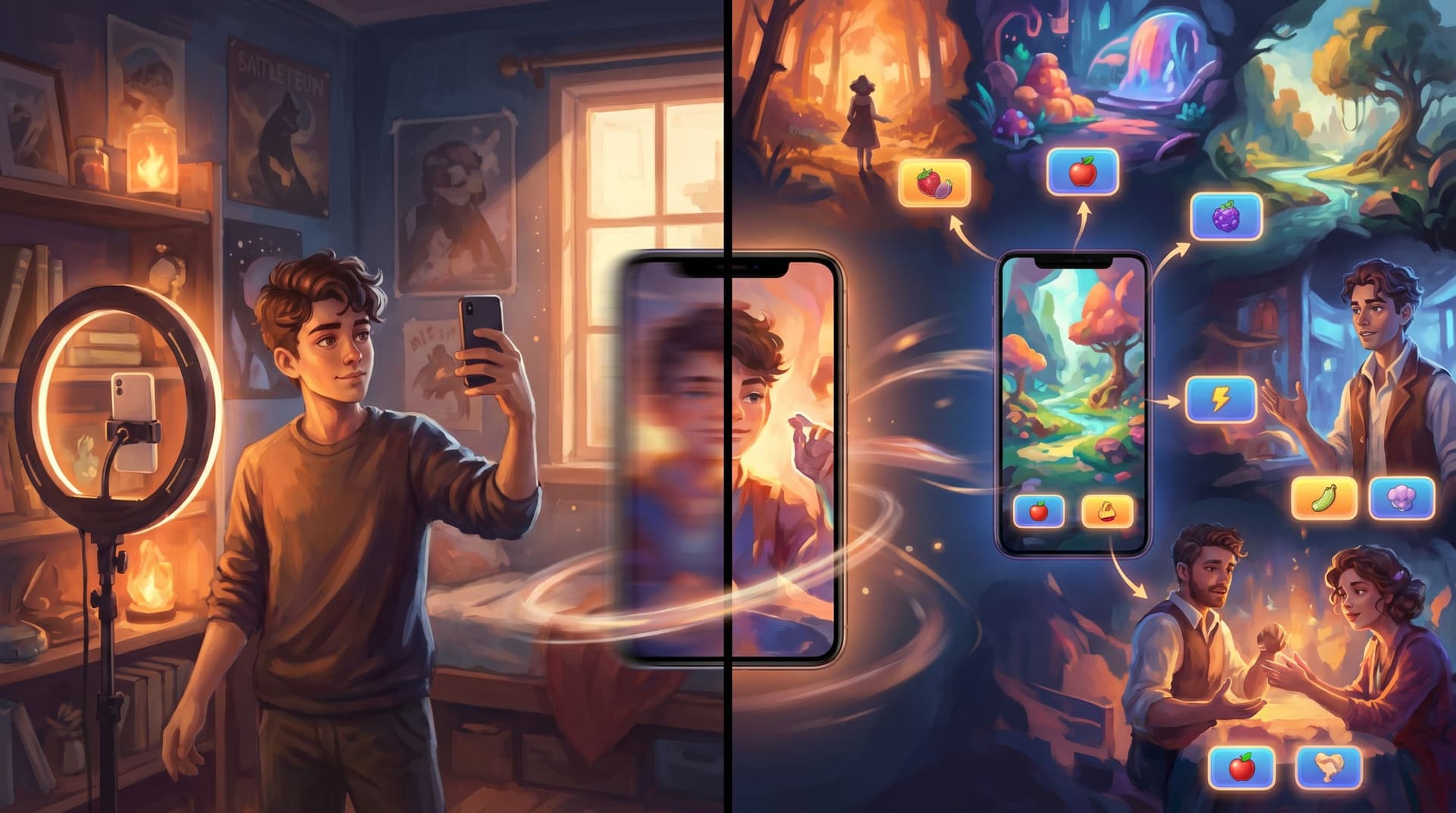
From Lecture to Lab: Turning Expert Talks and Webinars into Hands-On Questas Scenarios


Expert lectures and webinars are everywhere—recordings, slide decks, transcripts, PDFs. They’re packed with insight, but usually experienced the same way: sit, watch, maybe take notes, and hope something sticks.
What if, instead of watching expertise, your learners could test-drive it?
That’s the shift you make when you turn a talk into a playable scenario built with Questas: you move from “content delivery” to “judgment practice.” Learners still hear the expert’s ideas—but now they’re making decisions, facing consequences, and seeing how those ideas play out in messy, realistic situations.
This guide walks through how to go from a linear lecture or webinar to a hands-on, branching Questas experience—step by step.
Why Turn Talks into Playable Scenarios?
Before we get tactical, it’s worth naming why this transformation is so powerful for educators, L&D teams, consultants, and thought leaders.
1. Lectures explain; scenarios reveal.
A talk can tell you what should happen. A scenario shows you what actually happens when people try.
2. Judgment, not just recall.
Most webinars end in a quiz: “Which of these is true?” That checks memory. A Questas scenario can ask: “You’re in this situation—what do you do next?” That checks judgment.
3. Higher engagement, lower friction.
People are more likely to explore a 10–15 minute interactive story than rewatch a 60-minute replay. You’re giving them a “lab” where they can experiment safely.
4. Massive content reuse.
If you’re already repurposing content across formats—podcasts, newsletters, short-form video—interactive scenarios are the missing piece that turns your ideas into lived experiences. If that resonates, you might also enjoy how creators repurpose short-form content into micro-adventures in From TikToks to Tiny Quests.
5. Better feedback loops.
Because Questas is interactive, you can see which branches learners take, where they struggle, and which endings they reach most often. That’s far more actionable than “average watch time.”
Step 1: Choose the Right Talk (and the Right Slice)
Not every lecture needs to become a full branching epic. Start by picking a talk where decisions are central.
Good candidates:
- A leadership webinar about handling difficult conversations
- A sales enablement session on qualifying leads
- A cybersecurity talk about spotting phishing attempts
- A clinical or safety training on responding to edge cases
- A product onboarding webinar where users must choose between workflows
Then, narrow your focus.
Ask:
- What is the core dilemma or skill in this talk?
Examples: “Prioritize limited resources,” “Handle an ethical gray area,” “Pick the right customer segment,” “Apply a framework under pressure.” - Where in the talk does theory meet reality?
Look for case studies, anecdotes, or Q&A segments. Those are natural seeds for scenes.
Your goal in this step is not to cover everything from the talk. It’s to identify one or two high-value situations that can become the spine of your scenario.
Step 2: Extract the Story Hidden Inside the Lecture
Most talks already tell stories—they’re just buried under slides and bullet points.
Work through your recording or transcript and pull out:
- Key characters
- Who faces the decision? (Manager, nurse, founder, customer success rep, student…)
- Who else is affected? (Team, client, patient, regulator, partner…)
- Settings
- Where does this actually happen? (Zoom call, factory floor, clinic, boardroom, support chat…)
- Moments of tension
- Where does someone have to choose between conflicting goods? (Speed vs quality, revenue vs ethics, safety vs schedule.)
- Consequences
- What goes right or wrong depending on the decision?
Turn those into a simple narrative frame:
"A mid-level manager at a SaaS company discovers their top seller is misrepresenting features to close deals. The quarter is on the line. They must decide whether to confront, escalate, or quietly adjust targets."
That one paragraph is enough to start sketching your first Questas scenario.
Step 3: Define the Learning Outcomes as Playable Goals
Before you open Questas, decide what “success” looks like for the player.
Instead of generic outcomes like “Understand the XYZ framework,” phrase them as things the player will be able to do inside the story.
Examples:
- Apply the “3-step de-escalation model” in a heated customer call
- Choose between short-term revenue and long-term trust in a sales scenario
- Spot and respond to early signs of burnout in a team
- Use a risk matrix to triage multiple urgent issues
Then, convert each outcome into 1–2 critical decision points you’ll model in the scenario.
- Outcome: Apply 3-step de-escalation model
→ Decision: How do you respond to the customer’s first angry email?
→ Decision: What do you do when they escalate on social media?
These decisions become your “boss fights”—the pivotal moments your entire scenario should orbit around.
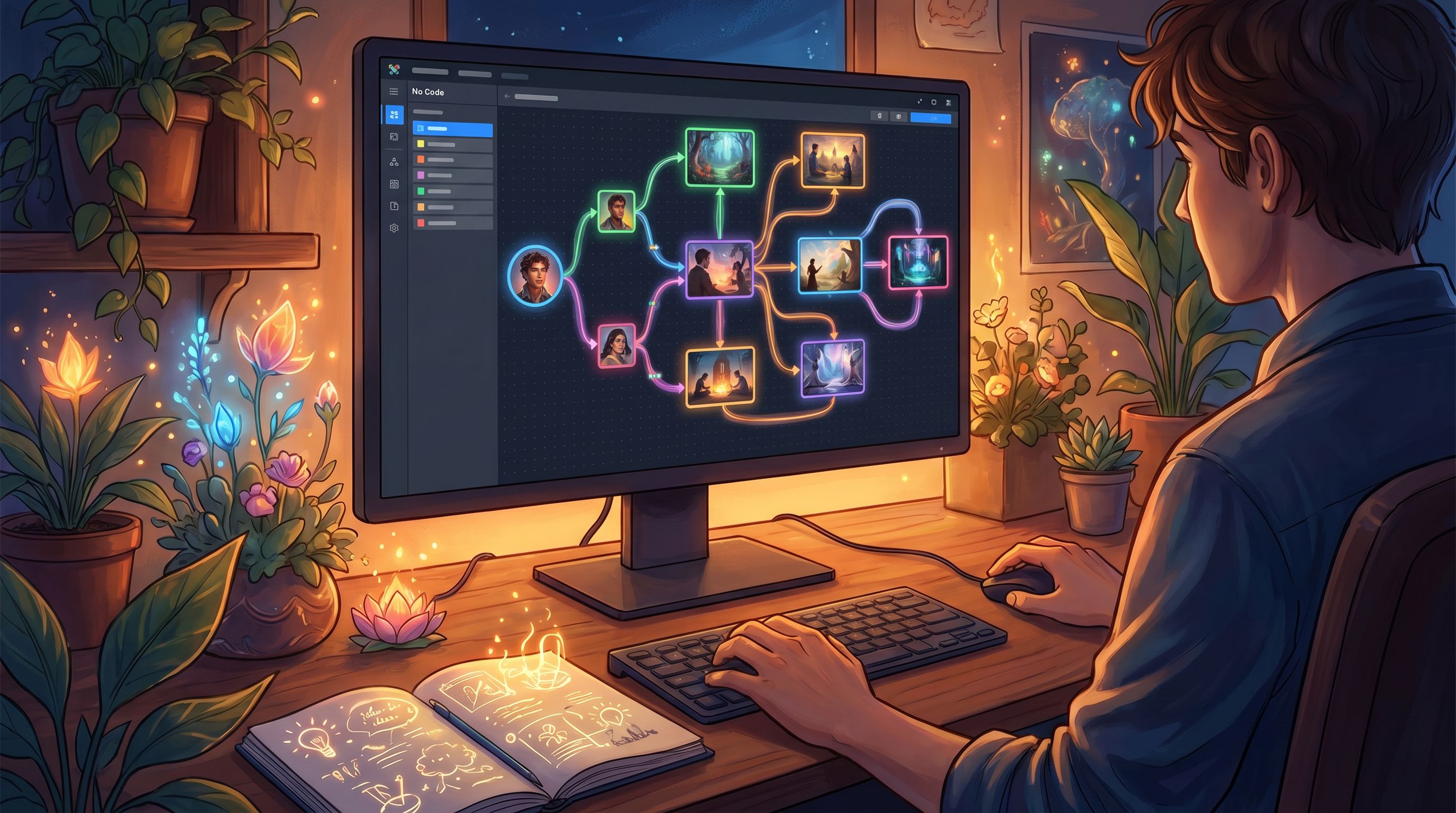
Step 4: Sketch a Compact Branching Structure
You don’t need a sprawling tree to create depth. In fact, if you’ve ever felt overwhelmed by giant flowcharts, you’ll appreciate designing something deliberately tight.
A simple starter pattern:
- Onboarding scene
- Set the context, time, and stakes.
- Let players choose a small preference or perspective (e.g., “You’re the team lead” vs “You’re the HR partner”) to build buy-in.
- First key decision
- Offer 3–4 options, each mapping to a mindset from the talk.
- Example: “Confront directly,” “Gather more data,” “Escalate quietly,” “Ignore for now.”
- Consequences scene(s)
- Show immediate effects: reactions, new information, pressure from stakeholders.
- Second key decision
- Now that the situation has evolved, what next?
- Again, tie options to frameworks or principles the expert shared.
- Resolution and reflection
- Land on 2–4 endings: some clearly better, some clearly worse, some mixed.
- Use a short reflection to connect outcomes back to the original talk.
If you want more structural inspiration (especially once your scenarios grow), you can borrow patterns from Branch Smart, Not Wide, which explores reusable blueprints that keep complexity under control.

Step 5: Translate Slides and Soundbites into Scenes and Choices
Now you’re ready to open Questas and start building.
Turn Slide Sections into Scenes
Take the major sections of your talk and ask: “What does this look like on the ground?”
- A slide titled “3 Types of Difficult Clients” becomes three short scenes, each featuring one client archetype.
- A section on “Common Compliance Pitfalls” becomes a day-in-the-life sequence where the player encounters each pitfall in context.
- A framework like “Recognize, Reframe, Respond” becomes a three-beat interaction where the player must choose actions that match each step.
Each scene in Questas should:
- Introduce a concrete moment (who, where, what just happened)
- Present a decision (or set up the next one)
- Advance time, stakes, or information
Turn Key Points into Choice Options
For every big idea in the talk, ask: “What does this look like as a decision someone might actually make?”
For example, if the expert said:
“Always clarify expectations before committing to a deadline.”
Your choice options might be:
- “Agree to the deadline as stated—no questions.”
- “Ask for clarification on scope and dependencies before committing.”
- “Decline the deadline immediately as unrealistic.”
Then, design consequences that make the underlying principle obvious without lecturing:
- If the player agrees with no questions, they face scope creep and frustration later.
- If they clarify, they might negotiate a better plan and earn trust.
- If they decline outright, they avoid overwork but damage the relationship.
This is where the magic happens: the talk’s advice becomes lived experience.
Step 6: Use AI-Generated Visuals to Anchor Memory
One of the strengths of Questas is the ability to pair each scene with AI-generated images or short videos. Done well, these visuals aren’t just decoration—they’re memory anchors.
Some practical tips:
-
Make characters recognizable.
Keep a consistent visual style and character prompts so learners can instantly recognize “the same manager” or “the same client” across scenes. For more on visual consistency, see AI as Art Director. -
Reinforce emotion and stakes.
Show tension in body language, cluttered desks during crisis moments, or calm, open spaces when things resolve well. -
Use environment as context.
A messy hospital corridor vs. a polished boardroom instantly tells learners what kind of constraints they’re under. -
Keep accessibility in mind.
Don’t rely on visuals alone to convey critical information—mirror key details in text.
You don’t need an image on every node. Focus on:
- The opening scene (to set tone and characters)
- Each major decision point
- The endings (to make outcomes feel concrete)
Step 7: Design Failure as Feedback, Not Punishment
In a real lab, getting something wrong is part of learning. Your Questas scenario should work the same way.
When players make suboptimal choices:
- Show believable consequences.
A lost client, a delayed project, a compliance red flag—grounded outcomes, not cartoonish catastrophe. - Tie back to the talk.
Use a brief debrief: “Remember the expert’s point about X? Here’s how it applies to what just happened.” - Invite another run.
Suggest what they might try differently next time: “What if you had involved Legal earlier?”
If you want to go deeper on this, Designing Failure on Purpose explores how to craft “bad” endings that teach instead of scold—perfect for webinar-to-scenario conversions.
Step 8: Add Reflection and Transfer Moments
Your scenario shouldn’t just be a story; it should be a bridge back to the learner’s real context.
Consider weaving in:
- Short reflection prompts at key beats
- “Have you ever been in a similar situation? What did you do?”
- “Which option feels most like your default in real life?”
- Mini debriefs after endings
- Summarize what went well and what didn’t.
- Map choices back to 2–3 core takeaways from the original talk.
- Transfer questions at the end
- “Where in your work this week could you apply what you just practiced?”
- “Which conversation or decision is now on your radar?”
These touches help ensure your Questas scenario isn’t just engaging—it’s transformative.
Step 9: Pilot, Observe, and Iterate
Before you roll your scenario out widely, treat it like any other learning product: test and tune.
Run a Small Pilot
- Invite a handful of people who watched the original lecture or webinar.
- Ask them to play through your Questas scenario and share what felt:
- Most realistic
- Most confusing
- Most surprising
Watch the Data
Inside Questas, pay attention to:
- Which branches get chosen most often
- Where players drop off or rush through
- Which endings they reach first
Use that to:
- Clarify confusing options
- Tighten or expand certain scenes
- Add or adjust reflection prompts
Think of this as your “lab notebook” phase: you’re refining the experiment so that when you scale it, learners get maximum value with minimal friction.
Putting It All Together: A Quick Example Workflow
To make this concrete, here’s how an L&D team might convert a 60-minute “Ethical Sales Practices” webinar into a 15–20 minute Questas scenario:
- Identify the core dilemma
- Balancing quarterly targets with honest communication about product limitations.
- Extract a story
- A rep discovers a key feature won’t ship on time, but deals are already in late-stage negotiation.
- Define outcomes
- Learners practice transparent communication, expectation-setting, and escalation.
- Sketch structure
- Intro call → first decision (what to tell the client) → internal fallout → second decision (how to handle leadership pressure) → endings.
- Build in Questas
- Scenes for each call/meeting, AI visuals showing client offices and internal Slack-like chats.
- Design endings
- One where they hit numbers but damage trust, one where they lose a deal but build long-term partnership, one mixed outcome.
- Add reflections
- “Which option feels closest to your current practice?”
- Pilot & iterate
- Refine based on where reps struggle or feel the scenario diverges from reality.
Within a week, that one webinar becomes a reusable “judgment lab” that can onboard new hires, refresh experienced reps, and even support manager coaching.
Summary: From Passive Insight to Playable Expertise
Turning expert talks and webinars into Questas scenarios is about more than repackaging content. It’s about:
- Finding the real decisions hiding inside your lectures
- Framing them as stories with characters, stakes, and consequences
- Letting learners practice judgment in a safe, visual, branching environment
- Using AI-generated media to anchor memory and emotion
- Treating failure as feedback, not punishment
- Closing the loop with reflection and iteration
When you do this well, you stop asking, “Did they watch the webinar?” and start asking, “How did they handle the scenario?”—a far more meaningful measure of learning.
Your Next Step
You don’t need to rebuild your entire curriculum to start. Pick one talk, one concrete dilemma, and one short scenario.
- Choose a webinar or lecture where decisions matter.
- Extract a single story from it—a moment where someone has to choose.
- Open Questas and sketch a 10–15 minute branching experience around that moment.
Once you’ve shipped your first “lecture-to-lab” conversion, you’ll start seeing scenarios everywhere: in your slide decks, your podcasts, your customer interviews, even your own internal training.
Adventure awaits—now it’s your learners’ turn to play through it.