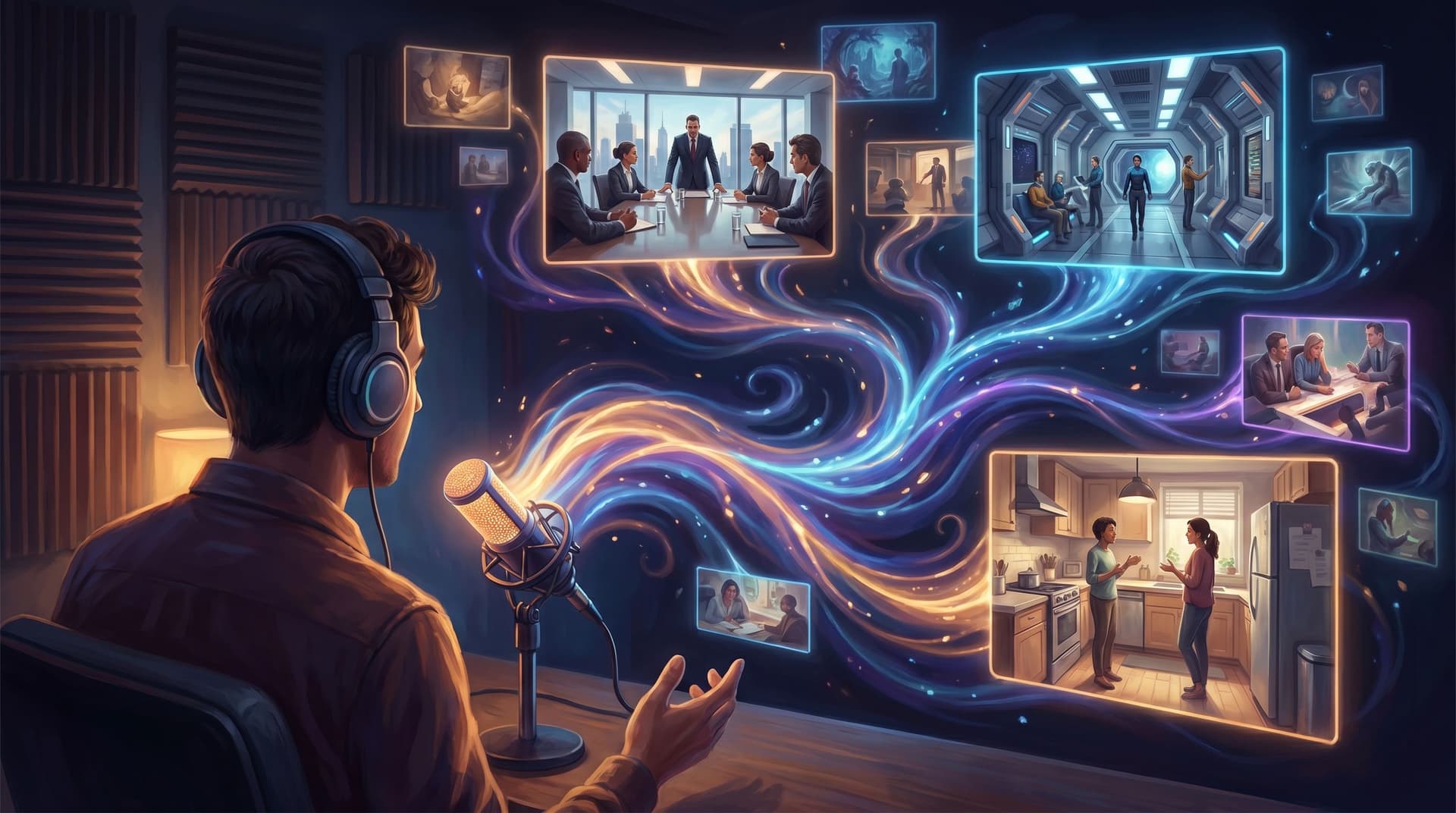
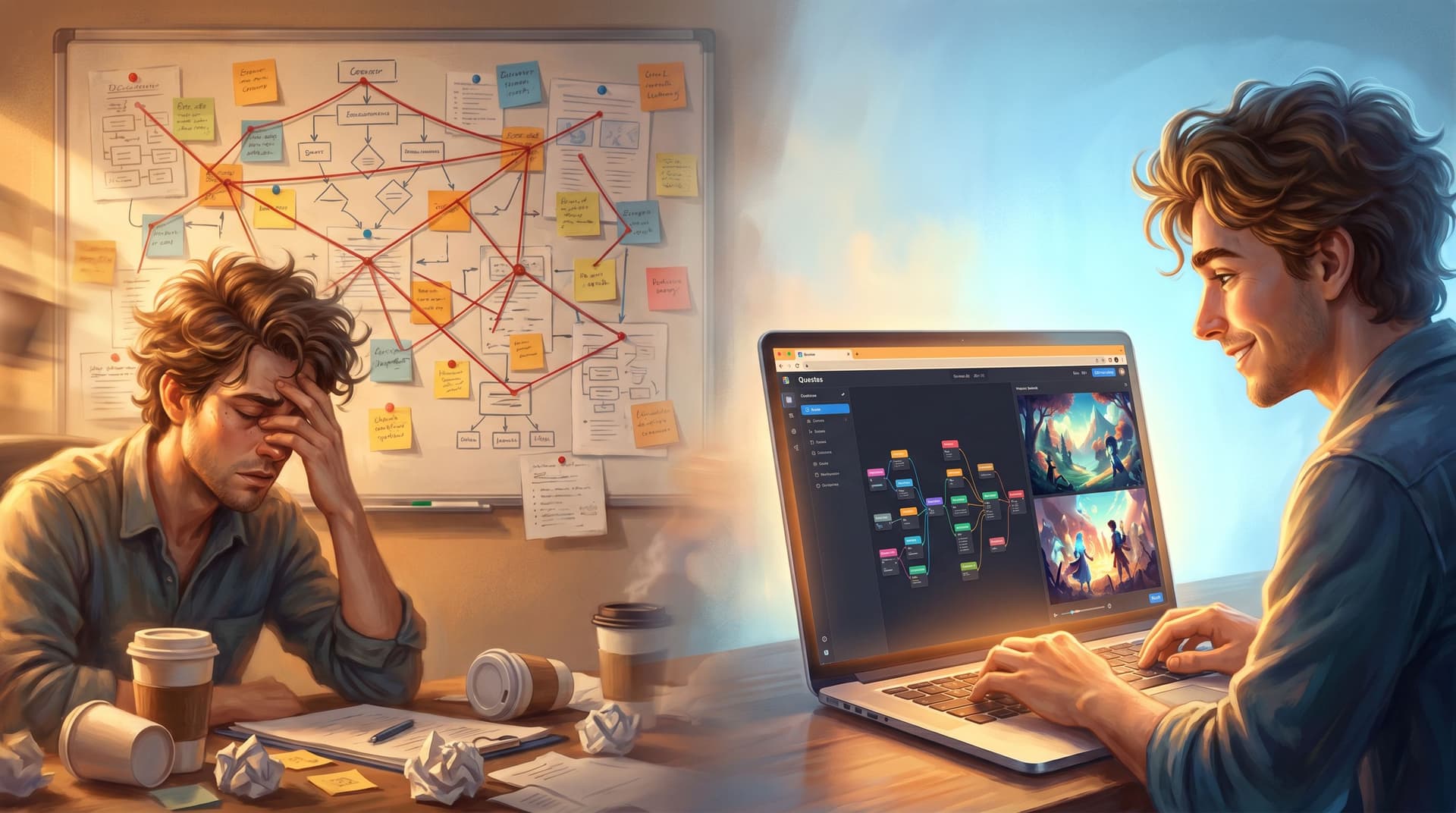
From TikToks to Tiny Quests: Repurposing Short-Form Video into Snackable Questas Adventures

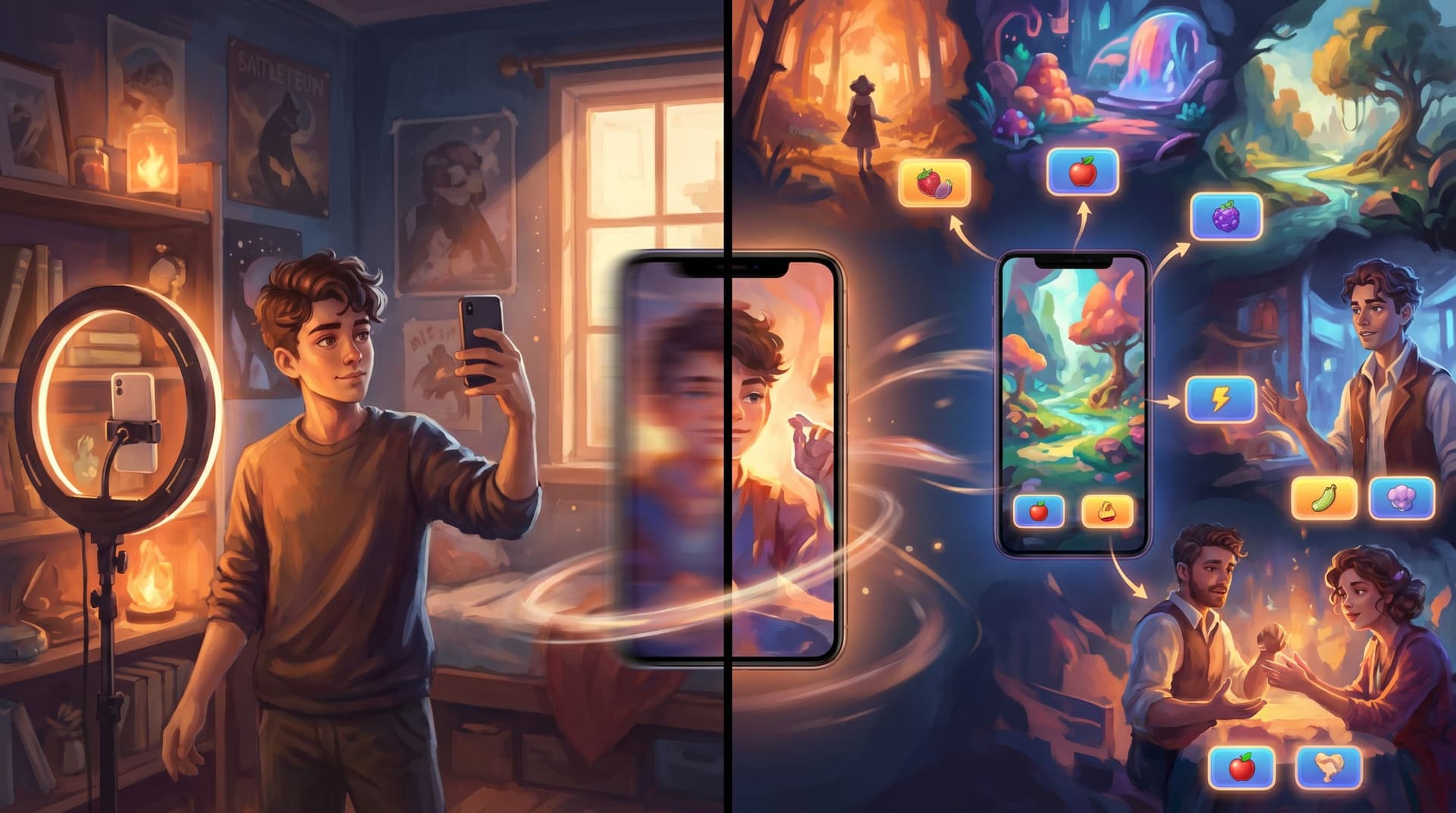
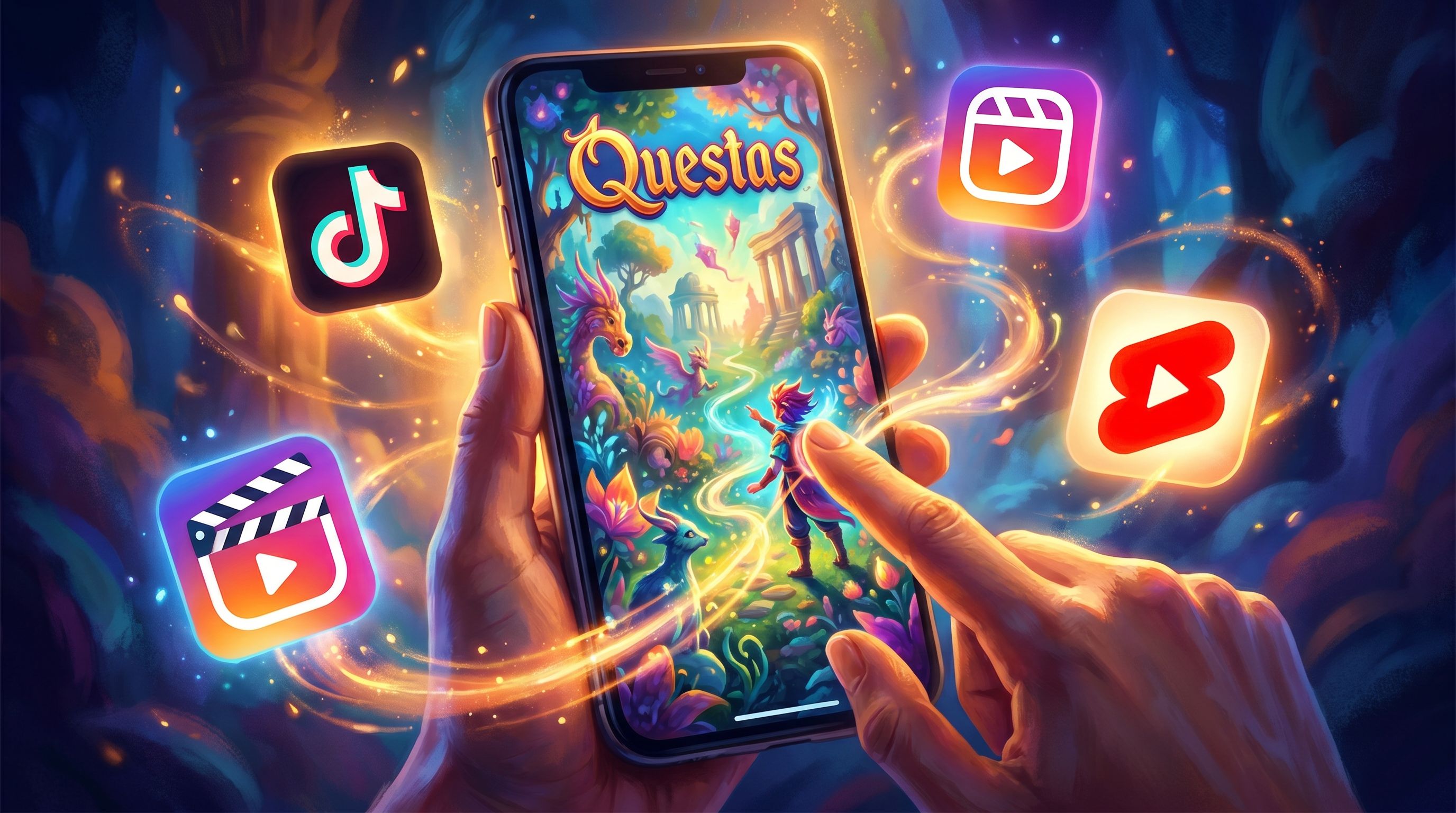
Short-form video has become the default way many people discover stories, characters, and creators. TikToks, Reels, and YouTube Shorts are where your audience already hangs out, already taps, and already decides whether to care.
But short-form is also fleeting. You pour energy into a 20–60 second clip, it spikes for a day, then disappears into the scroll.
Turning those clips into tiny interactive adventures built with Questas lets you:
- Extend the life of your best-performing videos.
- Turn passive viewers into active players.
- Build a story universe that lives beyond the algorithm.
This post walks through how to transform your short-form videos into “snackable quests”—small, focused, replayable stories that feel native to social audiences but live as interactive experiences your fans can tap through, share, and revisit.
Why Short-Form Video Is Perfect Raw Material for Tiny Quests
Short-form clips already have the ingredients of a great interactive story:
- Strong hooks. You’ve learned to grab attention in the first 1–3 seconds.
- Clear situations. “Will this work?” “Do I say yes or no?” “What happens if…?”
- Emotional beats. Humor, tension, surprise, satisfaction.
- Visual identity. Your face, your style, your universe.
When you bring those into Questas, you’re not starting from zero—you’re upgrading:
- A single cliffhanger becomes a branching decision point.
- A quick skit becomes a loop of alternate outcomes.
- A recurring series becomes a mini storyworld your audience can actually explore.
If you’ve ever wondered how to make your content more replayable or more than “just another TikTok,” tiny quests are a natural next step.
Choosing the Right Videos to Turn into Tiny Quests
Not every clip needs to become a quest. Start with videos that already suggest a choice, a fork, or a “what if.” Look for:
- Cliffhanger endings
- You stop right before a decision or reveal:
“Should I confront my boss about this?”
“Do we open the door or walk away?”
- You stop right before a decision or reveal:
- Two-option dilemmas
- You literally ask your audience to choose in the comments:
“Left or right?”
“Text back or leave it on read?”
- You literally ask your audience to choose in the comments:
- Recurring characters or formats
- A running series with a familiar setup:
“Day X of running my tiny coffee cart”,
“Episode Y of corporate horror stories”,
“Another red-flag client email.”
- A running series with a familiar setup:
- Behind-the-scenes or process clips
- Anything where you show steps and trade-offs: design decisions, editing choices, cooking variations, etc.
- Educational explainers with scenarios
- “What would you do?” type content in careers, compliance, leadership, relationships, or learning.
You only need one strong moment of tension to build a snackable quest around. For more on working small on purpose, you might like Minimal Choices, Max Impact: Designing Single-Decision Questas for Email, Social, and Landing Pages.
Designing a Tiny Quest from a Single Short
Let’s walk through a concrete pattern you can reuse.
Imagine you have a TikTok where:
- You’re about to send a risky text.
- The video ends on the unsent message and a caption: “Would you hit send?”
That’s already a quest spine.
Step 1: Define the Core Question
In Questas, frame the entire tiny quest around one clear decision:
Do you send the text or delete it?
Everything else—the build-up, the consequences, the visuals—serves that question.
Step 2: Map a Micro-Structure
Keep it small and satisfying. A great snackable structure:
- Intro scene – Set up the situation in 1–3 short beats.
- Decision scene – Present the choice clearly.
- Immediate outcome – Show what happens right away.
- Short aftermath – One or two scenes that reveal consequences.
- Reflective tag or twist – A final beat that makes players want to replay.
This is a close cousin of the “single-decision” structure explored in Minimal Choices, Max Impact, just tailored for people who arrive from a social clip.
Step 3: Turn Video Moments into Scenes
Break your original short into story beats, not just frames:
- Beat 1: You staring at the phone, typing.
- Beat 2: Close-up of the risky text.
- Beat 3: Your hesitation.
- Beat 4: The moment of decision.
In Questas, each beat becomes a node with:
- Short text (1–3 sentences max).
- AI-generated image or video matching the vibe of the clip.
- Optional audio (you can reuse your original voiceover or music).
You can even embed the original short as a “cold open” scene, then branch from there.
Step 4: Write Two or Three Distinct Outcomes
For a snackable quest, depth beats breadth. Instead of 10 shallow branches, write 2–3 memorable outcomes:
- Outcome A (Send): The text goes through. Maybe it’s a disaster, maybe it’s a relief, maybe it’s awkward-but-funny.
- Outcome B (Delete): You don’t send. Does that create regret? Wisdom? A missed opportunity?
- Optional Outcome C (Rewrite): You rewrite the text into a different tone and send that instead.
Give each outcome:
- A distinct emotional tone (cringe, triumph, bittersweet, comedic).
- A clear “lesson” or takeaway if you’re doing educational content.
- A visual payoff that feels bigger than the original short.
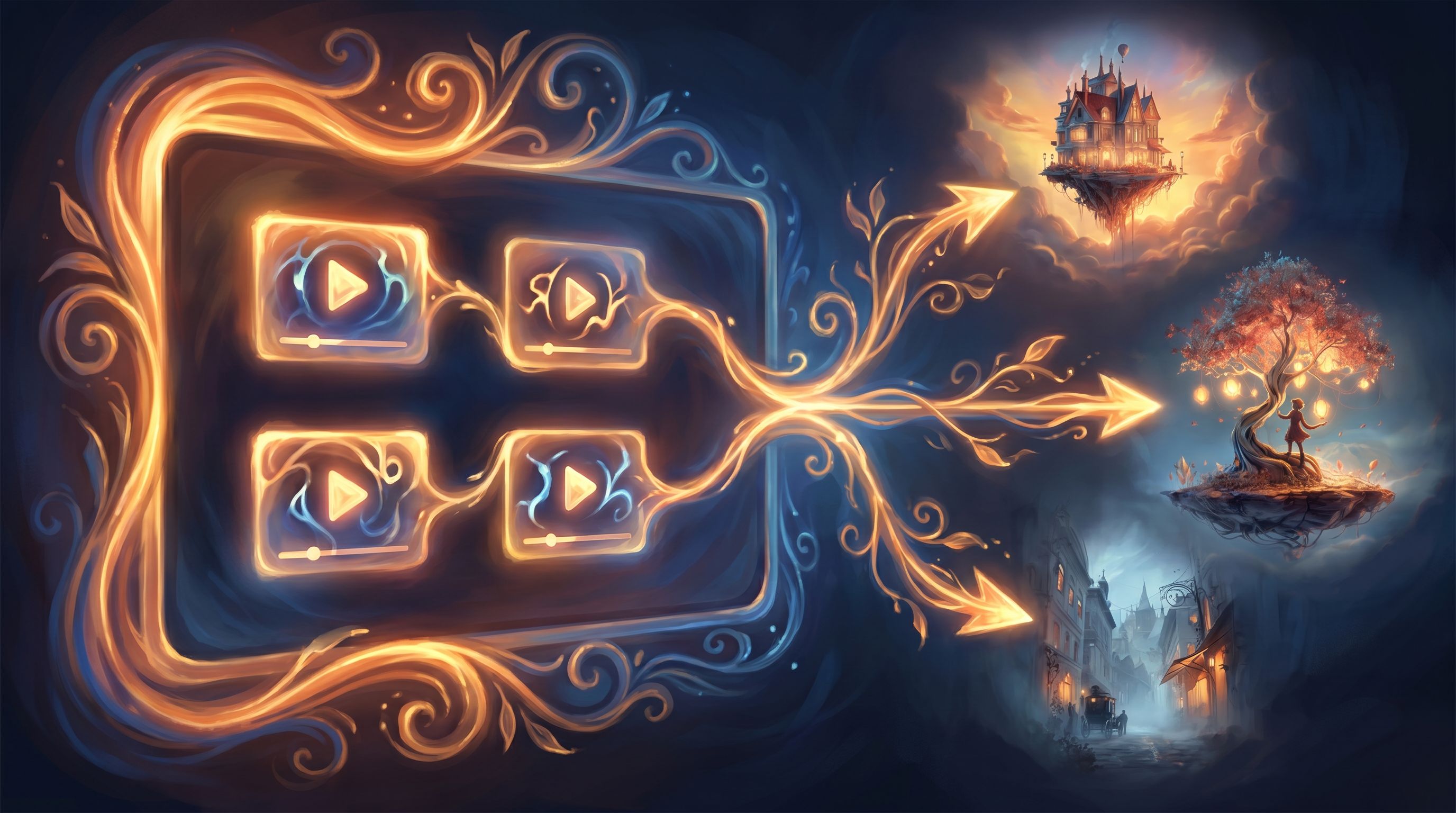
Using AI-Generated Visuals to Extend Your Video Style
One of the strengths of Questas is how quickly you can spin up images and micro-videos that echo your existing style without needing a full production.
Here’s how to make the visuals feel like a natural extension of your short-form content:
1. Treat Your Clips as a Visual Style Guide
Look at your top-performing videos and note:
- Color palette: Bright neons? Muted earth tones? High contrast?
- Camera angles: Lots of close-ups? Overhead shots? POV?
- Environment: Bedroom studio, city streets, fantasy backdrops?
- Character styling: Clothing, hair, props, facial expressions.
Use those keywords in your AI prompts so the generated art feels like the same universe. If you’re working on a series, the ideas in AI as Art Director: Building Cohesive, On-Brand Visual Languages for Your Questas Series can help you build a simple “visual canon” for your quests.
2. Match Pacing, Not Just Aesthetics
Short-form video is punchy. Your quest scenes should be too.
- Keep text tight—aim for what fits comfortably on a phone screen.
- Use visuals to carry half the storytelling weight.
- Let one tap equal one beat; don’t bury five beats in a single scene.
3. Use Video Sparingly for Impact
You don’t need every node to be a video. In fact, alternating still images plus short clips can create a nice rhythm:
- Use looping micro-videos for key moments (the decision, the reveal, the twist).
- Use images for reflection, aftermath, or quieter beats.
That balance keeps loading times friendly while still feeling cinematic.
Turning a Series of Shorts into a Tiny Quest Season
Once you’ve built one snackable quest from a single clip, you can start thinking in series.
If you already have a recurring format—like “client horror stories,” “day-in-the-life of a barista,” or “startup founder mistakes”—you can:
-
Pick 3–5 anchor episodes.
Choose your most commented, most shared, or most controversial clips. -
Give each its own tiny quest.
Each episode becomes a self-contained decision story people can finish in 2–5 minutes. -
Link them with light continuity.
- A recurring character who remembers past decisions.
- A resource that carries over (money, trust, reputation).
- A subtle meta-story: “You’re leveling up as a barista / manager / adventurer.”
-
Use “Previously on…” intros.
For returning players, start with a quick recap scene that nods to what they did last time.
This structure pairs nicely with the “branch smart” patterns described in Branch Smart, Not Wide: Blueprint Patterns for Scalable Questas Stories, helping you grow your story universe without getting lost in complexity.
Integrating Tiny Quests Back into Your Social Channels
A snackable quest doesn’t replace your short-form videos—it feeds them and vice versa.
Here are concrete ways to weave everything together:
1. Use Quests as Endpoints for Viral Clips
When a short performs well, quickly:
- Turn it into a tiny quest inside Questas.
- Pin a comment with the link: “Want to play the alternate endings? Tap here.”
- Add the quest link to your bio or Linktree.
Now every new viewer has a path off-platform into a deeper experience.
2. Tease Alternate Outcomes as New Shorts
Once the quest exists, each ending is a new piece of content:
- Record or generate a short that shows one specific outcome.
- Caption: “This is what happens if you hit send in my new interactive story. Want to see the other endings?”
You’re essentially serializing your quest back into the platforms that grew your audience.
3. Let Comments Shape Future Branches
Watch how people react:
- “No way, I would never send that text.”
- “I need a version where they actually apologize.”
- “What if the manager sees the email first?”
Use those comments as prompts for new branches or spin-off quests. You can:
- Add a new path to the existing tiny quest.
- Or build a follow-up quest that starts from a popular “fan theory” outcome.
Over time, you’re co-creating a storyworld with your audience, not just broadcasting at them.
Practical Workflow: From Clip to Quest in an Afternoon
Here’s a repeatable, low-friction workflow you can follow for each new tiny quest:
-
Pick one short-form video.
- Preferably one with clear tension or a question in the comments.
-
Outline 5–7 beats.
- 2–3 beats of setup.
- 1 decision beat.
- 2–3 beats of consequences.
-
Draft the text for each beat.
- Keep it conversational and concise.
- Aim for “reading out loud in under 10 seconds” per scene.
-
Open Questas and create a new story.
- Drop your beats in as nodes.
- Add the choice and connect branches.
-
Generate visuals.
- Use prompts based on your original clip’s style.
- Save a few favorite prompt templates for reuse across quests.
-
Playtest on your phone.
- Does each tap feel meaningful?
- Is any text too long or confusing?
- Are there dead moments where nothing really happens?
-
Publish and link from your video.
- Pin the link in comments and description.
- Mention it in a follow-up short.
You don’t need to redesign your entire content strategy. Start by turning one clip into one tiny quest, then iterate.
Where Tiny Quests Really Shine: Use Cases & Ideas
To spark ideas, here are formats that translate especially well from short-form video into snackable Questas adventures:
-
Dating & relationship scenarios
- “Do you go on the second date?”
- “How do you reply to this message?”
-
Workplace & career moments
- “Do you speak up in the meeting?”
- “Which candidate do you hire?”
-
Customer service or retail stories
- “How do you handle this difficult customer?”
-
Creative process fork points
- “Which design direction do you pitch?”
- “Do you scrap the draft or ship it?”
-
Lifestyle and habit challenges
- “Do you hit snooze or get up?”
- “Do you cook at home or order out?”
-
Micro-learning and training
- Quick ethics dilemmas, safety decisions, or policy scenarios. For a deeper dive on turning structured content into interactive experiences, see From Slides to Storyworlds in One Afternoon: A Repeatable Questas Template for Busy Educators.
Each of these can be played in 2–5 minutes, shared in a comment thread, and replayed to see alternate routes.
Bringing It All Together
Short-form video is where many stories start, but it doesn’t have to be where they end.
By repurposing your TikToks, Reels, and Shorts into snackable adventures built in Questas, you:
- Extend the shelf life of your best clips.
- Invite your audience into the story instead of leaving them on the sidelines.
- Build a reusable storyworld you can expand, remix, and connect across channels.
You’re not adding a whole new workload—you’re giving your existing content a second life as something people can play, not just watch.
Your Next Move
If this sparked ideas, don’t wait for the “perfect” concept.
- Pick one short-form video that ends on a question or a cliffhanger.
- Sketch 2–3 possible outcomes on a piece of paper or a notes app.
- Open Questas and build a tiny quest with a single decision.
Let a handful of your most engaged followers try it first. Watch how they talk about it. Then use their reactions to guide your next tiny quest.
Adventure is already hiding inside the videos you’ve made. It just needs a few branches.
Go turn your next scroll-stopper into a story people can step inside.