From Podcast Script to Playable Story: Turning Audio Narratives into Interactive Questas Adventures

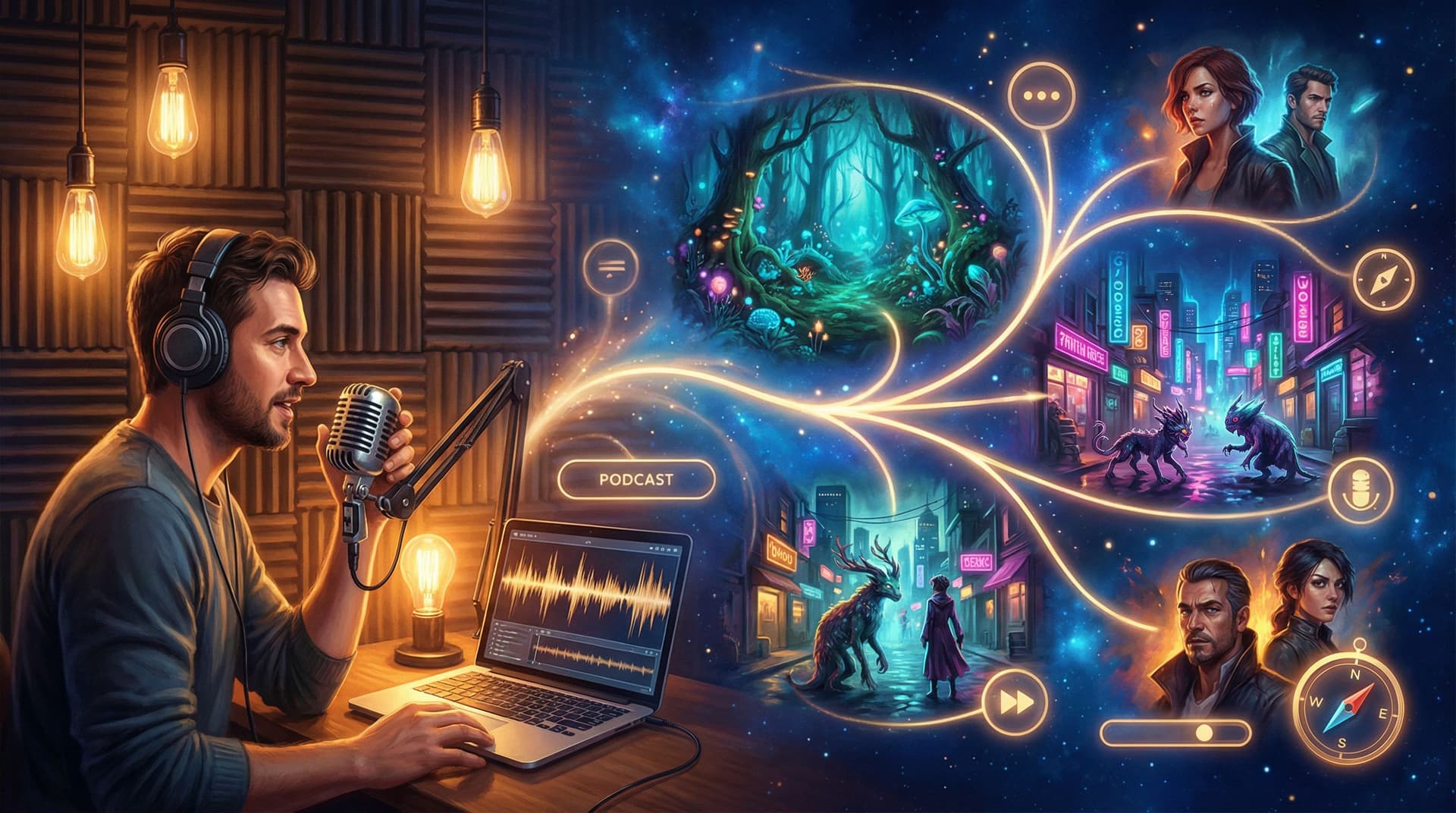
Podcasting and interactive storytelling are closer cousins than they look.
Podcasts already do the hard work: they build characters, pace tension, and hold attention for 30–60 minutes at a time. Recent reports put average podcast completion rates around 70–80%—far higher than most video content. That’s a huge signal: people are willing to stay inside a good audio story.
Interactive stories, meanwhile, take that same engagement and hand the steering wheel to the listener. Instead of asking, “What happens next?”, you ask, “What do you want to do next?”
This post is a practical guide to turning your linear podcast episodes or scripts into playable, branching adventures using Questas—without code, and without rewriting your entire show from scratch.
We’ll walk through:
- How to decide which episodes and formats translate best into interactive stories
- A repeatable workflow for going from audio file → script → branching outline → playable Questas experience
- Ways to use AI-generated visuals to amplify your narrative instead of distracting from it
- Smart design moves to keep your choices meaningful, not gimmicky
Whether you’re an audio-fiction creator, a nonfiction host, or an educator with a classroom podcast, you’ll leave with a blueprint you can apply this week.
Why turn a podcast into an interactive adventure at all?
If your show already has listeners, why add the extra work of branching paths and visuals? Because you unlock things a linear feed simply can’t do.
1. Turn passive listening into active participation
A listener can binge your back catalog in the background. A player has to decide.
Interactive versions of your episodes let people:
- Step into a character’s shoes and own their choices
- Explore “what if?” branches that never fit into your main feed
- Revisit key moments from different angles, deepening emotional impact
If you’ve ever had listeners write in with, “Why didn’t they just…?” or “I wish you’d explored…”, a branching Questas version is where those alternate timelines can finally live.
2. Extend the life (and value) of episodes you already made
Most episodes spike on release week, then fade. Turning a strong episode into a playable story gives you:
- A flagship piece you can send new listeners to as an onboarding experience
- A premium “director’s cut” for supporters or subscribers
- A reusable asset for workshops, classrooms, or events
If you’re in education or L&D, this is especially powerful. A narrative lesson or interview can become a scenario-based exercise where learners practice decisions, not just listen to theory. For more on that angle, see how creators are using stories as inquiry journeys in The New Web Quest: Using Questas to Create Inquiry-Based Assignments for Classrooms and Cohorts.
3. Learn how your audience actually thinks
Every choice in an interactive story is a tiny piece of research:
- Which path do people pick when the “right” answer is ambiguous?
- When do they play it safe vs. chase risk and reward?
- Where do they drop off entirely?
If you’re curious about audience motivations and play styles, branching stories can double as research tools—something we explore more deeply in Beyond Personas: Using Interactive Questas Stories to Research Audience Motivations and Play Styles.
Step 1: Choose the right episode to adapt
Not every episode wants to be a branching story. Start with ones that already contain natural decision points.
Look for episodes that feature:
- Clear dilemmas – A protagonist or guest facing a tough choice, ethical tradeoff, or conflicting goals
- Physical or situational stakes – Escapes, investigations, survival, heists, negotiations, or journeys
- Multiple perspectives – Debates, interviews with opposing views, or stories told from different characters’ angles
- Process or play – Anything where someone tries different strategies, experiments, or paths to a goal
These formats tend to convert well:
-
Serialized audio fiction
- Horror, sci-fi, mystery, adventure
- Each episode typically ends on a cliffhanger or turning point—perfect places to branch.
-
Narrative nonfiction
- Deep dives into historical events or business decisions
- You can let players “re-decide” key moments and see how things might have gone.
-
Interview shows with strong stories
- Take a guest’s real story and turn it into a scenario where the player chooses what to do.
-
Educational or coaching podcasts
- Turn frameworks and case studies into decision-driven practice scenarios.
If you’re unsure where to start, pick:
- A single self-contained episode (30–45 minutes)
- With one protagonist and 2–3 big decisions
- That your audience already loves (high downloads or great feedback)
Step 2: Get your script into a workable form
You can’t branch what you can’t see. The first job is getting your episode out of the waveform and into text.
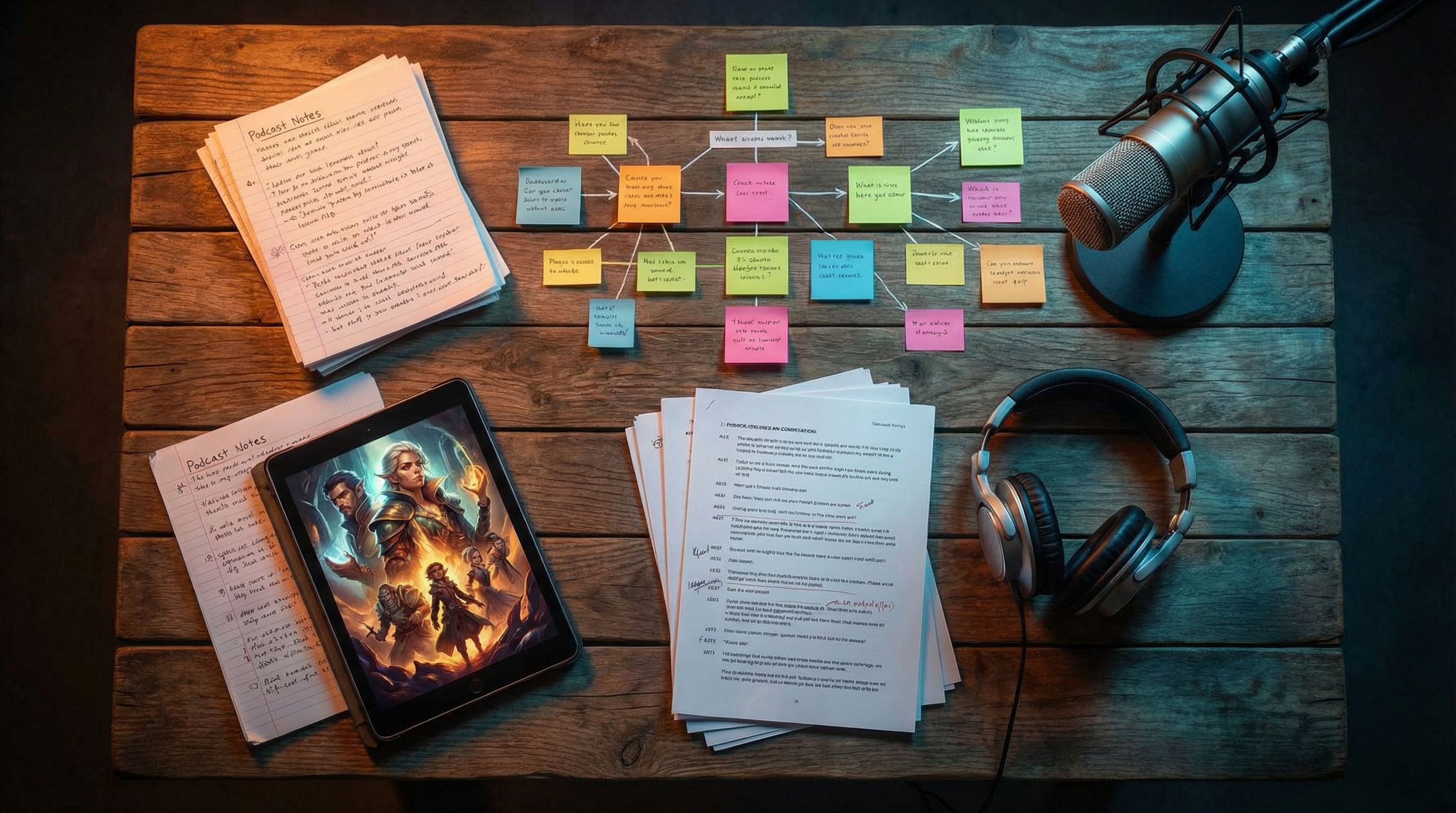
Transcribe your episode
If you already script your show, great—skip to the next section. Otherwise, use an AI transcription tool to create a draft script:
- Tools like Descript, Riverside, or Otter can turn your audio into searchable text with speaker labels and timestamps.
- Clean up major errors, especially around character names, jargon, and key plot points.
You don’t need a perfect transcript. You just need something accurate enough to:
- Highlight beats (scenes, reveals, decisions)
- Copy/paste dialogue and narration into Questas scenes later
Chunk the script into scenes
Next, break your transcript into discrete scenes. A scene is usually:
- A change in location
- A shift in time
- A new character entering or leaving
- A clear mini-goal or obstacle
Label each scene with a short, functional name:
Alley ConfrontationInterview at the DinerFirst Contact in the ForestBoardroom Vote
You’ll use these labels as node names in the Questas editor.
Step 3: Find and map the decision points
Now you’re going to do surgery on your linear script.
Read through your scenes and mark every moment where a character could reasonably have done something else.
Common categories:
- Fight / flight / freeze – Confront the threat, run, or hide
- Trust / doubt – Believe this person, verify, or walk away
- Reveal / conceal – Share information, lie, or deflect
- Pursue A / pursue B – Choose one lead, suspect, or location over another
For each potential decision:
- Highlight the line in your transcript where the choice would happen.
- Ask: “What are the 2–3 most interesting alternatives here?”
- Jot them down as options, even if your original episode only followed one.
This is where it helps to think in terms of tension design, not just plot. You want each choice to balance:
- Risk – What could the player lose?
- Reward – What could they gain?
- Information – How much do they know when they decide?
If you want a deeper dive into that craft, bookmark The Tension Triangle: Balancing Risk, Reward, and Information in Each Questas Choice Point for later.
Once you’ve identified 3–6 strong decision points in your episode, you’re ready to map your branches.
Step 4: Build a branching outline before you touch the editor
Before you open Questas, sketch your structure at a high level. This keeps you from drowning in micro-branches.
A simple, effective pattern for adapting a single episode:
- On-ramp – A mostly linear opening that sets context (2–3 scenes)
- First fork – A meaningful decision with 2–3 options
- Short, distinct branches – 1–2 scenes per option, exploring consequences
- Rejoin point – Branches converge back to a shared scene
- Second fork – Higher-stakes decision, informed by what players saw earlier
- Endings or preview – 2–4 different outcomes, or different lead-ins to your existing episode ending
You can outline this in a doc like:
Intro – City at NightScene 1 – Radio Host MonologueScene 2 – Strange Call Comes In
Choice 1 – Take the Call or Ignore It?- Option A: Take the call →
Scene A1 – Caller’s Warning - Option B: Ignore it →
Scene B1 – Power Outage
- Option A: Take the call →
Rejoin – Station Backup Generator Kicks InChoice 2 – Evacuate or Investigate?- Option A: Evacuate →
Ending 1 – Safe But Haunted - Option B: Investigate →
Ending 2 – Lost Signal
- Option A: Evacuate →
Keep it small at first. Your goal is not to replicate a 10-episode season in one go; it’s to ship a tight, replayable prototype.
Step 5: Bring your outline into Questas
Now the fun part: turning your outline into a playable story.
Set up your core scenes
In the Questas visual, no-code editor:
- Create a new project and name it after your episode.
- Add nodes for each scene in your outline (use your labels from earlier).
- Paste in the relevant narration and dialogue from your transcript.
- Use the built-in tools to add simple pacing elements:
- Paragraph breaks
- Line-by-line reveals
- Occasional emphasis on key words
You can choose how “audio-first” vs. “text-first” you want the experience to be:
- Audio-forward: Embed clips from your original episode for narration, with minimal on-screen text.
- Hybrid: Use shorter audio clips for key moments (voices, soundscapes), with on-screen text carrying the rest.
- Text-forward: Treat the podcast as your script source, but deliver the story primarily as interactive text + visuals.
Add choices and connect branches
At each decision point you identified:
- Insert a choice block.
- Add 2–3 options, written in the player’s voice (e.g., “Follow the stranger into the alley” instead of “The host follows the stranger”).
- Connect each option to the appropriate next scene node.
As you wire things up, constantly sanity-check:
- Does every branch feel like a real response someone might choose in that moment?
- Do at least some choices change what the player knows or what they risk?
- Are there any dead ends that need a short coda or a way back to the main path?
Step 6: Layer in AI-generated visuals that serve the story
Your original medium was sound. Now you get to ask: What should players see while they listen, read, or click?
With AI-generated images and video built into Questas, you can:
- Establish a cohesive visual style for your world (no art degree required)
- Give each scene a distinct mood—noisy newsroom, foggy forest, neon alley
- Use subtle visual changes to signal consequences and foreshadowing
If you’re new to visual direction, start with:
- One primary style for the whole experience (e.g., “grainy 35mm film stills,” “ink-wash graphic novel,” “soft 3D animation”)
- One hero image per major scene, not a new image for every line
Think of visuals as the set design for your audio play.
For a deeper dive into picking and maintaining a style, check out AI-Generated Visual Storytelling for Non-Artists: A Practical Style Cookbook for Your First 10 Questas Worlds.

Visuals that do narrative work
Don’t just decorate scenes. Use visuals to:
- Clarify choices – Show the alley vs. the crowded street so players instantly feel the difference
- Signal stakes – Darker palettes and tighter framing as danger rises; wider, brighter shots after safe choices
- Hide clues – Small props, symbols, or background details that reward careful players (perfect if your podcast leans into mystery or puzzles)
If your original show already uses strong sound design, visuals can echo that:
- Binaural horror podcast → tight, claustrophobic images and distorted perspectives
- Travel storytelling show → rich environmental art of each location
- Business interview series → stylized diagrams, dashboards, and character portraits that bring abstract ideas to life
Step 7: Decide what’s “canon” and what’s remix
One of the biggest creative questions you’ll face: How closely should the interactive version match the original episode?
You have three main options:
-
Faithful adaptation
- One branch follows the exact events of your episode.
- Other branches explore “roads not taken,” but you clearly mark which path is “as heard on the podcast.”
-
Parallel universe
- The interactive story uses the same premise, characters, and inciting incident, but diverges wildly.
- Great for fiction shows that want to experiment without breaking continuity.
-
Behind-the-scenes remix
- Ideal for nonfiction or interview shows.
- Players step into the role of the host, producer, or protagonist and make decisions that shape how the story unfolds, even if the final podcast episode tells only one version.
There’s no right answer—only what serves your show and your audience. Just be explicit in your intro copy so players know what they’re stepping into.
Step 8: Playtest with listeners before you launch it wide
You already know that editing makes or breaks an episode. The same is true for an interactive story.
Before you promote your new Questas experience to your full audience:
- Invite a small group of listeners (5–15 people) to play through a draft.
- Ask them to screen-record or share their choices as they go.
- Debrief with questions like:
- Where did you feel most in the story?
- Which choices felt fake, obvious, or confusing?
- Did any branch feel like a dead end or a waste of time?
- Did you want to replay? Why or why not?
Use their feedback to:
- Tighten or rephrase confusing choices
- Add or remove branches where the pacing drags
- Strengthen payoffs for big decisions
If you’re used to looking at download numbers and retention graphs, this qualitative layer will feel like a superpower. And if you want to go deeper into playtesting techniques, the ideas in Beyond Clicks and Completion Rates: Qualitative Playtesting Methods for Deeply Improving Your Questas Stories apply beautifully here.
Step 9: Connect your interactive story back to your podcast
An interactive adaptation isn’t just a fun side project—it can become a core part of your listener journey.
Ways to integrate it:
- Trailer in your feed – Drop a short episode that walks listeners through the concept and links to your Questas adventure in the show notes.
- Episode companion – For future episodes, release an interactive companion where listeners can explore alternate outcomes.
- Community events – Run live “group playthroughs” on streams or in your community, voting on choices together.
- Monetization – Offer extended branches, bonus endings, or behind-the-scenes commentary as perks for supporters.
The more you treat your interactive story as a first-class citizen in your ecosystem—not just a one-off experiment—the more value you’ll get from the work you put in.
Bringing it all together
Turning a podcast script into a playable Questas adventure isn’t about abandoning audio. It’s about:
- Using transcripts to see the bones of your story
- Identifying natural decision points and mapping them into clean, intentional branches
- Letting AI-powered visuals amplify mood and meaning, not just decorate
- Shipping a focused, replayable prototype, then improving it with real listener feedback
You already know how to hold attention with voice, pacing, and story. Interactive storytelling asks you to add one more skill: designing choices that matter. Once you’ve done it once, you’ll start seeing branching opportunities in every script you write.
Your next step: turn one episode into a quest
You don’t need to rebuild your whole show as an interactive universe.
Pick a single episode.
- Transcribe it.
- Break it into 8–12 scenes.
- Mark 3–5 moments where a different choice would change everything.
- Open Questas and build a small branching prototype around those moments.
Share it with a handful of trusted listeners. Watch how they play. Listen to what surprises them.
That’s your proof of concept—and the start of a new way to tell stories your audience doesn’t just hear, but live.