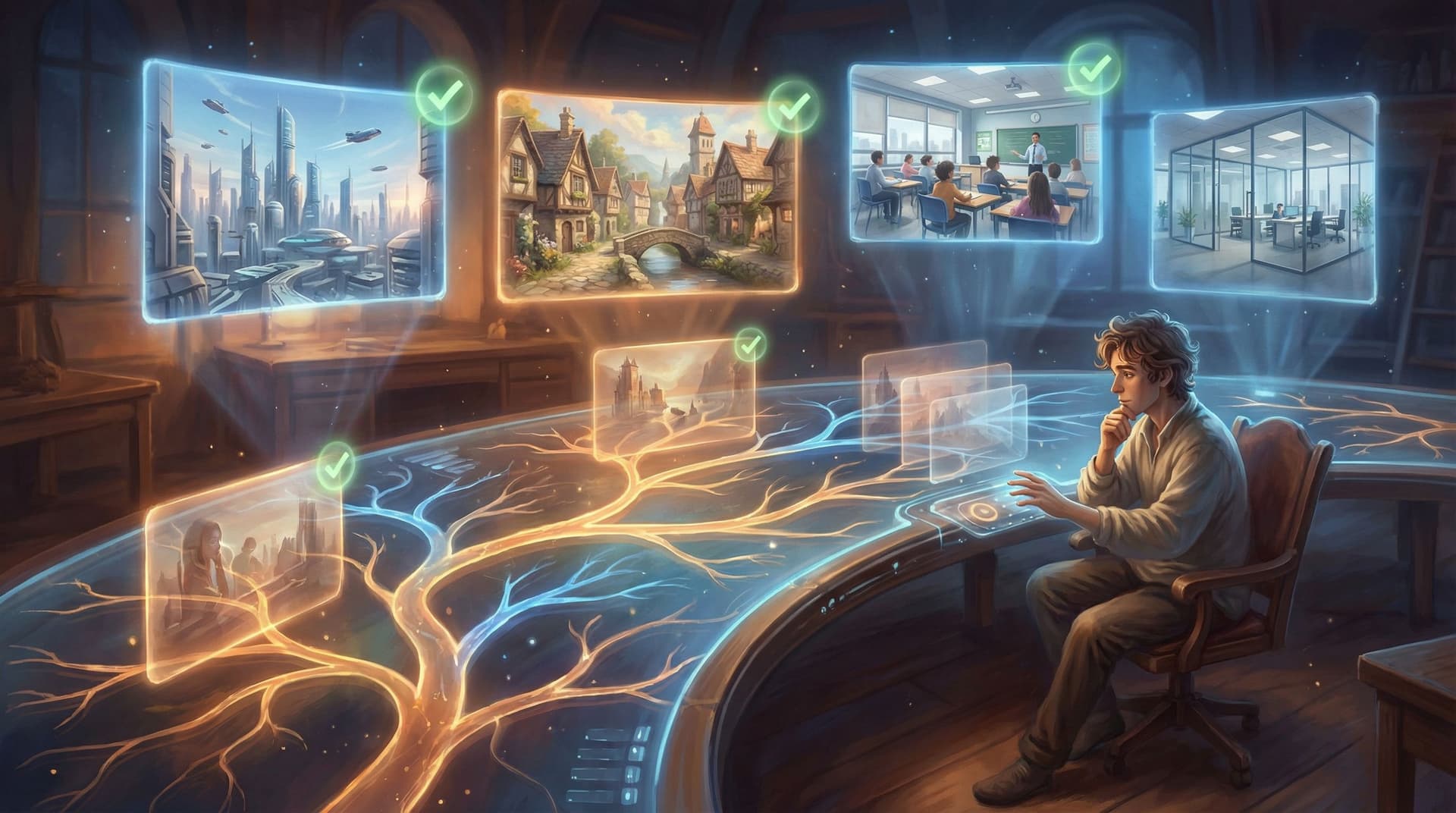
Playtesting Your Questas Like a Game Designer: Scripts, Checklists, and What to Watch For

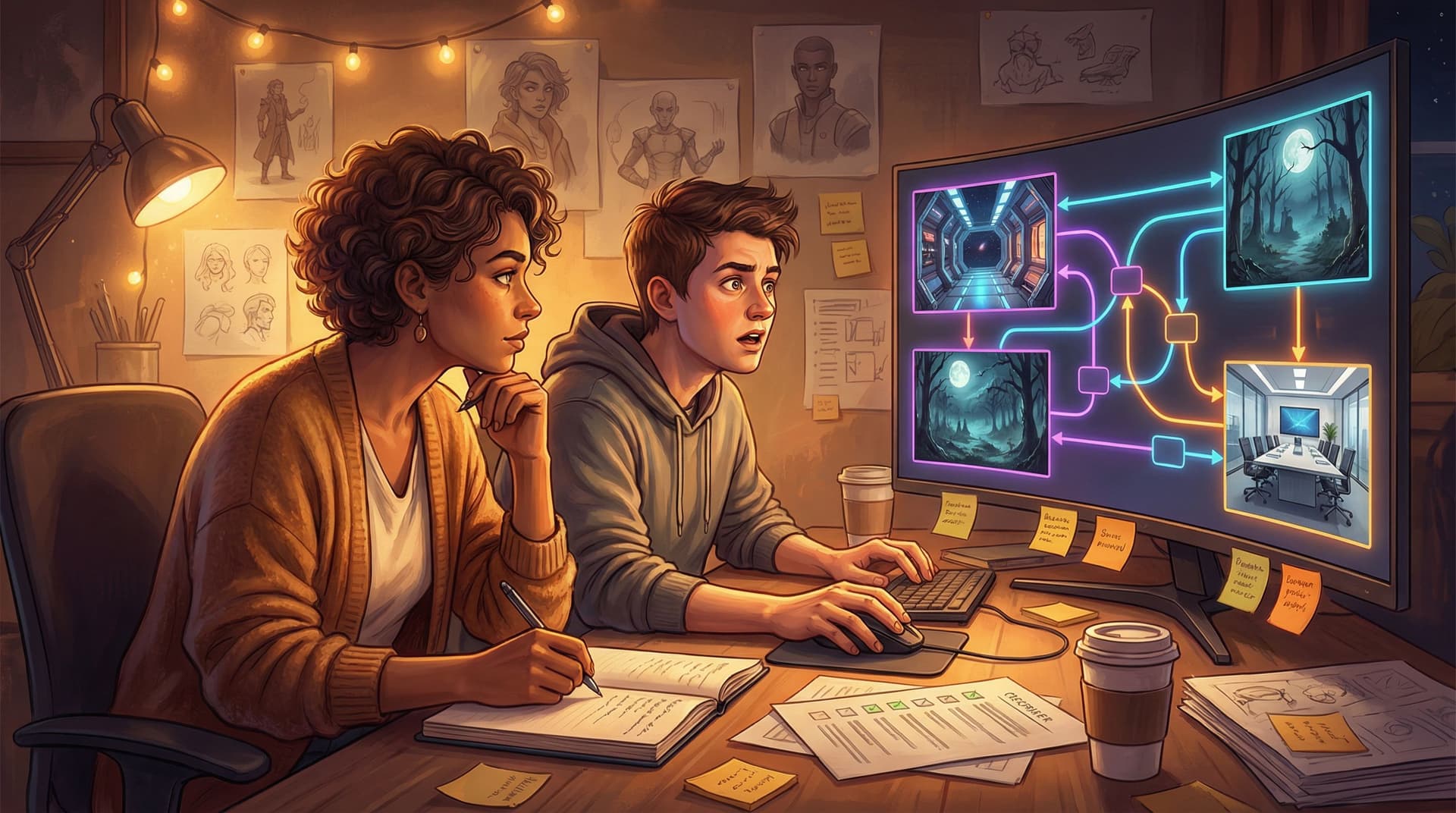
Interactive stories feel like magic when they work: choices land, scenes flow, and players forget they’re clicking through a browser at all. But that magic doesn’t come from the first draft of your branching diagram—it comes from playtesting.
If you’re building on Questas, you’re already thinking like a storyteller. To ship truly memorable adventures, you also need to think like a game designer: running structured tests, watching real players, and iterating with intention.
This guide breaks down how to:
- Treat your Questas adventure like a playable prototype, not a static script
- Use simple test scripts so playtests don’t go off the rails
- Build practical checklists you can reuse for every project
- Know what to watch (and listen) for when someone plays your story
Whether you’re creating a short social micro-adventure or a full campaign, strong playtesting turns “cool idea” into “I need to replay that.”
Why Playtesting Matters More Than You Think
Writers often think revision happens on the page. Game designers know the real revision happens in front of players.
For branching, visual stories built with Questas, playtesting helps you:
-
Catch logic bugs early
Broken links, loops that never end, flags that don’t trigger—these are invisible in a static outline but instantly obvious in play. -
Spot pacing issues
Are you front-loading exposition? Are there too many choices in a row with no payoff? Playtests reveal where players get bored, confused, or overwhelmed. -
Tune difficulty and clarity of choices
If players keep picking the “wrong” option because they misunderstood, that’s a design problem, not a player problem. -
Validate emotional beats
You’ll see when someone leans forward before a choice, laughs at a line, or goes quiet after a twist. Those reactions are gold. -
Improve accessibility and usability
Font sizes, contrast, button placement, media timing—these details matter. Testing is where you find friction points.
If you’re planning to build a series or a whole world (see From One Prompt to a Whole World: Worldbuilding Systems for Long-Form Questas Campaigns), a solid playtesting habit pays off across every future project.
Three Phases of Playtesting Your Questas
You don’t need a giant QA department to test like a pro. Think in three simple phases:
- Solo pass: You as the creator
- Guided pass: A small group of friendly testers
- Unmoderated pass: Players on their own, plus analytics
Let’s walk through each.
1. Solo Pass: “Designer Walkthrough”
Before anyone else touches your story, you should:
-
Play every major path at least once
Use your story map or node view (if you’re following the techniques from Branching Without Chaos: Simple Story Mapping Techniques for Complex Questas Narratives) and trace each major branch. -
Stress-test edge cases
- Always choose the most reckless or unexpected options
- Always choose the safest or most boring options
- Try to avoid key characters or locations and see if the story still makes sense
-
Check media alignment
For each scene, ask:- Does the AI-generated image or video match the text?
- Are character designs consistent with your visual style guide (see From Moodboard to Mission: Designing Visual Style Guides for Consistent Questas Adventures)?
- Does the media load quickly enough not to break the moment?
-
Note every friction point
Any time you have to reread a line or squint at an image, write it down. If it’s confusing to you, it’ll be confusing to players.
Your solo pass is where you fix the obvious issues so your external playtests can focus on deeper feedback.

2. Guided Pass: Live Sessions With Real Players
Once your story holds together, it’s time to watch other people play.
You can run guided playtests over video call, in person, or even in a classroom or team workshop. The key is that you’re present, observing and occasionally asking questions.
Step 1: Choose the Right Testers
Aim for a mix of:
-
Target audience players
If your Questas is for sales training, test with actual sales reps. If it’s a YA fantasy, test with readers who like that genre. -
One or two “fresh eyes”
People who don’t usually play interactive stories can reveal onboarding problems you’d otherwise miss.
Start small: 3–5 testers can surface a surprising number of issues.
Step 2: Write a Simple Test Script
A test script isn’t a movie script—just a short outline so every session runs the same way.
Here’s a lightweight template you can adapt:
-
Warm-up (2–3 minutes)
- “This is a branching, visual story built with Questas. There are no right or wrong answers—I’m testing the story, not you.”
- “As you play, I’d love for you to think out loud so I can hear what you’re noticing or wondering.”
-
Onboarding check (2–5 minutes)
- Ask them to start from the very beginning of the story.
- Watch whether they understand how to progress, how choices work, and what the tone/goal of the story is.
-
Core segment (15–30 minutes)
- Let them play through at least one full path.
- Encourage them to follow their instincts, not to “see everything.”
-
Debrief (5–10 minutes)
Ask open questions like:- “Where did you feel most engaged?”
- “Where did you feel confused or lost?”
- “Was there any choice that felt unfair, or like the outcome didn’t match what you expected?”
- “If you could change one thing about the experience, what would it be?”
Keep the script in a doc and reuse it, updating as you learn what questions give the best insights.
Step 3: Observe, Don’t Explain
During the session:
-
Stay quiet while they play.
If they miss something, that’s data. Don’t rescue them. -
Write down timestamps or scene IDs when they:
- Pause for more than a few seconds
- Scroll back up, or re-read text
- Ask you a question about what’s happening
- Express surprise, frustration, or delight
-
Ask “What were you expecting?”
When a choice or outcome confuses them, gently ask: “What did you think would happen?” This reveals mismatches between your intent and their mental model.
3. Unmoderated Pass: Analytics and Feedback at Scale
Once your story is stable and you’ve addressed issues from guided sessions, release it to a wider audience.
Here’s where you start thinking like a live-ops team:
-
Use analytics to see real behavior
Track things like:- Drop-off scenes (where players most often stop)
- Most and least chosen options at key decisions
- Average session length and completion rate
If you’re already exploring analytics workflows, pair this with the ideas in Analytics for Adventure: Using Player Data to Improve Your Questas Stories Over Time.
-
Add lightweight feedback prompts
At the end (or after a major ending), ask:- “How satisfying was this ending?” (1–5)
- “What would you like to see more of next time?”
-
Run A/B tests on key scenes
Try alternate wording for a confusing choice, or a different image for a critical reveal, and see which performs better.
This phase is less about catching bugs and more about tuning the experience.
Building a Reusable Playtest Checklist
A good checklist turns playtesting from a one-off chore into a repeatable habit.
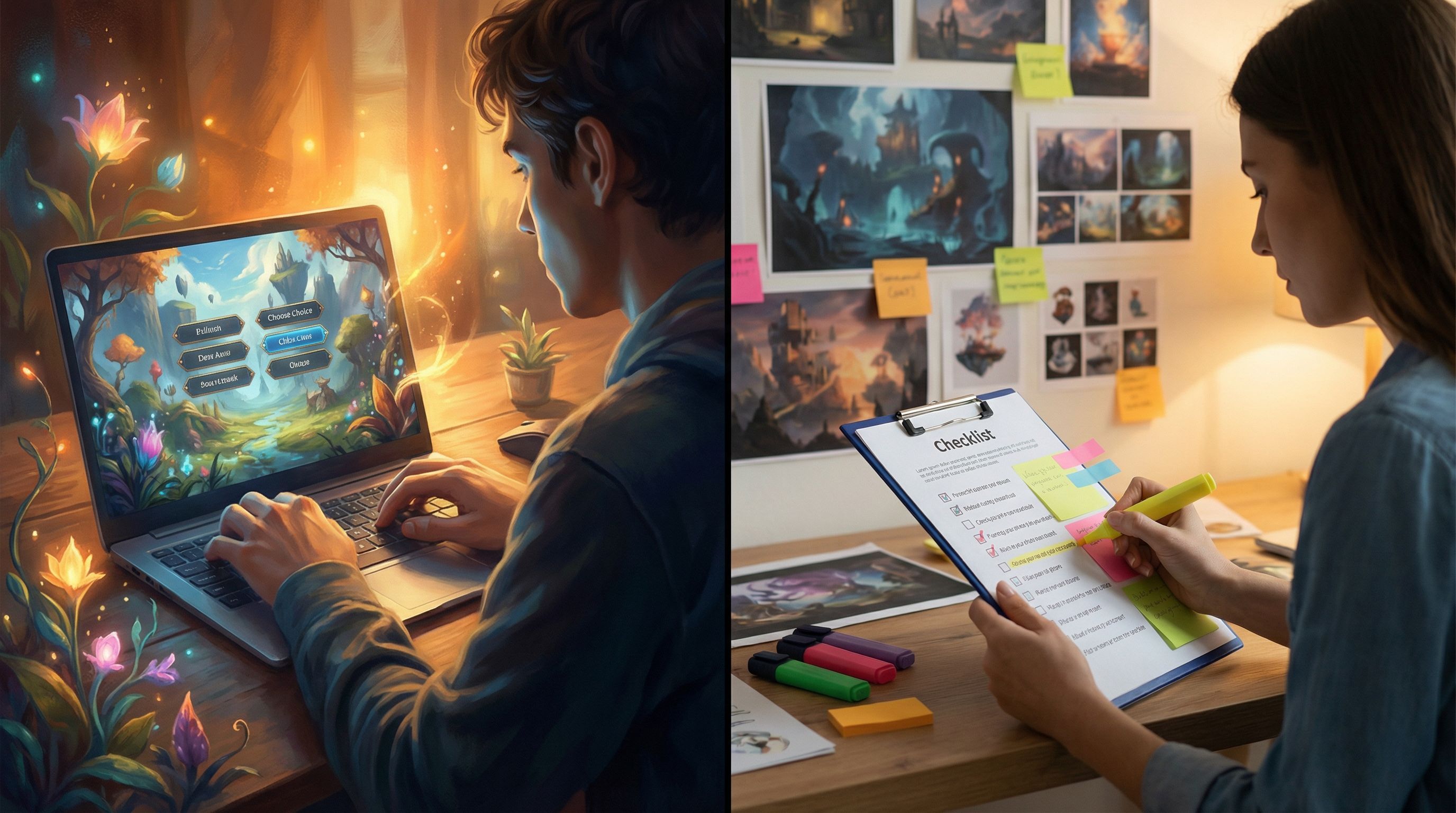
Here’s a sample checklist you can copy, tweak, and paste into your own docs or project management tool.
Structure & Logic
- [ ] Every choice leads somewhere (no dead links or orphaned nodes)
- [ ] No infinite loops unless intentionally designed
- [ ] All flags/variables that get set are used later
- [ ] Critical information is available on all relevant branches
- [ ] Each main route reaches a clear, intentional ending
Narrative & Pacing
- [ ] Opening scene clearly establishes:
- [ ] Who the player is
- [ ] Where they are
- [ ] What they want or what’s at stake
- [ ] No more than 2–3 information-heavy scenes in a row
- [ ] Moments of intensity are followed by a breather scene or reflection
- [ ] Endings feel earned based on prior choices
- [ ] Choices reflect the themes and tone of the story
Choices & Clarity
- [ ] Each choice is framed with enough context to feel informed
- [ ] Options are distinct (no “A: Yes” vs “B: Yes, but cooler”)
- [ ] At least some choices have visible, short-term consequences
- [ ] At least some choices have delayed, long-term consequences
- [ ] No option is a “trap” with a totally unpredictable punishment
Visuals, Audio, and Media
If you’re making rich use of media (see Beyond Text and Images: Using Ambient Audio and Micro-Video to Deepen Immersion in Questas):
- [ ] Character designs are consistent across scenes
- [ ] Environments share a coherent visual style
- [ ] Images and videos support the text, not contradict it
- [ ] Ambient audio levels are comfortable and not distracting
- [ ] Loops don’t stutter or create motion sickness
Accessibility & UX
- [ ] Text is legible on desktop and mobile (size, contrast, line length)
- [ ] Interactive elements (buttons, links) are clearly distinct from body text
- [ ] It’s always obvious how to move forward or go back (if allowed)
- [ ] Color is not the only way information is conveyed
- [ ] Content avoids flashing or intense patterns that could trigger discomfort
Ethics & Representation
- [ ] Characters are portrayed respectfully and thoughtfully
- [ ] Stereotypes and harmful tropes are avoided or subverted
- [ ] Sensitive content is signposted where appropriate
- [ ] Player choices don’t force them into unethical actions without consent
For a deeper dive on this last section, pair your checklist with the principles in Ethical AI Worldbuilding: Guidelines for Responsible Imagery, Representation, and Choices in Questas.
What to Watch For During Playtests
Even with a great script and checklist, the real insights often come from small details.
Here’s what to pay attention to.
1. The First 2–3 Minutes
Most players decide whether to stick with an experience almost immediately.
Watch for:
-
Hesitation at the first choice.
If they hover for a long time, maybe they don’t understand what’s at stake. -
Questions like “Wait, who am I?” or “What am I supposed to do?”
That’s a signal your onboarding needs to be clearer. You might want to revisit the principles from Onboarding Your Audience: Best Practices for Introducing New Players to Questas Stories if you’ve read that guide. -
Scrolling past text or skipping media.
Maybe the opening is too long, or the media doesn’t feel relevant yet.
2. Emotional Peaks and Valleys
You’re not just designing plot—you’re designing feelings.
Look for:
- Physical reactions: leaning in, smiling, frowning, sighing
- Verbal reactions: “Oh no,” “Wait, what?”, laughter, silence
- Energy shifts: Do they perk up at certain scenes? Check their phone at others?
Mark the scenes where reactions are strongest. Those are your anchor points; you can tune everything else around them.
3. Choice Understanding
For each major decision, quietly ask yourself:
- Did they predict what might happen based on the text?
- Did the outcome feel fair and connected to their choice?
- If they were surprised, was it a delighted surprise or a betrayed one?
If multiple testers say, “I didn’t think that choice would lead to this,” revisit your wording, context, or consequences.
4. Navigation and Flow
Even the best story falls apart if players can’t navigate comfortably.
Watch for:
- Missed buttons or links
- Confusion about how to go back (if your story supports it)
- Moments where they try to click on non-interactive elements
Small UX tweaks inside Questas can remove big sources of friction: clearer button labels, more consistent placement, or subtle prompts like “Continue” vs. “Next Scene.”
5. Endings and Aftertaste
The ending is what players remember—and what makes them replay.
Ask yourself:
- Do they sit for a moment after the ending, or instantly close the tab?
- Do they say things like “I want to see what happens if I…” (great sign)
- Or “Oh. That’s it?” (time to rework your payoff)
Consider adding:
- A short epilogue reflecting their key choices
- A “Play again for a different outcome” prompt
- Teasers for other episodes or related adventures
This is especially powerful if you’re building a series (see From One-Shots to Series: Planning Episodic Questas Stories That Keep Players Coming Back if you’re exploring that direction).
Turning Playtest Notes Into Concrete Improvements
After a few sessions, you’ll have a messy pile of notes. The next step is turning them into a plan.
A simple triage system helps:
-
Critical issues (fix before launch)
- Broken links or logic
- Scenes that consistently cause confusion or drop-off
- Accessibility problems (illegible text, etc.)
-
High-impact improvements (next pass)
- Rewriting unclear choices
- Adjusting pacing around key emotional beats
- Swapping or refining AI-generated images and videos
-
Nice-to-haves (later or next version)
- Extra branches or endings players suggested
- Additional polish scenes, secrets, or easter eggs
Document your decisions: for each change, write why you’re making it and which feedback prompted it. This builds your own internal “design playbook” for future Questas projects.
Quick Starter Kit: Your First Playtest in 7 Steps
If you want a concrete path to get moving, here’s a compact checklist to run your very first structured playtest:
- Choose a slice of your adventure: 10–20 minutes of play that includes at least two meaningful choices and one ending.
- Do a solo pass to fix obvious bugs and pacing issues.
- Write a one-page test script with intro, core play, and debrief questions.
- Recruit 3–5 testers from your target audience.
- Run 30–45 minute sessions, one-on-one, with you observing and taking notes.
- Group your notes into themes: clarity, pacing, choices, media, accessibility.
- Ship a revised version of that slice before expanding the rest of your story.
Once you’ve done this once, you’ll have a repeatable pattern you can apply to every new Questas project.
Wrapping Up: Your Story Deserves to Be Playtested
You’ve already done the hard part: building a branching, visual story that people can step into. Playtesting is how you respect that work—and your players—by making the experience as clear, fair, and unforgettable as it can be.
When you:
- Treat your adventure like a game designer’s prototype
- Use simple scripts to guide live sessions
- Rely on reusable checklists instead of gut feeling alone
- Watch closely for emotional and usability signals
- Turn feedback into structured, prioritized changes
…you’re not just fixing bugs. You’re crafting an experience people will talk about, share, and come back to.
Ready to Test Your Next Adventure?
Open your current project in Questas and pick a 10–20 minute slice of your story. Today, schedule one guided playtest with a friend, student, colleague, or fan. Use the simple script and checklists above, take notes, and commit to making at least three concrete improvements based on what you learn.
The difference between “cool experiment” and “I can’t stop thinking about that story” is almost always what happens after the first draft.
Adventure awaits—now go play it, test it, and make it unforgettable.