AI-Generated Props and Clues: Using Visual Details to Hide Secrets, Codes, and Easter Eggs in Questas

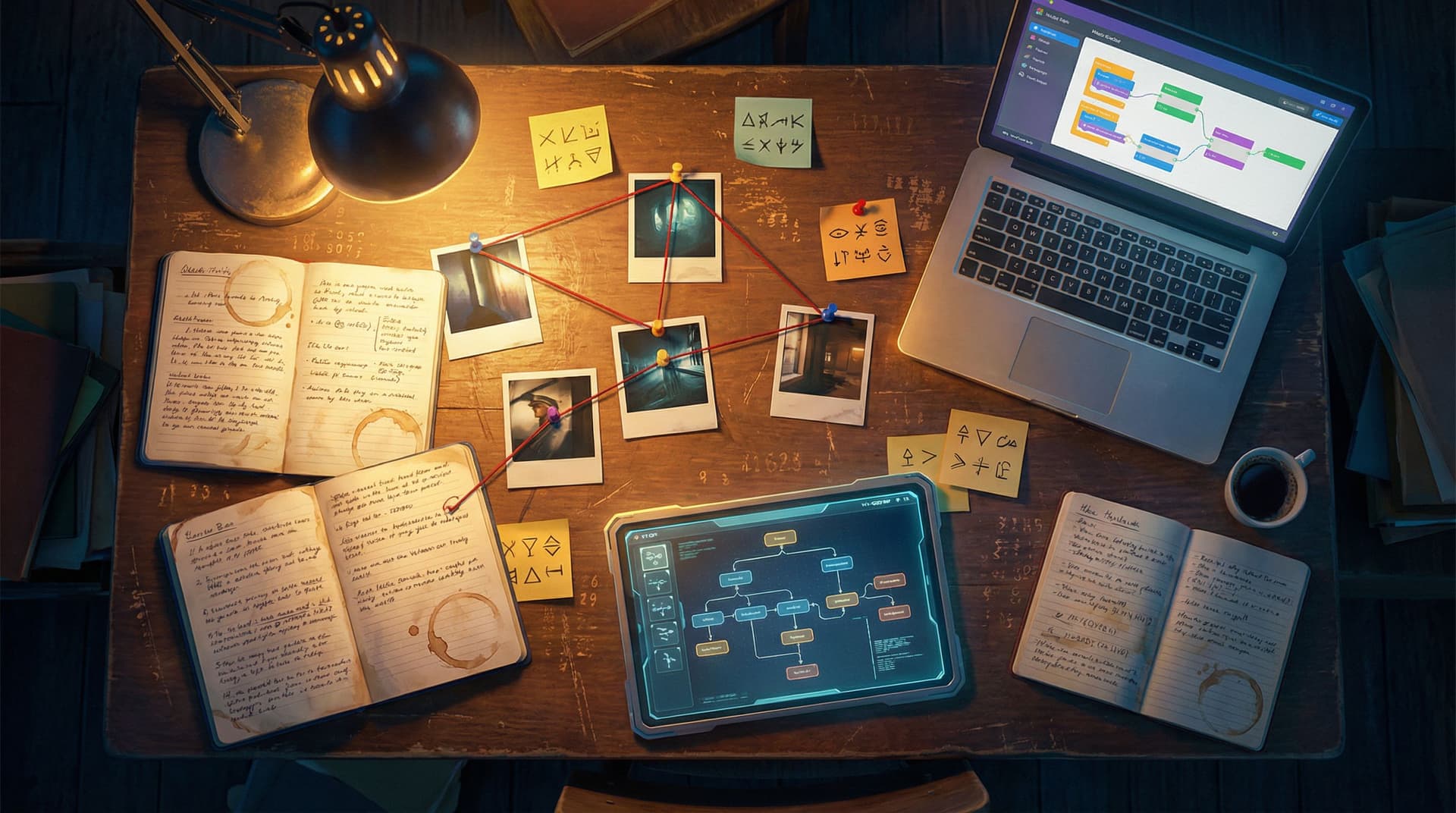
Interactive stories are at their best when players lean in.
Not just to read the next line of dialogue—but to zoom in on a photo, rewatch a short clip, or revisit a scene because something felt off. That sense of “Wait… did I just miss a clue?” is the heartbeat of mystery, puzzle, and exploration-heavy Questas.
AI-generated visuals make that feeling dramatically easier to design. Instead of hand‑drawing props or hiring a concept artist, you can spin up hyper-specific objects—scribbled notebooks, glitchy security feeds, stained tarot cards, messy whiteboards—and hide secrets inside them.
This post is about turning those visuals into props, clues, and Easter eggs that reward curiosity and replay.
We’ll look at how to:
- Design props that invite inspection
- Hide codes and patterns in AI-generated images and video
- Use branches and conditions to respond when players notice (or miss) your secrets
- Keep everything coherent across a whole storyworld
Along the way, we’ll reference other Adventure Awaits! posts—like using AI as your art director and crafting visual-first story seeds—so you can plug these techniques into your broader Questas workflow.
Why Visual Clues Matter in Interactive Stories
Visual secrets aren’t just decoration. They change how players engage with your Questas.
1. They reward curiosity and slow looking
When players realize that props matter, they stop skimming and start investigating.
- A calendar with one date circled in red
- A corkboard where only one photo is slightly tilted
- A recurring symbol that keeps showing up on doors and documents
These details tell players, “If you pay attention, you’ll be rewarded.” That’s the foundation of replayability and fan theories—something we explore more deeply in From Clicks to Conversations: Designing Questas Stories That Spark Community and Fan Theories.
2. They turn scenes into puzzles, not just backdrops
A static scene becomes a playable object when:
- The code for a locked door is hidden in the pattern of books on a shelf
- The order of planets in a mural maps to which dialogue options are safe
- The stains on a lab coat match the color-coded vials in a later scene
Suddenly, your AI images aren’t just there to “set the mood.” They’re part of the game logic.
3. They make your world feel authored and intentional
When the same sigil shows up on a ring, a wax seal, and a graffiti tag, players feel like the world has depth—like there’s a logic behind the chaos. That’s exactly the kind of cohesion we talk about in AI as Art Director: Building Cohesive Visual Storyworlds in Questas Without a Design Team.
Start with the Mystery: What Should Stay Hidden?
Before you open Questas or write a single prompt, decide what your players are meant to uncover.
Ask yourself:
- What is the core secret?
- A traitor’s identity
- The true location of an artifact
- The real purpose of a corporate training simulation
- What form will the secret take in the story?
- A passcode
- A pattern (e.g., colors, symbols, positions)
- A phrase or name
- What level of difficulty do you want?
- Obvious enough for first-time players
- Subtle enough that only a few will catch it
- Layered, with easy and hard clues stacked together
Then map the secret to visual representations:
- A 4-digit code → positions of four framed photos on a wall
- A suspect’s name → highlighted letters across multiple documents
- A forbidden route through a maze → path of muddy footprints in background art
You’re not just hiding answers; you’re deciding how players will think to find them.
Designing Props That Invite Inspection
In Questas, each scene can include one or more AI-generated images or short clips. To make those visuals feel like props instead of wallpaper, design them with intentional focal points.
1. Use composition to guide the eye
When writing prompts for your props, think like a cinematographer:
- Clear foreground object: “Close-up of a worn leather journal on a cluttered desk, journal centered in frame, pages slightly open, soft overhead lighting.”
- Leading lines: “Office security camera feed of a hallway, with floor tiles and ceiling lights forming strong lines that converge on a slightly ajar door at the end.”
- Isolated color: “Muted grayscale laboratory, except for one bright red binder on a shelf.”
The more your composition says, “Look here,” the more natural it feels for players to scrutinize the prop.
2. Make props feel tactile and specific
Generic objects are forgettable. Specific ones are memorable—and easier to encode with clues.
Instead of:
A notebook on a table.
Try:
A coffee-stained spiral notebook with three sticky notes, one torn halfway off, resting beside a cracked smartphone.
These details don’t just look better; they give you hooks for hiding information (the number of sticky notes, the crack pattern on the phone, etc.).
3. Signal “this is interactable” without UI chrome
You don’t always need a glowing outline or interface element to say “this matters.” You can:
- Repeat the same prop across scenes (the same briefcase in three locations)
- Change a small detail between versions (a missing file the second time you see a folder)
- Use characters’ dialogue to nudge attention: “Did you notice anything weird about that painting?”
This ties nicely into diegetic interface ideas from our post on Beyond Linear Lore: Building Diegetic UIs, In-World Menus, and ‘Found Interfaces’ in Questas, where the world itself becomes your UI.
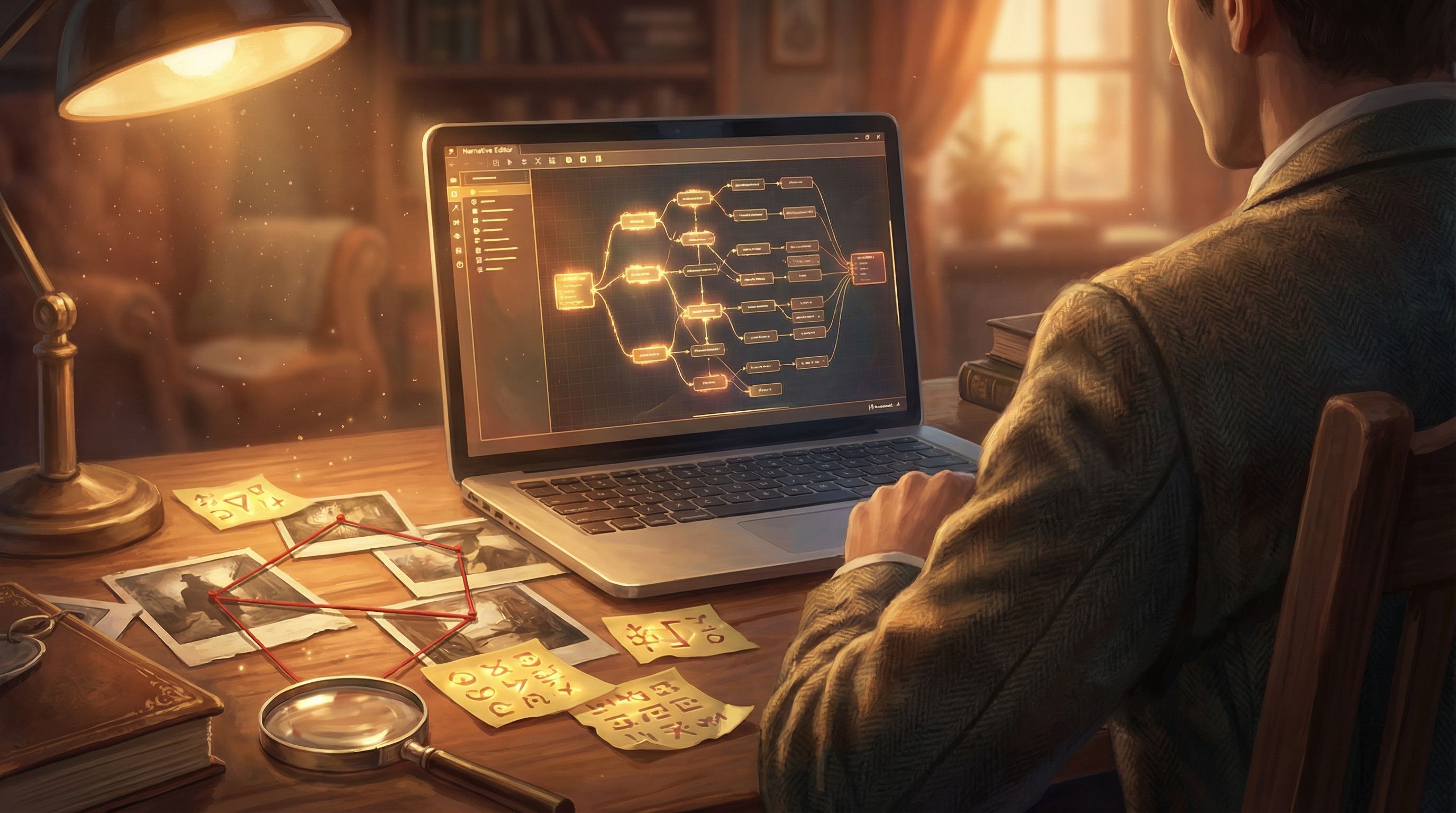
Hiding Codes, Patterns, and Easter Eggs in AI-Generated Visuals
Once you know what secret you’re hiding and which props will carry it, you can start encoding.
1. Numerical codes: clocks, calendars, and combinations
Numerical information is easy to embed in everyday objects:
- Door codes via clocks:
- Time on wall clock = 4-digit code (e.g., 10:27 → 1-0-2-7)
- Use a prompt like: “Office interior, analog wall clock clearly visible showing 10:27, realistic lighting, clock face large and crisp.”
- Key dates via calendars:
- Circle, highlight, or star a specific day; mention it in dialogue later.
- Lock combinations via items:
- Three padlocks in a row with 1, 4, and 7 scratches respectively.
In Questas, you can then create a choice node where players must enter or choose the correct code. Use conditional branches so that only players who’ve seen the relevant prop get subtle hints.
2. Word and letter puzzles: documents, signs, and graffiti
Text in images is a classic place to hide secrets:
- Acronyms from first letters:
- A bulletin board with notes titled “Logistics, Access, Network, Keycards” → L A N K → password.
- Highlighted letters:
- A restaurant menu where only certain letters are underlined or printed in a different color.
- Graffiti tags:
- A recurring spray-painted word whose letters map to choice labels later.
When prompting your AI visuals, be explicit:
“Close-up of a printed memo on company letterhead, with four bullet points. The first letters of each bullet spell LANK, those letters slightly bolder than the rest.”
You may need to regenerate a few times or lightly edit text overlays to get crisp lettering, but the payoff is huge: players feel clever when they spot it.
3. Symbol and color systems: sigils, badges, and UI elements
Symbols and colors are perfect for multi-scene secrets:
- A three-part sigil where each part appears on a different character’s clothing.
- A color triad (red, blue, gold) that maps to moral alignments or factions.
- A recurring logo whose orientation (upright, tilted, inverted) signals danger level.
You can:
- Establish the symbol clearly in an early, obvious shot.
- Reuse it in subtler ways later (tiny on a ring, faint in the background of a video).
- Pay it off with a choice like: “Which door do you trust?” where only the symbol-savvy player picks correctly.
4. Layered Easter eggs for superfans
Not every secret needs to gate progress. Some can just be delightful discoveries:
- A background poster referencing another one of your Questas stories
- A character reading a book whose title nods to your community
- A tiny, hard-to-spot mascot that appears once per chapter
These are especially powerful if you’re designing experiences meant to spark community discussion, as explored in From Clicks to Conversations.
Turning Visual Clues into Branching Consequences
Secrets only feel meaningful if noticing them changes something.
On Questas, that means wiring your props into the branching logic.
1. Gate key paths behind visual understanding
A classic pattern:
- Show a prop with a code or pattern (e.g., a safe with a sticky note).
- Offer a choice later: “Try to open the safe” → multiple options.
- Only the player who decoded the prop can choose the correct option.
You can:
- Create a success branch with unique scenes, rewards, or lore
- Create failure branches that aren’t dead ends but feel like near-misses
For more on making those failure moments visually satisfying, check out Visual Fail States: Using AI Imagery to Signal Risk, Reward, and Consequences in Questas.
2. Track whether a player should know the secret
You don’t have to rely on memory alone. Use simple state tracking:
- When a player visits a scene with a crucial prop, set a flag like
saw_journal. - When they later attempt a puzzle, check that flag.
This lets you:
- Give extra hints if they never saw the prop
- Be harsher (or more playful) if they did see it but still guess wrong
Example:
- If
saw_journal = false: NPC says, “You look lost. Maybe check the old office again?” - If
saw_journal = true: NPC says, “You did read the journal, right? It’s literally on the first page.”
3. Use secrets to unlock meta-content
Not every consequence has to be in-story. You can reward eagle-eyed players with:
- Behind-the-scenes commentary scenes
- Alternate title cards or intro sequences
- Hidden “developer notes” embedded as in-world objects
This is especially fun if you’re building training or product experiences—imagine a corporate compliance quest where spotting all the hidden logos unlocks a humorous blooper reel.
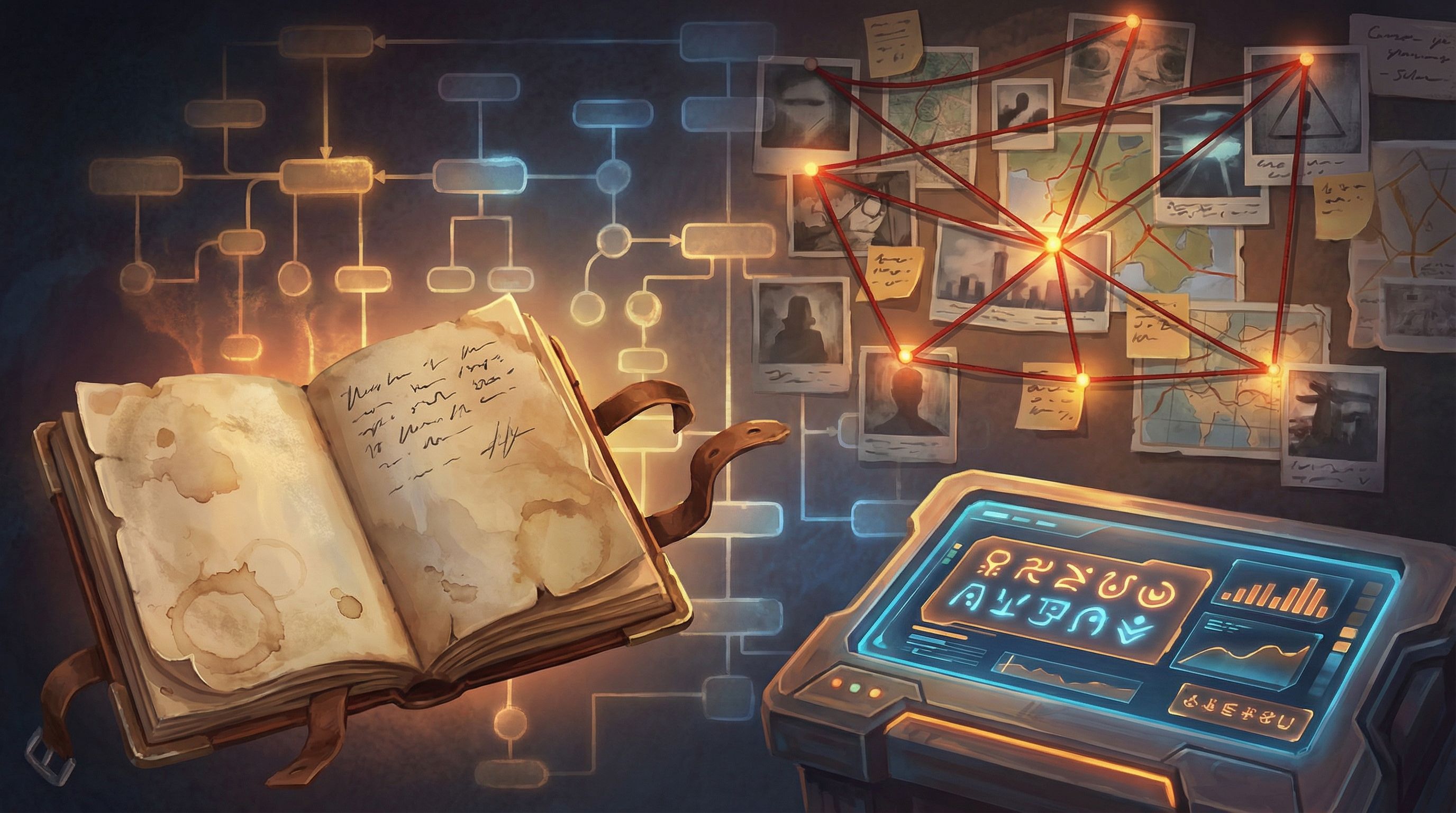
Keeping Secrets Coherent Across a Whole Story
The bigger your Questas, the easier it is for visual clues to drift or contradict each other. A few habits keep things tight.
1. Create a “clue bible” before you build
In a simple doc or spreadsheet, track:
- Secret name: e.g., “Door Code 1027”
- Type: number, word, symbol, pattern
- Where it appears: scene IDs, image descriptions, dialogue references
- How it’s solved: the reasoning players must use
- Branches affected: which nodes change based on solving it
You can even paste your AI prompts here so you can regenerate consistent variants later.
2. Standardize your visual language
Decide early on:
- What colors mean warning, safety, or neutrality
- What shapes or symbols belong to each faction or system
- What fonts or lettering styles appear in-world (corporate vs. handwritten vs. alien)
Then reuse those decisions relentlessly. If you’re not sure how to systematize this, AI as Art Director walks through building a visual style kit that you can apply to every prop.
3. Playtest specifically for clue clarity
Don’t just ask, “Did you enjoy it?” Ask:
- Which props did you think were important? Which did you ignore?
- Did you ever feel like the story expected you to know something you couldn’t reasonably infer?
- Were any puzzles too obvious or too opaque?
Record playtests or sit next to testers while they play. Watch where their eyes linger and where they scroll past. For more structured approaches, see our deep dive on qualitative testing in Beyond Clicks and Completion Rates: Qualitative Playtesting Methods for Deeply Improving Your Questas Stories.
Practical Workflow: Building a Clue-Rich Scene in Questas
Here’s a concrete, repeatable pattern you can use for almost any mystery or puzzle beat.
-
Define the beat
- Goal: Player needs a 4-digit code to open a lab door.
- Emotion: Tense but solvable—players should feel smart, not stuck.
-
Choose the prop
- A cluttered scientist’s workstation with a whiteboard, coffee mug, and sticky notes.
-
Design the encoding
- Code = 7391, hidden as:
- 7 coffee rings on the desk
- 3 magnets on the whiteboard
- 9 sticky notes on the wall
- 1 mug
- Code = 7391, hidden as:
-
Prompt the AI visual
- “High-resolution close-up of a messy scientist’s workstation in a biotech lab, exactly seven circular coffee stains on the desk, three colorful magnets on a whiteboard in the background, nine small sticky notes clustered on a pinboard, and one prominent ceramic mug in the foreground, cinematic lighting, realistic style.”
-
Place the prop in a scene in Questas
- Add brief, suggestive narration: “The workstation looks chaotic, but you’ve learned to trust that nothing in this lab is accidental.”
-
Create the puzzle choice
- Next scene: “Enter the lab door code.”
- Options: 7391 (correct), 7931, 1739, “Guess randomly.”
-
Wire branches and feedback
- Correct → Door opens, new area unlocked.
- Near-miss codes → Short fail scenes with visual fail states (e.g., flashing red alarm lights).
- Random guess → NPC teases the player and suggests looking around more carefully.
-
Test with fresh eyes
- Ask: Did testers understand that the desk was a puzzle, not just decoration? Do they feel unfairly tricked or satisfyingly challenged?
Repeat this pattern for different types of secrets—words, symbols, spatial patterns—and you’ll quickly build a library of reusable clue archetypes.
Bringing It All Together
AI-generated props and clues turn your Questas stories into spaces players inhabit, not just read.
By:
- Starting with a clear sense of what should remain hidden
- Designing props with intentional composition and specificity
- Encoding secrets into numbers, letters, symbols, and colors
- Wiring those secrets into meaningful branches and consequences
- Keeping everything coherent with a simple clue bible and targeted playtests
…you create experiences that reward attention, spark conversation, and invite replays.
Your visuals stop being wallpaper. They become the language your story speaks.
Ready to Hide Your First Secret?
You don’t need a giant conspiracy board or a 20-hour epic to start experimenting.
Open Questas and:
- Pick a single scene from a story you’re already building—or a tiny weekend project.
- Add one AI-generated prop designed around a simple secret (a 3-digit code, a hidden word, a recurring symbol).
- Create a small branch where noticing that secret changes what happens next.
That’s it. One scene, one prop, one secret.
Once you see how satisfying it is to watch players notice what you hid for them, you’ll never look at background art the same way again.
Adventure awaits—especially in the details.