AI Image Styles for Nonfiction: Making Case Studies, Histories, and Documentaries Playable in Questas

Nonfiction doesn’t have to mean static slides, dense PDFs, or talking-head videos.
When you turn case studies, histories, and documentary-style content into interactive stories, people don’t just read about what happened—they step into it. And when you pair that with the right AI-generated visuals inside Questas, your nonfiction becomes something new: a playable, emotionally resonant experience.
This guide is all about that intersection: how to choose and use AI image styles so your nonfiction Questas feel credible, coherent, and compelling.
We’ll focus on three big nonfiction flavors:
- Case studies and scenarios (sales, training, internal success stories)
- Historical and biographical journeys
- Documentary-style explorations (systems, social issues, complex topics)
And we’ll ground everything in practical, repeatable techniques you can apply in your next project.
Why Visual Style Matters More for Nonfiction
In fiction, you can get away with a lot of visual experimentation. Surreal colors, stylized characters, wild camera angles—they can all support the fantasy.
With nonfiction, your audience is constantly asking:
- “Can I trust this?”
- “Does this feel like it really happened?”
- “Is this how things actually look?”
Your AI image style is part of the answer.
A good nonfiction visual style in Questas:
- Signals credibility. Consistent lighting, realistic proportions, and grounded environments help players suspend disbelief.
- Clarifies what’s important. Cropping, focus, and color can guide attention to the key person, object, or decision in each scene.
- Supports learning and recall. Research on dual coding theory suggests that pairing words with relevant images improves retention. When your visuals match your concepts, people remember more.
- Makes replay feel rewarding. In branching nonfiction, players may revisit scenes to explore alternate decisions. Clear, expressive visuals make those replays feel like new angles on the same reality. (If you’re designing for replays, you’ll also want to check out Writing for Re-Reads: Narrative Techniques That Reward Players Who Replay Your Questas.)
The goal isn’t photorealism at all costs. The goal is coherent, intentional style that matches your nonfiction purpose.
Step 1: Decide What Kind of Nonfiction You’re Making
Before you touch a single image prompt, clarify which nonfiction mode you’re in. That choice will drive your style decisions.
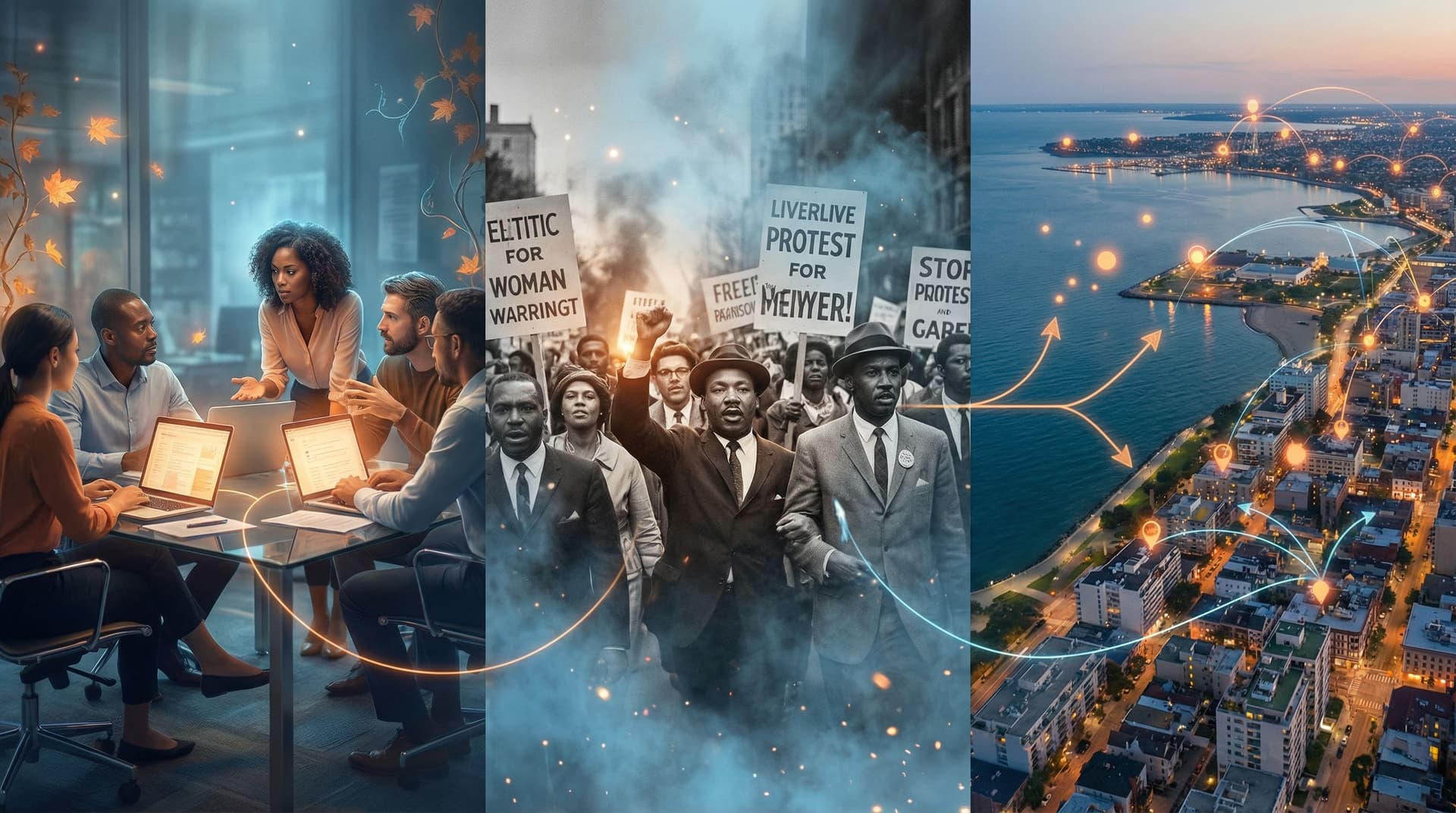
1. Case Study / Scenario
You’re walking someone through a specific situation with decisions and consequences:
- A sales rep navigating a complex deal
- A support agent handling an angry customer
- A project manager rescuing a failing rollout
Best-fit styles:
- Clean, contemporary corporate realism
- Lightly stylized illustrated realism (e.g., flat colors, simple shading) for internal training
2. Historical or Biographical Journey
You’re exploring a person, era, or sequence of events:
- A founder’s early decisions
- A landmark legal case
- A turning point in civil rights history
Best-fit styles:
- Period-appropriate photography emulation (e.g., sepia, black-and-white, film grain)
- Painterly illustration that evokes the era without pretending to be archival evidence
3. Documentary-Style Exploration
You’re unpacking a complex system or issue:
- Climate resilience in a coastal city
- Supply-chain risk in a global company
- Ethical dilemmas in AI deployment
Best-fit styles:
- Naturalistic, cinematic frames that feel like stills from a documentary
- Infographic hybrids where diagrams and environments share the same visual language
Once you know which of these you’re building, you can define your visual “rules of the road.” If you want a deeper grounding in how style interacts with genre and audience, pair this post with AI Visual Styles 101: Matching Your Questas Imagery to Genre, Tone, and Audience.
Step 2: Choose a Style Spine and Stick to It
Nonfiction hinges on trust. Trust hinges on consistency.
Think of your AI image style as a spine that runs through every branch:
- The same character looks recognizably themselves across scenes.
- The same office, hospital, or courtroom has repeatable visual cues.
- The same color palette and level of detail shows up everywhere.
Define 5–7 Style Rules Up Front
Before you generate dozens of images in Questas, write down a mini style guide for this specific project. For example:
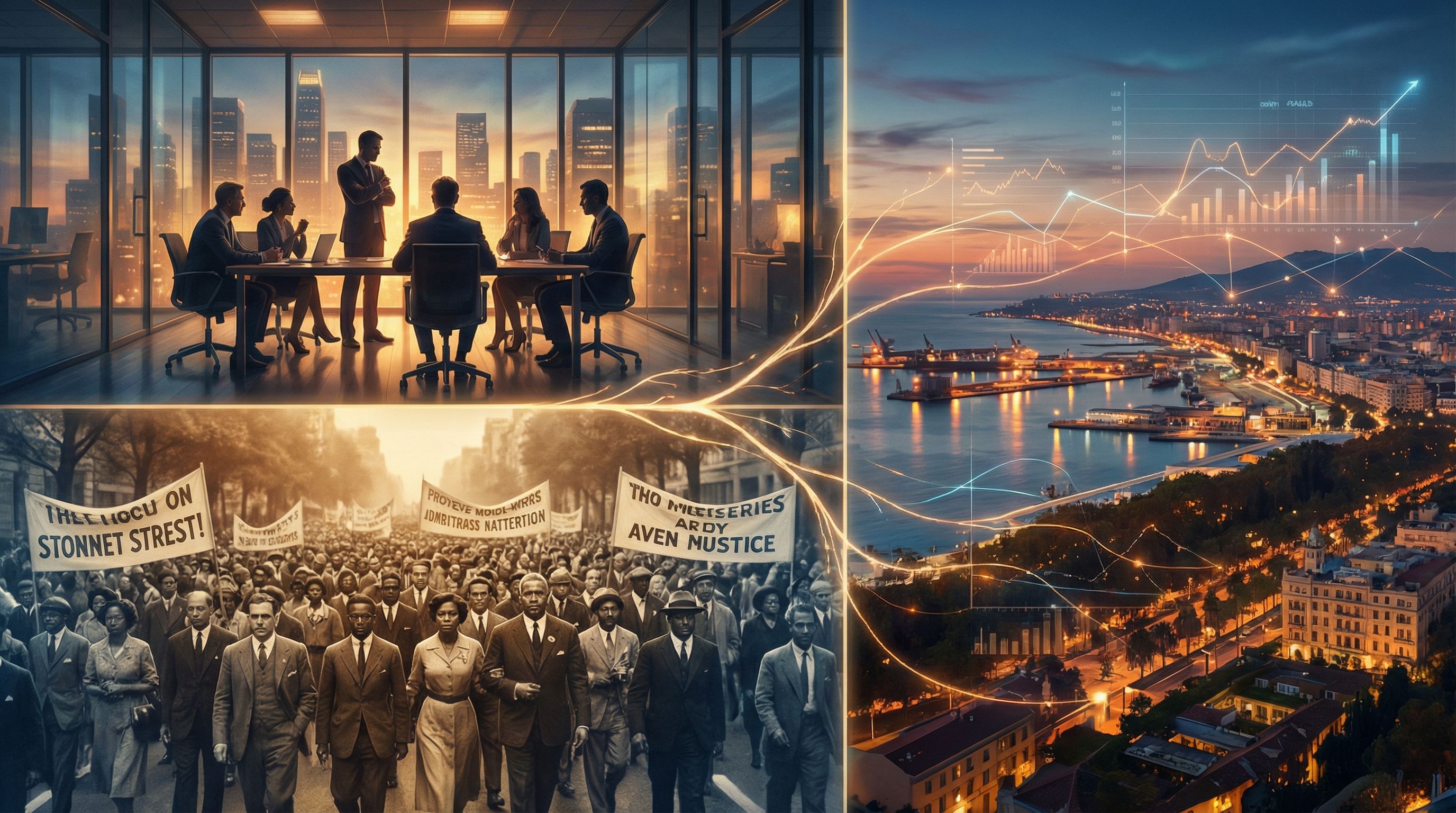
Example: B2B SaaS Case Study Scenario
- Overall look: Semi-photorealistic, soft lighting, modern office interiors.
- Color palette: Cool neutrals (grays, blues) with one accent brand color.
- Characters: Realistic proportions, diverse team in age, gender, and ethnicity; casual business attire.
- Framing: Medium shots for conversations; over-the-shoulder shots for interface moments.
- Mood: Calm but slightly tense during decision points.
Example: Historical Civil Rights Journey
- Overall look: High-contrast black-and-white with subtle film grain.
- Color palette: Monochrome; occasional muted color for key symbolic objects.
- Characters: Expressive faces, period-accurate clothing.
- Framing: Street-level perspectives, crowd scenes, intimate close-ups.
- Mood: Serious, respectful, grounded.
These rules become the prompts and negative prompts you use repeatedly. If you later expand this nonfiction project into a larger universe, you can fold these rules into a broader visual style guide, like we discuss in From Moodboard to Mission: Designing Visual Style Guides for Consistent Questas Adventures.
Step 3: Match Style to Distance from Reality
Not all nonfiction content needs the same level of literal realism. A useful mental model is distance from reality:
- Close to reality: Reenacting specific events, procedures, or environments.
- Medium distance: Blending real-world concepts with hypothetical or anonymized details.
- Farther distance: Abstracting complex systems into metaphors and visual analogies.
When to Go Photoreal (or Close)
Use more realistic styles when:
- You’re teaching procedural steps (e.g., safety drills, medical workflows).
- You’re simulating customer interactions that mirror real life.
- You’re recreating recent events where players expect recognizable environments.
Style tips:
- Favor consistent camera lenses (35–50mm equivalents) to avoid distortion.
- Keep colors grounded—avoid neon or heavy stylization unless it’s on-brand.
- Use subtle depth of field to emphasize the decision-maker or critical object.
When to Use Stylization Intentionally
Stylization can be a powerful tool in nonfiction when:
- You’re dealing with sensitive or traumatic material and want some emotional distance.
- You’re anonymizing real people or organizations while keeping the scenario intact.
- You’re visualizing invisible systems (data flows, power dynamics, climate models).
Style tips:
- Try flat or cel-shaded illustration for training scenarios about difficult topics; it can feel safer while still being clear.
- Use color coding (e.g., red = risk, green = safe choice) in environments and props.
- Consider diagrammatic overlays—arrows, labels, timelines—integrated into the image.
The key is to be consistent about that distance. Don’t jump from comic-like panels to hyper-real photography in the same nonfiction experience unless you clearly signal why (for example, switching styles between “what really happened” and “what might have happened”).
Step 4: Design Reusable Character and Location Prompts
Nonfiction Questas often hinge on a small set of recurring elements:
- The protagonist (sales rep, trainee, historical figure)
- A handful of supporting characters
- 2–4 core locations (office, shop floor, courtroom, neighborhood)
To keep them on-model, you want reusable prompts, not one-offs.
Build a Character Prompt Template
For each recurring character, define:
- Role: “Senior customer success manager at a SaaS company.”
- Demographics: Age range, gender presentation, ethnicity, body type.
- Signature features: Glasses, hairstyle, clothing style, accessories.
- Typical expression/mood: Calm but focused; warm and empathetic; skeptical but fair.
Then turn that into a reusable prompt structure, for example:
“Realistic portrait of [Name], a [age]-year-old [ethnicity] [role], [body type], wearing [clothing details], [signature accessory], [typical expression], office background, soft natural lighting, medium shot, consistent style with previous images.”
Reuse this structure—with small tweaks—for every scene featuring that character. This greatly reduces “AI drift” where the person looks different from node to node.
Do the Same for Locations
For each major setting, define:
- Type: Open-plan office, 1960s courtroom, coastal fishing village.
- Key visual anchors: Large windows, specific color walls, distinctive furniture, signage.
- Time of day and lighting: Morning sun, fluorescent overheads, twilight streetlights.
Prompt example:
“Wide shot of a modern open-plan office with glass-walled meeting rooms, light wood desks, navy accent walls, soft daylight from large windows, employees blurred in the background, consistent with previous office scenes.”
Store these templates in your notes or a separate doc so you can quickly paste them into Questas as you build branches.
Step 5: Use Visual Framing to Emphasize Decisions
Nonfiction branching stories live or die on whether players notice the crucial moments.
Your AI images can quietly highlight those decision points.
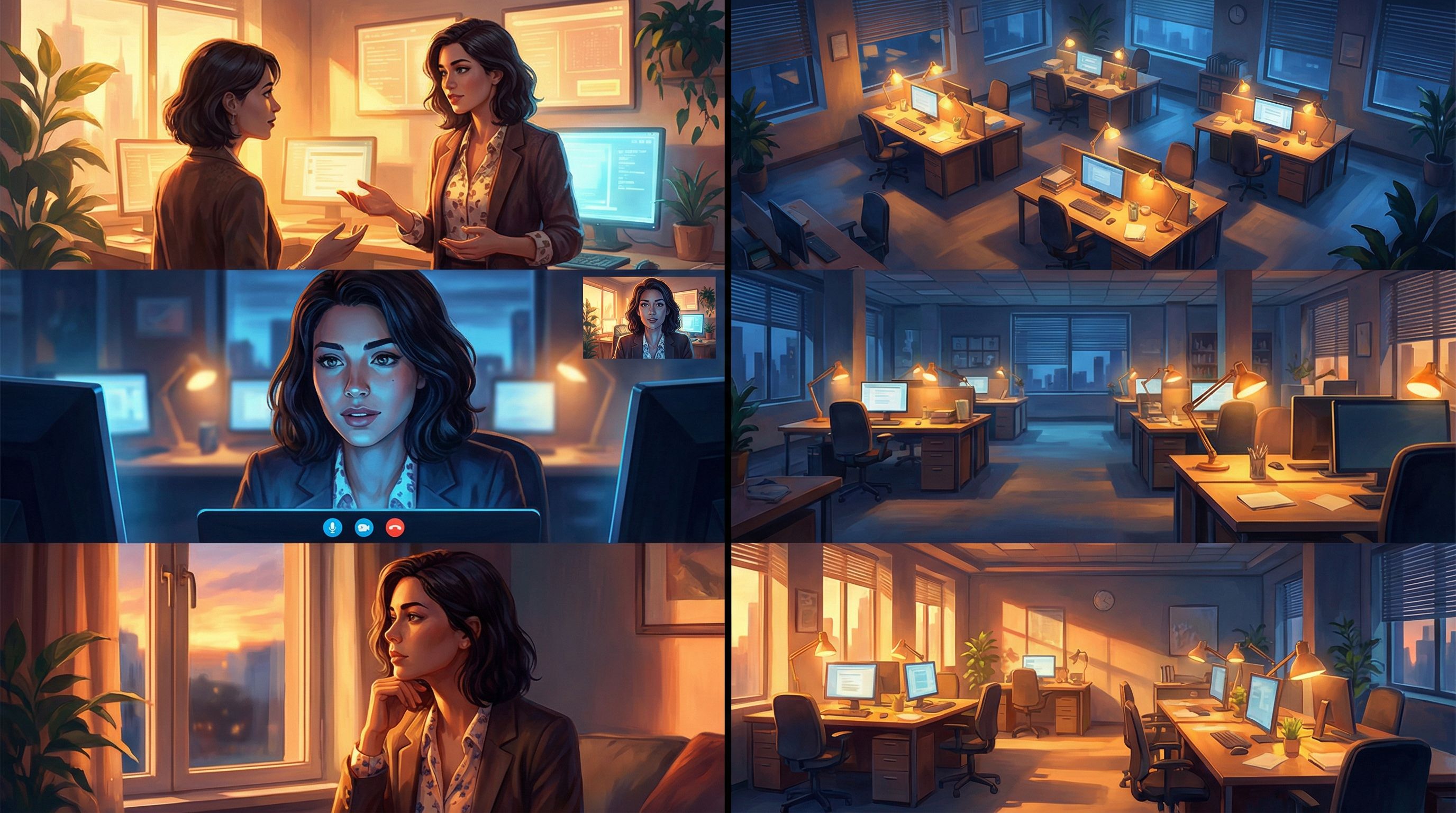
Three Reliable Framing Patterns
-
Over-the-Shoulder (OTS) for Perspective
- Use OTS shots to put the player in the protagonist’s shoes.
- Great for emails on screen, dashboards, or a person across the table.
- Nonfiction use case: A compliance officer reviewing a suspicious transaction.
-
Close-Ups for Stakes
- Zoom in on faces, hands, or key objects.
- Show micro-expressions—hesitation, frustration, relief.
- Nonfiction use case: A nurse’s hand hovering over two medication options.
-
Wide Shots for Context
- Show the environment and bystanders who might be affected.
- Great for safety scenarios, historical crowds, or system-wide views.
- Nonfiction use case: A factory floor before a potential safety incident.
When you design your Questas scenes, think of each decision as a “beat” in a documentary. Ask:
- What should the player be looking at right now?
- Whose point of view matters most in this moment?
- What changes visually if they make Choice A vs. Choice B?
Even small changes—like shifting from a neutral wide shot to a tense close-up before a decision—can dramatically increase engagement and comprehension.
Step 6: Handle Sensitive and Historical Material Ethically
Nonfiction visuals can easily cross lines if you’re not careful. AI makes it easy to generate powerful images; it does not automatically make them responsible.
When dealing with real people, communities, or painful histories:
- Avoid deepfake territory. Don’t create photoreal images that could be mistaken for authentic archival photos of real individuals unless you have the rights and context to do so.
- Use stylization as a buffer. Painterly or illustrated styles can show events respectfully without pretending to be documentary evidence.
- Be transparent with players. Consider a brief intro scene or note explaining that visuals are AI-generated reconstructions for learning or storytelling.
- Respect dignity. Avoid sensationalizing suffering; focus on agency, context, and the systems around events.
For case studies based on real clients or internal data:
- Anonymize thoughtfully. Change visual details (logos, faces, specific offices) while keeping the underlying decisions and dynamics accurate.
- Align with stakeholders. If you’re building for a company or institution, make sure legal/comms teams are comfortable with how visuals represent them.
Step 7: Prototype, Playtest, and Fix Visual Drift
Even with good prompts, your first pass of images in Questas will have inconsistencies—slightly different faces, off-brand colors, or props that change shape.
Treat your first visual pass as a prototype, not a finished documentary.
A Simple Nonfiction Visual QA Checklist
Run through your story (or have a colleague do it) and look for:
- Character continuity: Does each recurring person look like the same individual across scenes?
- Location continuity: Are key spaces recognizable from multiple angles?
- Tone consistency: Do any images feel accidentally goofy, horror-tinged, or overly dramatic for the topic?
- Clarity at decisions: Is it obvious what’s at stake visually when a choice appears?
When you spot issues:
- Tighten prompts (e.g., “same woman as previous image, same hairstyle and blazer, same office background”).
- Use negative prompts to avoid unwanted artifacts (e.g., “no extra hands, no distorted faces”).
- Standardize colors by repeatedly mentioning your palette and lighting.
If you want a deeper dive into troubleshooting AI visuals, bookmark AI Art Pitfalls and Fixes: Keeping Your Questas Visuals On-Model, On-Brand, and Not Weird.
Putting It All Together: A Sample Nonfiction Flow
Let’s imagine you’re building a branching, documentary-style Questas about a real company’s transition to remote work.
-
Define your nonfiction mode.
- Primarily a case study scenario with some documentary exploration of culture and policy.
-
Set your style spine.
- Semi-photorealistic, natural lighting, modern home offices and corporate HQ.
- Muted blues and grays; pops of the company’s brand color.
-
Create character and location templates.
- Protagonist: Head of People Ops, mid-30s, specific visual markers.
- Locations: Conference room, Zoom call grid, employee home offices.
-
Map your decisions and frames.
- Wide shot of HQ before the shift.
- OTS shot of the protagonist reading employee survey results.
- Close-up of a stressed manager on a video call.
-
Choose distance from reality.
- Realistic styles for internal meetings and dashboards.
- Slightly stylized infographic overlays when showing policy options and outcomes.
-
Handle sensitivity.
- No real employee faces; all characters are composites.
- Intro scene explains the story is inspired by real events but uses fictionalized visuals.
-
Prototype and refine.
- Run a small playtest with HR and managers.
- Fix any uncanny faces, inconsistent offices, or confusing decision visuals.
By the end, you’ve got something far richer than a slide deck: a playable nonfiction story where visuals and choices work together to teach, persuade, and provoke reflection.
Quick Recap
If you remember nothing else, remember these core principles for nonfiction visuals in Questas:
- Pick your nonfiction mode (case study, history, documentary) before you pick your style.
- Define a style spine—a small set of visual rules—and stick to it ruthlessly.
- Match realism to purpose, using stylization intentionally for abstraction, anonymity, or emotional safety.
- Template your characters and locations so they stay recognizable across branches.
- Use framing and composition to spotlight the moments where choices matter.
- Treat sensitive topics with care, avoiding deepfake confusion and sensationalism.
- Prototype and iterate until your visuals support clarity, trust, and immersion.
Done well, AI images don’t just decorate your nonfiction—they become part of how people understand and remember what you’re teaching.
Ready to Make Your Nonfiction Playable?
If you’ve got a case study, training scenario, historical story, or documentary concept sitting in a doc somewhere, this is your invitation to turn it into something people can play.
Open Questas, start a new project, and:
- Choose one nonfiction story you care about.
- Write down 5–7 visual style rules for it.
- Design just three scenes with consistent AI images—one setup, one decision, one outcome.
You don’t need a full documentary series to start. You just need a small, coherent slice that proves to you (and your audience) how powerful playable nonfiction can be.
Adventure awaits—this time, in the realm of what really happened.