Beyond DALL·E and Midjourney: Evaluating AI Art Tools for Building Rich Questas Worlds

If you’re serious about building immersive, branching storyworlds in Questas, your visuals can’t be an afterthought.
AI image generators like DALL·E and Midjourney are powerful, but when you’re crafting a whole world—with recurring characters, locations, props, and emotional beats—your needs are very different from someone making a single poster or meme.
You’re not just asking:
- “Can this tool make something pretty?”
You’re asking:
- “Can this tool help me keep my detective’s coat the same color across 40 scenes?”
- “Can I quickly generate variations for alternate branches?”
- “Can I collaborate with co-writers and still maintain a consistent visual canon?”
This post is a practical guide to evaluating AI art tools specifically for building rich, replayable worlds inside Questas. We’ll look beyond the usual “which model is best?” debate and focus on what actually matters for interactive storytelling.
Why your AI art stack matters for interactive stories
When you’re designing a branching story, visuals do a lot of heavy lifting:
- They establish tone before a single line of text is read.
- They make complex branches easier to follow. Different locations, factions, or timelines become instantly recognizable.
- They reward exploration. Secret endings, rare branches, and callbacks feel more special when they’re visually distinct.
But that only works if your visuals are:
- Consistent – Characters, locations, and props look like themselves across scenes.
- Controllable – You can nudge style, framing, and detail to match the story beat.
- Repeatable – You can come back weeks later and extend the same world without starting from scratch.
- Ethical and safe – You’re not accidentally reinforcing stereotypes or violating content policies.
If you’ve read our deep dives on visual continuity like AI Style Chains: Keeping Characters, Locations, and Props Consistent Across a Questas Series, you already know: choosing the right tools is half the battle.
The three big questions to ask about any AI art tool
Before comparing specific tools, it helps to have a simple evaluation lens. For interactive Questas projects, ask these three questions of any AI art system:
-
How does it handle continuity?
- Can you reliably recreate the same character or location?
- Does it support image-to-image, reference images, or style presets?
-
How does it handle control?
- Can you influence composition (camera angle, distance, focal point)?
- Does it respect negative prompts or structure (e.g., “keep the same layout, just change lighting”)?
-
How does it handle collaboration and scale?
- Is it easy to share prompts, presets, or styles with co-creators?
- Does it fit into your Questas workflow without adding friction?
Keep these in mind as we go through specific tools—you’ll start to see where each one shines or struggles.
Beyond the usual suspects: a quick tour of major AI art options
There are dozens of models and platforms, but for Questas creators, the main categories look like this:
-
General-purpose hosted tools
-
Open and customizable models
- Stable Diffusion (and variants)
- Flux and other emerging models
-
Specialized character / style tools
- Artbreeder
- Character.AI-style avatar tools (for faces/personas)
- Model fine-tuning services built on top of Stable Diffusion or similar
-
Integrated, story-first platforms
- Visual tools built directly into Questas for node-level images and videos
You don’t need all of these. Most Questas creators thrive with a small, intentional stack: one or two generators plus the integrated tools inside Questas.
Let’s break down how to choose.
Strengths and limits of DALL·E for Questas worlds
DALL·E (especially its newer versions) is strong at:
- Prompt understanding. It tends to follow complex instructions well.
- Text legibility. Useful for in-world posters, signs, or UI mockups.
- Consistency via image editing. You can upload an existing image and ask for variations or edits.
For Questas creators, that translates into:
- Great for establishing shots of key locations.
- Strong for UI-like elements in training or product stories (e.g., mock dashboards, devices, documents).
- Useful for iterating on a base character once you have a good reference image.
Where you’ll feel friction:
- Series continuity still requires discipline. You’ll need a prompt library and reference images to keep characters and props consistent.
- Limited fine-grained control. You can describe camera angles and style, but you don’t get the same node-level tweakability as a fully customizable pipeline.
Best use in Questas:
- Core world-defining images: the main city, the haunted mansion, the starship bridge.
- Key props: the cursed amulet, the prototype gadget, the training environment.
- “Hero” art for opening and closing scenes.
Strengths and limits of Midjourney for Questas worlds
Midjourney is loved for its aesthetic punch. It tends to produce:
- Highly stylized, cinematic images.
- Strong lighting, mood, and texture.
- Dramatic compositions out of relatively short prompts.
For Questas creators, that means:
- You can quickly establish a distinct visual identity for your storyworld.
- It excels at mood-critical scenes: climactic choices, reveals, or emotional beats.
Where it can bite you:
- Prompt sensitivity. Small changes can dramatically alter character appearance.
- Reproducibility over time. As models update, recreating an old look can be tricky.
- Workflow overhead. If your team isn’t already comfortable with its Discord-based workflow, it may feel like one tool too many.
Best use in Questas:
- High-impact scenes and endings.
- Concept art to define the tone of a series before you generate more utilitarian images elsewhere.
- Background plates that you reuse across multiple nodes.
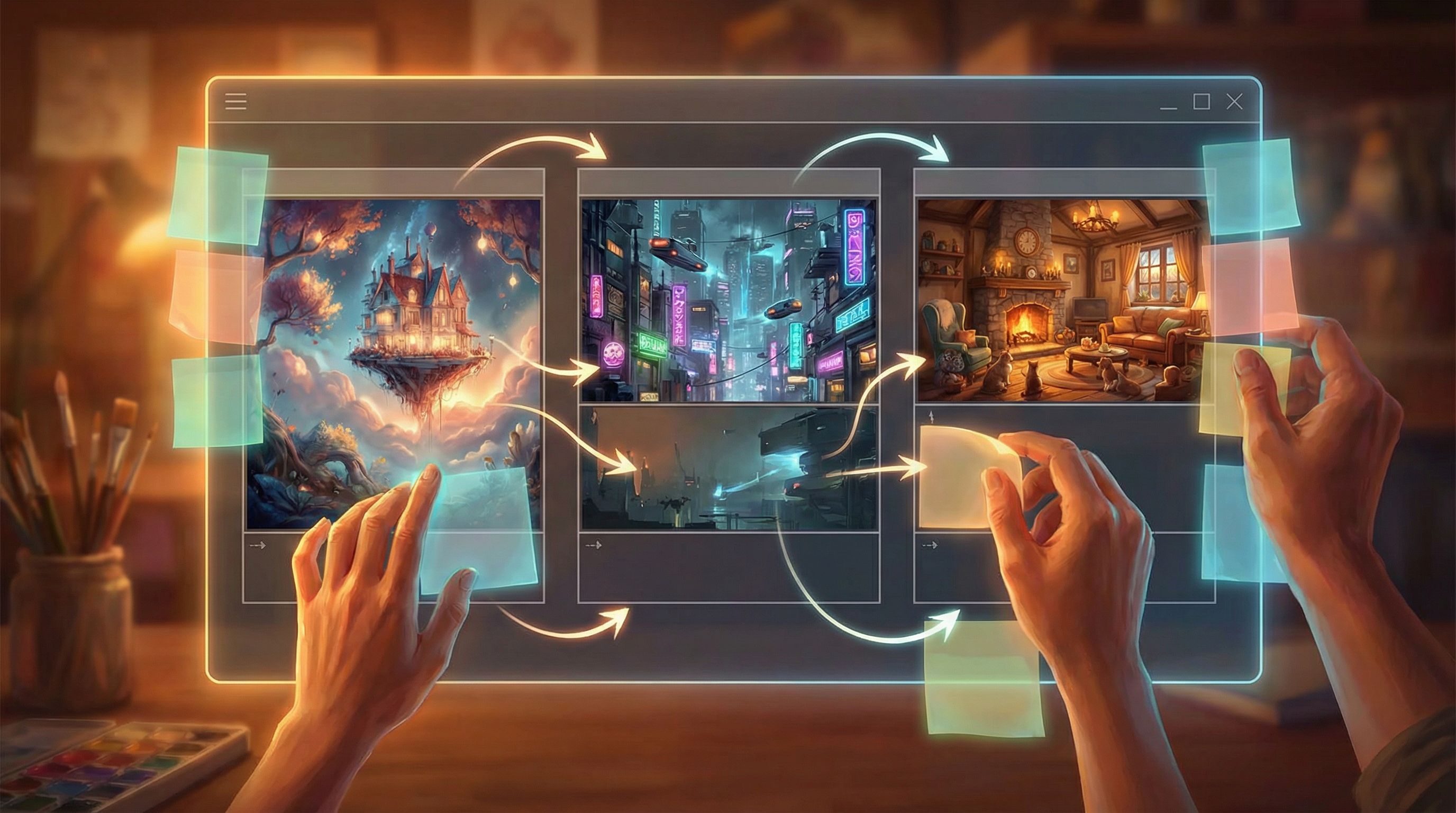
When you need more control: Stable Diffusion and other open models
If you’re building a long-running Questas series, or you’re extremely picky about continuity, open models like Stable Diffusion are worth a look.
Why they’re powerful for Questas creators:
- Fine-tuning and LoRAs. You can train lightweight adapters on your specific characters, props, or style.
- Image-to-image workflows. Start from a sketch, a 3D render, or a previous frame and nudge it.
- Automation potential. With the right setup, you can batch-generate variants for entire branches.
Tradeoffs:
- Setup complexity. Local installs or advanced web UIs (like Automatic1111 or ComfyUI) have a learning curve.
- Time cost. You’ll spend more time “being the art director” and less time just writing.
For many Questas creators, the sweet spot is using an open model for anchor assets:
- Your main cast, each with a dedicated style preset or LoRA.
- Signature locations rendered from multiple angles.
- Reusable props that appear across branches.
Then, you can mix those with quicker, general-purpose generations for one-off scenes.
If you’re curious how to keep that cast and canon coherent across a whole series, pair this post with AI as Casting Director: Designing Reusable Character Ensembles for Multiple Questas Stories.
Evaluating AI art tools through a Questas-specific lens
Instead of comparing models in the abstract, evaluate them against the actual work you’ll do inside Questas: designing nodes, branches, and playable scenes.
Here’s a practical checklist.
1. Character and location consistency
Ask of any tool:
- Can I reliably recreate a character across:
- Different outfits
- Different emotions
- Different camera angles
- Can I lock in signature elements (tattoos, scars, uniforms, logos)?
- Can I generate the same room at:
- Night vs. day
- Clean vs. damaged
- Crowded vs. empty
If the answer is “only sometimes,” plan for:
- A prompt library where you copy-paste exact phrases for recurring elements.
- A reference image bank you can feed into tools that support image conditioning.
2. Style and tone flexibility
Your Questas world might need:
- A grounded, realistic style for training or HR stories.
- A stylized, illustrated look for fantasy or brand storytelling.
- Mixed modes (e.g., realistic “present day” vs. stylized “hypothetical future”).
Evaluate:
- How easily can you switch styles without losing character identity?
- Does the tool support consistent line weight, color palettes, and rendering style?
- Can you define a “house style” for your brand or series?
For deeper tactics on this, especially when your story spans multiple tones, see AI Visual Etiquette: Avoiding Tropes, Stereotypes, and Overload in Image-Heavy Questas Stories.
3. Composition and “camera” control
In Questas, each node is effectively a shot. You’ll often want:
- Wide establishing shots when players enter a new location.
- Medium shots for conversational scenes.
- Close-ups for key decisions or reveals.
Check whether your chosen tools let you:
- Prompt for specific framing (e.g., “medium shot,” “over-the-shoulder,” “top-down map view”).
- Keep background elements stable while changing character pose or expression.
- Generate alternate angles of the same moment.
If your model is great at vibes but bad at framing, you’ll spend time wrestling prompts instead of designing scenes.
A practical, three-layer stack for Questas creators
You don’t need a dozen tools. Most creators do well with a layered approach:
Layer 1: Integrated visuals inside Questas
Use Questas itself for:
- Quick, on-the-fly images while you’re drafting nodes.
- Filling in less critical scenes where perfect continuity is optional.
- Generating video snippets or motion elements for climactic moments.
This keeps you in flow: you’re writing, branching, and illustrating in the same place.
Layer 2: One “hero” generator for signature art
Pick DALL·E, Midjourney, or an open model as your hero generator for:
- Main characters
- Key locations
- Reusable props or UI elements
Establish your world’s visual language here, then reuse those assets inside Questas.
Layer 3: A continuity “lab” (optional)
If you’re running a large series or commercial production, add:
- A Stable Diffusion setup with LoRAs for your cast.
- A shared prompt + preset library for your team.
You’ll use this layer sparingly, but it’s invaluable when you need to extend a world months later without visual whiplash.
Building a reusable visual bible for your Questas world
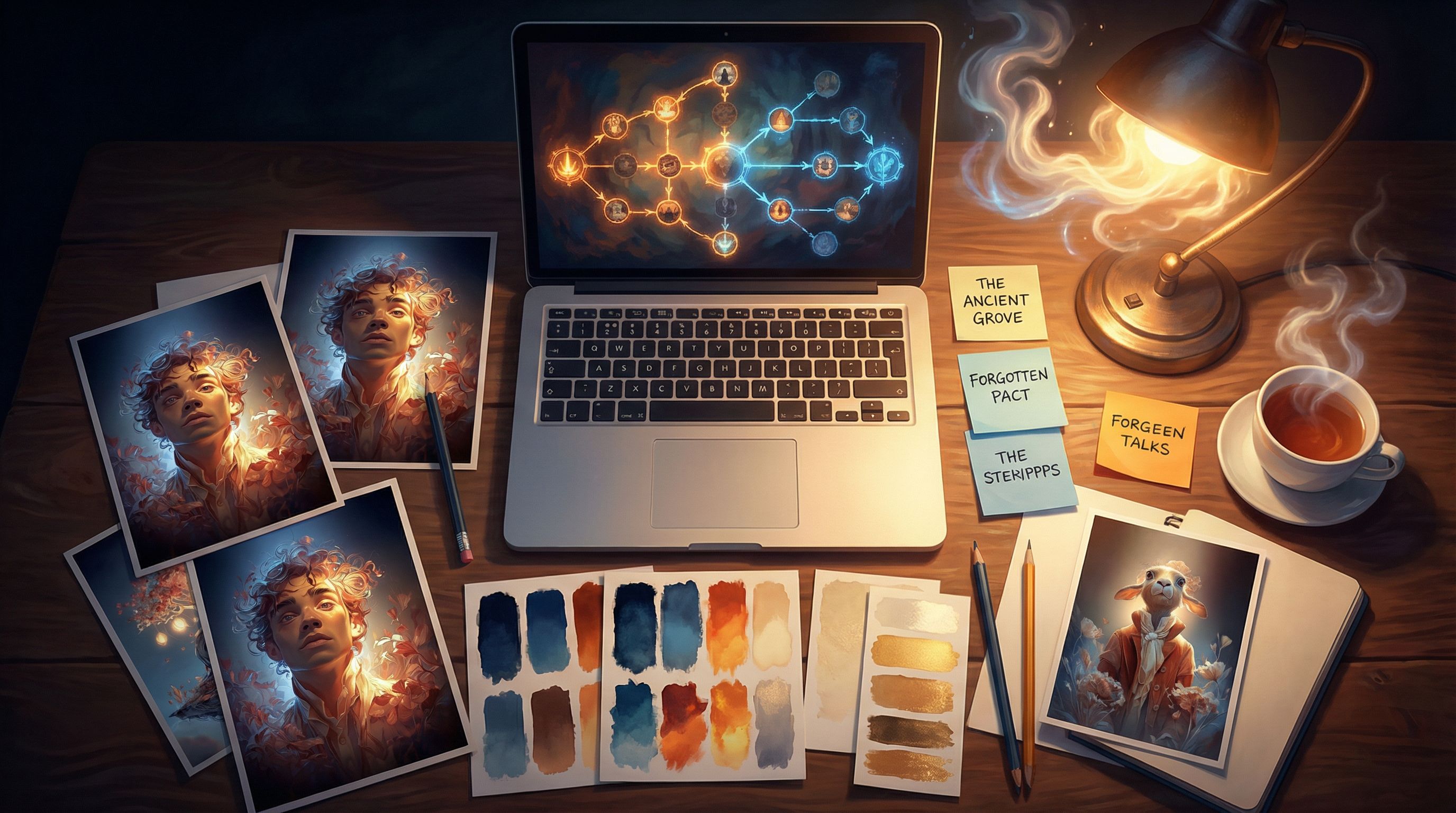
Regardless of which tools you pick, the real power comes from how you use them. Think of yourself as building a visual bible for your Questas world.
Here’s a concrete workflow you can follow.
Step 1: Define your core cast and locations
Start with:
- 3–7 primary characters
- 3–5 anchor locations
- 3–10 iconic props or symbols
For each, generate:
- A front-facing, neutral pose (your master reference).
- 2–3 emotion or pose variants.
- 2–3 lighting or mood variants for locations.
Store these in a shared folder with filenames like:
CHAR_AlexDetective_neutral_front.pngLOC_Skyport_dusk_wide.png
Step 2: Lock in prompt “formulas”
For each recurring element, create a prompt template. For example:
-
Character formula
"Alex, a 30-year-old Black detective with a navy trench coat, short curls, and a silver ring, cinematic lighting, [STYLE TAGS]"
-
Location formula
"Interior of the Skyport control room, panoramic windows showing neon city at night, rows of holographic consoles, [STYLE TAGS]"
Keep these templates in a doc you can quickly copy into your generator and into Questas node notes.
Step 3: Map visuals to branches
Open your Questas story map and:
- Highlight key decision nodes that deserve bespoke art.
- Group clusters of nodes that share a location or time period.
For each cluster, plan:
- 1–2 establishing images reused across several nodes.
- 1–3 moment-specific images for big choices or reveals.
This prevents you from over-producing one-off art while neglecting pivotal scenes.
Step 4: Iterate with playtests
As players move through your story:
- Watch where they hesitate or get confused—that’s often a sign the visual language isn’t clear enough.
- Note branches where the stakes feel low—a stronger image can raise emotional engagement.
You can do this in a focused session using the workflow from The One-Evening Story Sprint: Shipping a Complete Questas Prototype from Blank Page to Playtest: ship a rough visual pass, then refine based on real player reactions.
Ethical and practical guardrails for AI visuals
When you’re generating dozens or hundreds of images, it’s easy to drift into patterns you don’t intend. A few guidelines to keep your Questas worlds responsible and welcoming:
-
Be intentional about representation.
- Vary body types, ages, ethnicities, and abilities.
- Avoid defaulting to certain groups as villains, background extras, or “exotic” scenery.
-
Watch for stereotypes in prompts.
- Replace shorthand like “exotic marketplace” with concrete, respectful details.
-
Avoid visual overload.
- Not every node needs a brand-new image. Reusing backgrounds and props creates familiarity and reduces cognitive load.
-
Respect platform policies.
- Every generator has content rules. Design your story beats to stay comfortably within them so you’re not constantly fighting filters.
For a deeper dive into these issues—especially when you’re shipping image-heavy stories—bookmark AI Visual Etiquette: Avoiding Tropes, Stereotypes, and Overload in Image-Heavy Questas Stories.
Bringing it all together
To recap, building rich Questas worlds with AI art isn’t about chasing the “best” model. It’s about:
- Clarifying your needs as an interactive storyteller: continuity, control, and collaboration.
- Choosing a lean stack:
- Integrated visuals inside Questas for speed
- One hero generator for signature art
- (Optional) a continuity lab with an open model for long-running series
- Building a visual bible of characters, locations, props, and prompt formulas.
- Designing with ethics and clarity in mind, so your visuals support the story instead of distracting from it.
When you approach AI art this way, tools like DALL·E, Midjourney, Stable Diffusion, and the built-in generators in Questas stop being toys—and start becoming a true production pipeline for interactive worlds.
Your next move
You don’t have to overhaul your entire workflow to start benefiting from this.
Here’s a simple first step you can take this week:
- Pick one Questas project—new or existing.
- Choose a single AI art tool you’re curious about.
- Define just one character and one location using the prompt formula approach above.
- Generate:
- 3–5 character variants
- 3–5 location variants
- Drop them into your Questas nodes and do a quick playthrough.
Notice how even that small amount of intentionality changes the feel of your story.
From there, you can expand into a full visual bible, experiment with a second tool, or start planning a multi-episode Questas series with a consistent cast and style.
Your worlds don’t have to stay in your head—or in a single static illustration. With the right AI art stack and a no-code platform like Questas, you can invite players to walk through them, make choices, and come back again and again.
Adventure awaits. The next scene is yours to frame.