From Walkthroughs to Walkthrough Worlds: Turning How‑To Guides into Branching Questas Tutorials


Most how‑to content assumes a straight line.
Step 1, step 2, step 3… success.
But real learners don’t move in straight lines. They:
- Skip ahead and get stuck
- Take the “wrong” path and need to recover
- Arrive with wildly different levels of experience
- Want to explore why a choice matters, not just what to click
That gap between neat, linear walkthroughs and messy, real behavior is exactly where branching tutorials shine. With a platform like Questas, you can turn static guides into walkthrough worlds—playable journeys where people try things, make decisions, and see what happens.
This post is a practical guide to transforming your existing how‑to content into branching tutorials that feel more like interactive coaching than instruction manuals.
Why Branching Tutorials Beat Linear Walkthroughs
Before we dive into structure and tools, it’s worth clarifying what you get when you move from a single path to a branching one.
1. Learners get to make real decisions
Linear walkthroughs quietly assume:
Everyone will follow the “happy path” exactly as written.
Branching tutorials acknowledge reality:
- People take shortcuts
- They misinterpret instructions
- They optimize for different goals
By designing branches around these variations, you:
- Normalize experimentation. Learners can try an option and see consequences instead of being told “never do this.”
- Model tradeoffs. A “fast but brittle” setup path can sit right next to a “slower but robust” one.
- Surface edge cases. You can turn common mistakes into playable scenarios instead of footnotes.
If you’re curious about how to make those decisions feel nuanced rather than cartoonishly right/wrong, you’ll find lots of concrete techniques in Writing Moral Gray Areas: Designing Ambiguous Choices That Still Feel Fair in Questas.
2. People learn by doing, not just reading
Research on active learning keeps landing on the same conclusion: people retain more when they make decisions and get feedback, compared to passively consuming content.
Branching tutorials built with Questas lean into that:
- Every node is a moment of choice or reflection.
- Every branch is a mini‑experiment.
- Every ending is a concrete outcome learners can compare.
Instead of reading, “If you misconfigure X, you might lose data,” they play through a route where a misconfiguration leads to a simulated failure—and then rewind to explore safer paths.
3. You can serve multiple personas with one experience
Traditional guides often fork into separate documents:
- “Beginner setup” vs. “Advanced setup”
- “Marketer’s guide” vs. “Engineer’s guide”
- “Self‑serve onboarding” vs. “Enterprise onboarding”
Branching tutorials let you:
- Ask a few diagnostic questions up front
- Route people into tailored paths
- Rejoin them at shared milestones
You’re not writing six guides—you’re designing one world with multiple routes.
Step 1: Choose the Right Kind of Guide to Convert
Not every how‑to needs to become a branching epic. The best candidates share a few traits:
Look for guides that…
- Have multiple valid approaches (e.g., “three ways to structure your CRM,” “two architectures for this feature”).
- Involve meaningful tradeoffs (speed vs. safety, automation vs. control, cost vs. performance).
- Generate lots of support tickets or FAQs—a sign that the linear doc isn’t matching real‑world paths.
- Sit at high‑stakes moments (migration, launch, security setup, hiring, conflict conversations).
Skip (or keep simple) guides that…
- Are pure reference (API field definitions, glossary pages).
- Are truly one‑path‑only with no decisions.
- Are already tiny (e.g., “how to reset your password”).
A few strong starting examples:
- “How to onboard a new team member remotely”
- “How to choose a pricing model for your SaaS”
- “How to run your first usability test”
- “How to have a hard feedback conversation with your manager” (and yes, that last one pairs beautifully with ideas from Office Politics, But Make It Playable: Using Questas to Rehearse Feedback, 1:1s, and Promotion Conversations).
Step 2: Map the Decisions Hiding Inside Your Existing Walkthrough
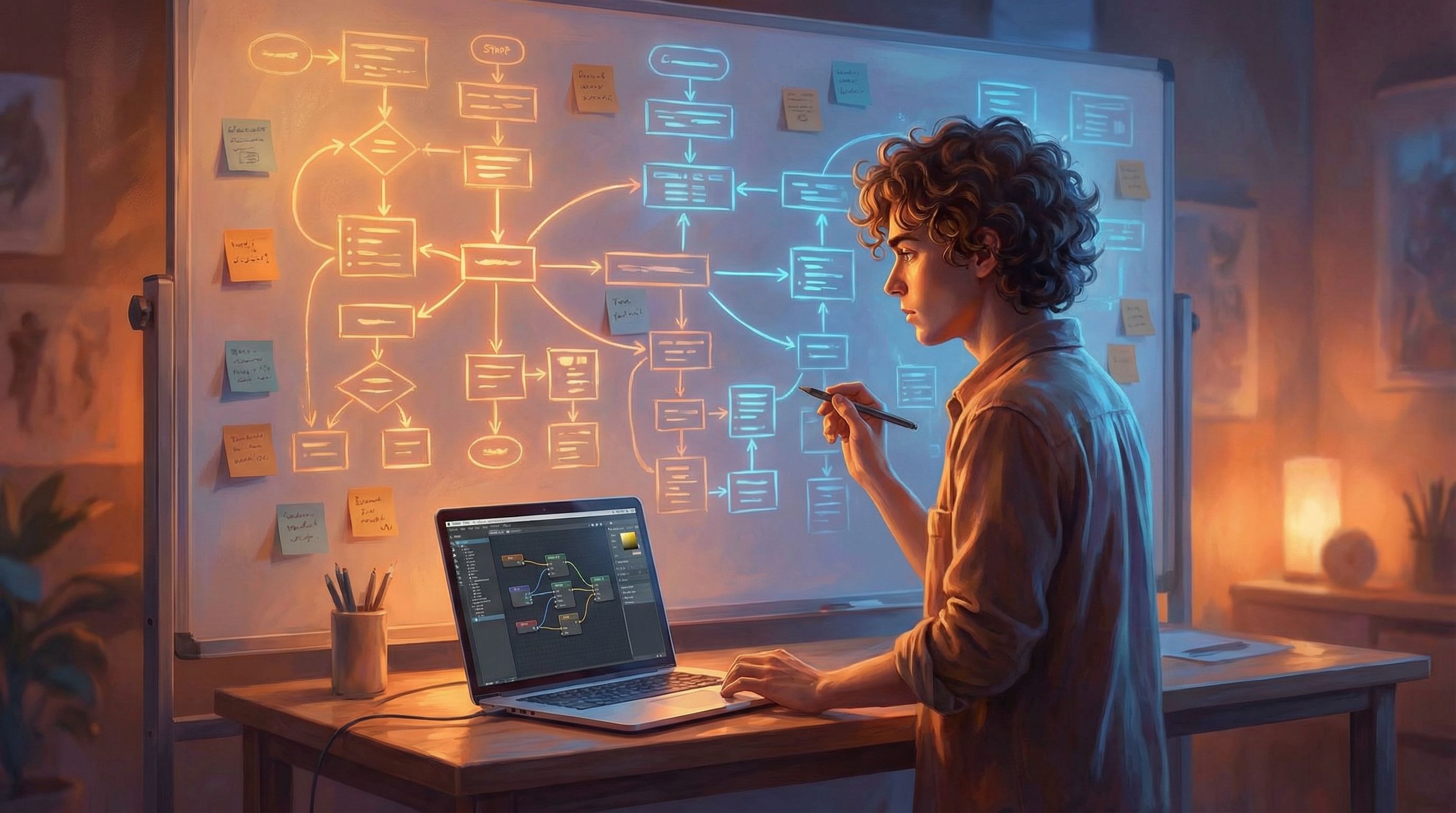
You don’t have to start from scratch. Treat your existing guide as raw material.
Audit your current walkthrough
Print it, or paste it into a doc where you can mark it up. Then:
- Highlight every “if…”
- "If you’re on Windows…"
- "If you already have an account…"
- "If you care more about X than Y…"
- Circle warnings and caveats.
- “Don’t do this in production.”
- “This is harder to change later.”
- Underline assumptions.
- “You should already have…”
- “We’ll assume you’re using…”
Each of these is a potential branching decision.
Turn conditions into explicit choices
For each “if,” ask:
- What would it look like if the learner chose this path on purpose?
- What’s the alternative choice?
- What are the consequences of each?
Example:
Original line: “If you’re planning to scale beyond 100 users, we recommend the advanced setup.”
Branching version:
- Node: “How many users are you designing for?”
- Choices:
- “I’m just testing with a small team (under 20).”
- “We’ll probably grow to 20–100 users.”
- “We’re aiming for 100+ users from the start.”
- Branches:
- Route small teams to a simpler, faster configuration.
- Route growth‑minded teams to a scalable but slightly more complex setup.
Capture failure paths on purpose
Most guides hide failure modes in troubleshooting appendices.
In a branching Questas tutorial, you can:
- Let learners take a risky shortcut.
- Show them the (simulated) problem that results.
- Offer them a way to roll back, fix, and compare.
That might mean:
- A path where skipping a backup step leads to data loss in a mock scenario.
- A conversation route where blunt feedback damages trust, contrasted with a more skillful route.
This is also where techniques from The Tension Triangle: Balancing Risk, Reward, and Information in Each Questas Choice Point become incredibly useful. You can deliberately tune how much risk, reward, and information each branch exposes.
Step 3: Design Your Tutorial as a Story, Not a Checklist
Once you’ve surfaced the decisions, you’re ready to think like a narrative designer.
Start with a learner avatar and a goal
Ask:
- Who is walking through this world?
- What are they trying to achieve in one session?
- What’s at stake if they succeed or fail?
You might end up with:
- “Maya, a new product marketer, needs to launch her first email campaign without breaking anything.”
- “Devon, a junior engineer, needs to ship a feature flag system that won’t blow up under load.”
Write this down. It will guide tone, examples, and the kinds of branches you prioritize.
Wrap the how‑to in a scenario
Instead of starting with, “Step 1: Open Settings,” try:
“Your team wants a beta launch in two weeks. You have one afternoon to set up the basics. Where do you start?”
Then present options that are your steps—but framed as decisions inside a situation.
Structure your experience in acts
A simple three‑act structure works well for most branching tutorials:
- Setup
- Introduce the context and stakes.
- Ask a few profiling questions to route learners.
- Exploration
- Let them make 3–6 meaningful decisions.
- Surface tradeoffs, risks, and alternative strategies.
- Resolution
- Show consequences of their path.
- Offer a debrief with recommendations and links to real docs.
Each act can contain multiple branches, but the overall rhythm stays familiar.
Step 4: Build the Branching Structure in Questas
Now you’re ready to translate your map into a living, clickable tutorial.
Set up your core nodes
In the visual editor, create:
- Intro node – set the scene, introduce the learner avatar, clarify goals.
- Decision nodes – each containing:
- A short description of the situation
- 2–4 clearly distinct options
- Hints about tradeoffs (not spoilers)
- Outcome nodes – summarizing what happened as a result of a sequence of choices.
Connect these into your three‑act skeleton. Don’t worry about perfect prose yet; get the structure right first.
Use AI‑generated visuals to anchor each moment
Because Questas supports AI‑generated images and videos, you can:
- Give each act a distinct visual mood (calm setup, tense decision, satisfying resolution).
- Use visuals to foreshadow risk (e.g., cluttered dashboards, warning lights, stressed characters).
- Make abstract concepts concrete (diagrams, dashboards, architecture sketches).
If you’d like to go deeper on this, Writing with the Camera in Mind: Cinematic Techniques for Framing AI Images in Your Questas Scenes is a great companion read.
Step 5: Turn Choices into Teachable Moments
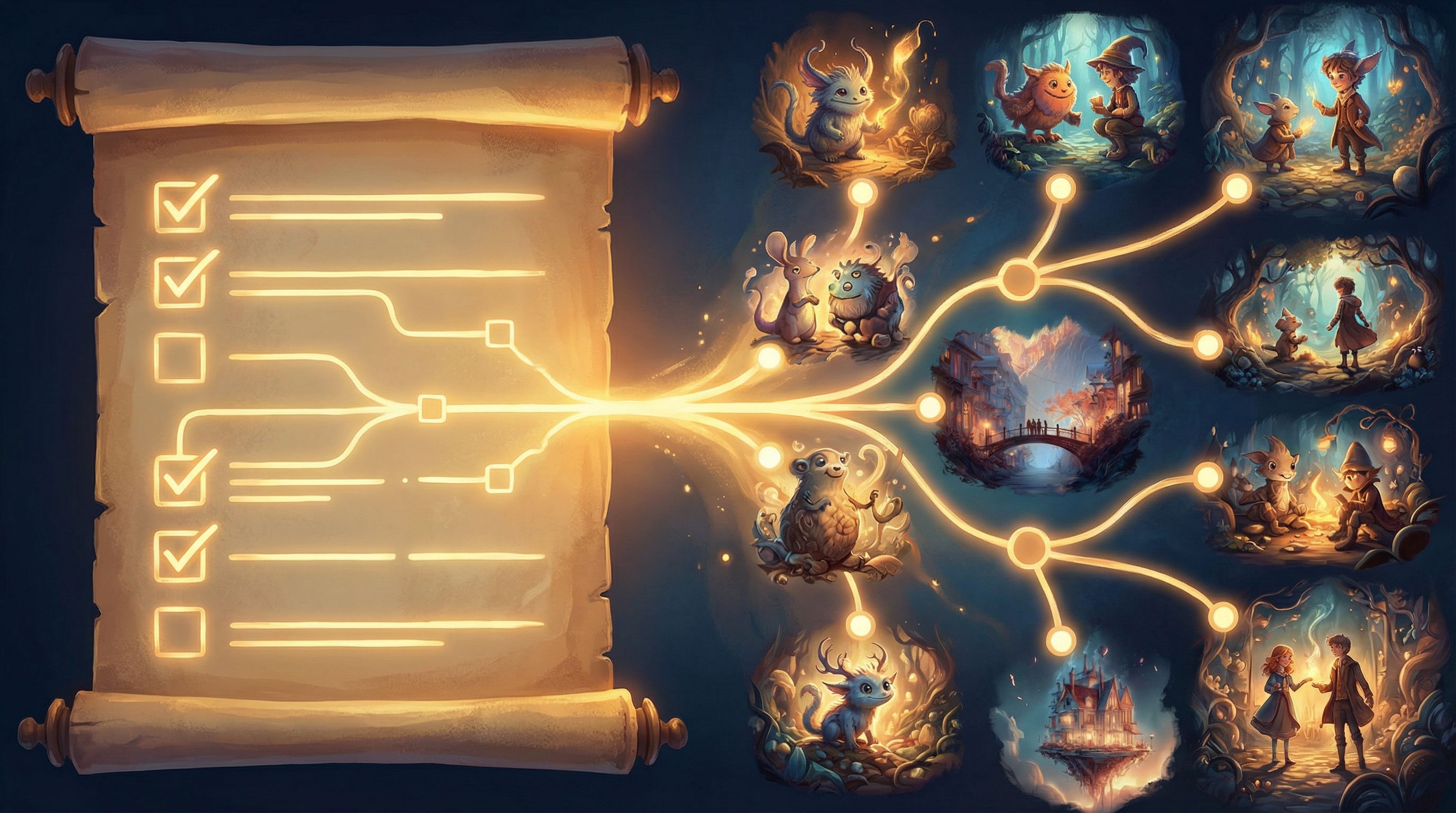
A branching tutorial isn’t just about variety. It’s about learning through contrast.
Here are ways to make each choice educational, not arbitrary.
Give each option a clear intention
Avoid choices that boil down to “Yes / No” with no context. Instead, phrase options as strategies:
- “Ship a quick MVP and plan to refactor later.”
- “Invest in a scalable architecture before launch.”
- “Pause shipping to gather more user feedback first.”
Learners should be able to say, “I chose this because…” even if it backfires.
Reveal consequences in layers
When a learner takes a path:
- Show the immediate outcome (what changed right now?).
- Hint at longer‑term implications (what might this cause later?).
- Offer a reflection or tip tying it back to best practices.
Example:
You skipped user permissions to save time.
- Immediate: Everyone on the team can access everything.
- Longer term: When you hire contractors, you’ll have to untangle this.
- Tip: “A simple role template now saves a painful audit later.”
Allow rewinds and comparisons
One of the superpowers of a platform like Questas is frictionless replay.
Design for it:
- Add a “Try another approach” option on key outcome nodes.
- Offer a comparison screen that summarizes:
- What they did
- What an alternative path looks like
- When each is appropriate in real life
This way, the tutorial feels more like a sandbox than a test.
Step 6: Layer in Guidance Without Breaking Immersion
You want learners to feel like they’re inside a world, not stuck in a manual.
A few techniques:
- In‑world hints. Instead of “Click here to proceed,” have a mentor character say, “You could rush this, but you might regret it. Want a second opinion?”
- Soft gates. If a branch would be overwhelming for beginners, gate it behind a choice like, “I’m comfortable editing config files by hand.”
- Invisible scaffolding. Gradually raise complexity:
- First choice: low stakes, clear feedback.
- Later choices: higher stakes, subtler clues.
If you’re curious about teaching mechanics and expectations without ever dropping into “tutorial voice,” the post Designing ‘Invisible Tutorials’: Teaching New Mechanics and Rules Inside Your Questas Narrative dives deep into this pattern.
Step 7: Test With Real Learners and Iterate
No branching tutorial survives first contact with real users unchanged.
Watch where people hesitate
Run a few short tests with:
- New hires
- Beta customers
- Peers who match your target persona
Ask them to share their screen and think aloud. Notice:
- Where they hesitate or re‑read options
- Where they click through without thinking
- Where they feel surprised, delighted, or frustrated
Tune difficulty and clarity
Based on what you see:
- Clarify muddy choices. Sharpen wording so each option feels distinct.
- Adjust risk. If everyone avoids a branch, make the reward more enticing—or the warning less heavy‑handed.
- Shorten dead zones. If a path feels like filler, cut or condense it.
Connect endings to your real ecosystem
Each ending should point learners to what’s next in your real world:
- Links to official docs
- Templates or checklists
- Signup pages or product tours
- Internal resources if you’re using this for training
Think of the Questas experience as the rehearsal, and your product or process as the stage where they’ll perform.
Bringing It All Together
Turning a static how‑to guide into a branching tutorial might sound like a big leap, but the workflow is surprisingly repeatable:
- Pick the right guide. Look for tradeoffs, stakes, and multiple valid paths.
- Mine your existing content. Highlight every conditional, warning, and assumption.
- Frame it as a story. Give learners a clear avatar, goal, and stakes.
- Build a branching skeleton in Questas. Intro, decisions, outcomes—structured in acts.
- Make choices teach. Show consequences, allow rewinds, and compare strategies.
- Guide gently. Use in‑world hints and invisible scaffolding instead of walls of instruction.
- Playtest and refine. Watch real people click, then tune for clarity, tension, and value.
Do that, and you’ll stop writing walkthroughs that people skim—and start building walkthrough worlds they remember.
Your Next Step
You probably already have at least one guide that’s begging to become a branching experience.
Here’s a simple way to start this week:
- Pick a single how‑to that:
- Generates repeated questions, or
- Involves a decision you wish learners understood better.
- Spend 30 minutes marking up the hidden decisions and tradeoffs.
- Open Questas and:
- Create an intro node
- Add 2–3 decision nodes based on your markup
- Draft one “success” and one “learning” outcome
You don’t need a full world yet. You just need a small, playable slice that proves to you—and your learners—that this approach works.
From there, you can expand, refine, and eventually build a whole library of branching tutorials that teach not just what to do, but how to think.
Adventure awaits. Your walkthrough world is one decision away.