Interactive Onboarding 101: Turning User Manuals, FAQs, and Tutorials into Questas Journeys

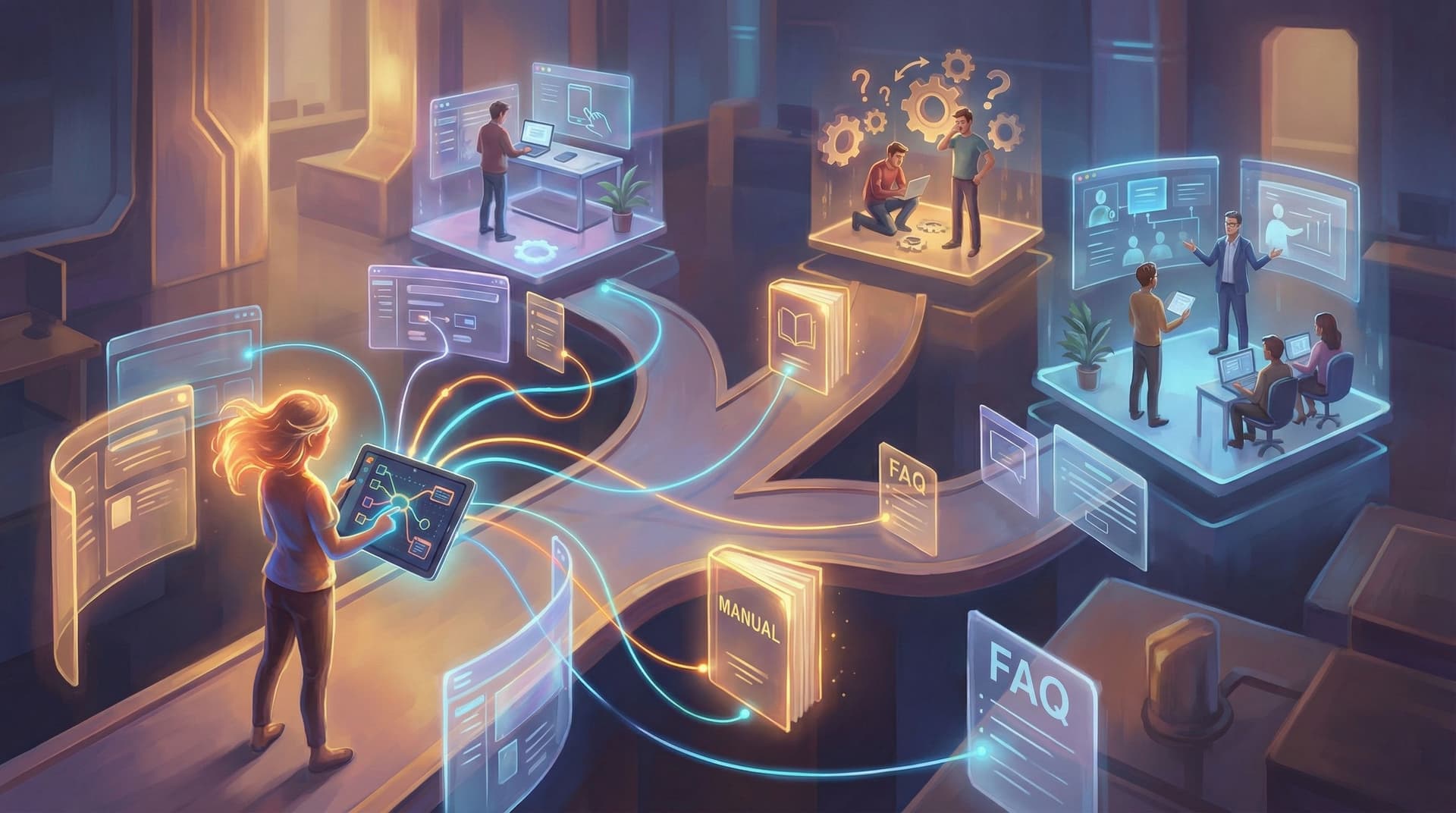
Traditional onboarding content has a problem: it’s built to be read, not lived.
User manuals, FAQ pages, and how‑to tutorials are essential, but they’re also where attention goes to die. People skim, search for one keyword, or bounce the moment they feel overwhelmed. That’s a huge missed opportunity—especially when you’re trying to help someone master a product, process, or service.
Interactive stories change that equation.
With Questas, you can turn static documentation into branching, visual journeys where users play through onboarding instead of passively reading it. They make decisions, see consequences, and get just‑in‑time explanations tailored to what they actually do.
This guide walks through how to convert manuals, FAQs, and tutorials into interactive onboarding experiences that feel more like guided adventures than homework.
Why Turn Onboarding Content into Interactive Journeys?
Before we get tactical, it helps to be clear on the payoff. Rebuilding your onboarding as interactive stories isn’t just a novelty—it solves real problems.
1. People learn better by doing
Cognitive science is clear: active practice beats passive reading. When users:
- Make choices
- See outcomes
- Correct mistakes in a low‑stakes environment
…they retain more, feel more confident, and are less likely to need support later.
2. You can personalize without rebuilding everything
A single PDF can’t adapt to different experience levels, roles, or goals. A branching Questas journey can:
- Route beginners to more hand‑holding scenes
- Skip ahead for power users
- Offer role‑specific paths (admin vs. end user, manager vs. frontline, etc.)
3. Support becomes proactive, not reactive
An interactive onboarding can simulate common mistakes before they happen in real life:
- “You picked the wrong configuration—here’s what would break.”
- “You skipped this safety step—see how that plays out.”
Users get to fail safely, understand why certain steps matter, and head into the real product with fewer surprises.
4. You turn dry content into something people talk about
“Did you do that onboarding story yet? I got the ‘expert’ ending.”
When onboarding feels like a mini‑game with outcomes, people are more likely to finish it, share it, and remember it.
If you want a broader sense of how interactive formats are transforming training and business content, you might also like Beyond Fantasy: 10 Unexpected Use Cases for Questas in Business, Training, and Marketing.
Step 1: Decide What Kind of Onboarding Story You’re Building
Not all onboarding is the same. Before you open Questas, decide what job this interactive journey needs to do.
Here are four common patterns:
1. Guided Setup Adventure
Goal: Walk a new user through initial configuration or installation.
Best for:
- SaaS products with multi‑step setup
- Hardware or IoT devices
- Complex tools with lots of knobs and switches
Story framing ideas:
- “You’ve just been hired as the team’s setup wizard. Configure the workspace without breaking anything.”
- “You’re the first pilot of a new starship (your product). Calibrate everything before launch.”
2. Troubleshooting Quest
Goal: Help users diagnose and fix common issues.
Best for:
- Products with recurring support tickets around the same 5–10 problems
- Internal IT or operations teams
Story framing ideas:
- “You’re on call. A teammate pings you with a vague problem. What do you check first?”
- “You’re racing against a deadline to get the system back online. Each choice burns time.”
3. Role‑Based Training Scenario
Goal: Teach different roles how to use the same product differently.
Best for:
- Platforms with admins, managers, and end users
- Organizations with compliance‑sensitive workflows
Story framing ideas:
- “Pick your role (Admin / Manager / Agent) and see a day in your life using the product.”
- “You’re a new team lead. Will you set things up in a way your team actually uses?”
4. Feature Discovery Tour
Goal: Reveal underused features in context.
Best for:
- Mature products with lots of hidden power features
- Marketing teams trying to drive adoption of new capabilities
Story framing ideas:
- “You’re trying to hit an ambitious goal. Which tools will you use to get there?”
- “You’re challenged to complete a mission using only advanced features. Can you find them all?”
Pick one primary pattern for your first journey. You can always expand later into a full library of onboarding adventures.
Step 2: Audit Your Manuals, FAQs, and Tutorials
Next, mine your existing documentation for story fuel.
Gather your raw material
Pull together:
- User manuals and setup guides
- FAQ pages and help center articles
- Video tutorials or webinar recordings (grab the key steps)
- Internal training decks or SOPs
- Common support tickets and chat transcripts
Look for three things
-
High‑stakes moments
Where do mistakes hurt the most? These are perfect for branching scenarios:- Misconfigurations
- Security or safety steps
- Irreversible actions (deleting data, publishing live changes)
-
Repeated questions
Anything that shows up constantly in your support inbox deserves a branch:- “Why can’t I log in?”
- “Where did my data go?”
- “Why doesn’t this feature show up for me?”
-
Decision points
Anywhere the manual says “Option A vs. Option B” is already a choice:- Different setup paths
- Pricing or plan decisions
- Configuration toggles with tradeoffs
Turn findings into a rough map
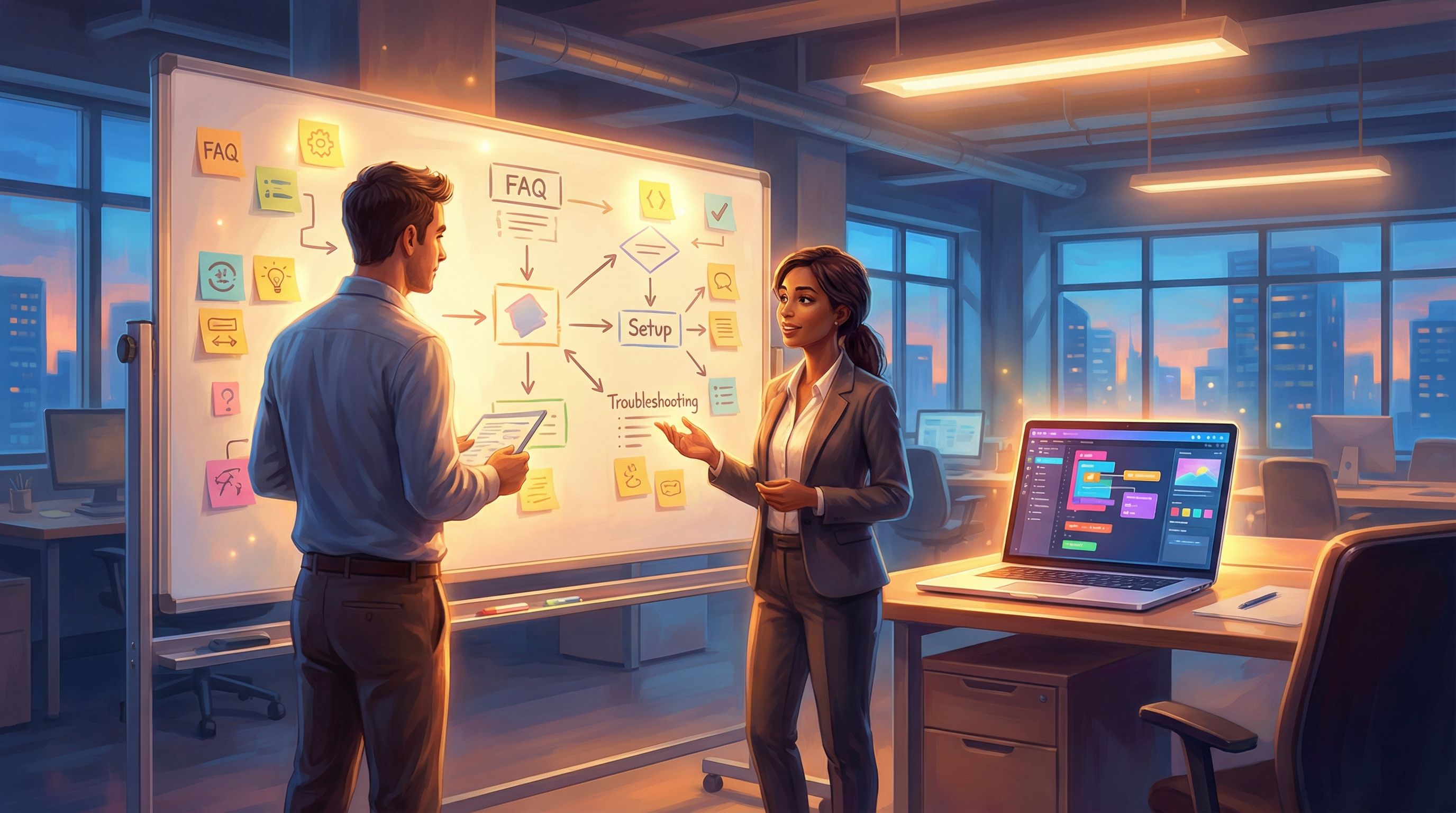
On a whiteboard or doc, sketch:
- Start state: Who is the user? What are they trying to do?
- Key decisions: The 5–10 moments that matter most
- Consequences: What happens if they choose well vs. poorly?
You don’t need a full branching chart yet—just a sense of the important beats you want players to experience.
Step 3: Design a Player‑First Onboarding Narrative
You’re not just porting text into a new format—you’re telling a story where the user is the protagonist.
Give the journey a clear goal
Instead of “Learn about our product,” frame a specific mission:
- “Get your team fully set up before the weekly meeting.”
- “Resolve a critical outage without escalating to Tier 2 support.”
- “Complete your first project using advanced features only.”
This mission becomes your north star. Every scene in Questas should either:
- Move the player closer to that goal, or
- Reveal consequences of their previous choices.
Keep branches meaningful, not noisy
Interactive onboarding doesn’t mean giving choices every two sentences. Aim for:
- Fewer, more consequential decisions over many tiny, shallow ones
- Branches where each option reflects a real path users might take
If you want to go deeper on choice design itself, bookmark Designing Meaningful Choices: How to Turn Simple Branches into Emotional Turning Points in Questas.
Use failure as a teacher, not a dead end
When a player makes a sub‑optimal choice:
- Show the consequence visually (a frustrated customer, a broken dashboard, an error screen)
- Explain why it went wrong in one or two clear lines
- Offer a way to rewind or try an alternate branch
Think of it as a “what if?” simulator rather than a pass/fail test.
Pace information with scenes, not walls of text
Each scene in your Questas journey should ideally:
- Present a situation
- Offer a choice (or a short explanation)
- Show a result
If you feel tempted to paste a full page of your manual into one scene, that’s your cue to:
- Split it into multiple scenes
- Use visuals to carry some of the explanation
- Offer optional “More detail” branches for advanced users
Step 4: Build the Journey in Questas, Step by Step
Now it’s time to open Questas and start assembling.
1. Create your spine
In the visual editor:
- Build a linear backbone first: intro → key steps → outcome.
- Make sure this straight path is clear and satisfying on its own.
- Only then start adding branches where decisions matter.
This “spine first” approach keeps you from getting lost in a branching explosion.
2. Convert manual steps into scenes
Take a section of your manual or FAQ and ask:
- What’s the situation here?
- What decision is the user making?
- What’s the best outcome? The worst?
Then, for each:
- Create a scene that sets up the situation in 2–4 sentences.
- Add a choice node with the 2–4 most realistic options.
- Connect each option to a consequence scene.
3. Use AI visuals to show, not just tell
One of the superpowers of Questas is AI‑generated images and micro‑video. Use them to:
- Highlight UI elements or hardware parts users should notice
- Convey emotional stakes (relieved vs. stressed characters)
- Differentiate good vs. bad outcomes at a glance
For help keeping visuals consistent with your brand or product UI, see AI Art Pitfalls and Fixes: Keeping Your Questas Visuals On-Model, On-Brand, and Not Weird.
4. Add subtle guidance and guardrails
To keep new users from getting overwhelmed:
- Use tooltips or side comments from a friendly guide character
- Offer a clearly marked “Recommended path” option for complex decisions
- Use soft locks (“You’re missing a step—want to go back and fix it?”) instead of hard failures
Step 5: Map Real-World Outcomes to Branches
Your onboarding journey should echo reality. That means tying choices to outcomes users would actually experience.
Identify your key outcomes
Common onboarding outcomes include:
- Smooth success: User completes setup correctly and on time
- Partial success: They finish, but with sub‑optimal settings
- Blocked: They hit a preventable error and need help
- Risky: They technically succeed, but in a way that creates long‑term problems
In Questas:
- Design distinct endings or “chapter breaks” for each outcome.
- Make it clear what led to that result.
- Offer a path to replay with new knowledge.
Use variables and memory (if available)
If you’re using more advanced features, you can:
- Track whether users explored key help topics
- Remember earlier choices and reference them later
- Unlock advanced branches for players who demonstrated mastery
This turns onboarding into a living system that responds to how someone actually plays.

Step 6: Test with Real Users and Iterate
Interactive onboarding is only as good as how it feels to the people using it.
Run lightweight playtests
Recruit:
- 3–5 brand‑new users
- 3–5 experienced users or internal team members
Ask them to:
- Share their screen
- Narrate what they’re thinking as they play
- Stop whenever they feel confused or bored
Watch for:
- Scenes they skip past too quickly
- Choices they find unclear or misleading
- Endings that feel unfair or unsatisfying
For a deeper dive into structured testing, check out Playtesting Your Questas Like a Game Designer: Scripts, Checklists, and What to Watch For.
Use data to refine
Once your onboarding story is live, monitor:
- Completion rates: Where do players drop off?
- Popular branches: Which choices do most users make?
- Hidden content: Are there scenes almost nobody sees?
Then iterate:
- Shorten or split scenes where people stall
- Clarify choices that lead to confusion
- Surface useful but hidden branches earlier in the journey
Think of your onboarding as a product, not a one‑time asset.
Step 7: Keep Your Onboarding Universe Organized
As you add more onboarding journeys—setup, troubleshooting, advanced training—you’ll want internal consistency:
- The same guide character appears across stories
- Visuals for your product UI stay on‑model
- Terminology and workflows don’t contradict each other
If your onboarding library starts to feel like a shared universe (and it will), it’s worth creating a simple “story bible” for your product training. Our post The New Story Bibles: Organizing Lore, Timelines, and Character Arcs for Large Questas Universes walks through how to do that—even if your “lore” is mostly settings, roles, and policies.
Quick Example: Turning a FAQ into a Mini Troubleshooting Quest
Let’s say your FAQ has an entry: “Why can’t I log in?” with three common causes:
- Wrong email
- Wrong password
- Account not activated
In Questas, that might become:
-
Scene: “You’re trying to log in 5 minutes before a big presentation. The login fails. What do you check first?”
- Options: Email, Password, Activation Email, Contact Support
-
Branch A (Email):
- Visual: Close‑up of login form with mismatched email.
- Text: “You notice the email doesn’t match the one in your invite.”
- Outcome: Success, plus a tip on managing multiple accounts.
-
Branch B (Password):
- Visual: Password field with caps lock icon glowing.
- Outcome: Prompt to reset password; short explanation of password rules.
-
Branch C (Activation):
- Visual: Inbox with activation email highlighted.
- Outcome: Player clicks, learns about activation windows.
-
Branch D (Contact Support first):
- Visual: Support chat agent gently pointing out the missing steps.
- Outcome: Soft nudge: “Next time, try these checks first.”
Same information as your FAQ—but now it’s a scenario that feels real, urgent, and memorable.
Bringing It All Together
Transforming manuals, FAQs, and tutorials into interactive onboarding journeys isn’t about throwing everything into a new container. It’s about:
- Choosing a clear mission for each journey
- Mining your existing content for high‑stakes decisions and common pitfalls
- Designing a narrative where the user is the protagonist solving problems
- Building a strong spine in Questas and branching only where it matters
- Using visuals and consequences to make learning stick
- Testing and iterating until the experience feels smooth, helpful, and even a little fun
When you do this well, onboarding stops being a hurdle and starts being a story your users actually want to finish.
Your Next Step
If you’ve read this far, you probably already have a manual, FAQ, or tutorial that’s begging to become a journey.
Here’s a simple way to start this week:
- Pick one high‑impact process (setup, login, or a common error).
- Outline 5–7 scenes that cover the key decisions and outcomes.
- Open Questas and:
- Build a linear version first
- Add 2–3 meaningful branches
- Drop in AI visuals to highlight what matters
- Share it with a small group of users or teammates and gather feedback.
You don’t need to rebuild your entire help center at once. Start with a single interactive onboarding quest, learn from it, and expand from there.
Adventure awaits—especially for your users. Give them an onboarding story worth playing.