From Scroll to Story: Turning Blog Posts into Interactive Questas Adventures


Long-form blog posts are great for depth, authority, and SEO—but they’re not always great at keeping people engaged from top to bottom.
Readers skim.
They jump between tabs.
They promise themselves they’ll come back later… and rarely do.
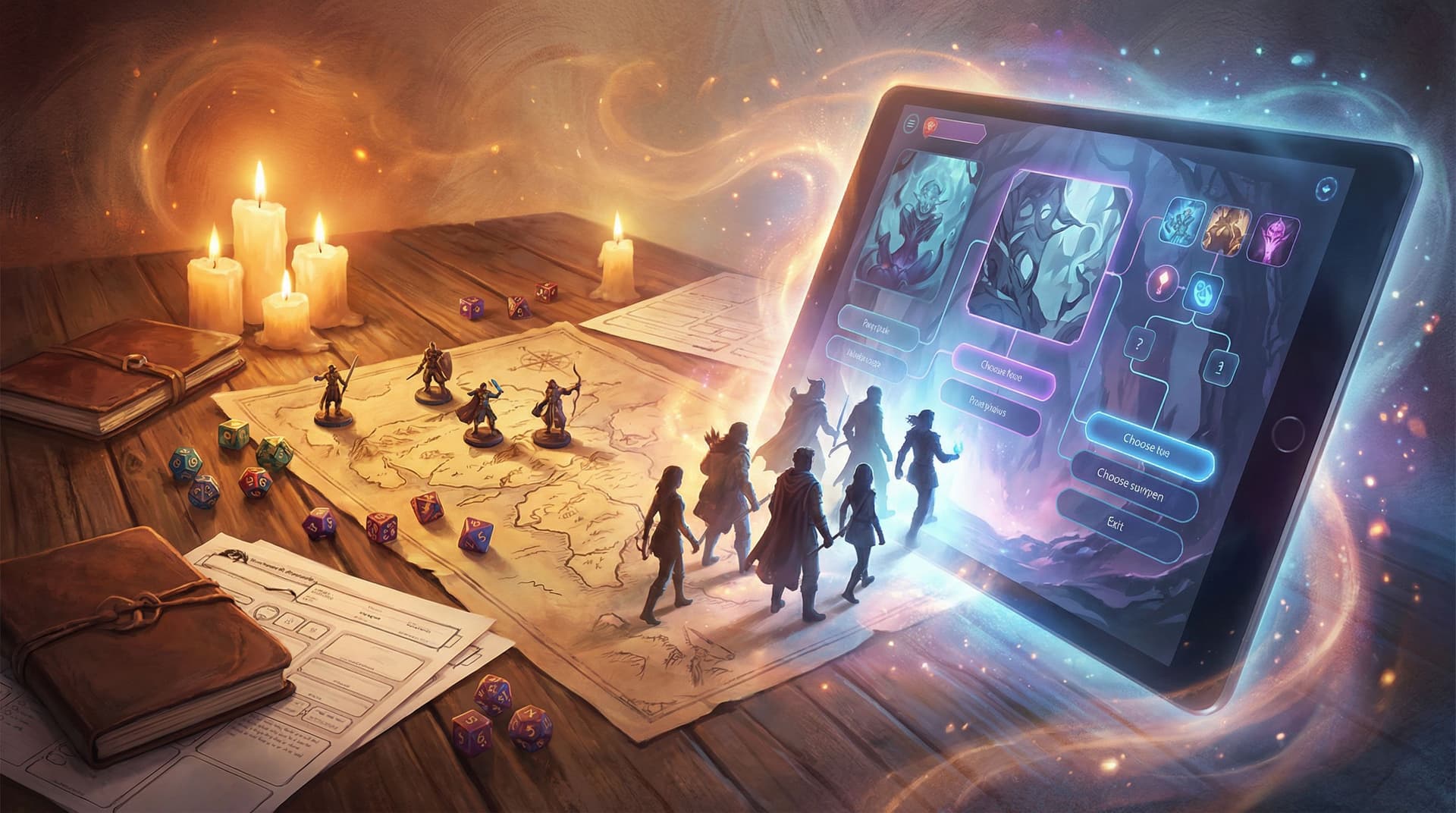
Interactive stories flip that pattern. Instead of passively scrolling, your audience plays through your ideas. They make decisions, see consequences, and feel like co-authors of the experience.
That’s where Questas comes in. It gives you a visual, no‑code canvas to turn static articles into branching, choice-driven adventures—complete with AI‑generated images and video.
This guide walks you through how to transform an existing blog post into a replayable Questas experience, step by step.
Why Upgrade a Blog Post into an Interactive Adventure?
Before we get tactical, it helps to be clear on why you’d do this in the first place. Converting a blog into a Questas story isn’t just a gimmick; it unlocks benefits you can’t get from text alone.
1. Engagement moves from passive to participatory
A traditional post asks readers to absorb information. An interactive adventure asks them to act on it.
- Readers make choices instead of just reading examples.
- They explore different outcomes instead of scanning subheadings.
- They replay to see what they missed.
This kind of active engagement is why branching stories are becoming a staple in education, training, and marketing. If you’re curious about how broad this shift is, check out our trend piece, Branching Narratives in 2026: Trends Shaping the Future of Interactive Fiction and Story Games.
2. Complex ideas become lived experiences
Blog posts can describe:
- A tough leadership decision.
- A marketing funnel.
- A crisis response protocol.
Interactive stories let your audience practice those moments.
Instead of reading, “If you choose X, you might lose trust,” they:
- Choose X.
- See a character react.
- Watch trust erode across later scenes.
That emotional memory sticks far better than a paragraph of explanation.
3. You unlock new formats and audiences
Once a blog post becomes a Questas adventure, you can:
- Use it as an interactive lead magnet.
- Turn it into a workshop exercise or classroom activity.
- Share it as a micro‑adventure on social channels.
If you’re curious how short, replayable stories perform in feeds, you’ll like Micro-Adventures in Minutes: Building Short, Replayable Questas Experiences for Social Media.
4. You get data you can’t get from scroll depth
With a blog, you might see:
- Time on page
- Bounce rate
- Scroll depth
With a Questas version of that article, you can also see:
- Which choices people pick first
- Where they tend to quit
- Which endings they reach most often
Those insights loop back into your content strategy. You can double down on the topics and scenarios people care enough to explore.
Step 1: Choose the Right Post to Convert
Not every article wants to be an adventure. Some are better left as reference guides or quick announcements.
Look for posts that already hint at interactivity:
- Decision-heavy topics
e.g., “How to Choose the Right Email Strategy,” “Should You Quit Your Job?” - Process or journey posts
e.g., “From Idea to Launch in 30 Days,” “How We Turned Around a Failing Project.” - Scenario-based teaching
e.g., “What to Do When a Client Pushes Back,” “Handling a PR Crisis in 5 Steps.” - Stories with multiple perspectives
e.g., case studies with different stakeholders, or posts that compare approaches.
A quick litmus test:
If you can imagine your reader asking “What if I did this instead?” at several points in the article, it’s a good candidate for a Questas adaptation.
Start with one strong post. You’re not building an entire library yet—you’re learning the pattern.
Step 2: Distill Your Article into Core Moments
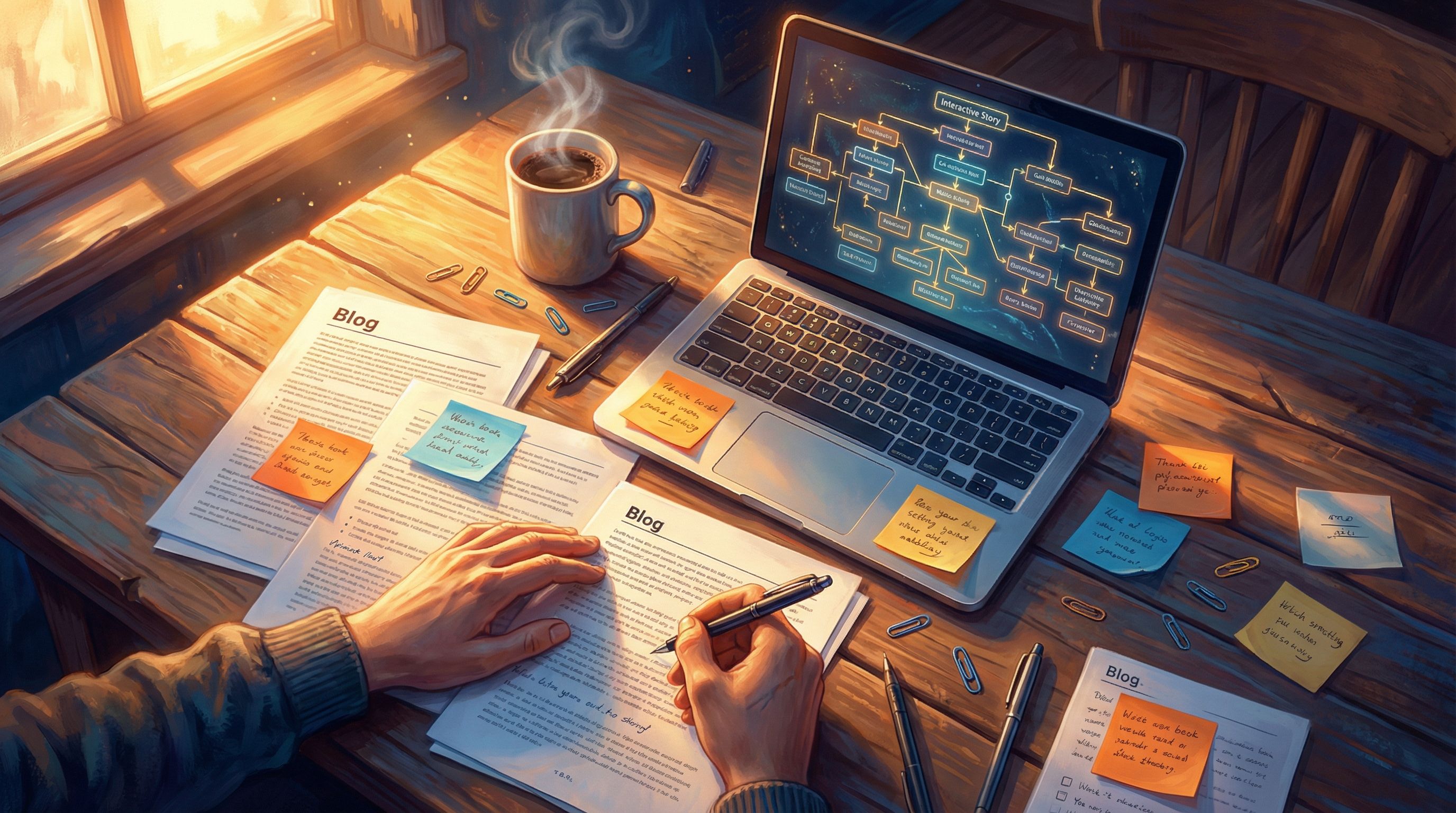
Your blog post is probably 1,000–2,000 words of continuous text. Your Questas adventure will be a series of discrete scenes linked by choices.
Begin by skimming your article and marking:
- Key turning points – Where does the advice or story shift direction?
- Decision moments – Where are you asking the reader to choose between options (explicitly or implicitly)?
- Consequences – Where do you describe what happens because of a choice or action?
Turn these into a rough list of story beats. For example, a post about handling a difficult client might break down into:
- The client sends an angry email.
- You decide how to respond.
- The client escalates or softens.
- You choose whether to hold your boundary or compromise.
- The relationship either recovers or ends.
Each of these can become a scene node in Questas.
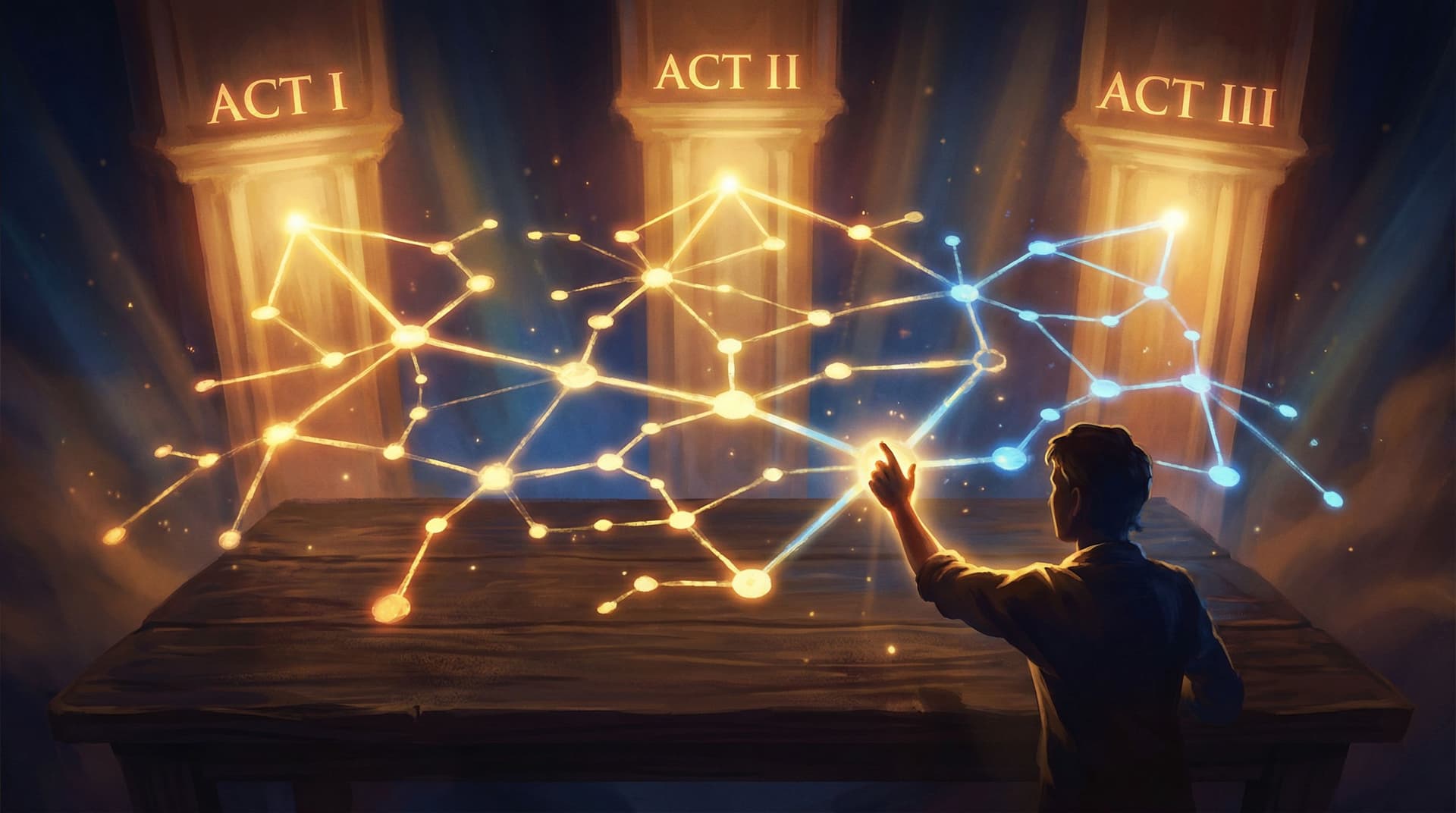
If you’d like a deeper dive on structuring those beats across branches, our post on three‑act structure inside nonlinear stories, Narrative Arcs in a Nonlinear World: Structuring Three-Act Stories Inside Questas Branches, pairs nicely with this step.
Step 3: Decide What the Player Wants
A blog post usually has the author’s goal in mind (“teach X,” “explain Y”). An interactive story needs a player goal that feels personal and immediate.
Ask yourself:
- What does the reader want by the end of this experience?
- How will they know if they succeeded or failed?
Some examples:
- From a productivity blog: “Ship your side project in 30 days without burning out.”
- From a leadership blog: “Navigate a tense team conflict while maintaining trust.”
- From a marketing blog: “Launch a campaign that hits its targets without alienating your core audience.”
Turn that into a clear opening hook in your Questas intro scene:
“You’ve got 14 days before launch, a limited budget, and a skeptical stakeholder. Can you get this campaign out the door without blowing your credibility?”
This goal will guide your branching: each choice either moves the player toward or away from what they want.
Step 4: Map Branches from Your Existing Advice
You don’t have to invent new content from scratch. Your blog post already has the raw material for branches:
- The “Do this, not that” comparisons become choices.
- The “Common mistakes” become failure paths.
- The “Advanced tips” become secret or optimized routes.
A simple pattern to start with:
- Setup scene – Present the situation from your article.
- Choice A vs. Choice B – Reflect two real options from your post.
- Consequence scenes – Show what happens if they follow or ignore your advice.
- Recovery or escalation – Offer a chance to course-correct or double down.
- Outcome scenes – Tie back to the player’s goal with different endings.
For example, from a blog about handling negative feedback:
- Choice: Reply immediately while you’re emotional vs. Pause and draft a thoughtful response.
- Consequences: A defensive email makes things worse vs. a calm reply opens a constructive conversation.
- Recovery: After the blow‑up, do you apologize or justify yourself?
You can keep the structure manageable by using converging branches: different choices lead to different short‑term scenes but reconnect at major milestones.
If you’re worried about complexity, Branching Without Chaos: Simple Story Mapping Techniques for Complex Questas Narratives offers practical mapping tricks that pair beautifully with this conversion process.
Step 5: Adapt Your Voice for Second-Person Play
Blogs are often written in first person (“I learned…”) or third person (“They did…”). Interactive stories usually work best in second person (“You do…”).
When you port text into Questas:
-
Change statements into moments.
- Blog: “It’s important to pause before replying to a harsh email.”
- Questas: “You stare at the harsh email. Your fingers hover over the keyboard. Do you fire back or take a breath?”
-
Turn bullet lists into choices.
- Blog: “You can: A) apologize, B) explain, C) ignore.”
- Questas: Three clickable options, each leading to a different scene.
-
Keep paragraphs short and screen-friendly.
Aim for 1–4 lines per text block so players aren’t overwhelmed.
A useful editing pass is to ask, sentence by sentence: “Can this become something the player sees, does, or feels?” If yes, rewrite it as an in‑world beat.
Step 6: Use AI-Generated Visuals to Reinforce Key Beats
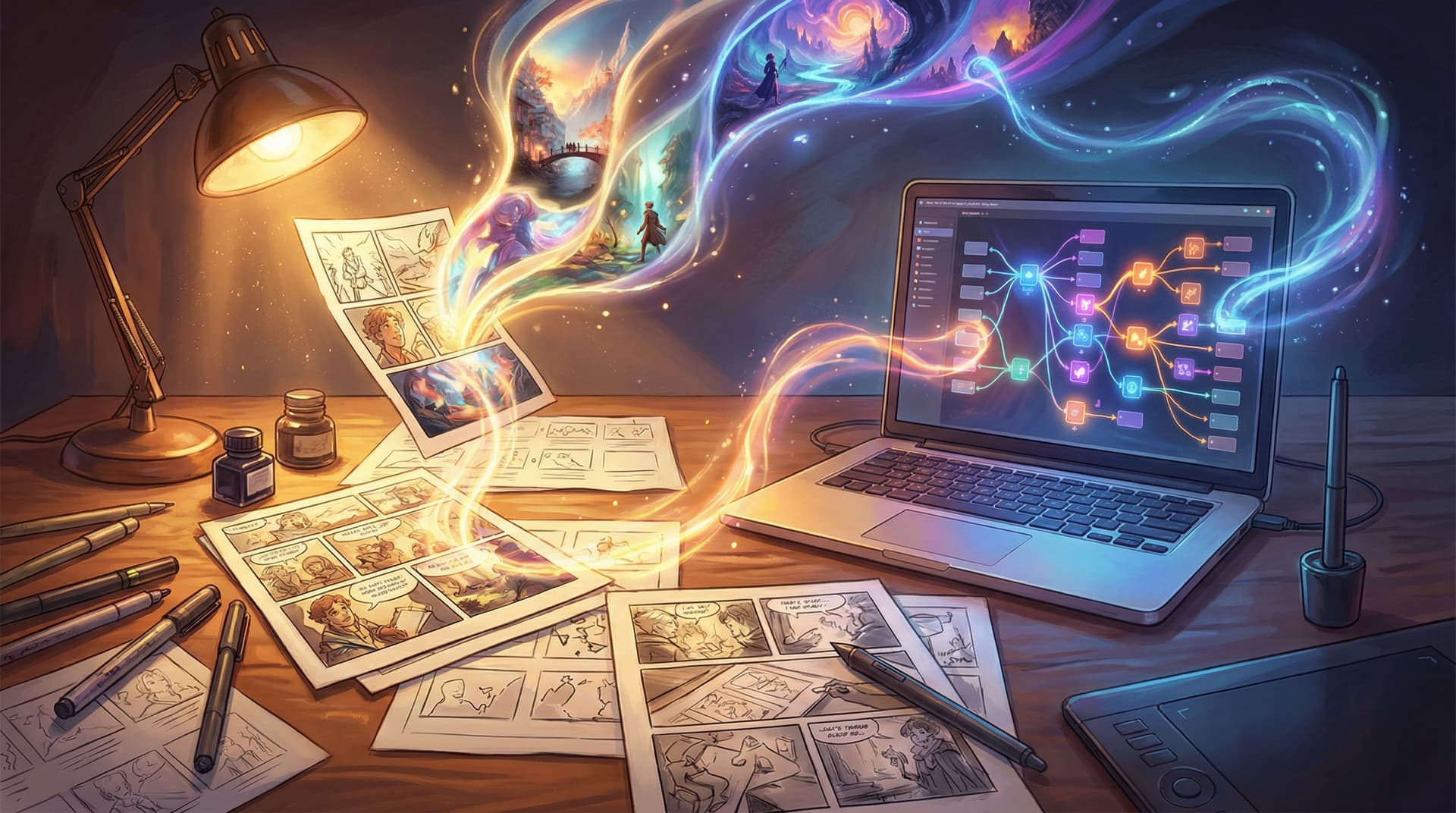
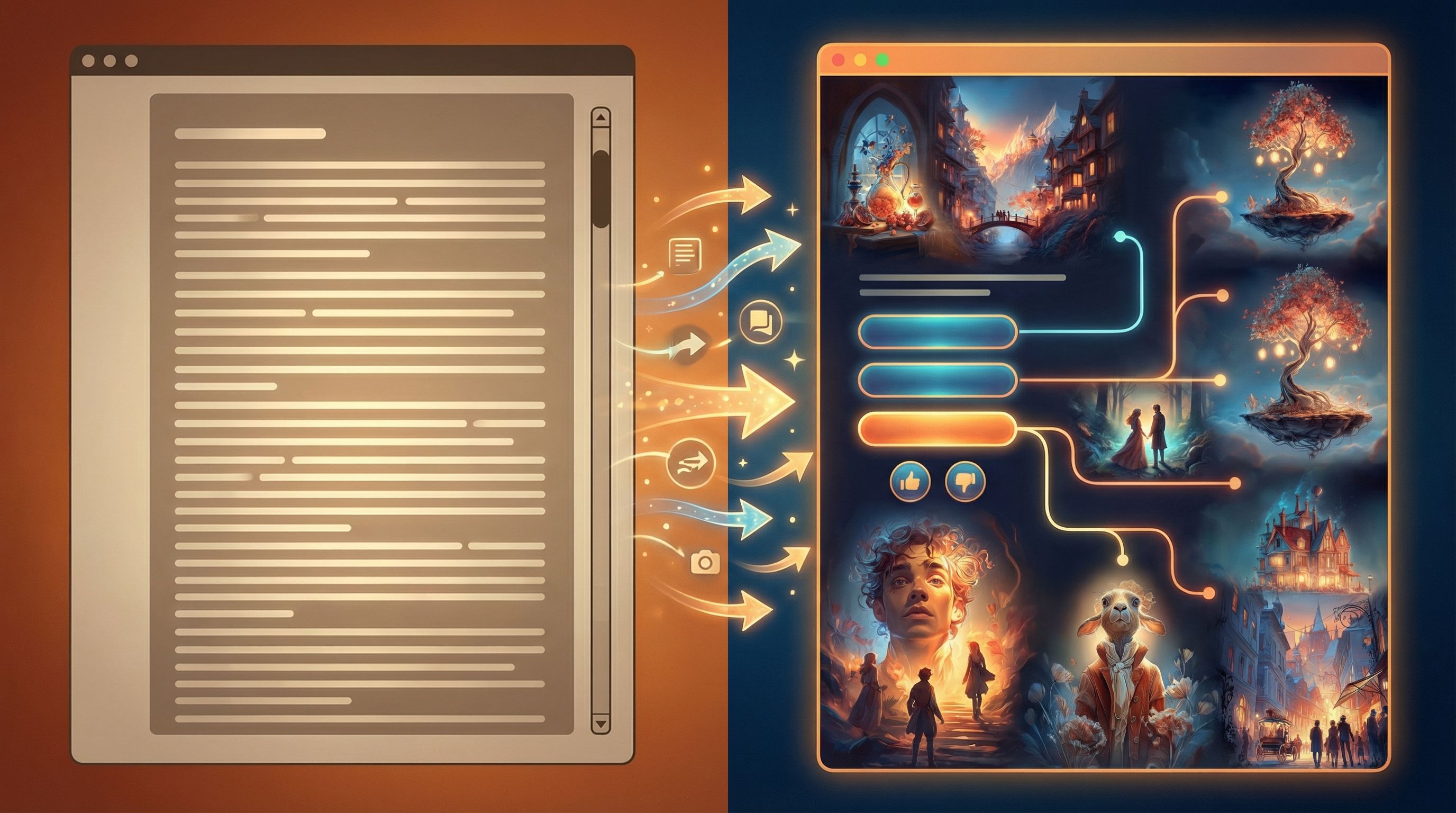
One of the biggest upgrades you get by moving from blog to Questas is the ability to show your ideas with AI‑generated images and short video loops.
You don’t need an illustration degree. You just need to decide where visuals will:
- Clarify complex information
- Amplify emotion
- Mark important turning points
Some practical placements:
- Opening scene image – Establish mood and setting.
- Major decision points – Show the stakes visually.
- Outcomes or endings – Give each ending a distinct visual flavor.
Within Questas, you can generate images and micro‑video directly from prompts. To keep things consistent across your adventure, it helps to:
- Choose a visual style (e.g., painterly, flat vector, cinematic realism).
- Define a palette (muted blues and golds, neon purples and pinks, etc.).
- Reuse character descriptions so the same people look like themselves.
For a deeper dive into building a cohesive look, bookmark From Moodboard to Mission: Designing Visual Style Guides for Consistent Questas Adventures.
Step 7: Align Endings with Your Original Takeaways
Your blog post likely ends with:
- A summary of key lessons
- A recommended approach
- A call to reflect or take action
In a Questas adaptation, those become endings.
Think in terms of 3–5 distinct outcomes:
- Ideal outcome – The player follows your best-practice path and achieves their goal.
- Mixed outcome – They succeed, but with trade‑offs that echo your “watch out for…” sections.
- Failure outcome(s) – They ignore critical advice and see things fall apart.
- Secret or expert outcome – They discover an advanced path or hidden option.
For each ending, ask:
- What did they do to get here?
- What should they feel (relief, regret, curiosity)?
- What do I want them to take back to the real world?
Then, in a short epilogue paragraph, bridge back to reality:
“You’ve just navigated one version of this scenario. In your own work, watch for the same pressure points: time crunch, unclear expectations, and emotional triggers. The choices you made here are the same choices you’ll face off‑screen.”
This keeps the experience grounded in the original purpose of your article.
Step 8: Playtest Like a Story and a Product
Once your blog‑turned‑adventure is playable, you’re not done—you’re in playtest mode.
Invite a handful of readers or colleagues to try it and ask them to:
- Narrate what they’re thinking at each choice.
- Point out any confusing wording or dead ends.
- Tell you which moments felt most and least impactful.
Watch for patterns:
- Are they skipping text? Maybe scenes are too long.
- Are they confused by choices? Maybe labels are vague.
- Are they always picking the same option? Maybe alternatives feel obviously wrong.
Because Questas is web‑based, it’s easy to share a link and gather feedback quickly. To go deeper on structured testing, check out Playtesting Your Questas Like a Game Designer: Scripts, Checklists, and What to Watch For.
Use what you learn to:
- Tighten copy
- Add or remove choices
- Clarify consequences
Remember: your original blog post is static. Your Questas version is a living system you can refine over time.
Step 9: Connect the Blog and the Adventure
Don’t think of your interactive story as a replacement for your article. Think of them as partners.
Some simple ways to connect them:
- Embed or link the adventure at the top or middle of your original post as “Try this scenario.”
- Add a debrief section in the blog that references the Questas experience:
“If you played through the interactive version, you might have noticed…” - Offer the adventure as a content upgrade:
“Want to practice these decisions? Play the interactive version built in Questas.”
You can also reverse the flow:
- At the end of your Questas story, link back to the original article for deeper explanation and references.
- Use email or social posts to invite your audience to “read the article, then play the scenario.”
This loop turns a single idea into a mini content ecosystem: article → adventure → reflection.
Step 10: Systematize Your Conversion Workflow
Once you’ve converted one post successfully, you’ll start seeing opportunities everywhere.
To avoid reinventing the wheel each time, create a simple checklist:
- Pick a blog post with clear decisions or journeys.
- Extract 5–10 key beats and a player goal.
- Map 2–3 main branches with converging milestones.
- Rewrite copy into second-person scenes and choices.
- Add AI‑generated images or video at key beats in Questas.
- Design 3–5 endings that echo your original takeaways.
- Playtest with 3–5 people; refine.
- Link the adventure and the blog post together.
Over time, this can become part of a broader content pipeline. If you’re thinking about scaling up, you might also want to read Building Your Questas Pipeline: A Workflow for Drafting, Testing, and Publishing Interactive Stories at Scale.
Bringing It All Together
Converting a blog post into an interactive Questas adventure isn’t about adding bells and whistles. It’s about:
- Letting your readers live the decisions you’re writing about.
- Turning abstract advice into concrete, emotional experiences.
- Creating content that people don’t just skim—they remember, share, and replay.
The core pattern is straightforward:
- Find a post with real decisions baked in.
- Distill it into scenes, choices, and outcomes.
- Adapt your prose into second-person, choice-driven moments.
- Enhance key beats with AI‑generated visuals.
- Test, refine, and connect it back to your original article.
Do that once, and you’ll never look at a “simple” blog post the same way again.
Your Next Step
You don’t need to overhaul your entire content library. Just pick one article that:
- Walks through a decision or process, and
- You wish more people actually finished and acted on.
Then:
- Open Questas in a new tab.
- Create a new project called “Adventure Version – [Your Post Title].”
- Add an opening scene that drops your reader into the heart of that article’s core scenario.
- Build a single choice and two short outcomes.
That’s it. You’ve started the journey from scroll to story.
Adventure awaits—your blog is ready to become a world your readers can step into.