The New Story Bibles: Organizing Lore, Timelines, and Character Arcs for Large Questas Universes

If you’re building a big interactive universe in Questas—multiple campaigns, spin‑off stories, recurring characters—you will hit a wall sooner or later:
“Wait, did the rebellion start before the plague or after?”
“Which version of the mentor survived in this timeline?”
“Why does the starship look completely different in Chapter 4?”
That wall is continuity. And the tool that helps you break through it is a story bible.
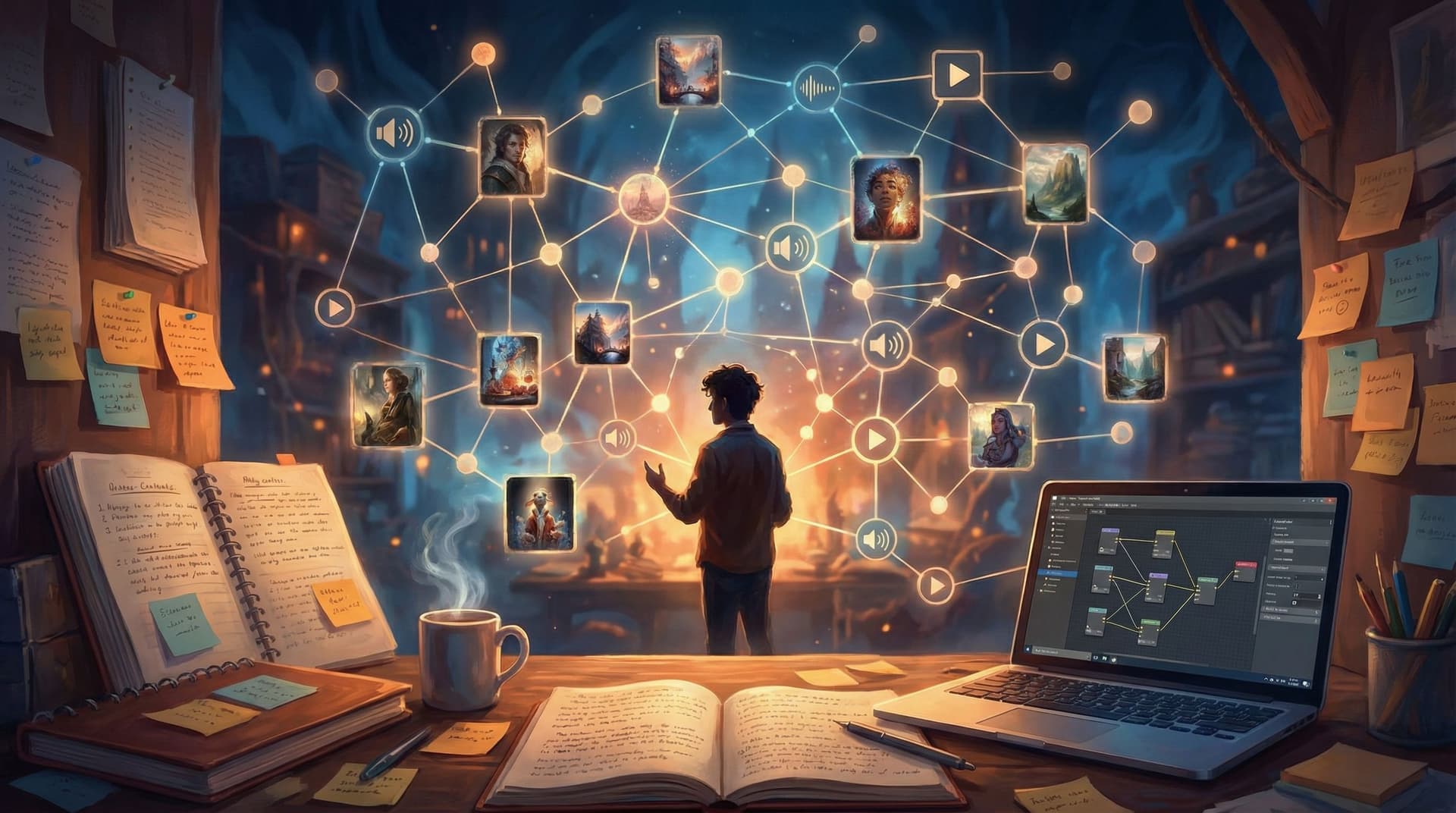
A story bible is your universe’s operating manual: lore, timelines, character arcs, visual rules, and recurring motifs all in one place. For large branching adventures, especially those built in Questas with AI-generated visuals and video, a story bible isn’t a nice-to-have—it’s the difference between a cohesive saga and a pile of cool but disconnected scenes.
This guide will walk you through how to build a modern story bible tailored to interactive, choice-driven Questas projects—and how to actually keep it useful as your universe grows.
Why Big Questas Universes Need Story Bibles
Linear stories can sometimes get away with loose notes. Branching stories rarely can.
When your audience can:
- Follow different routes through the same events
- Meet alternate versions of characters
- Unlock secret scenes and endings
…you need a single source of truth that keeps everything aligned.
Benefits of a strong story bible for Questas creators:
- Consistency across branches – Your world rules, character motivations, and visual style stay stable even when players make wildly different choices.
- Faster content creation – You spend less time re‑deciding how magic works or what the academy uniform looks like, and more time writing great scenes.
- Easier collaboration – Co-writers, artists, or educators can drop into your universe and contribute without breaking canon. (For more on multi-creator workflows, see Collaborative Adventures: How to Co-Create Questas Stories with Teams, Students, or Communities.)
- Higher replay value – When details line up, players trust the world and are more likely to replay to uncover hidden paths, callbacks, and long-running payoffs.
- Smoother scaling – Want to turn one adventure into a full campaign or franchise? A story bible makes that leap realistic instead of overwhelming.
Think of your story bible as a companion system to Questas’s visual, no-code editor: Questas handles the playable structure; your bible handles the underlying reality.
The Core Sections of a Modern Story Bible
You can use a wiki, a shared doc, a Notion workspace, or even a folder of markdown files. The format matters less than the structure.
At minimum, your Questas universe bible should include:
- Universe Overview
- Lore & World Rules
- Timelines & Canon Events
- Character Dossiers & Arcs
- Locations & Key Objects
- Continuity Tags for Branches
- Visual & Audio Style Guides
Let’s break each of these down with concrete, Questas-specific tactics.
1. Universe Overview: Your One-Page North Star
Before you dive into details, write a one-page snapshot of your universe. This is the page you’ll reference when you’re tired, rushed, or onboarding collaborators.
Include:
-
Premise in 2–3 sentences
Example: “In a drowned city of glass towers, people trade in memories washed ashore by the tides. Players choose whether to stabilize the city’s fragile order or unleash the chaos hidden in forgotten histories.” -
Core conflicts
- City vs. encroaching sea
- Memory traders vs. archivists
- Personal identity vs. collective history
-
Tone and genre
- Melancholic, hopeful, low‑combat, mystery‑driven
- Aesthetic: bioluminescent, reflective surfaces, water motifs
-
Audience & use case
- Entertainment, training, classroom, marketing, etc.
This page should answer: “What kind of choices belong here?” If you’re not sure how that connects to structure, pair this with Narrative Arcs in a Nonlinear World: Structuring Three-Act Stories Inside Questas Branches.
2. Lore & World Rules: Guardrails for Every Branch
Lore isn’t just flavor text; it’s the physics and politics of your story. In Questas, where players can bounce between branches, clear rules prevent contradictions.
Create short, scannable sections like:
-
Magic / Technology System
- What it can do
- What it cannot do (equally important)
- Costs, risks, and limitations
-
Factions & Institutions
For each: purpose, methods, public reputation, private reality. -
Cultural Norms & Taboos
- What’s considered polite, heroic, shameful, illegal
-
History in 5–10 Key Events
Boil the backstory down to a handful of pivotal moments that actually show up in dialogue, choices, or visuals.
Keep lore player-facing. If a detail never affects a choice, relationship, or scene, consider trimming it. Your bible should be dense with usable information, not trivia.
3. Timelines: Linear Spines for Nonlinear Stories
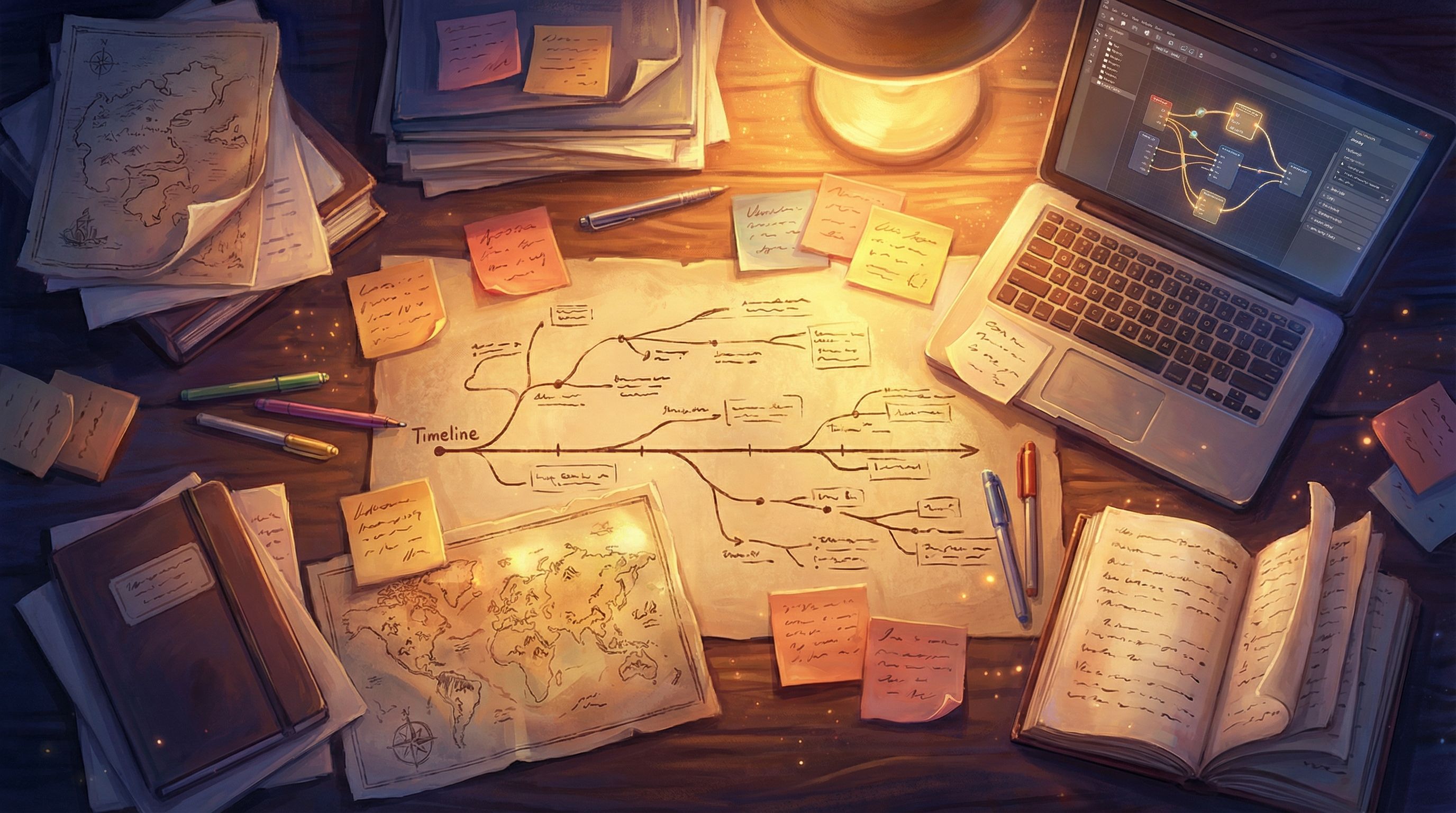
Branching stories still benefit from a linear backbone—a default sequence of events that everything else riffs on.
Build a “Prime Timeline”
Start with a simple chronological list of events that would happen if the player never interfered (or always chose a particular default option).
For each event, note:
- Date or relative time (Year 12 of the Empire, “three months before the coronation”)
- What happens
- Who’s involved
- Player visibility (Is this on-screen, off-screen, or background lore?)
This prime timeline becomes your reference when you ask:
- “If the player saves Character A in Scene 3, what event in the prime timeline changes or disappears?”
- “If the rebellion starts early on one branch, which later scenes need alternate versions?”
Map Divergences as “What-If” Tracks
Under the prime timeline, add branches as what-if tracks:
-
Track A: Player sides with the guild
- Event 7a: Guild coup succeeds
- Event 9a: City guard disbanded
-
Track B: Player exposes the guild
- Event 7b: Guild leadership arrested
- Event 9b: Black market splinters
Label these tracks with short codes you can reuse in Questas node names, like T-A and T-B.
4. Character Dossiers & Arcs: Keeping People Consistent Across Paths
Characters are where branching continuity gets hardest—and most rewarding.
For each major character, create a one-page dossier with:
-
Snapshot
- Name, pronouns, age range
- Role (mentor, rival, love interest, antagonist, etc.)
- One-line archetype: “Disgraced knight turned reluctant teacher.”
-
Core Motivations
- What they want
- What they fear
- What they’ll never do (unless something truly drastic happens)
-
Secrets & Leverage
What they’re hiding, and who can use it against them. -
Relationships Web
Short notes on how they feel about other key characters—and how that might shift.
Multi-Path Character Arcs
In a branching universe, a character doesn’t have one arc; they have a family of arcs.
Define:
- Baseline arc – Who they are if the player stays mostly neutral.
- Positive arc – How they grow if the player supports their best instincts.
- Negative arc – How they spiral if the player feeds their worst impulses.
For each arc, mark key turning points and where they appear in your Questas flow:
- Turning Point 1: Admits they lied about the mission (Node:
CH2_Docks_Confession) - Turning Point 2: Chooses to protect the player over the cause (Node:
CH4_Rooftop_Betrayal)
If you want more depth on building a cast that survives branching chaos, pair your bible with the techniques in From Prompt to Playable: Designing Your First AI-Generated Character Cast in Questas.
5. Locations & Key Objects: Anchors for Reusable Scenes
Interactive stories often revisit the same places under different circumstances—peace vs. war, day vs. night, before vs. after a disaster.
In your bible, give each major location a reusable profile:
- Name & function – “Glass Market: central hub for trading recovered memories.”
- Sensory hooks – Smells, sounds, textures. Great fodder for both prose and AI visuals.
- Layout sketch – Even a rough diagram helps keep entrances, exits, and sightlines consistent.
- State variants – Normal, damaged, occupied, abandoned.
Do the same for key objects (artifacts, documents, weapons, devices):
- Who created it
- What it can do
- Who knows the truth about it
- Branches where it appears or is destroyed
This makes it easier to:
- Reuse assets in Questas without continuity errors
- Create callbacks (“You recognize the sigil from the broken tablet in the ruins…”)
- Gate secret paths behind earlier discoveries
For more on planning secrets and unlockables around locations and objects, see Replay Value by Design: How to Plan Secrets, Unlockables, and Hidden Paths in Questas.
6. Continuity Tags: Making Branch Logic Human-Readable
Inside Questas, you might use variables and flags to track player choices: joined_guild = true, mentor_alive = false, etc.
Your story bible should mirror those logic flags in plain language, so you and collaborators can reason about them without digging into every node.
Create a simple table or list:
-
F:GUILD– Player has officially joined the guild- Set in:
CH2_Guild_Initiation - Consequences: unlocks guild-only missions, changes guard reactions
- Set in:
-
F:MENTOR_DEAD– Mentor died in the tower collapse- Set in:
CH3_Tower_Rescue_Fail - Consequences: alternate scenes in CH4, new rival arc opens
- Set in:
Use these codes:
- F: for flags (true/false)
- V: for variables (numerical values like reputation or suspicion)
- T: for timeline tracks (major divergences)
Then, when you’re planning a new scene, you can write:
“Scene assumes
F:GUILDandT-B, alternate version needed forT-A.”
This keeps your branching logic readable at a glance, even in a very large project.
7. Visual & Audio Style: The New Canon for AI Media
In an AI-assisted workflow, your story bible isn’t just about text. It’s also your style guide for images, video, and audio.
At minimum, add:
Character Visual Sheets
For each recurring character, define:
- Physical markers – Hair, build, posture, iconic clothing items, scars or tattoos.
- Color palette – 2–3 key colors associated with them.
- Prompt snippets for AI images/video that reliably produce them.
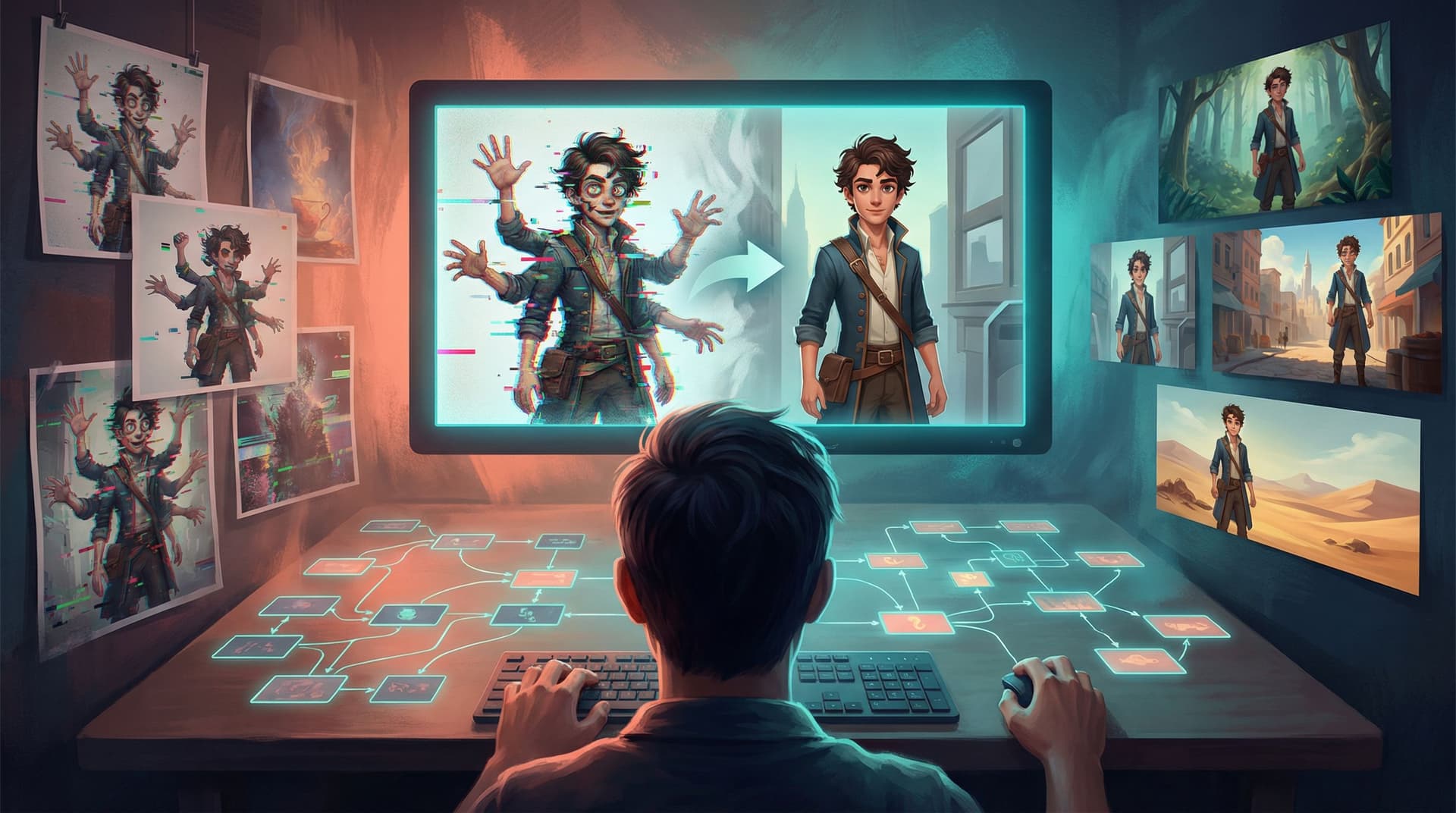
If you’ve ever had a character’s face drift wildly between scenes, you’ll appreciate the techniques in AI Art Pitfalls and Fixes: Keeping Your Questas Visuals On-Model, On-Brand, and Not Weird.
Environment & Lighting Rules
- Overall aesthetic (e.g., “neon noir,” “sun-bleached ruins,” “soft painterly fantasy”)
- Default lighting moods for key locations (the throne room is always backlit and imposing; the starship kitchen is warm and cluttered)
- Camera angles you favor for different beats (close-ups for choices, wide shots for reveals)
For a deeper dive on turning moodboards into consistent story visuals, see From Moodboard to Mission: Designing Visual Style Guides for Consistent Questas Adventures.
Audio & Micro-Video Guidelines
If you’re layering ambient sound or short loops:
- Define a sound palette (no jump-scare stings in a cozy mystery, etc.)
- Note where audio is essential (e.g., markets, storms, rituals) vs. optional.
You can expand these notes using the techniques from Beyond Text and Images: Using Ambient Audio and Micro-Video to Deepen Immersion in Questas.
Practical Workflow: Keeping Your Bible in Sync with Questas
A story bible only works if it stays alive alongside your Questas project. Here’s a lightweight workflow that scales.
1. Start Small, Then Grow
For your first universe:
- Build only the Universe Overview, 3–5 key characters, and a rough prime timeline.
- As you draft scenes in Questas, add to the bible when you feel friction:
- “I keep forgetting how the memory market works.” → Add a lore section.
- “I’m not sure what the rival really wants.” → Flesh out their dossier.
2. Tie Every Scene to Canon
When you create a new node or scene in Questas:
- Add a short bible note:
- “Introduces F:MENTOR_DEBT and first mention of Glass Market riots.”
- If the scene contradicts existing canon, decide intentionally:
- Update the bible to reflect a retcon, or
- Mark it as a non-canon experiment you’ll revise later.
3. Schedule “Continuity Passes”
After you finish a chapter or major branch:
- Read through those scenes as if they were one linear story.
- Check the bible for each:
- Do character reactions match their current arc state?
- Do references to past events align with the right timeline track?
- Do visual and audio choices follow the style guide?
Pair these passes with structured playtests using the advice in Playtesting Your Questas Like a Game Designer: Scripts, Checklists, and What to Watch For.
4. Version Your Universe
If you’re running long campaigns or live projects:
- Tag bible entries with version numbers or seasons:
S1– Original campaignS2– Post-rebellion status quo
- When you make big changes (e.g., the capital falls), create a new section for the updated state instead of overwriting the old one. That way, earlier adventures remain internally consistent.
Example Layout: A Simple Questas Universe Bible
Here’s a sample structure you can adapt:
00_Overview.md- Premise, tone, core conflicts, target audience.
01_Lore.md- World rules, factions, history timeline (prime + what-if tracks).
02_Characters/Ari_MainProtagonist.mdRowan_Mentor.mdLys_Rival.md
03_Locations/GlassMarket.mdDrownedLibrary.md
04_Objects/TideCompass.mdMemoryVials.md
05_ContinuityFlags.md- Listing of F:, V:, and T: codes.
06_VisualStyle.md- Character prompts, environment rules, reference images.
07_AudioStyle.md- Sound palettes, usage notes.
Use whatever tools you like—docs, wikis, or a project management app—as long as:
- Everyone on the team can find things fast.
- It’s easy to update without friction.
Bringing It All Together
A great Questas universe feels like a place that exists whether or not the player is looking at it. Choices feel meaningful because the world reacts in ways that are consistent, surprising, and fair.
A modern story bible is how you pull that off across:
- Dozens or hundreds of scenes
- Multiple branches and endings
- Recurring characters and locations
- AI-generated visuals, video, and audio
You’re not just documenting your world—you’re designing a system that can support many stories over time.
Your Next Step
If you’re already building in Questas, pick one of your active projects and:
- Draft a one-page Universe Overview.
- Choose three characters and write their baseline, positive, and negative arcs.
- Sketch a prime timeline of 5–10 events and one “what-if” track.
That’s it. You’ll have the skeleton of a story bible you can grow alongside your next chapter, campaign, or spin‑off.
If you haven’t tried Questas yet, this is a perfect moment to start: open a new project, define your universe on paper, and then use the visual, no‑code editor to bring that bible to life as a playable, branching adventure. Your future self—and your players—will thank you.