Show, Don’t Tell: Using AI Images and Short Video Loops to Pace Your Questas Story Beats

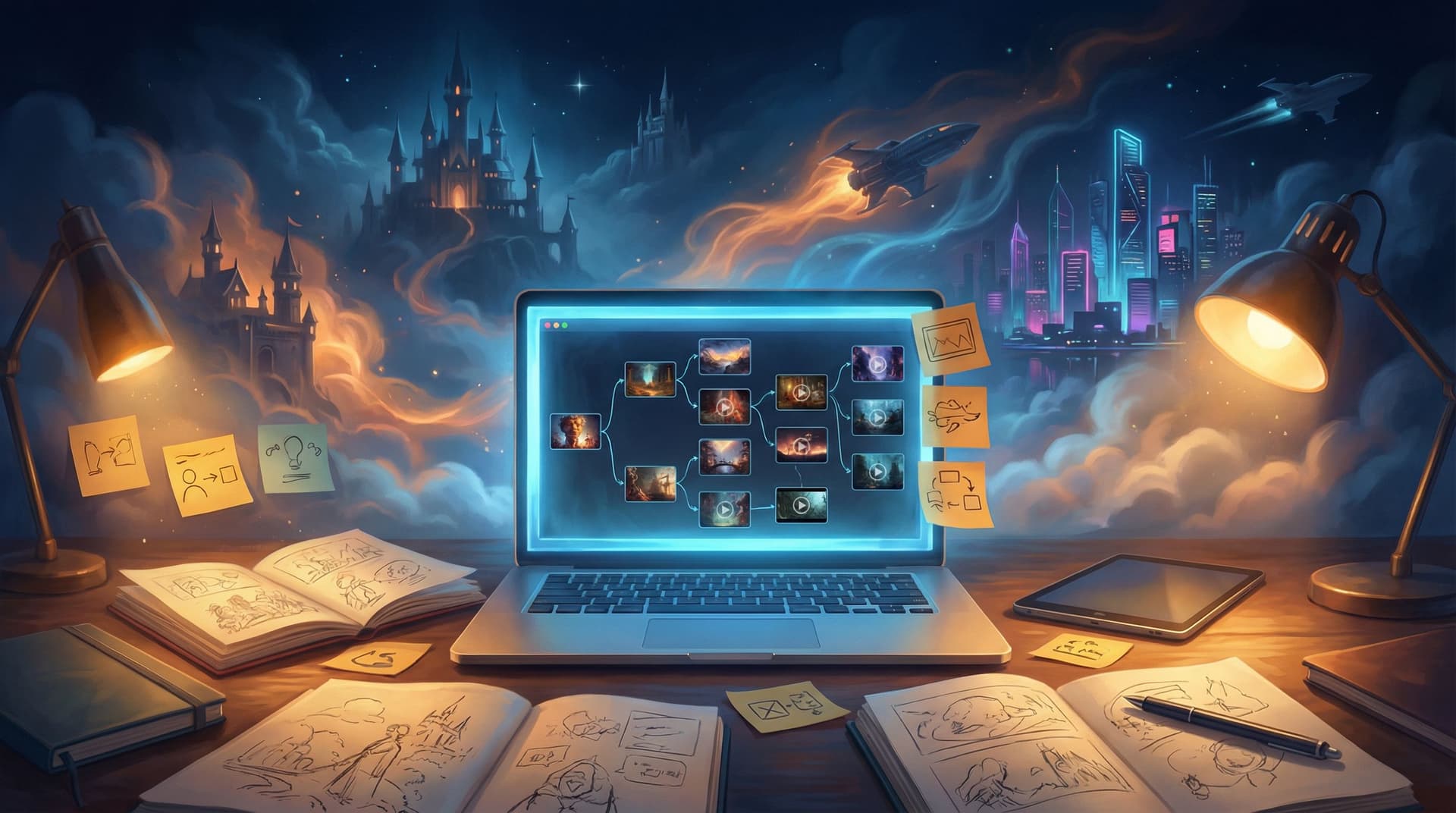
Great interactive stories don’t just tell players what’s happening—they let them feel it. In a branching adventure, that feeling often comes less from long paragraphs of exposition and more from the rhythm of moments: a tense pause before a decision, a quiet beat after a failure, a breath of wonder when a new world opens up.
That rhythm is pacing—and visual media is one of your most powerful pacing tools.
With Questas, you’re not only writing choices. You’re also placing AI-generated images and looping video at key beats in your story. Used thoughtfully, those visuals can:
- Slow players down to savor a reveal
- Speed them up through familiar or low-stakes scenes
- Signal emotional shifts without extra text
- Make choices feel bigger, riskier, or more rewarding
This guide dives deep into how to “show, don’t tell” with visuals so your Questas stories feel cinematic, not just clickable.
Why Visual Pacing Matters in Interactive Stories
In a linear novel, you control every page turn. In a Questas story, players control when they move forward and which path they take. That makes pacing both more challenging and more interesting.
Thoughtful use of AI images and short video loops helps you:
1. Anchor emotional beats.
A single looping shot of rain streaking down a neon window can say “melancholy crossroads” without a word. That means your text can focus on choices and character instead of weather reports.
2. Reduce cognitive overload.
Branching stories can get dense fast. Visuals give the brain shortcuts:
- Where are we? → Environment image
- Who’s here? → Character portrait
- What’s the vibe? → Color, lighting, motion
Players spend less effort decoding the scene and more energy on deciding what to do.
3. Make choices feel weighty.
A big decision framed by a strong image or loop feels bigger than the same text on a blank background. Visuals can:
- Zoom in for intimate, personal choices
- Pull back for world-shaping decisions
4. Support different types of creators and audiences.
If you’re a visual thinker, starting from images can unlock story ideas you’d never reach by text alone. And for audiences who struggle with big text blocks—neurodivergent players, language learners, younger readers—visual pacing can make your stories more welcoming. (For more on this angle, you might enjoy Accessibility by Design: Building Inclusive, Player-Friendly Questas Stories Everyone Can Enjoy.)
Think in Beats, Not Just Scenes
Before you drop in a single image or loop, map your story in terms of beats—the smallest meaningful units of change.
A beat might be:
- A reveal (you find the hidden door)
- A reversal (the ally betrays you)
- A choice (fight, flee, or negotiate)
- A consequence (you lose your gear)
- A quiet moment (campfire reflection)
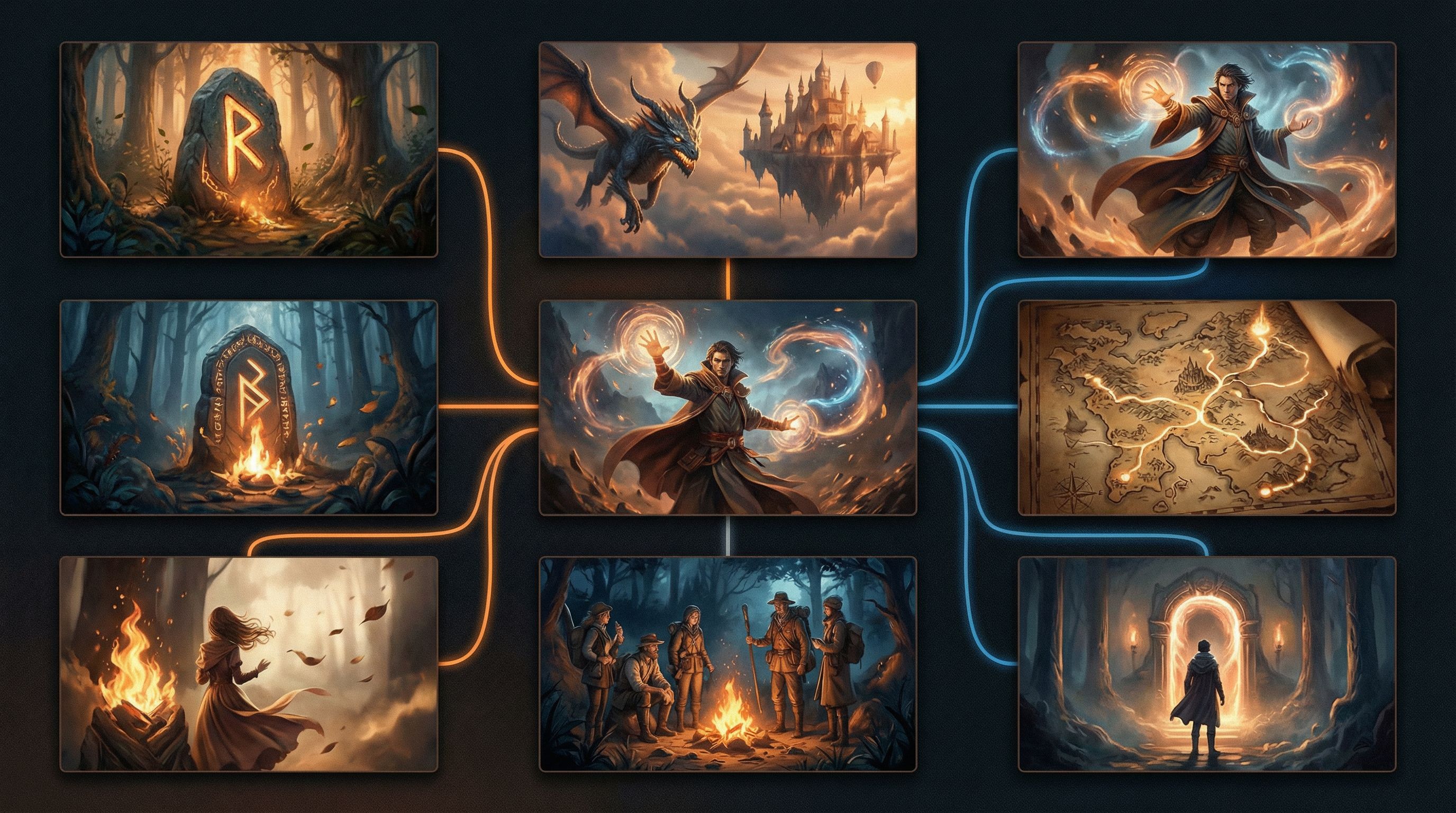
In Questas, each node in your branching map can represent one or more beats. For visual pacing, aim for:
- 1 strong visual per 1–3 key beats
- Extra visuals only when they change the emotional temperature (e.g., calm → panic, safety → danger)
If your story map currently feels like “spilled spaghetti,” you may want to tidy your structure first. A framework like the ones in Branching Without Chaos: Simple Story Mapping Techniques for Complex Questas Narratives can make visual planning much easier.
When to Use Still Images vs Short Video Loops
You don’t need motion everywhere. In fact, less motion, used deliberately, often feels more cinematic.
Still images: your default storytelling layer
Use AI-generated stills as the backbone of your Questas experience.
They’re ideal for:
- Establishing shots – A wide view of the city, the forest, the spaceship interior
- Character intros – A clear portrait the first time we meet someone
- Low-stakes choices – Everyday decisions that don’t need dramatic emphasis
- Text-heavy scenes – Let the image carry the setting while the text handles nuance
Think of stills as your “comic panels.” They frame the story without demanding constant attention.
Short video loops: your spotlight and tempo shifter
Short, seamless loops (3–10 seconds) are best used sparingly, to:
- Mark key turning points – The moment the portal opens, the ship launches, the spell backfires
- Convey movement or tension – Flickering lights, approaching footsteps, a countdown timer on a device
- Hold players in a moment – A contemplative vista before the finale, a slow zoom on a crucial object
Ask yourself:
Is this moment about energy, tension, or awe?
If yes, a loop might be worth it.
Is this moment about clarity, information, or small talk?
A still image is probably enough.
Designing a Visual Rhythm for Your Story
Let’s walk through a practical way to plan visual pacing for a Questas project.
Step 1: Mark your “anchor” beats
Open your story map (or outline) and mark:
- Opening hook – First impression of the world
- First meaningful choice – Where the player realizes their decisions matter
- Midpoint shift – Stakes rise, new information appears, or the goal changes
- Climactic choice(s) – The biggest decisions
- Resolution – Emotional landing, whether it’s triumph, tragedy, or ambiguity
These are prime candidates for your strongest visuals—often a mix of still images and loops.
Step 2: Assign a visual “weight” to each node
Go node by node and tag each one as:
- Light – Quick beat, minor choice, exposition
- Medium – Character moments, moderate stakes, new locations
- Heavy – Major reveals, consequences, or turning points
Then decide:
- Light → text + small or reused still image
- Medium → text + fresh still image
- Heavy → text + premium still or short loop (and maybe slightly less text)
This keeps you from overspending creative energy on filler while making sure the big moments feel big.
Step 3: Alternate intensity
Good pacing usually alternates between:
- High-intensity beats – Action, big choices, emotional spikes
- Low-intensity beats – Reflection, travel, small talk, aftermath
Use visuals to reinforce that pattern:
-
After a high-intensity node with a loop, follow with:
- A calmer still image
- Shorter text
- A simpler choice or even a linear transition
-
Before a big decision, you can:
- Use a still image with strong composition
- Trim text so players arrive at the choice quickly
- Save the loop for after the choice, to show the consequence
Showing Emotion Without Extra Paragraphs
“Show, don’t tell” is often misunderstood as “use more description.” In visual, interactive stories, it can literally mean: let the image do the work.
Here are practical ways to encode emotion into your AI images and loops.
Use composition to guide focus
-
Close-ups for intimacy or tension
- The protagonist’s hand hovering over a door handle
- Eyes in a rear-view mirror, watching something approach
-
Wide shots for scale or loneliness
- Tiny figures against a vast desert
- A city skyline under storm clouds
-
Off-center framing for unease
- The key object slightly out of frame
- A character looking toward something we can’t see
Color and lighting as emotional shorthand
- Warm, golden light → safety, nostalgia, hope
- Cool blues and greens → calm, mystery, detachment
- Harsh contrast, deep shadows → danger, moral ambiguity
- Neon or saturated colors → heightened reality, surreal stakes
When prompting AI inside Questas, add mood keywords like:
- “cinematic lighting, high contrast, dramatic shadows”
- “soft, diffuse morning light, hopeful mood”
- “neon-lit alley, rain-soaked, tense atmosphere”
Motion in loops to signal inner states
Subtle loops can mirror what characters feel:
- Anxious waiting → Flickering fluorescent light, ticking clock, raindrops on glass
- Rising anger → Flames slowly growing, embers brightening, storm clouds rolling in
- Calm resolution → Gentle waves, drifting dust motes in sunlight, slow-moving clouds
Pair these loops with fewer words. Let the player absorb the mood before they read the next sentence.
Matching Visuals to Choice Types
Not all choices are equal. Your visuals can help players sense what kind of decision they’re making before they even read the options.
Binary, high-stakes choices
Example: “Do you betray your ally or stay loyal?”
Visual strategies:
- Strong, focused still or loop
- High contrast lighting
- Tight framing on faces or hands
- Minimal background clutter
Goal: Make the moment feel sharp and consequential.
Exploratory choices
Example: “Where do you search first: the library, the courtyard, or the archives?”
Visual strategies:
- Wider shot of the environment
- Clear visual hints of the different paths
- Brighter, more neutral lighting
Goal: Encourage curiosity without stressing the player.
Reflective, character-driven choices
Example: “Do you apologize, defend yourself, or change the subject?”
Visual strategies:
- Soft lighting, close-ups
- Subtle loops (breathing, blinking, shifting weight)
- Muted color palette
Goal: Invite empathy and slower reading.
When you’re prototyping quickly—say, for a client demo or pitch—this kind of visual signaling is especially helpful. It lets stakeholders feel the shape of the experience even if the writing is still rough. For more on that workflow, check out No-Code, Pro-Grade: Turning Client Briefs into Interactive Questas Prototypes in a Single Afternoon.
Avoiding Common Visual Pacing Mistakes
Even experienced creators can trip over a few recurring pitfalls. Here’s how to dodge them.
1. Every scene has a loop
If everything moves, nothing feels special.
Fix: Reserve loops for:
- Major turning points
- Emotional peaks
- Scenes where motion communicates something text can’t (e.g., slow-creeping fog, glitching hologram)
2. Visuals and text are saying the same thing
If your image shows “abandoned spaceship corridor, lights flickering,” you don’t need a paragraph describing… an abandoned spaceship corridor with flickering lights.
Fix: Let visuals handle:
- Setting
- Basic mood
Let text handle:
- Character thoughts
- Specific details that matter to the plot
- The meaning of the moment
3. Inconsistent character visuals break immersion
When your hero looks like a completely different person every few scenes, players feel disconnected.
Fix:
- Reuse strong anchor images for recurring characters
- Use similar prompts, angles, and lighting when generating new ones
- Consider building a “visual bible” for your cast (see Picture This: How to Prompt AI for Consistent Characters and Worlds in Questas)
4. Pacing collapses at scale
A single short adventure is easy to pace. A whole series or training library? Less so.
Fix:
- Define simple visual rules in your workflow: e.g., “Only finales get loops,” or “Every episode opens with a wide establishing still.”
- Bake these rules into your production process so you’re not reinventing pacing every time. For help systematizing this, see Building Your Questas Pipeline: A Workflow for Drafting, Testing, and Publishing Interactive Stories at Scale.
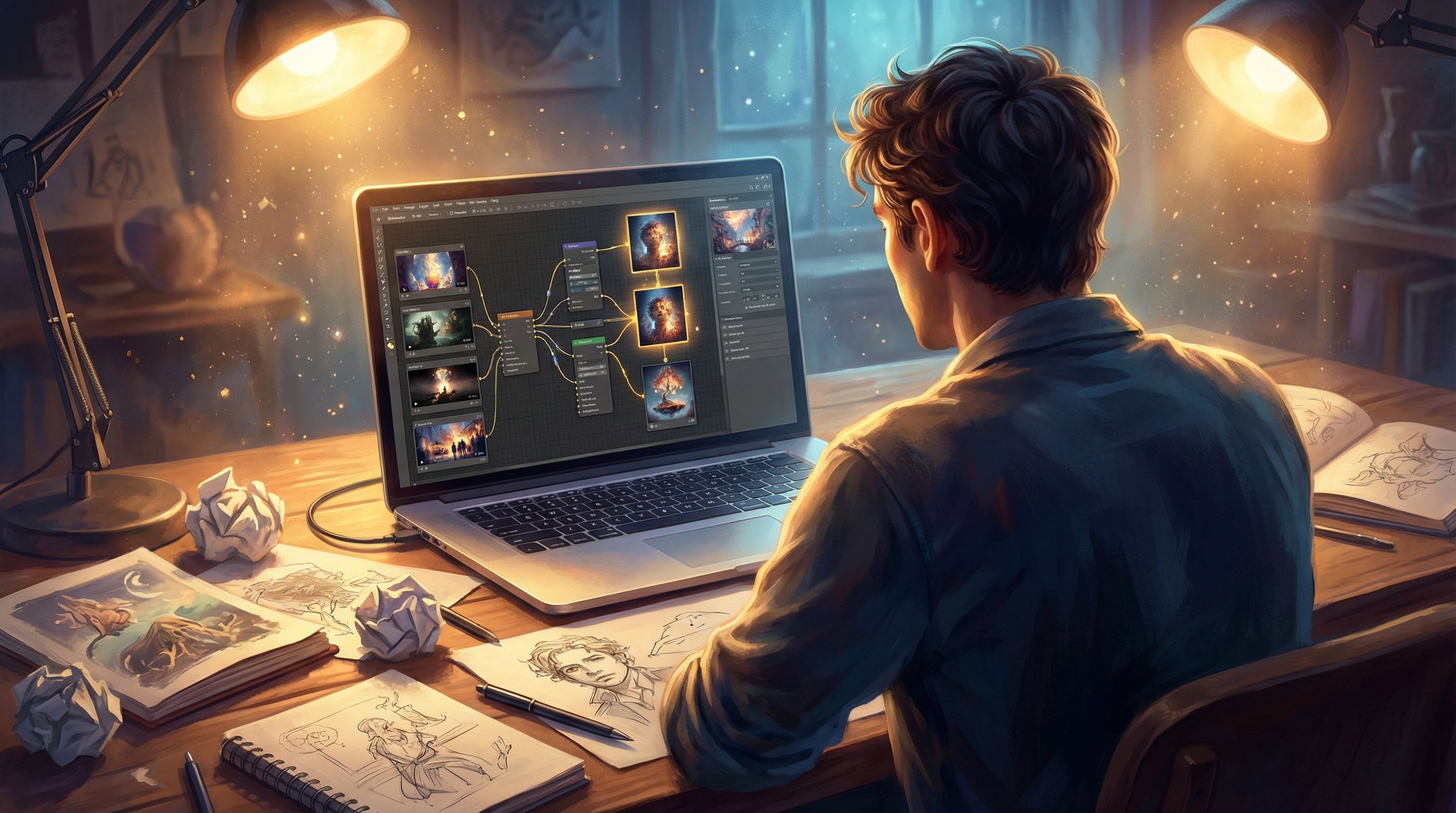
A Simple Workflow for Visual-First Pacing in Questas
Here’s a practical loop you can use on your next project with Questas:
-
Outline beats, not prose.
- Write your story as a list of beats and choices.
- Mark heavy vs medium vs light nodes.
-
Rough in visuals before polishing text.
- For each heavy node, generate a candidate image or loop.
- For medium nodes, drop in quick stills (you can refine later).
-
Play through like a player.
- Run the story from start to finish.
- Notice where you feel rushed, bored, or visually overwhelmed.
-
Adjust the visual rhythm.
- Remove or downgrade visuals from low-impact nodes.
- Upgrade one or two moments that felt underwhelming.
- Add a quiet still image after your biggest loop-heavy scenes.
-
Refine text to complement visuals.
- Cut redundant description.
- Add inner thoughts or subtle details that visuals can’t express.
-
Test with fresh eyes.
- Ask a friend, student, teammate, or client to play.
- Watch where they slow down, skim, or comment on the visuals.
- Iterate based on their experience.
Repeat this loop as your story grows. Over time, you’ll develop an instinct for when a scene wants a loop, when it only needs a still, and when the best choice is to let the player’s imagination fill the gaps.
Bringing It All Together
Visual pacing isn’t about stuffing your story with as many AI images and loops as possible. It’s about choosing your moments.
When you:
- Think in beats instead of just scenes
- Treat still images as your foundation and loops as your spotlight
- Use composition, color, and motion to show emotion
- Match visuals to the type of choice you’re offering
- Avoid overloading players with constant motion or redundant description
…your Questas stories start to feel less like illustrated text and more like playable, living worlds.
Your Next Step
The best way to learn visual pacing is to try it on something small and contained.
Here’s a quick challenge:
- Open Questas in your browser.
- Create a 5–10 minute micro-adventure with:
- 1 strong opening still image
- 2–3 medium-intensity stills
- 1 short video loop for the biggest turning point
- Play it through and ask:
- Where did I naturally slow down?
- Where did I click past without really looking?
- Which visual made a choice feel more meaningful?
Once you’ve shipped one tight, visually paced story, you’ll have a template you can reuse for longer adventures, client work, classroom experiences, or even a full episodic series.
Adventure awaits—go show it, not just tell it.