No-Code, Pro-Grade: Turning Client Briefs into Interactive Questas Prototypes in a Single Afternoon

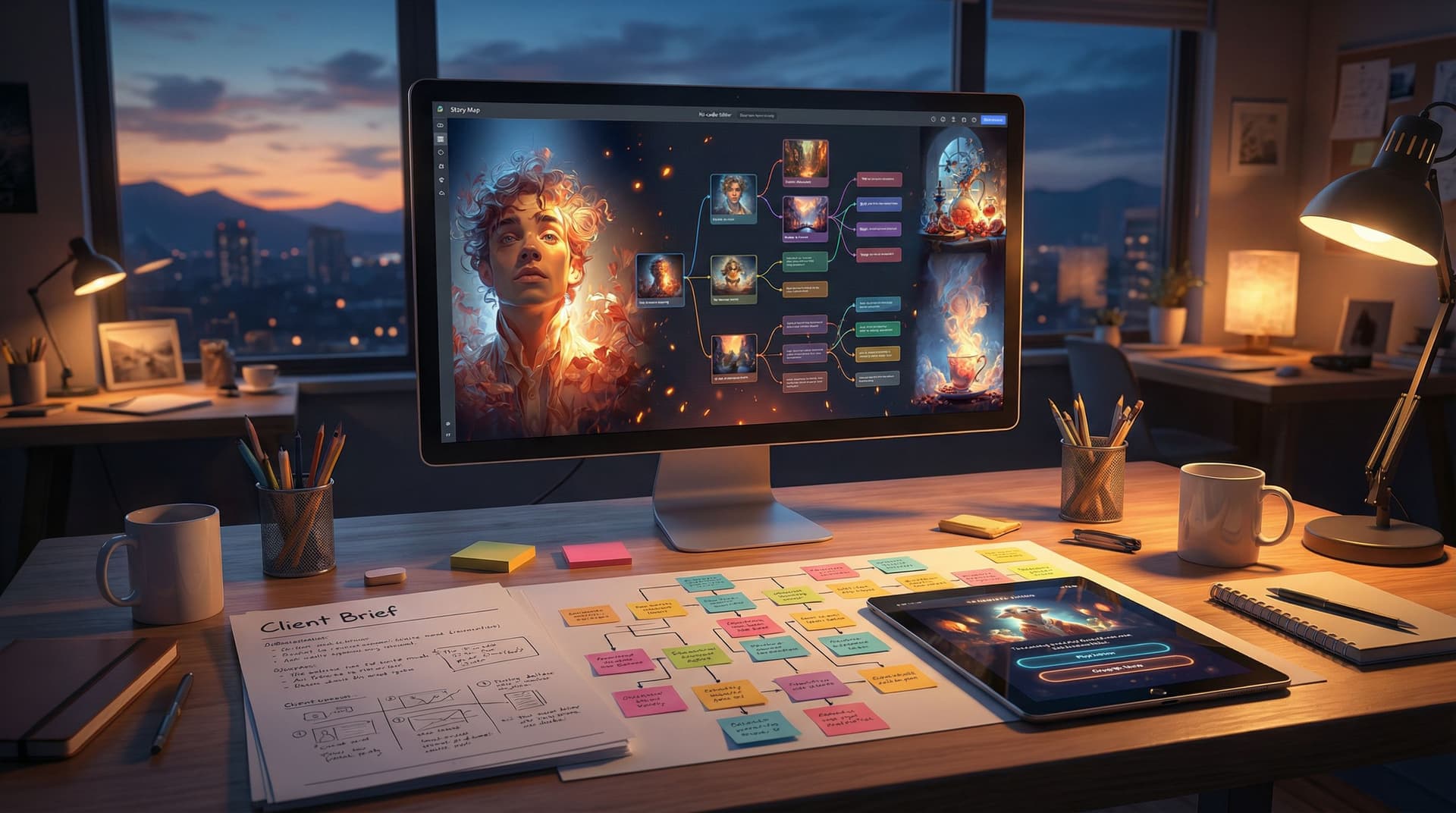
Client expectations have shifted. Static decks and PDFs don’t always cut it anymore—especially when you’re pitching campaigns, training concepts, or narrative-driven experiences. Clients want to feel the idea, not just read about it.
That’s where interactive prototypes shine.
With Questas, you can turn a one-page brief into a playable, choose-your-own-adventure prototype—complete with AI-generated visuals—in just a few hours. No dev team, no custom engine, no all-nighter.
This post walks through exactly how to do that: from first read of the brief to a polished, shareable prototype that makes clients say, “Oh, I get it now.”
Why Interactive Prototypes Win Client Work
Turning a brief into a playable story isn’t just a cool party trick. It changes the client conversation in a few important ways:
1. You’re selling an experience, not a description.
Instead of describing how a branching onboarding flow might feel, you hand the client a link and let them click through it. They experience:
- The tone of voice
- The decision points
- The consequences of different paths
- The visual style and pacing
2. You reduce risk and guesswork.
Interactive prototypes make abstract ideas concrete. Clients can react to:
- “This choice comes too early.”
- “We’d never offer that option in real life.”
- “This ending feels off-brand.”
Catching those issues in a Questas prototype is cheaper and faster than discovering them after dev has started.
3. You prove you can execute, not just imagine.
A playable prototype says:
“We don’t just have ideas—we have a process to build and test them quickly.”
That’s powerful whether you’re a solo creator, agency, educator, or internal innovation team.
If you want more inspiration for non-entertainment use cases—like training, onboarding, and marketing—check out our piece on unexpected ways teams are using Questas.
The Single-Afternoon Game Plan
Let’s assume you’ve just received a client brief. You’ve got a few hours before a check-in meeting, and you’d love to walk in with something they can actually play.
Here’s the high-level plan:
- Decode the brief into story ingredients (30–45 minutes)
- Sketch a lean branching structure (30 minutes)
- Build the core flow in Questas (60–90 minutes)
- Layer in AI visuals and polish key moments (30–45 minutes)
- Test, tweak, and package for feedback (30 minutes)
Total: ~3–4 hours.
The key is to aim for a focused prototype, not a complete production experience. You’re validating direction, not delivering final content.
Step 1: Decode the Brief into Story Ingredients
Before you touch any tools, you need to translate the client’s language into narrative building blocks.
Grab the brief and pull out:
- Primary goal – What outcome does the client actually care about? (e.g., teach a new process, pitch a product, shift perception, drive signups)
- Target audience – Who’s “holding the controller”? Employees, customers, students, executives?
- Key scenarios or messages – What must the player encounter or understand by the end?
- Constraints – Brand tone, must-include content, things you can’t show.
Then turn those into story ingredients:
- Player role – Who is the player in this world? A new hire? A customer? A sales rep? A hero in a metaphorical story?
- Core conflict – What problem are they solving or decision are they facing?
- Critical decision points – Where do meaningful choices naturally occur?
A quick template you can use:
Player: [role] trying to [goal] in a world where [tension].
Core decision: Do they prioritize [option A] or [option B], and what trade-offs do they experience?
If you’re working from existing scripts, decks, or training modules, you may also want to skim our guide on turning linear content into interactive Questas adventures for extra techniques.
Step 2: Sketch a Lean Branching Structure
Next, you want a simple, intentional structure you can build quickly.
For a first-afternoon prototype, aim for:
- 1 intro scene
- 2–3 key decision points
- 2–4 distinct endings (or outcomes)
A reliable pattern for client work is the “hub-and-branch” mini-arc:
- Intro: Set context and the player’s role.
- Decision 1: Two or three choices that reflect different strategies or attitudes.
- Branch scenes: Short consequences of each choice.
- Decision 2 (optional): A follow-up choice that deepens the path.
- Outcome scenes: A “good,” “risky,” or “needs improvement” result, tied to the client’s KPIs.
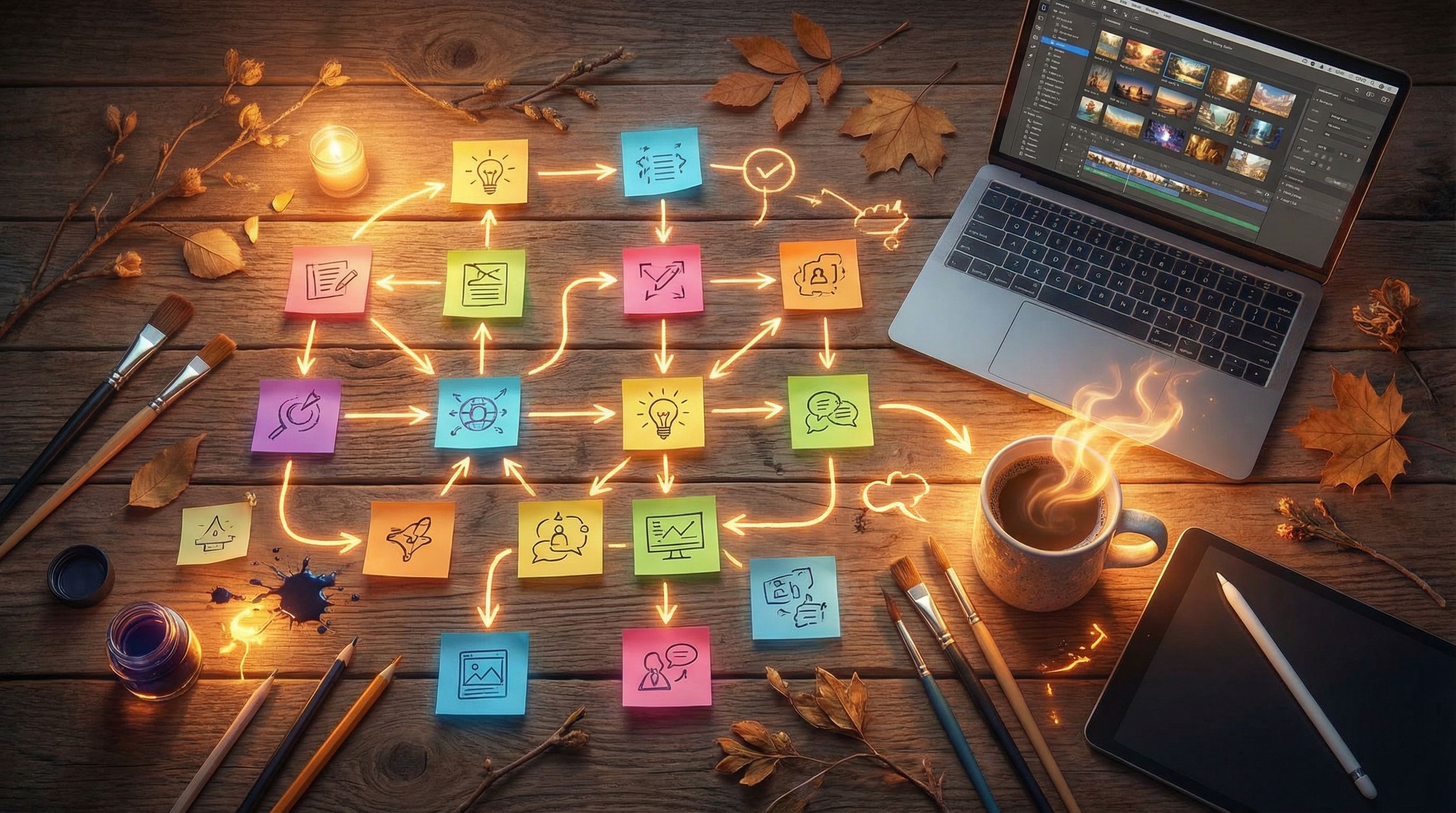
Keep it rough. Boxes and arrows on paper or a whiteboard are enough. If you want extra help keeping branches sane, you can borrow patterns from our post on simple story mapping techniques for complex Questas narratives.
Pro tip: Mark your must-hit beats with a star—those are scenes that every player should see at least once, regardless of path. This ensures the prototype covers the client’s non-negotiables.
Step 3: Build the Core Flow in Questas
Now it’s time to move into Questas and translate your sketch into a playable structure.
3.1. Create a new story and set the frame
- Give the project a client-facing name, e.g., “ACME Onboarding Adventure – Prototype v1”.
- Add a short description that explains what this prototype demonstrates.
- Set the default tone and genre (e.g., grounded, playful, sci-fi metaphor) to align with the brand.
3.2. Lay out your scenes visually
Using the visual, no-code editor:
- Create nodes for each scene from your sketch: intro, decisions, branches, outcomes.
- Connect them with arrows that match your planned choices.
- Use clear internal labels, like
D1_Cautious,D1_Bold,Outcome_HighRisk.
Don’t worry about perfect wording yet. Focus on flow first, copy second.
3.3. Write lean, client-friendly copy
For each scene, add just enough text to:
- Set context in 1–3 short paragraphs
- Present 2–3 clear choices (where applicable)
Best practices for client prototypes:
- Use their language. Mirror key terms from the brief so clients recognize their world.
- Keep it skimmable. Short paragraphs, scannable choices.
- Flag placeholders. If something is rough, mark it with
[DRAFT]or[PLACEHOLDER]so clients know what’s flexible.
3.4. Make choices obviously meaningful
Clients should immediately see how each choice connects to real decisions.
- Avoid vague options like “Continue” vs. “Explore”.
- Use descriptive labels like:
- “Follow the official process step-by-step”
- “Skip ahead to save time”
- “Ask a colleague for help before proceeding”
This helps stakeholders map the prototype to real behaviors or customer journeys.
Step 4: Add AI Visuals That Sell the Concept
One of the biggest advantages of Questas is the ability to generate AI images and video directly in your scenes. For a single-afternoon prototype, you don’t need to art-direct every moment—but you should polish the key beats.
Focus your visual effort on:
- Intro scene – Establish the world, tone, and player role.
- First major decision – Show the stakes or environment.
- One or two outcomes – Especially the “ideal” and “risky” endings.
4.1. Decide your visual style quickly
To move fast:
- Pick a single style (e.g., semi-realistic corporate, flat illustration, comic-book) and stick with it.
- Use consistent descriptors in your prompts: brand colors, character age, environment type.
If you want to go deeper on consistency, bookmark our guide on prompting AI for cohesive characters and worlds.
4.2. Prompting for client-ready scenes
When you generate visuals, think about what the client needs to see to trust the concept:
- Brand context: office vs. factory vs. retail floor vs. fantasy metaphor.
- Audience representation: age range, roles, diversity.
- Mood: high-stakes, playful, aspirational, instructional.
Examples:
- “Young retail associate helping a customer at a checkout counter, warm lighting, friendly expression, subtle blue and orange brand colors, modern store interior, semi-realistic illustration.”
- “New employee sitting at a laptop during remote onboarding, video call interface in the background, calm and focused mood, clean minimal style.”
4.3. Don’t overbuild visuals on v1
Remember, this is a prototype, not a final art pass. It’s better to:
- Nail 3–5 strong, representative images
- Reuse or lightly tweak them across scenes
…than to burn hours generating a unique illustration for every node.
Step 5: Test, Tweak, and Package for Feedback
You’ve got a playable prototype. Now you want to make it easy and delightful for clients to review.
5.1. Do a full playthrough (or three)
Run through your Questas prototype as if you were:
- A cautious user
- An adventurous user
- A “wrong choice on purpose” user
Check for:
- Broken links or dead ends
- Confusing or redundant choices
- Scenes that feel too long or too thin
Trim or tweak anything that slows the experience down. For client reviews, shorter is usually better: a complete run in 3–7 minutes is ideal.
If you plan to expand this into a full experience later, you can use patterns from our post on planning episodic Questas stories.
5.2. Add light onboarding at the start
Clients may not be familiar with interactive stories. A single intro screen can prevent confusion:
- One sentence on what this is: “You’re about to play a short interactive prototype that simulates a new customer journey.”
- One sentence on how to interact: “Make choices to see how different decisions change the outcome.”
For deeper techniques, our guide on introducing new players to Questas stories has plenty of patterns you can borrow.
5.3. Frame the prototype with the right expectations
When you share the link, include a short note:
- Clarify what’s included: “2 main decision points, 3 outcomes, draft visuals.”
- Clarify what’s draft vs. final: “Copy and art are placeholders; structure and flow are the focus.”
- Ask for specific feedback: “Are these the right decision points? Does this feel on-brand? What’s missing?”
You can even add a final scene in the story that says:
“You’ve reached the end of this prototype. Which path felt most true to your real-world process?”
…and link to a feedback form or simply invite email responses.
Working with Teams and Stakeholders
You don’t have to do this alone. If you’re collaborating with:
- Subject matter experts (trainers, product owners)
- Writers and designers
- Marketing or L&D teams
…consider co-building the prototype. Questas is especially well-suited to collaborative workflows, and we’ve shared practical structures for that in our guide to co-creating Questas stories with teams and communities.
A few collaboration tips for single-afternoon builds:
- Timebox feedback. Give reviewers 15–20 minutes to play and send quick notes.
- Centralize decisions. One person should own final calls on scope for v1.
- Version clearly. Label builds
Prototype v1,v1.1 (client notes), etc.
Turning Prototypes into Ongoing Value
A strong interactive prototype does more than win a single pitch. You can:
- Evolve it into a full product. Expand branches, deepen visuals, add analytics.
- Reuse the structure. Turn the same skeleton into future projects by swapping content.
- Showcase it in your portfolio. A playable case study beats screenshots every time—our post on building an interactive portfolio with Questas explores this in depth.
Over time, you’ll build a library of patterns: onboarding flows, scenario-based trainings, interactive pitch narratives, and more. Each new client brief becomes an opportunity to remix proven structures instead of starting from scratch.
Quick Checklist: From Brief to Prototype in One Afternoon
Use this checklist next time a client brief lands in your inbox:
Decode (30–45 min)
- [ ] Identify player role, goal, and key tensions
- [ ] Pull must-include messages and constraints from the brief
Sketch (30 min)
- [ ] Map 1 intro, 2–3 decisions, 2–4 outcomes
- [ ] Mark must-hit scenes and optional branches
Build (60–90 min)
- [ ] Create scenes and connections in Questas
- [ ] Draft lean, clear copy using client language
- [ ] Make choices obviously meaningful and realistic
Visuals (30–45 min)
- [ ] Choose a single visual style
- [ ] Generate 3–5 key AI images for intro, decisions, and outcomes
Polish (30 min)
- [ ] Playtest multiple paths
- [ ] Add a one-screen onboarding explanation
- [ ] Share with clear expectations and targeted questions
If you follow this rhythm a few times, you’ll be surprised how quickly “interactive prototype” becomes your default response to any narrative-heavy brief.
Wrapping Up
Turning client briefs into interactive, pro-grade prototypes no longer requires custom dev or huge budgets. With a visual, no-code platform like Questas, you can:
- Translate abstract requirements into concrete story paths
- Let clients play through ideas instead of just reading about them
- Iterate faster, reduce risk, and stand out from competitors
The real shift isn’t just technological—it’s strategic. You’re moving from “We’ll show you a deck” to “We’ll put you inside the experience.”
Take the First Step This Week
You don’t need a massive project to start. Pick one of these low-friction moves:
- Take a recent client brief and turn just the first half into a Questas prototype.
- Convert a static case study into a short, branching story with two choices and two outcomes.
- Build a micro-adventure version of a campaign idea (2–3 minutes long) to test with colleagues—our guide on short, replayable Questas experiences for social media has plenty of ideas.
Open Questas, set a three-hour timer, and see how far you can get. By the end of the afternoon, you won’t just talk about interactive storytelling—you’ll have a playable prototype you can send to your next client.
Adventure awaits. Your next brief is already halfway to becoming a story.