Visual First Storytelling: Building Worlds in Questas by Starting with AI Images

Stories don’t always begin with words.
Sometimes it’s a single frame that grabs you: a neon-lit alleyway in the rain, a starship graveyard at dusk, a kid standing at the edge of a forest that clearly isn’t normal. That one image can carry tone, genre, character, and stakes before a single line of dialogue is written.
That’s the power of visual‑first storytelling—and it’s a perfect match for interactive stories built in Questas.
Instead of wrestling with paragraphs and branching logic right away, you start by sketching the world in images. Then you let those images guide your choices, characters, and plotlines. With AI image models like DALL·E 3, Midjourney, and Stable Diffusion now capable of turning a short text prompt into rich, cinematic scenes in seconds, you can build entire visual worlds at the speed of imagination.
In this guide, we’ll explore how to:
- Use AI visuals to define the feel of your world before you write it.
- Turn a handful of images into branching story structure in Questas.
- Keep characters and locations visually consistent across divergent paths.
- Design images that support accessibility and player comfort.
- Build a repeatable workflow you can use for one‑shots and long‑running series.
Why Start with Images Instead of Text?
You’re probably used to the opposite: outline → script → visuals. So why flip it?
1. Images instantly anchor tone and genre
A single AI‑generated frame can answer questions that otherwise take pages of exposition:
- Is this horror or cozy fantasy?
- Is the tech sleek and utopian, or rusty and improvised?
- Are we grounded in realism or stylized like a graphic novel?
Creators using AI visuals in marketing and content regularly see higher engagement when images lead the story—interactive visuals can boost engagement by well over 100% compared with plain text alone, especially on social platforms. That same effect works inside your interactive story: compelling visuals pull players deeper and faster.
2. Visuals make branching decisions feel concrete
Branching stories often stumble when choices feel abstract:
“Do you support the council or the rebels?”
That’s vague. But if players see the rebels’ hidden camp—mud, patched gear, nervous faces—and contrast it with the council’s marble hall and sharp uniforms, the choice becomes emotional, not just logical.
When you build in Questas, every node can have its own image or short video clip. Starting visually helps you:
- Design distinctive branches that look and feel different.
- Signal risk vs. safety through lighting, framing, and color.
- Make even small choices feel like stepping into a new space.
3. It’s easier to iterate on images than on fully written branches
Rewriting 3,000 words of branching dialogue is painful. Regenerating or tweaking a scene image with a refined prompt is not.
By roughing out your story world visually first, you can:
- Test different aesthetics (grimdark vs. hopeful, painterly vs. photoreal).
- Decide which locations deserve multiple revisits and branches.
- Discover unexpected story hooks hidden in the imagery.
Once the world feels right, then you commit to prose.
A Visual‑First Workflow for Building in Questas
Let’s walk through a practical, repeatable process you can use for your next story.
Step 1: Define your “visual north star”
Before you open an AI image generator, write a short visual brief for your world. Keep it under 150 words, focused entirely on what things look and feel like.
Include:
- Environment: urban sprawl, forest, starship interiors, small town, underwater city.
- Technology level: medieval, steampunk, near‑future, far‑future.
- Mood: hopeful, eerie, melancholic, playful, tense.
- Color palette: neon and black, warm golds, washed‑out pastels, earthy greens.
- Camera feel: cinematic wide shots, intimate close‑ups, hand‑held documentary, comic‑panel style.
Example brief:
A rain‑soaked coastal city built on crumbling piers, lit by bio‑luminescent algae and flickering neon signs. Tech is improvised and slightly dangerous—cables everywhere, patched drones, jury‑rigged boats. Colors lean toward teal, amber, and deep indigo. The mood is tense but hopeful. Shots feel like a gritty sci‑fi film: low angles, reflections in puddles, soft depth of field.
This becomes your prompt backbone for generating images and your reference as you build scenes in Questas.
Step 2: Generate a “world bible” of key images
Instead of jumping straight into scene‑by‑scene art, start with foundational images that define the world:
-
Wide establishing shots
- The city or region as a whole.
- A key landmark (the academy, the spaceport, the haunted forest edge).
-
Anchor locations
- The player’s home base or safe space.
- The primary “danger” zone.
- One or two liminal spaces (bridges, crossroads, gates) where big choices happen.
-
Core characters
- The protagonist (or player avatar) in a neutral pose.
- Two or three major NPCs in distinctive outfits.
For each, use a consistent prompt structure in your AI tool of choice. For example, with DALL·E 3 or Midjourney:
“Rain‑soaked coastal city built on crumbling piers, bioluminescent algae, flickering neon signs in teal and amber, gritty sci‑fi film still, low angle, cinematic lighting, 16:9”
Save your strongest outputs into folders:
World/EstablishingLocations/BaseLocations/DangerCharacters/ProtagonistCharacters/NPCs
These images will become the visual spine of your Questas project.

Turning Images into Branching Structure
Now that you have a “world bible” of visuals, it’s time to shape them into an interactive experience.
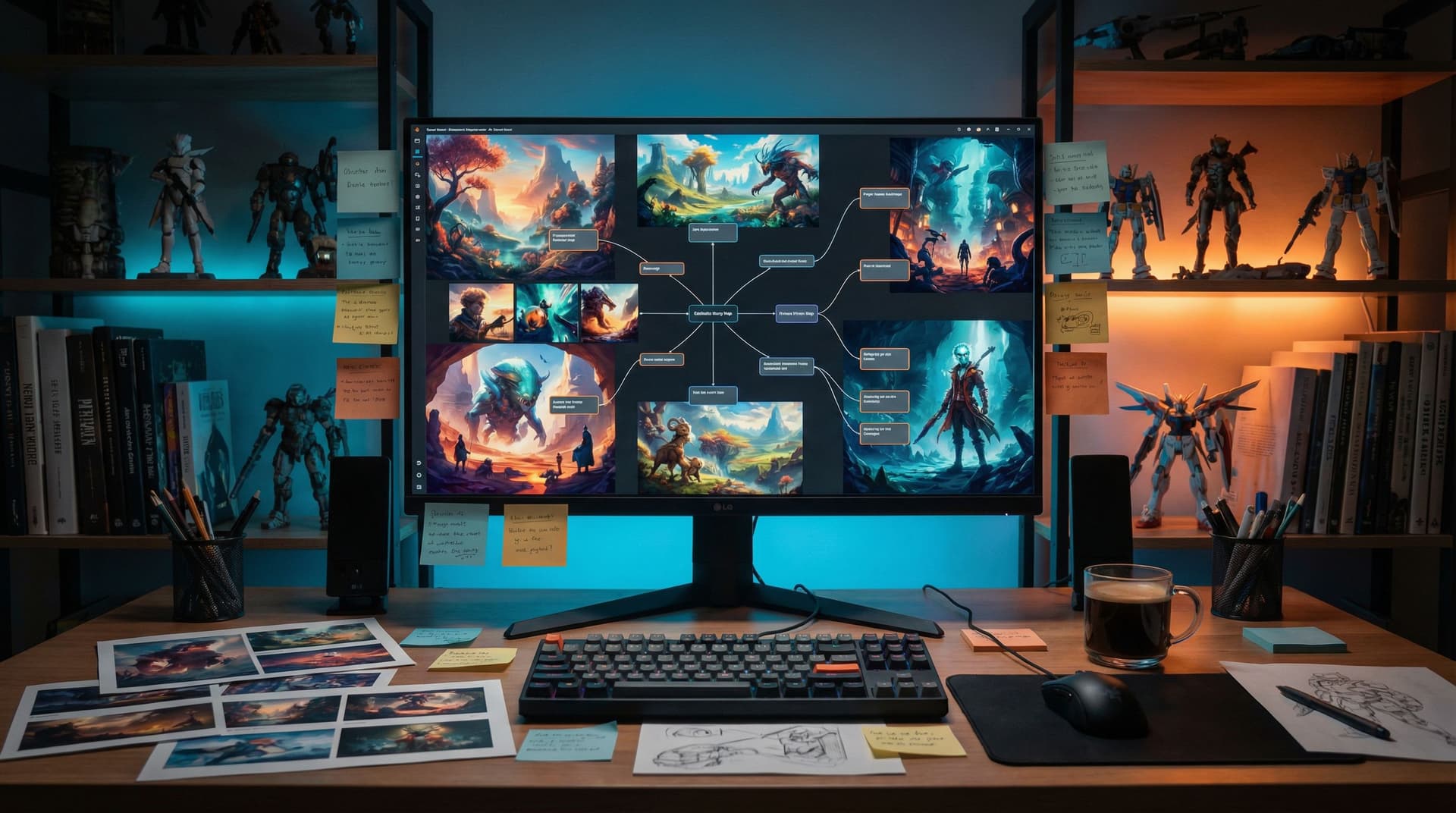
Map scenes visually before you write
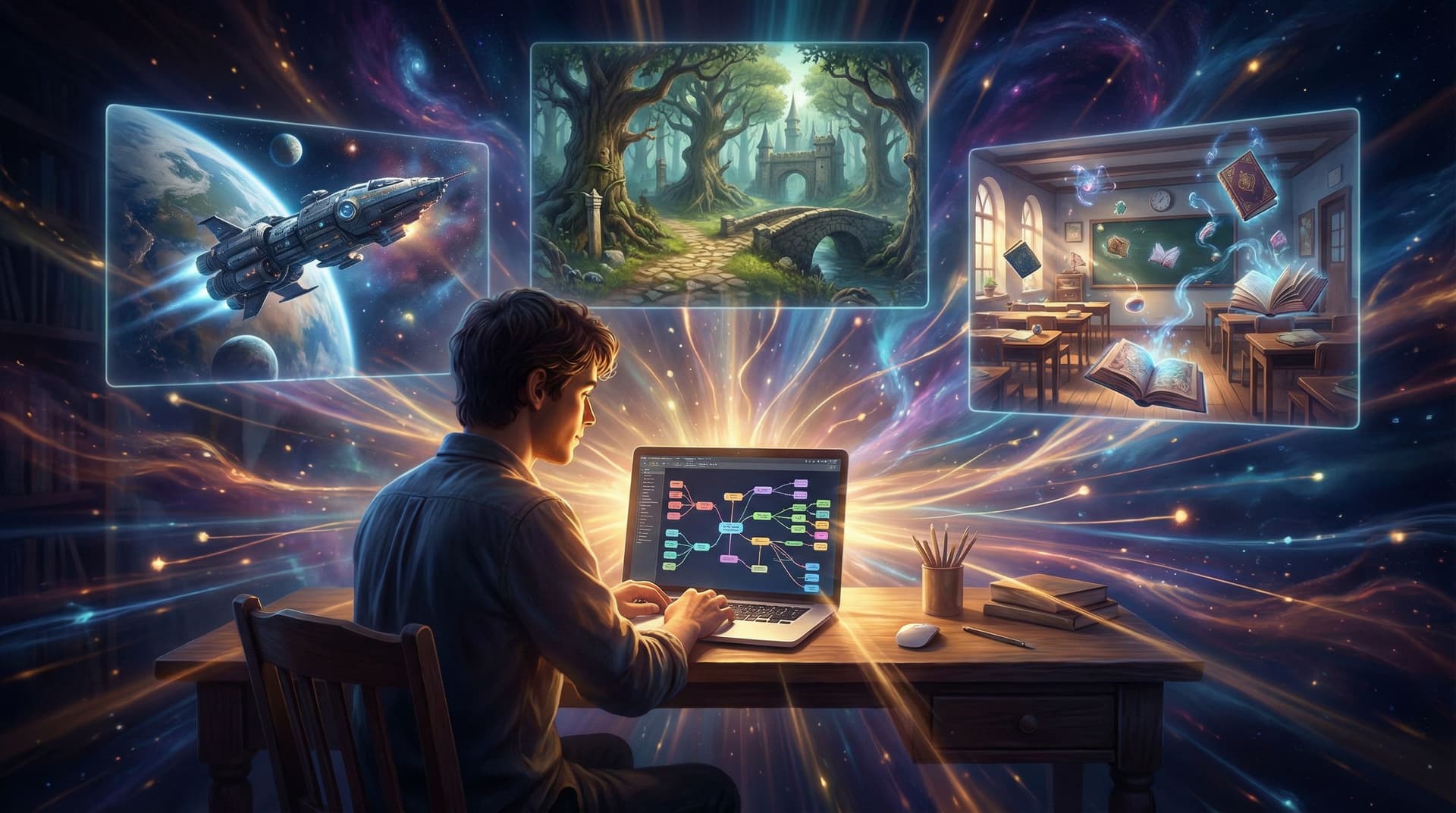
Open Questas and create a new story. Instead of typing text right away:
-
Create empty nodes for each anchor image:
- Start node: your main establishing shot.
- One node per key location.
- One node per major character introduction.
-
Attach the images to their respective nodes.
-
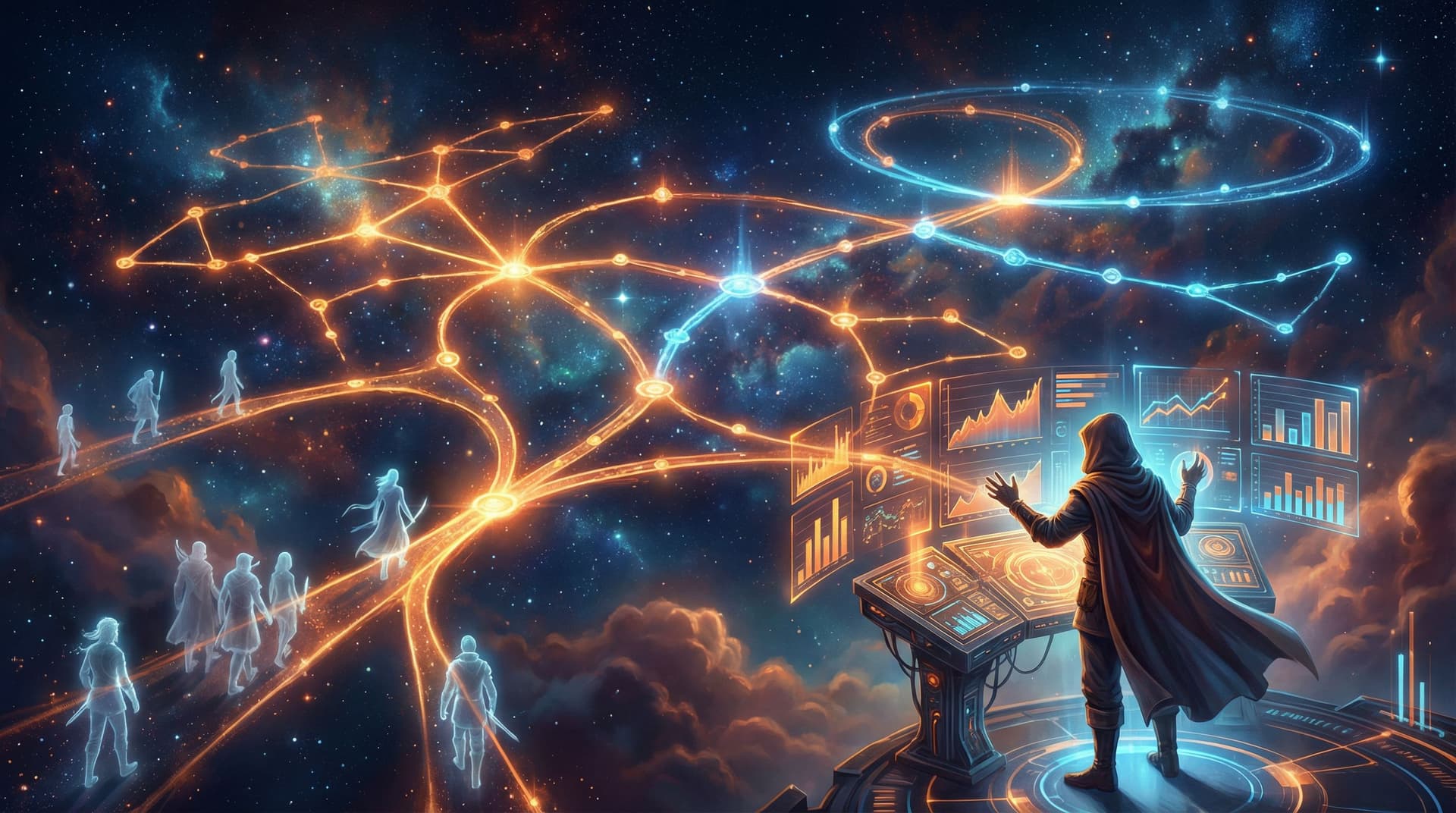
Use the visual editor to draw connections between nodes based on what feels like a natural movement through the world:
- From the harbor to the market.
- From the market to either the council hall or the rebel hideout.
- From the hideout to a dangerous industrial zone.
You’ve just built a visual outline of your branching story.
Let the image suggest the choice
For each transition, look at the from and to images and ask:
- What would a player naturally want to do in this scene?
- What’s the most tempting or dangerous object, doorway, or character in frame?
Turn those into choices. For example, from a bustling market scene image:
- Follow the cloaked figure slipping into a side alley.
- Inspect the illegal tech stall glowing with forbidden gadgets.
- Help the street performer whose drone just crashed.
Each choice points to a different image node you’ve already created—or suggests a new one you should generate.
If you want more help with branching patterns at this stage, you can borrow structures from Level Up Your Plots: 7 Branching Narrative Patterns to Try in Questas and simply skin those patterns with your visuals.
Keeping Characters and Worlds Visually Consistent
Visual‑first storytelling only works if players believe they’re in the same world from node to node. That means your hero in Scene 1 should still look like your hero in Scene 12—even if the path to get there diverges.
To do that, combine good prompting habits with Questas’s media organization.
Lock in character designs early
- Generate multiple variants of each main character.
- Pick one “canon” version per character.
- Save those canon images in a dedicated folder and pin them in your notes.
Then, when generating new images:
- Reuse the same descriptors every time: hair color, face shape, clothing, accessories.
- Reference prior images with upload‑based prompting or image‑to‑image features when your tool supports it.
If you want a deep dive into prompt structure for consistency, bookmark Picture This: How to Prompt AI for Consistent Characters and Worlds in Questas and treat it as your companion manual.
Standardize your visual language
Beyond characters, consistency comes from repeating:
- Color palettes (e.g., teal + amber for tech, desaturated blues for danger).
- Framing (wide shots for exploration, close‑ups for emotional beats).
- Aspect ratios (e.g., 16:9 for all story scenes, 1:1 for collectible cards or codex entries).
In Questas, you can:
- Use tags or labels in your media library to mark which palette or mood each asset belongs to.
- Group scenes by visual theme (e.g., “Harbor at Night,” “Council Chambers,” “Rebel Tunnels”) so you can reuse assets across branches.
Writing After the Image: Scene‑First Scripting
Once your nodes have images and connections, the blank page doesn’t feel so blank anymore. You’re not inventing from nothing—you’re describing and dramatizing what’s already in front of you.
Here’s a simple pattern for writing text in a visual‑first way.
1. Start with a sensory snapshot
Open the node’s image and answer:
- What’s the first thing the player would notice?
- What small detail reveals something about the world or stakes?
Then write 1–3 sentences that:
- Name that detail.
- Tie it to mood or danger.
- Avoid re‑describing every pixel.
Example, for a harbor scene:
The tide is out, leaving the city’s wooden piers suspended over a glistening field of algae that pulses with soft teal light. Above you, drones weave between sagging power lines, their rotors whining like mosquitoes.
2. Ground the player’s role
Follow with a quick reminder of who the player is or what they want right now:
- “You’re here to meet the smuggler who promised you a way off‑world.”
- “You promised the rebels you’d find proof the council is lying.”
This keeps choices anchored in motivation, not just sightseeing.
3. Offer choices that interact with the visible world
Look again at the image and ask: What could the player reasonably click on if this were a point‑and‑click game? Those become your options.
- Approach a character.
- Inspect an object.
- Move toward a landmark.
Tie each choice to a clear consequence or question, and wire it to the appropriate node in Questas.

Designing Visuals that Welcome All Players
Visual‑first doesn’t mean visual‑only. To make your worlds playable by as many people as possible, you need to design with accessibility in mind from the beginning.
A few practices to bake into your workflow:
- Readable contrast: Avoid ultra‑low‑contrast images behind crucial UI or text. If your scene is dark, consider a subtle overlay or blurred version as background, with text on a solid panel.
- Alt text and descriptions: Provide concise but meaningful descriptions of key images. This helps players using screen readers and also clarifies story beats.
- Avoiding visual overload: Highly detailed, chaotic images can be overwhelming. Use them sparingly for climaxes, not for every scene.
- Comfort options: When using intense imagery (horror, flashing lights, gore), consider content warnings and alternative branches with toned‑down visuals.
For a deeper dive into accessible design choices—from font sizing to choice layout—check out Accessibility by Design: Building Inclusive, Player-Friendly Questas Stories Everyone Can Enjoy.
Scaling Visual‑First Worlds into Ongoing Series
Once you’ve built one visual‑first story in Questas, you’ll probably start seeing sequel hooks everywhere. The good news: a strong visual foundation makes it much easier to expand into episodic adventures.
Here’s how to future‑proof your visuals:
- Save reusable locations: Harbor, market, council hall, rebel base—these become recurring sets you can revisit across episodes with small variations (time of day, weather, crowd density).
- Create seasonal or arc‑based variants: Same street, but later in the story it’s flooded, militarized, or abandoned. Generate these variants now and file them under a season/arc folder.
- Document visual canon: Keep a short style guide that includes your best prompts, color notes, and example images.
When you’re ready to expand, you can lean on the planning strategies in From One-Shots to Series: Planning Episodic Questas Stories That Keep Players Coming Back. You’ll be starting not from zero, but from a living, breathing world bible.
A Simple Starter Exercise: Build a 5‑Node Visual Micro‑Story
If all of this feels a bit big, start tiny. Your goal: a complete, replayable micro‑story in Questas using just five scenes.
-
Generate 3–5 images that clearly belong together.
- One establishing shot.
- Two locations where choices happen.
- One or two character‑focused images.
-
Create a new story in Questas and add five nodes.
-
Attach one image per node.
-
Wire up a basic structure:
- Node 1 → choice → Node 2 or Node 3.
- Node 2 → choice → Node 4 or Node 5.
- Node 3 → choice → Node 4 or Node 5.
-
Write minimal text:
- 2–3 sentences of description per node.
- 2–3 choices that interact with what’s visible.
-
Playtest with one friend and ask:
- Did the world feel coherent?
- Did the images suggest choices naturally?
- Where did they want more visuals or branches?
You’ve just built your first visual‑first adventure.
Bringing It All Together
Visual‑first storytelling flips the usual process on its head—in a good way.
By starting with AI‑generated images and then building your branches and prose inside Questas, you:
- Lock in tone, genre, and mood before you write.
- Let players’ choices emerge organically from what they can see.
- Maintain a coherent world across wildly different paths.
- Make your stories more engaging, accessible, and expandable.
Instead of staring at a blank story map, you’re walking through a gallery of scenes asking, “What happens here?” That small shift can unlock a surprising amount of creative momentum.
Your Next Step
Don’t wait until you’ve outlined a 40‑node epic.
- Pick a world idea you’ve been sitting on.
- Write a 100–150 word visual brief.
- Generate 5–10 images that match it.
- Drop them into Questas and connect them into a tiny branching story.
Let the images lead—and see where your world wants to go.
Adventure awaits. All you have to do is click “New Story” and start painting with pictures.