From UX Flows to Player Paths: Letting Teams Play Through Product Ideas with Low‑Fidelity Questas Prototypes


Product teams have a problem: ideas look great in decks and flowcharts, but fall apart the moment someone tries to use them.
You can have:
- Beautiful UX flows in Figma.
- A carefully groomed backlog in Jira.
- A strategy doc that makes perfect sense on slide 12.
And still ship something that feels confusing, brittle, or boring once it’s in front of real people.
What’s missing is play.
This is where low‑fidelity, playable prototypes shine—especially when they’re built as branching stories instead of static screens. With Questas, you can turn a product idea into a quick, no‑code, choose‑your‑own‑adventure where teammates (or users) walk the path as if they were players in a game.
Instead of asking, “Does this flow make sense?” you ask, “Does this journey feel satisfying, clear, and worth continuing?”
Why “Player Paths” Beat Static UX Flows
Traditional UX flows are great for alignment among designers and PMs. But they struggle in three key areas:
-
They hide emotion.
- A flow can show that a user can get from A to B.
- It can’t show whether that path feels confusing, tedious, or delightful.
-
They assume ideal behavior.
- Most flows describe the “happy path” plus a handful of edge cases.
- Real users zigzag, backtrack, and make “weird” choices.
-
They’re hard to experience.
- Stakeholders skim screenshots.
- They rarely live the journey end to end.
When you treat users as players and your product as a quest, you naturally focus on:
- Motivation: Why would someone choose this path at all?
- Tension: Where are the trade‑offs, risks, or unknowns?
- Feedback: How quickly does the product respond to choices?
- Replayability: What happens if they try something different next time?
A low‑fidelity prototype in Questas lets you express all of that without waiting for full UI design or engineering. You model the experience first, then let teams play through it.
For a deeper dive into why play beats static documents, check out how creators turn longform content into interactive journeys in posts like “The Nonfiction Quest: Turning Reports, Whitepapers, and Think Pieces into Decision-Driven Questas”.
What a Low‑Fidelity Questas Prototype Actually Looks Like
When people hear “prototype,” they often picture high‑polish UI mockups. A low‑fidelity Questas build is intentionally the opposite:
- Text‑first scenes instead of full visual design.
- Rough, AI‑generated images as mood boards, not final art.
- Simple choices that stand in for product decisions, UI clicks, or configuration options.
- Branching paths that capture alternate user strategies, not every pixel‑perfect state.
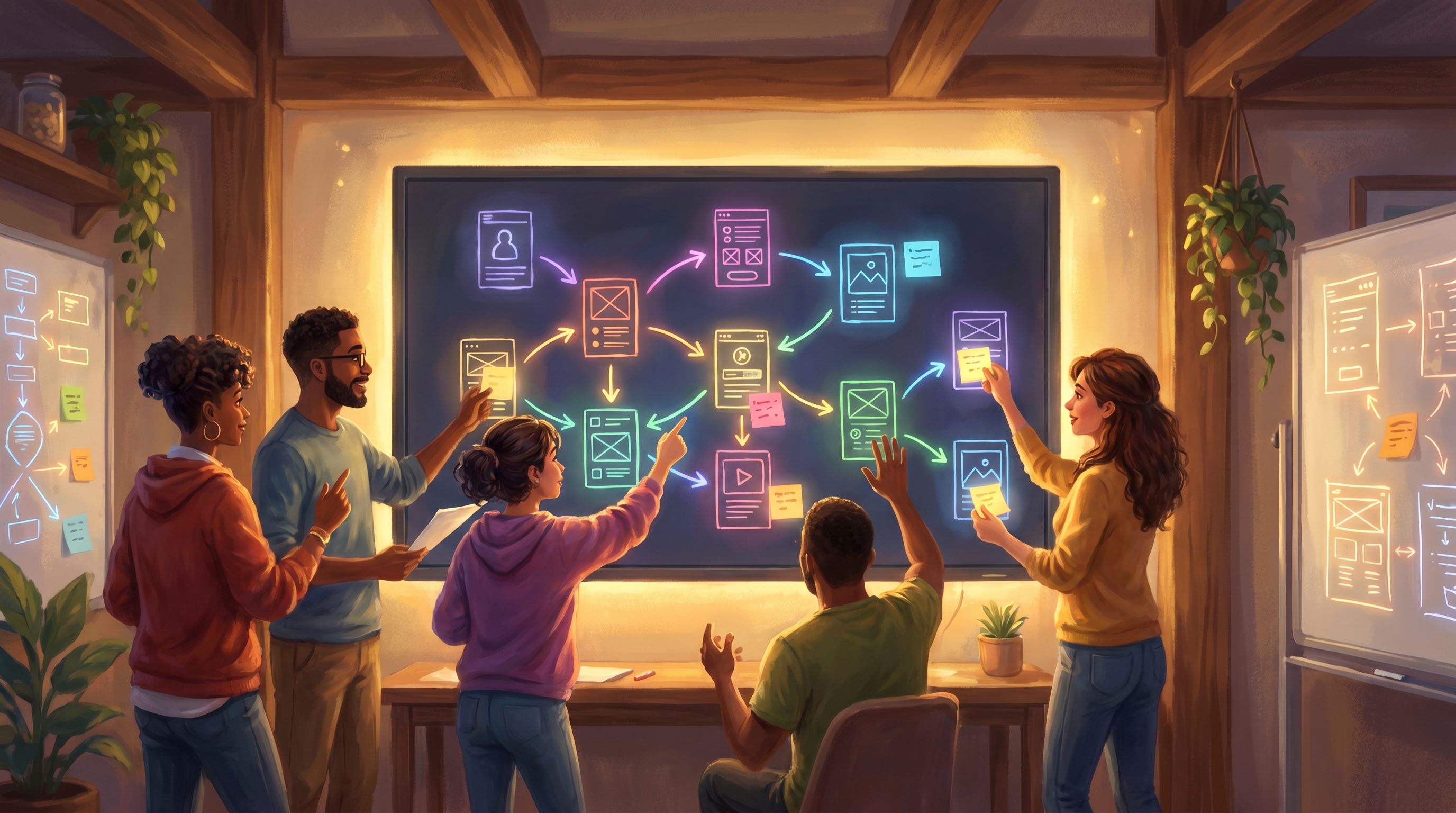
Think of it as a playable UX narrative:
- Each scene = a key moment in your product flow (onboarding step, configuration choice, error state, success moment).
- Each choice = a decision the user could realistically make.
- Each branch = a different strategy, persona, or risk tolerance.
You’re not proving that every edge case is wired correctly. You’re answering questions like:
- Does this journey feel coherent from the user’s point of view?
- Where do they get stuck, bored, or anxious?
- Which decisions actually matter, and which are just noise?
When to Use Playable Prototypes Instead of (or Alongside) UX Flows
You don’t need to replace every wireframe with a quest. But there are moments where a playable prototype is the smartest move in the room:
-
Early concept validation
- You have a new product idea or major feature.
- You want to know if the story of using it makes sense before touching UI.
-
Complex, branching journeys
- Multiple personas, roles, or permission levels.
- Lots of “if they did X earlier, Y changes later” logic.
- Think onboarding flows, configuration wizards, or multi‑step sign‑ups.
-
High‑stakes decisions
- Pricing changes, cancellation flows, or data‑sharing consent.
- Anywhere trust, risk, or emotion run high.
- For more on structuring meaningful forks, see “Beyond Interactive Fiction: What Game Design Theories Teach Us About Structuring High-Stakes Questas Stories”.
-
Cross‑functional alignment moments
- You need product, design, engineering, marketing, and legal to agree.
- A shared, playable story cuts through jargon and lets everyone react to the same experience.
-
Training and enablement
- Use the same prototype to train sales, support, or CS on how the product feels to customers.
Step‑by‑Step: Turning a UX Flow into a Questas Player Path
Let’s walk through a concrete workflow your team can reuse.
1. Pick a Single Journey to Prototype
Resist the urge to model everything at once.
Choose one:
- A first‑time signup and onboarding.
- A key upgrade path (e.g., free → paid, basic → pro).
- A recovery flow (e.g., failed payment, account lockout).
Define:
- Start: Where does the user’s story begin? (e.g., “They just clicked a pricing CTA.”)
- End: What counts as success or resolution? (e.g., “They complete onboarding” or “They decide not to upgrade, but feel respected.”)
If you’re familiar with the idea of a “playable pilot,” this is the same move applied to product journeys—see “From Premise to Playable Pilot: Rapidly Testing New Story Worlds in Questas Before You Commit”.
2. Rewrite the Flow as a Story, Not a Spec
Open your existing UX flow or requirements doc. For each step, ask:
If I were narrating this from the user’s point of view, what’s happening?
Turn sterile steps into first‑person beats:
- “User sees pricing page” → “You’ve been on the free plan for months. A new feature you want is locked behind ‘Pro.’”
- “User selects Pro” → “You hover over the Pro plan, wondering if it’s really worth another $20 a month.”
Capture:
- What the user sees.
- What they know (and don’t know).
- What they might be feeling or worrying about.
These beats become your scenes in Questas.
3. Identify the Real Decisions
Not every click is a meaningful choice. Highlight the moments where:
- The user can change their mind.
- Different personas might behave differently.
- There are real trade‑offs (time, money, risk, effort).
For each of those, define 2–4 options:
- “Upgrade now” vs “Compare plans” vs “Close tab and think later.”
- “Connect bank account automatically” vs “Enter details manually.”
These options become branching choices in your quest.
4. Map Consequences, Not Just Next Screens
Instead of jumping immediately to UI states, ask: What does each choice mean for the player’s story?
Example:
- If they “Upgrade now,” maybe they feel a brief spike of risk but quickly see value.
- If they “Compare plans,” they might become overwhelmed or reassured depending on how clear your comparison is.
- If they “Close tab,” what happens next time they log in? Do they get a nudge? A discount? Silence?
In Questas, translate those into:
- Follow‑up scenes that show emotional and practical consequences.
- Variables (optional) that track hidden states like trust, confusion, or perceived value.
For more on using structure to keep branching under control, you may enjoy “Branch Smart, Not Wide: Blueprint Patterns for Scalable Questas Stories”.
5. Build a Rough, Playable Skeleton
Now it’s time to open Questas and build a minimal version:
- Create a start node with your opening scene.
- Add choice nodes where key decisions live.
- Add outcome scenes that show what happens next.
- Use simple labels like “Path A – Impulsive Upgrade” or “Path C – Cautious Researcher.”
Keep it scrappy:
- Use placeholder copy.
- Don’t worry about perfect prose.
- Focus on getting from start to end along 2–3 distinct routes.

Making It Feel Like a Game (Without Overbuilding)
You’re not trying to turn your product into a full RPG. You just want enough game‑like structure to surface real reactions.
Here are a few lightweight techniques:
Use Visuals as Mood, Not UI
Leverage AI‑generated images and videos to:
- Set tone (e.g., calm, stressful, high‑stakes).
- Represent personas or environments.
- Evoke metaphors (e.g., a forked path in a forest for a pricing decision).
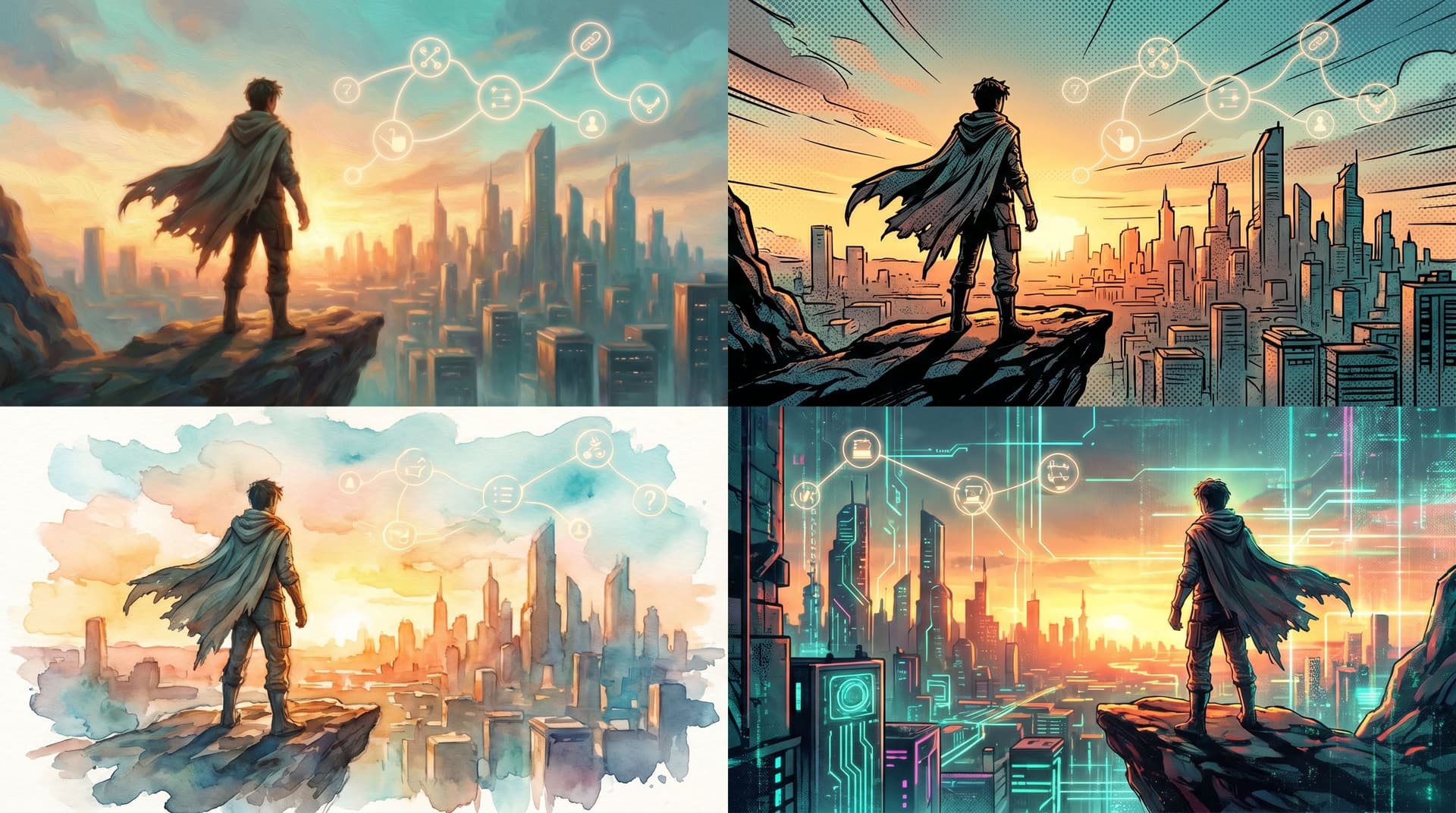
If you’re worried about inconsistent art styles, see “AI as Mood Mixer: Blending Multiple Image Styles into One Cohesive Questas World” for tips on keeping your prototype visually coherent without a full art pass.
Add Gentle Stakes
Even in low‑fi form, you can:
- Track a simple confidence meter (“How confident do you feel about this decision?”).
- Show soft failure states (“You feel frustrated and decide to cancel for now.”).
- Offer second‑chance loops (“Try a different way to evaluate the plans.”).
For more on designing “bad” outcomes that teach instead of punish, see “Designing Failure on Purpose: How to Use ‘Bad’ Endings to Teach, Not Punish, in Questas”.
Keep Choices Readable and Distinct
To get useful signals from teammates or test users:
- Make options mutually exclusive (“Upgrade now” vs “Ask manager for approval”), not tiny UI variations.
- Limit to 2–3 choices per decision point.
- Use plain language that matches how users actually think.
Running a “Playthrough Session” with Your Team
Once your low‑fidelity quest is ready, the magic happens when people play it together.
1. Frame the Session Clearly
Share:
- Goal: “We’re here to experience the journey, not critique the copy or visuals.”
- Scope: “This covers the moment you decide whether to upgrade, up through your first successful use of Feature X.”
- Rules: “We’ll play as if we’re real users, narrate our thinking out loud, and capture friction points.”
2. Play as Different Personas
Run multiple playthroughs:
- As a power user who already knows your product well.
- As a new user who just discovered you.
- As a skeptical buyer who needs to justify the purchase.
For each persona, ask participants to:
- Say what they’re thinking at each decision.
- Rate their confidence or trust level occasionally.
3. Capture Reactions in Real Time
Have someone take notes on:
- Where people hesitate before choosing.
- Where they ask questions the prototype doesn’t answer.
- Where they express surprise, delight, or confusion.
You can even embed quick reflection scenes inside Questas:
- “On a scale of 1–5, how clear was that last step?”
- “What information were you missing?”
4. Debrief by Path, Not by Screen
After playing:
- Compare how different personas experienced the same path.
- Identify which branches felt strong (clear motivation, satisfying payoff).
- Flag branches that felt weak (tedious, confusing, or pointless).
Then translate insights back into your UX artifacts:
- Update flows, wireframes, and requirements.
- Clarify copy and messaging.
- Reprioritize which edge cases actually matter.
Common Pitfalls (and How to Avoid Them)
Even with a great tool, teams can stumble. Watch out for these traps:
-
Over‑scoping the first prototype
- Trying to model the entire product at once.
- Fix it by scoping to a single, critical journey.
-
Treating it like a spec review
- Getting hung up on button labels or pixel details.
- Fix it by repeatedly reminding the group: “We’re here to feel the journey.”
-
Ignoring “weird” player choices
- Dismissing unexpected paths as unrealistic.
- Fix it by asking, “What does this tell us about real user fears or goals?”
-
Waiting too long to test
- Spending weeks perfecting the quest before letting anyone play.
- Fix it by sharing ugly, early prototypes and iterating quickly.
-
Forgetting onboarding context
- Dropping players into the middle of a flow with no setup.
- Fix it by designing a short intro sequence, borrowing ideas from “The First Five Screens: Onboarding New Players Smoothly into Complex Questas Worlds”.
Bringing It All Together
Low‑fidelity Questas prototypes give your team a way to:
- Turn UX flows into lived experiences.
- Spot emotional and cognitive friction early.
- Align cross‑functional stakeholders around a shared story.
- Test high‑stakes decisions safely, before code is written.
Instead of arguing over diagrams, you invite people to play through the product idea—as if they were characters in a branching narrative. That shift from “user flow” to “player path” is where better products start.
Take the First Step
You don’t need a giant roadmap or a full design sprint to try this.
This week, you can:
- Pick one critical journey in your product.
- Rewrite it as a short, first‑person story with 2–3 key decisions.
- Open Questas and build a tiny, ugly, playable version.
- Invite 3–5 teammates to play it as different personas and talk out loud.
By the end of an afternoon, you’ll know more about your product idea than a dozen static diagrams could ever tell you.
Adventure awaits—not just for your players, but for your product team. Let them walk the path before you pave it in code.