Designing Branching Narratives for Live Streams: Letting Your Audience Steer a Questas in Real Time


Live streams are already interactive: chat scrolls by, polls pop up, viewers spam emotes when something wild happens. But most streams are still built on a fixed script. The creator performs; the audience reacts.
Branching narratives flip that relationship. Instead of viewers watching a story unfold, they drive it—voting on choices, steering characters, and discovering paths that even the creator didn’t fully predict.
When you combine branching stories with a no‑code platform like Questas and a live audience, you get something powerful:
- An experience that changes every time you run it
- A chat that feels like a co-writer’s room, not a comment section
- A format you can reuse, adapt, and grow into a whole series
This post is about how to design those branching narratives specifically for live streams—so your audience can steer a Questas in real time without the whole thing collapsing into chaos.
Why Live-Branching Stories Are Worth the Effort
Designing for live, audience-driven branching takes more planning than a solo, on-demand story. But the payoff is big.
1. Engagement goes from passive to participatory
When viewers know their choices matter, they stop lurking and start acting:
- More chat messages as people argue for different options
- Higher retention as viewers stay to “see what happens”
- Stronger emotional investment in characters and outcomes
If you’ve experimented with interactive study sims or training scenarios, you’ve already seen this effect. Posts like “Beyond Flashcards: Turning Study Guides and Revision Sheets into Replayable Questas Micro-Sims” explore the same principle in learning: people remember more when they do something with the material.
2. You get replayable content from a single story skeleton
A well-built branching narrative can support:
- Multiple live runs with different audiences
- Special themed episodes ("hard mode," "all-chaos choices," "redemption arc only")
- Spin-offs and sequels that reuse locations, NPCs, and systems
You’re not just writing “an episode.” You’re designing a story system that can power streams, workshops, and events for months.
If you’re already using Questas to run interactive events, you’ve seen a version of this in action in formats like “No-Code Live Events: Running Conferences, Summits, and Offsites as Playable Questas Storylines”.
3. Live branching creates a shared memory for your community
When a chat collectively chooses to betray an ally, spare a villain, or push the big red button, that decision becomes lore:
- Inside jokes and memes (“remember when we doomed the space station for extra loot?”)
- Fandom debates over which route is “canon”
- Fuel for future episodes that reference past runs
Posts like “From Static IP to Living Canon: Keeping Fan Theories and Player Choices in Sync Across a Questas Series” dive deeper into how to manage that evolving canon. For live streams, that shared memory is what turns a one-off experiment into a long-running series.
The Big Design Shift: From Private Player to Public Crowd
Most branching stories assume one player, one screen, one pace. Live streams break all three assumptions.
You’re designing for:
- Many decision-makers at once. Hundreds (or thousands) of people, not one.
- Public deliberation. Viewers argue for choices in chat where everyone can see.
- Time pressure. You can’t pause for ten minutes while people read every branch.
That means you need to simplify in some places, and deepen in others.
Design principles for live-branching Questas:
-
Fewer, clearer choices per scene
- 2–3 options is usually ideal on stream.
- Each option should be instantly understandable in 3–5 words.
- Avoid subtle wording differences; ambiguity is fine, confusion is not.
-
Shorter scenes, stronger beats
- Aim for 30–90 seconds of narration or play per scene before a choice.
- End scenes on questions, reveals, or dilemmas—moments that beg for a vote.
-
Visible consequences, fast
- Don’t bury the impact of a choice 10 scenes later.
- Show some reaction within 1–3 scenes so chat feels the ripple.
-
Predictable interaction rhythm
- Viewers quickly learn your pattern:
- Story → Choice → Vote → Outcome → Story…
- Keeping that rhythm steady makes the experience feel smooth rather than chaotic.
- Viewers quickly learn your pattern:
If you’ve read “The Multiplayer Question: Turning Single-Player Questas Stories into Shared, Facilitated, and Asynchronous Experiences”, you’ll recognize these as the same moves that turn a solo scenario into a group activity. Live streams are just another flavor of “multiplayer.”
Step 1: Choose a Format That Loves Audience Chaos
Not every story format thrives on crowd input. Some do.
Great fits for live-branching Questas:
- Heists and raids – The crew must pick routes, tools, and risks together. Perfect for high-stakes chat debates. (For deeper design patterns here, see “AI as Dungeon Builder: Designing Replayable Dungeons, Raids, and Heists in Questas”.)
- Mysteries and investigations – Chat decides which lead to follow, who to interrogate, what evidence to trust.
- Survival scenarios – Limited resources, dangerous environments, and tradeoffs (“Do we help the strangers or save our supplies?”).
- Ethical dilemmas and thought experiments – Viewers explore values and tradeoffs in public. (Related: “Interactive Thought Experiments: Turning ‘What If?’ Questions into Playable Questas Scenarios”.)
- Nonfiction “what really happened?” stories – Audiences navigate real timelines or case studies, choosing perspectives or decisions.
When you’re planning your first live run, ask:
- Are there clear, recurring decision types (trust/distrust, risk/safety, law/chaos)?
- Can I imagine my chat arguing about these choices?
- Will the story still make sense if the audience consistently picks the “chaos” option?
If the answer to those questions is yes, you’re in good territory.
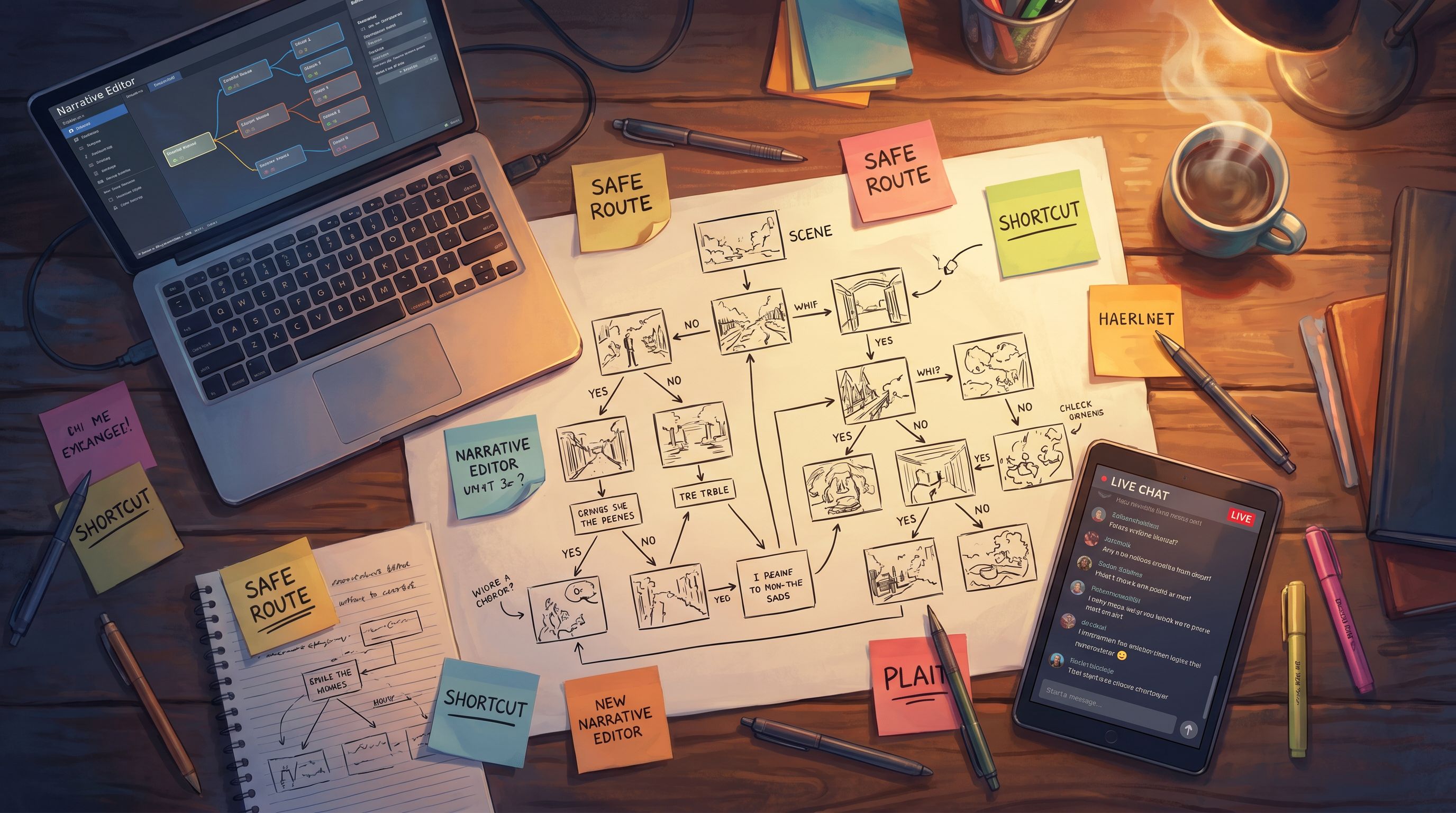
Step 2: Map Your Branches for Live Control
Next, you’ll move from idea to structure. In a live stream, structure is what keeps you from getting lost while also letting the audience feel free.
A practical pattern:
-
Start with a spine, not a tree
Sketch a simple linear sequence of 8–12 key beats:- Hook / inciting incident
- First dilemma
- First consequence
- Midpoint twist
- Escalation
- Climax decision
- Resolution
- Epilogue / teaser for next time
-
Add “swing branches” around that spine
Swing branches are short detours that:- Change context (who’s with you, what you’re carrying)
- Reveal new information
- Affect which later options unlock
…but still swing back into the main sequence so you don’t explode your scope.
-
Design a few true forks for big moments
For 1–3 pivotal decisions, allow the story to really diverge:- Different locations for the finale
- Different antagonists or allies
- Different moral outcomes or costs
-
Label branches with stream-friendly tags
In Questas, use scene titles, notes, or tags that make sense while you’re live:S3_A_safe-routevsS3_B_shortcutFinale_A_rescuevsFinale_B_betrayal
You don’t want to be deciphering cryptic IDs while hundreds of people wait.
-
Plan your “panic exits”
Build a couple of scenes that can gracefully wrap the story early if:- You’re running out of time
- Tech glitches slow you down
- The audience makes an unexpected combination of choices
This structure-first approach pairs nicely with the ideas in “Story First, Prompt Second: Designing Strong Questas Scenes Before You Touch an AI Tool”. Get the beats right; then worry about visuals.
Step 3: Script for Performance, Not Just Reading
Your script isn’t just content—it’s a live performance script.
Design each scene so it’s easy to:
- Read aloud smoothly
- Summarize if you’re behind schedule
- Paraphrase if chat is moving fast
Tips for live-friendly scene writing:
-
Write in beats, not walls of text.
Break scenes into short paragraphs or bullet points you can riff from. -
End with a spoken prompt.
Example:“The alarms blare. The escape pod door is closing. Do we force it open, or run for the cargo bay instead?”
-
Pre-write your choice labels.
Make sure the on-screen choice text in Questas matches what you say out loud. Consistency helps chat react quickly. -
Include performer notes.
In your internal notes:- Emotions to hit (“nervous, rushed”)
- Reminders to recap (“Quick recap of last choice for late arrivals”)
- Optional flavor lines you can toss in if there’s time
If you’re co-hosting or working with a facilitator, treat the script like a shared playbook so anyone can pick up where you left off.
Step 4: Decide How the Audience Actually Votes
The best branching narrative in the world won’t feel interactive if the voting mechanic is clunky.
Common patterns that work well:
-
Chat commands or keywords
- Viewers type
A,B, orCin chat. - You (or a mod) eyeball the result or use a simple counter/bot.
- Viewers type
-
Platform-native polls
- Use Twitch / YouTube / Discord polls with the options.
- Set a short timer (30–60 seconds) and narrate the tension.
-
External tools
- Tools like StrawPoll, Poll Everywhere, or custom overlays can work if you want fancier visuals.
Whichever method you pick, design your story around it:
-
Timeboxing.
Decide a standard vote duration (e.g., 45 seconds) and stick to it. -
Ties and close calls.
Predefine what happens if the vote is nearly split:- Creator breaks ties
- Random choice between top two
- A recurring NPC “decides” based on their personality
-
Minority recognition.
Occasionally acknowledge the losing side:“Chaos crew, I see you wanted to blow up the reactor. Maybe next time…”
This keeps everyone feeling seen, even when their option doesn’t win.
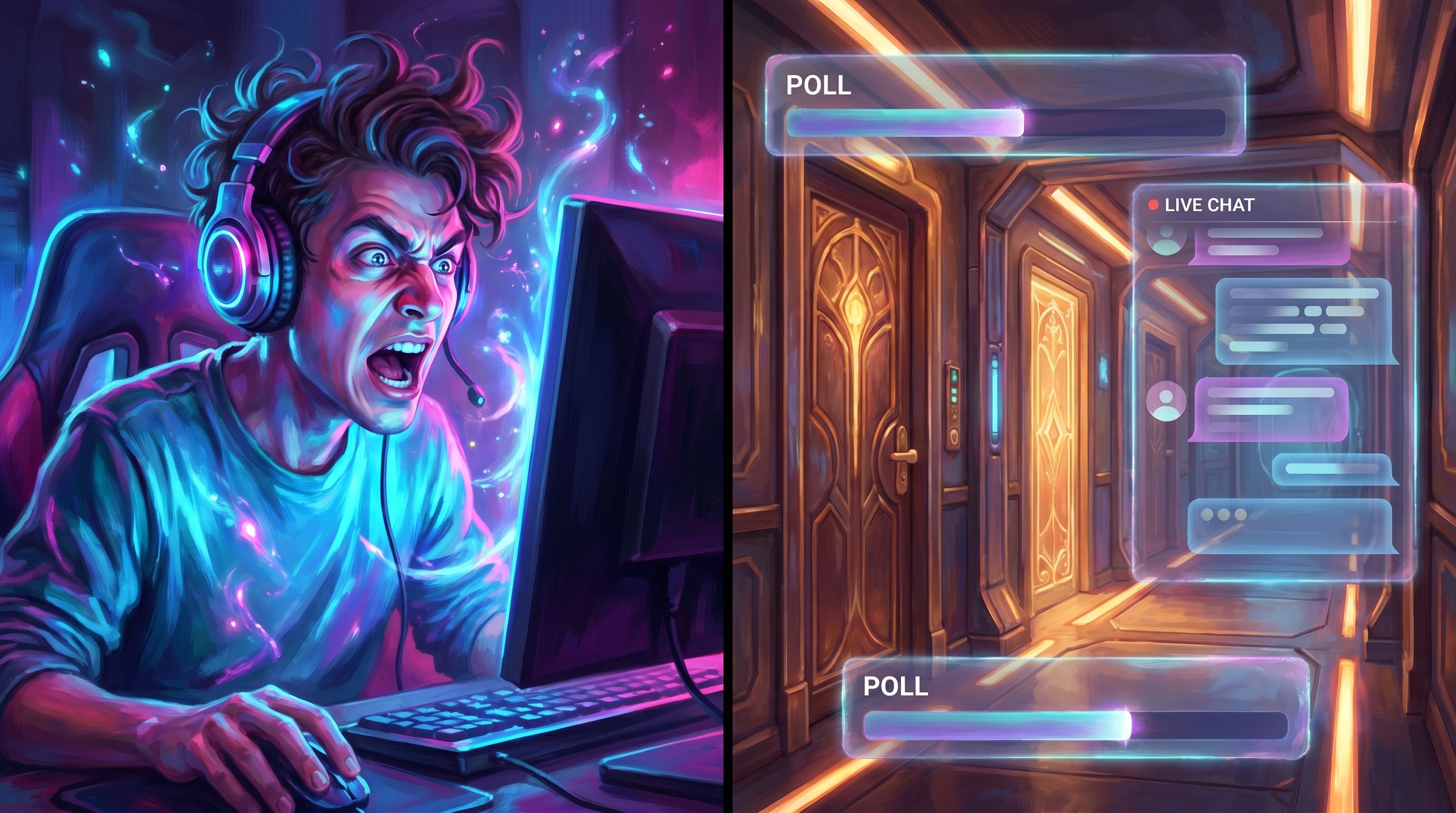
Step 5: Use Visuals as Anchors for the Crowd
Live streams are visual. Your imagery isn’t just decoration; it’s an anchor that:
- Helps late arrivals instantly understand where you are
- Makes each branch feel distinct and memorable
- Gives chat something to react to beyond text
With Questas, you can generate images and videos for:
- Key locations (the rebel hideout, the boardroom, the flooded tunnel)
- Recurring characters with consistent looks
- Major turning points (the moment the vault opens, the ship breaks atmosphere)
Practical visual tips for live runs:
-
Reuse visual motifs to signal state.
- Blue-tinted versions of scenes when the team is in stealth mode
- Red alarm lighting when things are critical
- Warmer, softer palettes for safe hubs or downtime
-
Design “recap” images.
Create a few composite or wide shots you can show while summarizing what’s happened so far—especially useful if people are joining mid-stream. -
Keep visual transitions snappy.
Practice clicking through scenes in Questas so you’re not fumbling with the UI on air.
Step 6: Build Systems So Choices Echo
What makes live audiences lean in is not just this choice, but the sense that past choices are still echoing.
You can simulate that with simple systems—no dev team required.
In Questas, think about tracking:
- Reputation meters – How much does each faction trust the crew?
- Risk or chaos level – How reckless has chat been so far?
- Resource counts – Ammo, credits, time remaining, goodwill with key NPCs.
You don’t need complex math. Even a simple hidden meter that unlocks or blocks certain choices can make the story feel alive.
For deeper patterns here, “No-Code, All Systems: Building Reputation, Factions, and Hidden Meters in Questas Without a Dev Team” offers a full toolkit you can adapt to live streams.
On air, surface just enough of these systems to create tension:
- “Because we betrayed the smugglers earlier, they’re not answering our calls now.”
- “Chat, our chaos meter is maxed. That means no more stealth options—only loud ones.”
This is also where intrinsic motivation comes in. If you’ve read “Beyond Badges and Leaderboards: Designing Intrinsic Motivation Loops in Your Questas Worlds”, you know that players stick around when the story and consequences are rewarding, not just points and badges.
Step 7: Rehearse, Debrief, and Iterate
Even if you’re an improv pro, your first live-branching run will reveal surprises.
Before you go live:
- Do a full or partial run-through with:
- A co-host or moderator
- A small private audience on Discord
- Time how long it takes to:
- Read scenes
- Run votes
- Navigate between branches
- Note any:
- Confusing choices
- Dead zones with no meaningful decisions
- Branches that are too long or too short
After the stream:
- Save the VOD and mark timestamps where big choices happened.
- Ask your community:
- Which decisions felt most intense?
- Where did things drag?
- Which characters or locations do they want more of?
- Update your Questas project:
- Trim or merge weak branches
- Sharpen or rephrase muddy options
- Add new branches based on unexpected audience theories
Over a few runs, your live-branching story will evolve from “cool experiment” to a polished, signature format your community looks forward to.
Bringing It All Together
Letting your audience steer a Questas in real time is more than a gimmick. It’s a way to:
- Turn viewers into collaborators
- Build shared lore and inside jokes
- Reuse and remix a single story across multiple live events
To recap the design process:
- Pick a format that loves chaos – Heists, mysteries, survival, ethical dilemmas, or real-world case studies.
- Map a strong spine with swing branches – Keep your structure manageable while still offering meaningful divergence.
- Script for performance – Short, punchy scenes with clear spoken prompts and visible consequences.
- Choose simple, reliable voting mechanics – Chat commands or platform polls with clear rules for ties.
- Use visuals as anchors – Consistent characters, locations, and recap images generated inside Questas.
- Add light systems so choices echo – Reputation, risk, and resources that shape what’s possible later.
- Rehearse, debrief, and iterate – Treat each stream as both a show and a playtest.
Your Next Step
You don’t need a massive production team or custom code to run your first live-branching stream. You need:
- A simple premise your audience will care about
- A handful of key decisions that create real tension
- A visual, no-code editor that lets you build and adjust quickly
Open Questas, sketch an 8–10 beat spine, and build a small prototype designed for a 30–45 minute live session. Invite a few friends or your Discord community for a low-pressure test run.
By the end of a single evening, you can have a playable, audience-steered story ready to go live—and a new format your community will want to revisit, argue about, and evolve with you.
Adventure awaits. Let your chat drive.