The Quiet Metrics of Play: What Session Length, Backtracking, and Screenshot Habits Reveal About Your Questas

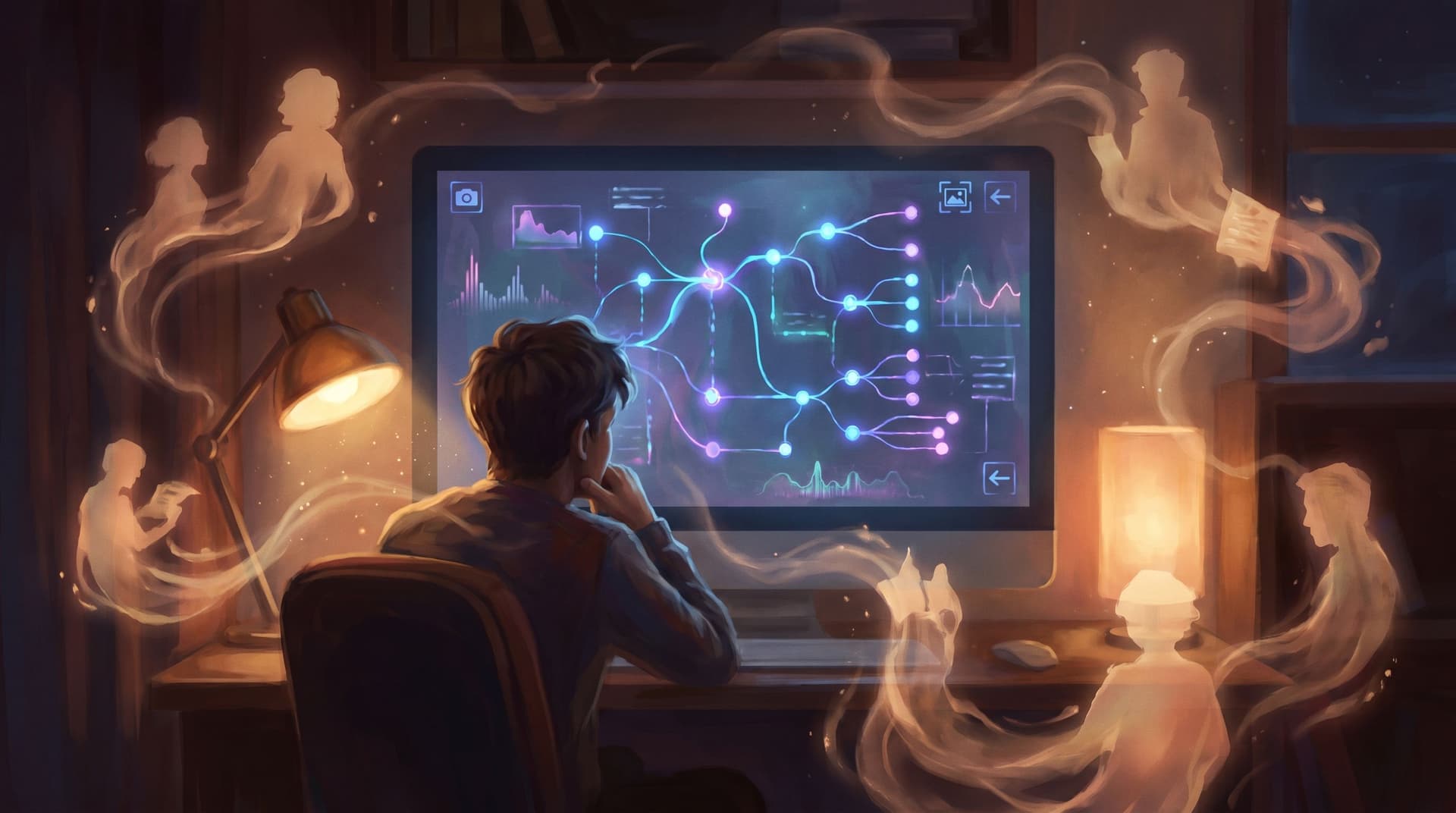
Interactive stories don’t just speak through words and images. They whisper through behavior.
How long someone stays in your quest. Where they double back. The moments they pause to grab a screenshot. These quiet metrics of play are some of the clearest signals you’ll ever get about whether your story is landing—or quietly losing people.
If you’re building on Questas, you already have the ingredients for rich, branching stories with AI‑generated visuals and video. The next step is learning to listen to how people actually play them.
This post dives into three underused lenses:
- Session length – how long people stick with your quest in one go.
- Backtracking – where players rewind, retry, or explore alternate paths.
- Screenshot habits – the exact frames they decide are worth saving or sharing.
Individually, each metric is useful. Together, they form a kind of emotional seismograph for your quest.
Why these quiet metrics matter more than “Did they finish?”
Completion rate is a blunt instrument. It tells you if someone made it to an ending, but not how it felt to get there.
Quiet metrics fill in the gaps:
- Session length hints at pacing, cognitive load, and emotional investment.
- Backtracking reveals where curiosity spikes—or confusion creeps in.
- Screenshots surface your most resonant moments, visuals, and lines.
For creators using Questas for:
- Storytelling and worldbuilding
- Learning and training scenarios
- Customer journeys and marketing funnels
- Playable prototypes and UX experiments
…these metrics can guide you toward tighter pacing, clearer choices, and more memorable scenes.
If you’ve read our deep dives on pacing and structure like “From Branch Map to Beat Sheet: Structuring Scene Pacing in Complex Questas Stories” or “Branch Smart, Not Wide: Blueprint Patterns for Scalable Questas Stories”, think of this post as the companion on the player data side.
Interpreting session length: not just “longer is better”
Session length is often misread as a simple engagement score: long = good, short = bad. For branching narratives, it’s more nuanced.
Step 1: Establish your story’s “intentional length”
Before you look at data, define what you consider a healthy first playthrough.
Ask yourself:
- What’s the ideal experience window?
- A 5–10 minute micro‑quest for social or email.
- A 20–40 minute narrative for training or onboarding.
- A 45–90 minute deep‑dive story or simulation.
- How many scenes does a typical route hit?
- Where do you expect the first big “hook” moment? (A twist, reveal, or meaningful decision.)
In Questas, you can quickly approximate this by:
- Picking 2–3 likely paths.
- Clicking through at a normal reading pace.
- Timing each.
Now you have a baseline: “A typical first run should land around 18–22 minutes.”
Step 2: Compare actual session lengths to your baseline
Look for these patterns:
-
Sessions much shorter than intended
- Likely causes:
- Overwhelming early exposition or UI friction.
- Confusing first choice(s).
- A weak or delayed hook.
- Fix ideas:
- Tighten your first five screens (see also “The First Five Screens: Onboarding New Players Smoothly into Complex Questas Worlds”).
- Move a strong visual, surprising choice, or payoff earlier.
- Reduce the number of early choices; make the first one feel safe but meaningful.
- Likely causes:
-
Sessions much longer than intended
- Likely causes:
- Text‑heavy scenes with little interaction.
- Too many micro‑decisions that don’t feel meaningful.
- Players getting lost in loops or side paths.
- Fix ideas:
- Trim exposition; push some lore into optional branches or side quests.
- Merge low‑impact decisions into a single, weightier choice.
- Add “return to main thread” options in side content.
- Likely causes:
-
Wide variance in session length
- Some players breeze through; others linger.
- This can be healthy if it maps to different playstyles (mainlining vs. exploring), but it’s a red flag if the variance is caused by:
- One path being dramatically shorter and less satisfying.
- Hidden dead‑ends or overly harsh “bad” endings.
Step 3: Align session length with emotional rhythm
Session length is really a proxy for rhythm:
- Short, punchy sessions work well for:
- Single‑decision Questas embedded in emails or landing pages (see: “Minimal Choices, Max Impact: Designing Single-Decision Questas for Email, Social, and Landing Pages”).
- Teaser experiences that lead to a larger quest.
- Medium sessions suit:
- Learning scenarios.
- Customer journeys and thought leadership quests.
- Long sessions shine when:
- You’re telling a rich storyworld with side quests.
- You’ve intentionally designed for replay and exploration.
The key is intentionality: your actual session lengths should match the kind of experience you meant to build.

Reading backtracking patterns: curiosity vs. confusion
Backtracking is one of the most revealing behaviors in a branching story.
Players go backwards when they:
- Want to see what another choice would do.
- Feel they missed something important.
- Hit an outcome that feels unfair, unclear, or unsatisfying.
Good backtracking: replay as a feature
Signs of healthy backtracking:
- Players rewind right after a major decision point.
- They explore 2–3 alternate branches from a key hub.
- They return after a “bad” ending to try a different approach.
This usually means:
- Your choices feel meaningful.
- Consequences are visible enough that players are curious.
- Endings invite reflection rather than rage‑quits.
You can lean into this by:
- Labeling key branches with subtle hints (“Risky shortcut”, “Safe but slow route”).
- Making failure instructive, not punishing—see “Designing Failure on Purpose: How to Use ‘Bad’ Endings to Teach, Not Punish, in Questas”.
- Rewarding replays with:
- New perspectives (play as a different character).
- Extra lore or context.
- Alternate outcomes that feel genuinely distinct.
Problematic backtracking: friction points and dead zones
Watch for these warning signs:
-
Repeated backtracking on the same early screen
- Likely issue: the choice copy is unclear, or all options feel wrong.
- Fix:
- Rewrite options to reflect intent instead of outcome.
- Add a brief “thought bubble” or hint to clarify stakes.
-
Backtracking from mid‑scene, not just at choices
- If players frequently back out in the middle of a scene, they may feel:
- Overwhelmed by text.
- Unsure they’re on the “right” path.
- Fix:
- Break long scenes into smaller beats.
- Add reaffirming micro‑choices (“Ask another question” / “Move on”).
- If players frequently back out in the middle of a scene, they may feel:
-
Backtracking immediately after a key reveal
- Players might feel blindsided or railroaded.
- Fix:
- Seed more foreshadowing earlier.
- Offer a chance to respond or mitigate, not just suffer consequences.
Turning backtracking data into narrative decisions
A simple workflow you can use with any Questas project:
- Map your hot spots
- Note which nodes see the most backtracking.
- Classify each hot spot
- Curiosity? Confusion? Regret?
- Decide on an adjustment
- Clarify copy.
- Break up the scene.
- Add a “softer landing” before a harsh outcome.
- Retest with a small group
- Have 3–5 people play again and observe whether backtracking patterns shift.
Over time, you’ll develop a feel for which kinds of choices invite joyful experimentation—and which ones send people scrambling for the Undo button.
Screenshot habits: your instant resonance detector
Screenshots are the purest form of unsolicited feedback. No survey, no prompt—just a player deciding, “This moment matters enough to save or share.”
Even if you’re not yet instrumenting screenshot events technically, you can still learn a lot by:
- Watching playtests in person or over screen share.
- Asking players to send you their favorite screenshots.
- Observing what gets posted if your quest is shared publicly.
What players usually screenshot
Common categories:
- Striking visuals
- A particularly strong AI‑generated image.
- A visual twist or reveal.
- Relatable or funny lines
- Dialogue that makes them laugh.
- A line that feels too real in a good way.
- Moments of achievement or disaster
- The “you did it” screen.
- The hilariously bad ending.
- Choice screens that feel like a personality test
- Options that say something about who they are.
In Questas, where every scene can be paired with AI‑generated images or video, screenshot‑worthy moments often sit at the intersection of:
- A strong visual.
- A clear emotional beat.
- A memorable line of copy.
Using screenshot data to tune your quest
Once you’ve collected a small gallery of player screenshots, ask:
- Which scenes show up the most?
- These are your signature beats. Protect them.
- Consider using them in trailers, thumbnails, or promo clips.
- Where in the story do they occur?
- If all screenshots come from the back half, your early game may be visually or emotionally flat.
- If they cluster at the very start, you might have a front‑loaded wow factor and a sagging middle.
- What’s the tone of the captured moments?
- Mostly humor? Lean into playful branches.
- Mostly dread or tension? Emphasize high‑stakes decisions.
- Mostly cozy or contemplative? You might be building a great empathy‑driven quest—pair this with techniques from “The Quiet Choice: Using Low-Stakes Branches to Build Empathy, Not Just Drama, in Questas”.
Designing with screenshots in mind
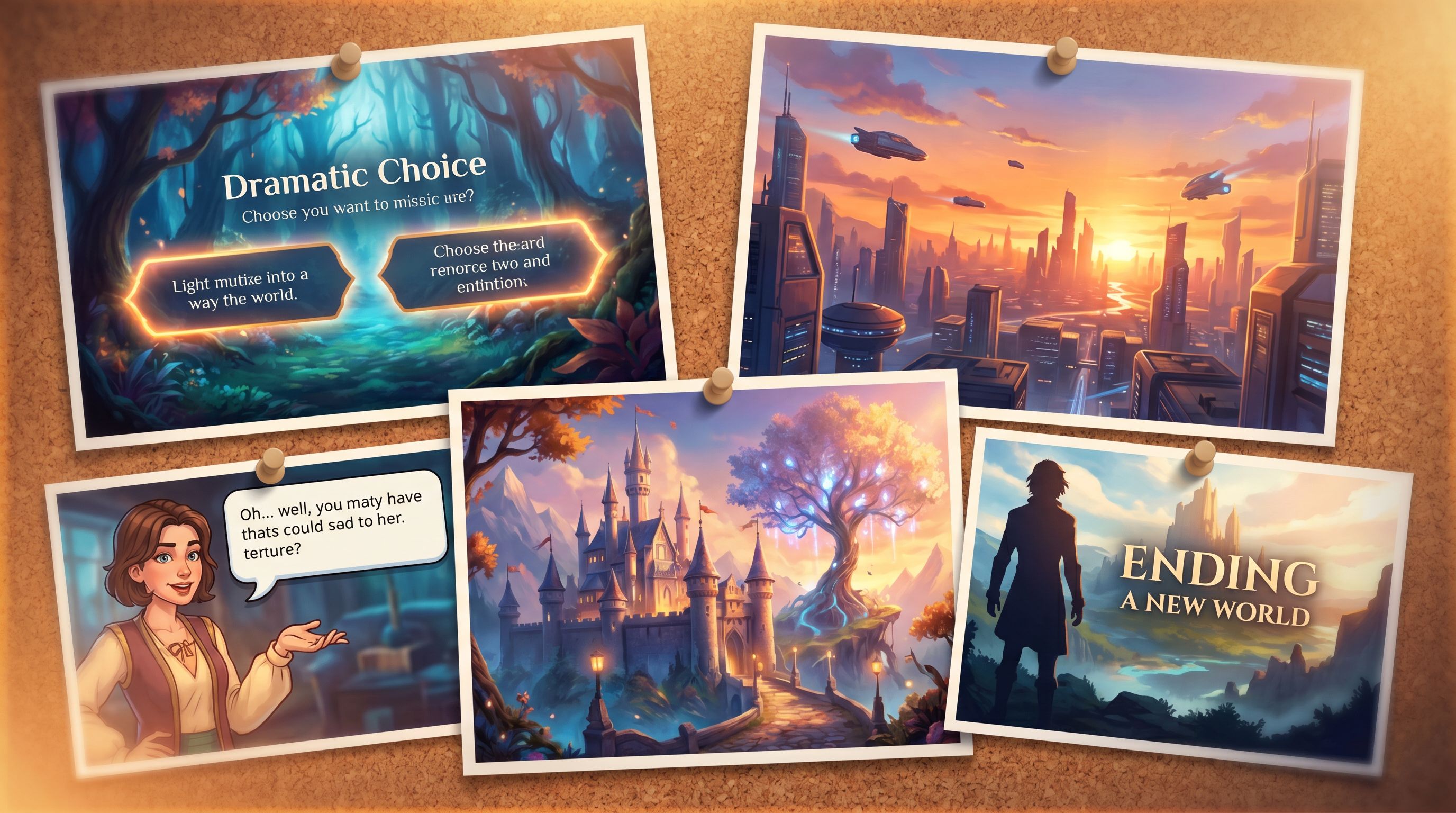
You can intentionally seed “screenshot magnets” throughout your quest:
- Compose scenes like panels
- Clear focal point.
- Minimal UI clutter.
- Strong contrast or color.
- Write one “quotable” line per act
- A line that captures the theme or conflict.
- Something a player might want to send a friend.
- Use visual callbacks
- Repeated motifs (a symbol, color, or character pose) that evolve over time.
- When players screenshot both early and late versions, you get a visual record of their journey.
Putting it all together: a lightweight analysis ritual
You don’t need a full analytics stack to benefit from these metrics. A simple, recurring review can dramatically improve your quests.
Here’s a monthly (or per‑release) ritual you can adopt:
-
Pick one live quest
- Ideally something with at least a few dozen plays.
-
Gather three views of behavior
- Average and median session length.
- A list (or rough map) of common backtracking points.
- A small set of real player screenshots.
-
Ask three guiding questions
- Are people spending about as long as I hoped?
- Where are they hesitating or rewinding—and why?
- What moments do they care enough to capture?
-
Plan one narrative change per category
- Session length → adjust pacing or density.
- Backtracking → clarify or reframe a key decision.
- Screenshots → strengthen or redistribute your most resonant beats.
-
Ship a small update in Questas
- Because the editor is visual and no‑code, you can:
- Reorder scenes.
- Swap images.
- Rewrite copy.
- Add or remove branches.
- Aim for surgical edits rather than total rewrites.
- Because the editor is visual and no‑code, you can:
-
Re‑observe and compare
- Did average session length move toward your target?
- Did problem backtracking spots quiet down?
- Did new scenes start showing up in screenshots?
Over time, this loop turns your quest from a one‑and‑done story into a living system that evolves with your players.
A quick example: diagnosing a “quietly failing” quest
Imagine you’ve built a training quest for new managers.
What you notice
- Average first session is 7 minutes, but you designed for ~20.
- Most players backtrack on the second major decision, about whether to give direct feedback or delay.
- The only screenshots you receive are of a funny, sarcastic line early on.
What this suggests
- Players are bouncing early, likely before the real scenario kicks in.
- The second decision feels like a trap—both options read as wrong.
- The emotional tone might be mismatched: they came for practical guidance but hit snark.
How you might respond in Questas
- Shorten the intro
- Move a vivid, consequential decision into the first 2–3 scenes.
- Reframe the second decision
- Make both options defensible, but with clear trade‑offs.
- Add a brief inner monologue to clarify what the manager is worried about.
- Balance the tone
- Keep the funny line, but follow it with a grounded, empathetic moment.
After shipping the update, you see:
- Average session length climbs to 16 minutes.
- Backtracking at the second decision drops; instead, players now replay after seeing one full outcome.
- New screenshots appear from a later scene where a team member responds emotionally to the manager’s choice.
That’s the quiet metrics of play doing their work.
Where to go from here
The more you build with Questas, the more you’ll realize that your best design partner isn’t a fancy diagram—it’s your players’ actual behavior.
Session length, backtracking, and screenshots are three of the clearest signals you can listen to. They help you:
- Tune pacing without guesswork.
- Spot friction and confusion before they turn into drop‑offs.
- Double down on the moments that genuinely resonate.
Summary
- Session length tells you whether your quest’s pacing and density match your intent.
- Backtracking highlights both delightful curiosity and painful confusion.
- Screenshot habits surface your most powerful scenes, lines, and visuals.
- A simple, recurring review loop—observe, adjust, retest—can steadily transform your quests into experiences people want to replay and share.
Your next move
Pick one live quest—no matter how rough—and run this experiment:
- Time a full playthrough along 1–2 common paths.
- Watch 3–5 people play, noting where they backtrack and what they screenshot.
- Make three small changes in Questas:
- One to pacing.
- One to a confusing decision.
- One to a visual or line you want to become screenshot‑worthy.
Then ship, share, and see what changes.
If you haven’t started building yet, your first step is simple: open Questas, sketch a tiny branching story—five scenes, two endings—and treat it as your personal lab for learning the quiet language of play.
Adventure awaits in the data, too. You just have to listen.